
Notes from the workshop.
Software, hardware, practical guides and work in progress from MikeTheTech and PyroSoft.
Hardware, most recent first
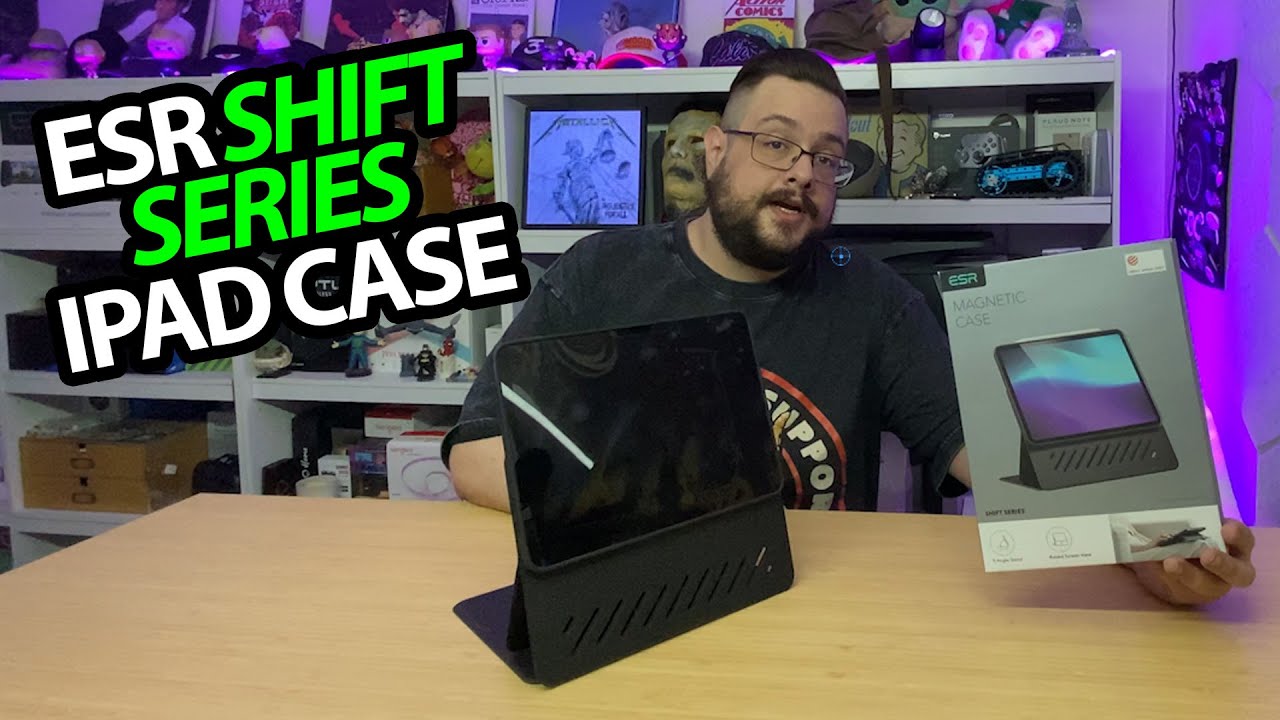
ESR Shift iPad Case: More Angles, Plus a Removable Magnetic Cover
Fitting my iPad and trying the lower, raised and portrait positions.
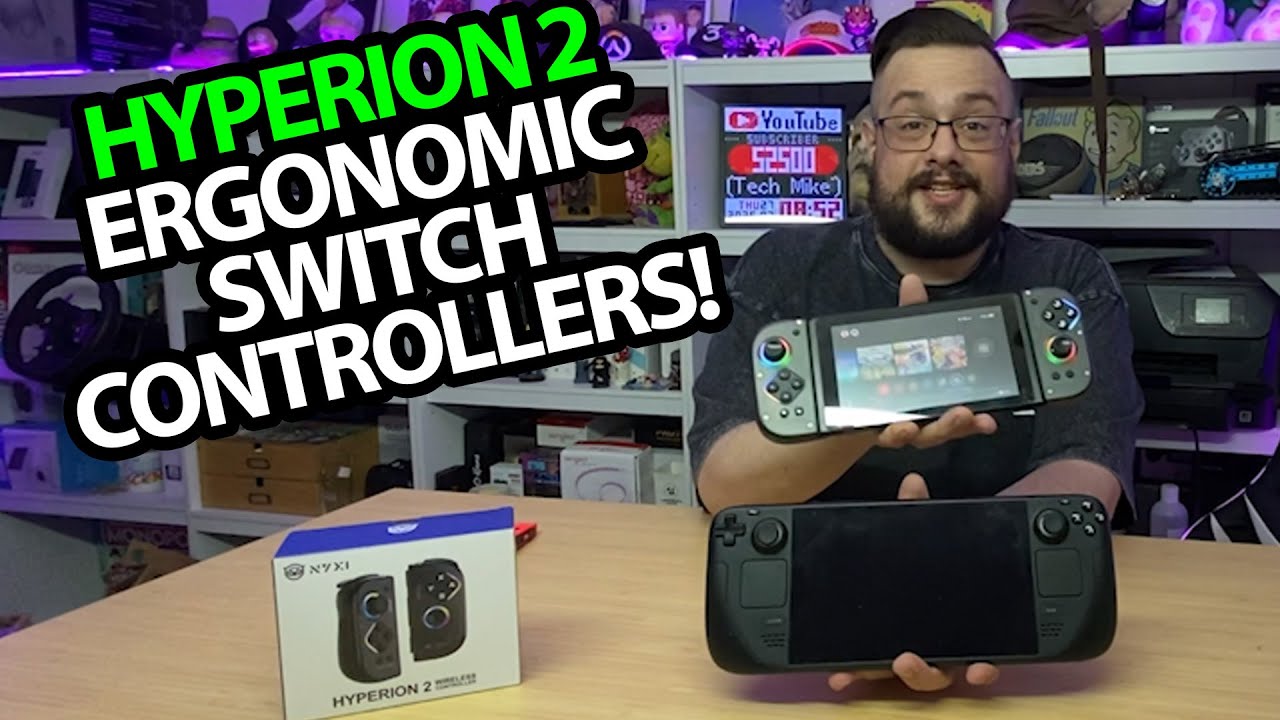
NYXI Hyperion 2: A Bigger Grip and a Switch Dock Fit Check
Trying the lights, magnetic covers and attached-controller shape.
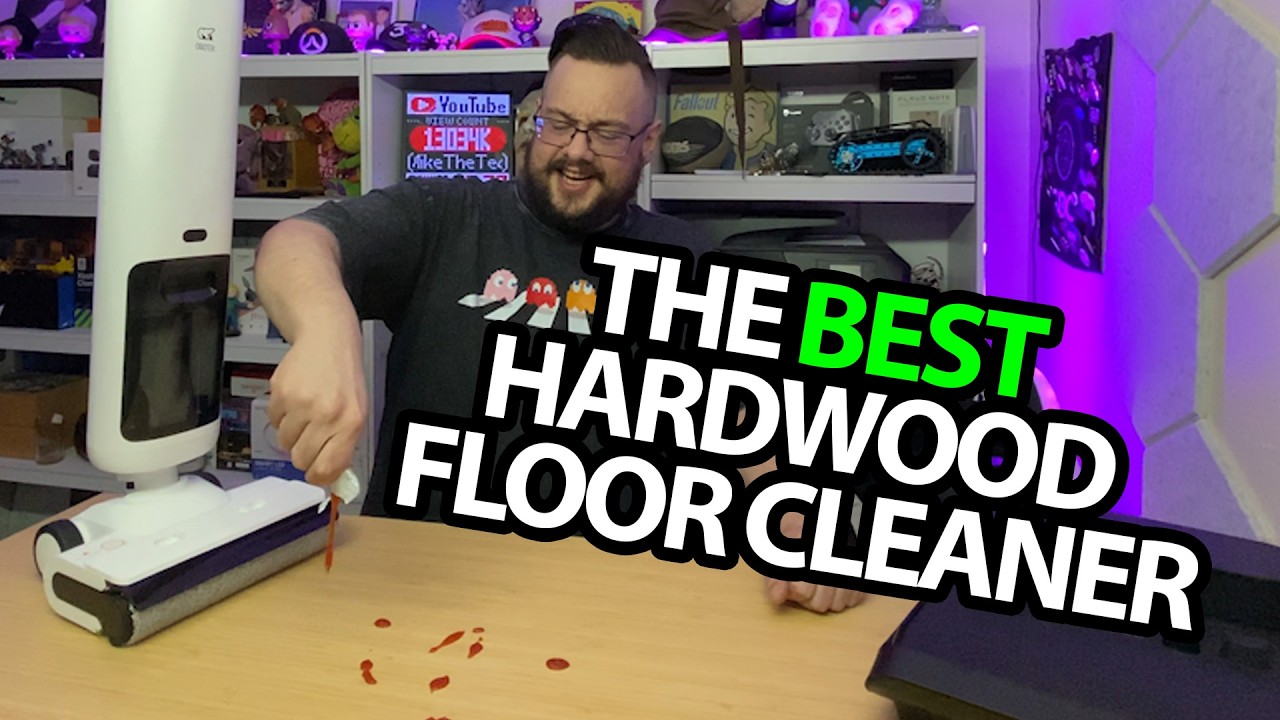
OSOTEK H200Lite: Soda and Ketchup on My Table
Assembling the cleaner and putting two small spills through it.
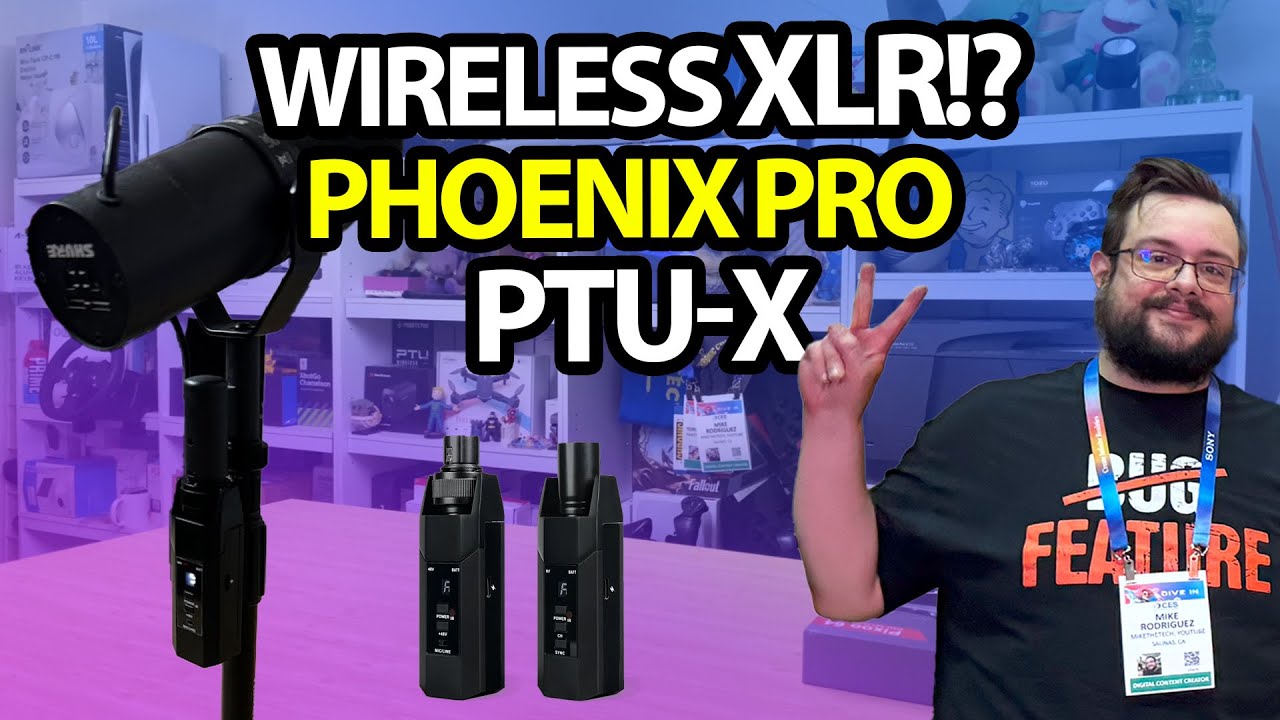
Phenyx Pro PTU-X: Trying Wireless in My Existing XLR Recording Chain
Opening the adapters, then switching the same microphone setup over.
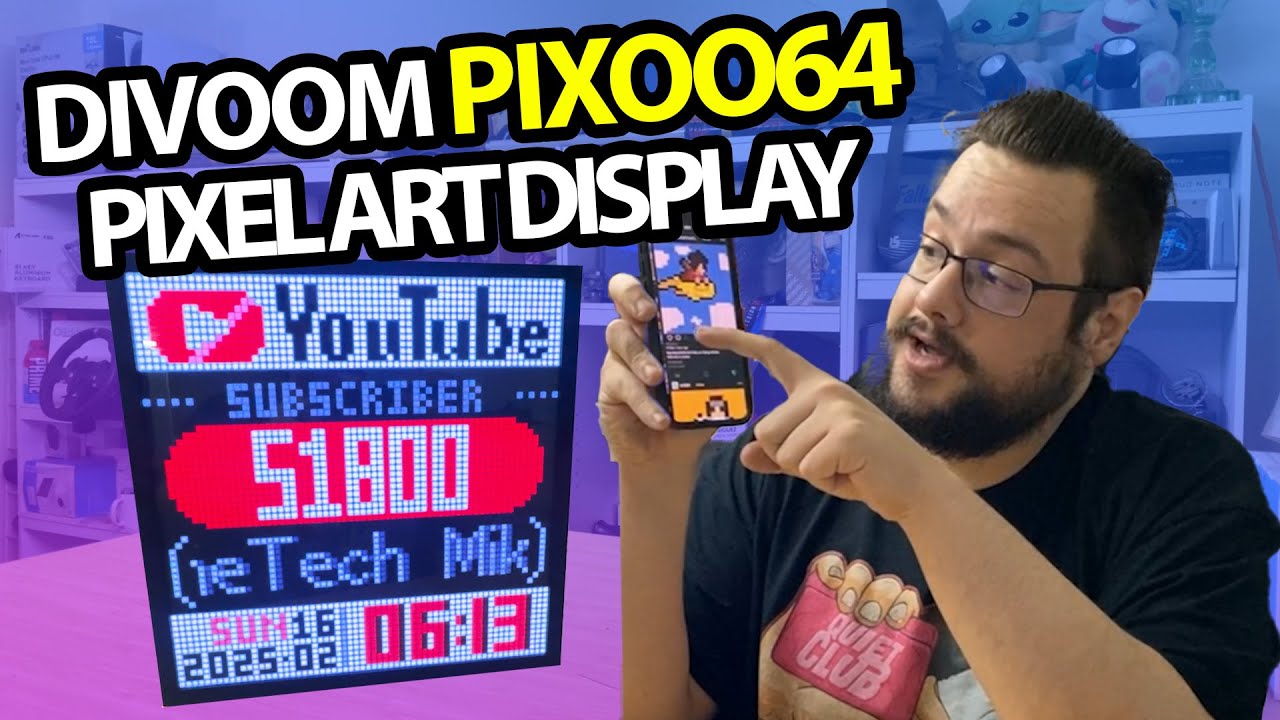
Divoom Pixoo 64: From the Built-In Demo to My Own Animation Choices
Trying the stand, connecting the app and sending art to the square display.
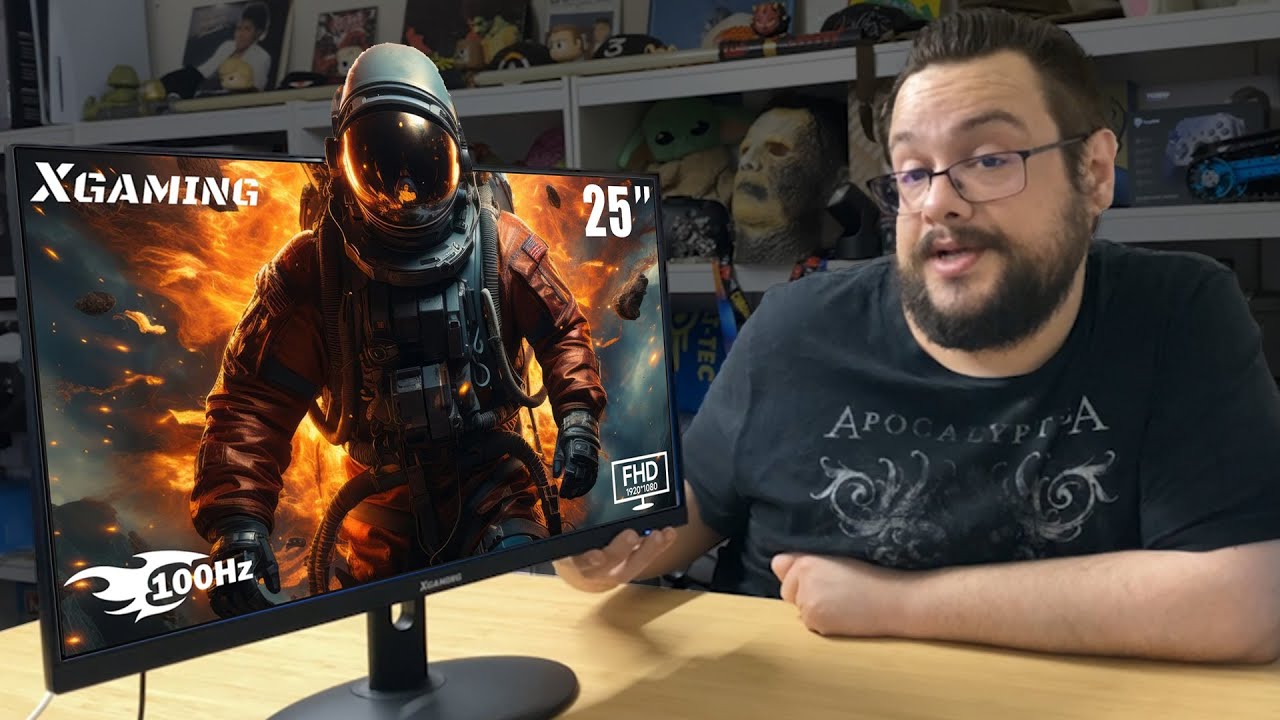
Xgaming25-Inch Monitor: A Thin Screen, Stand Assembly and the Windows Picture
Putting the monitor together and exploring its joystick menu.
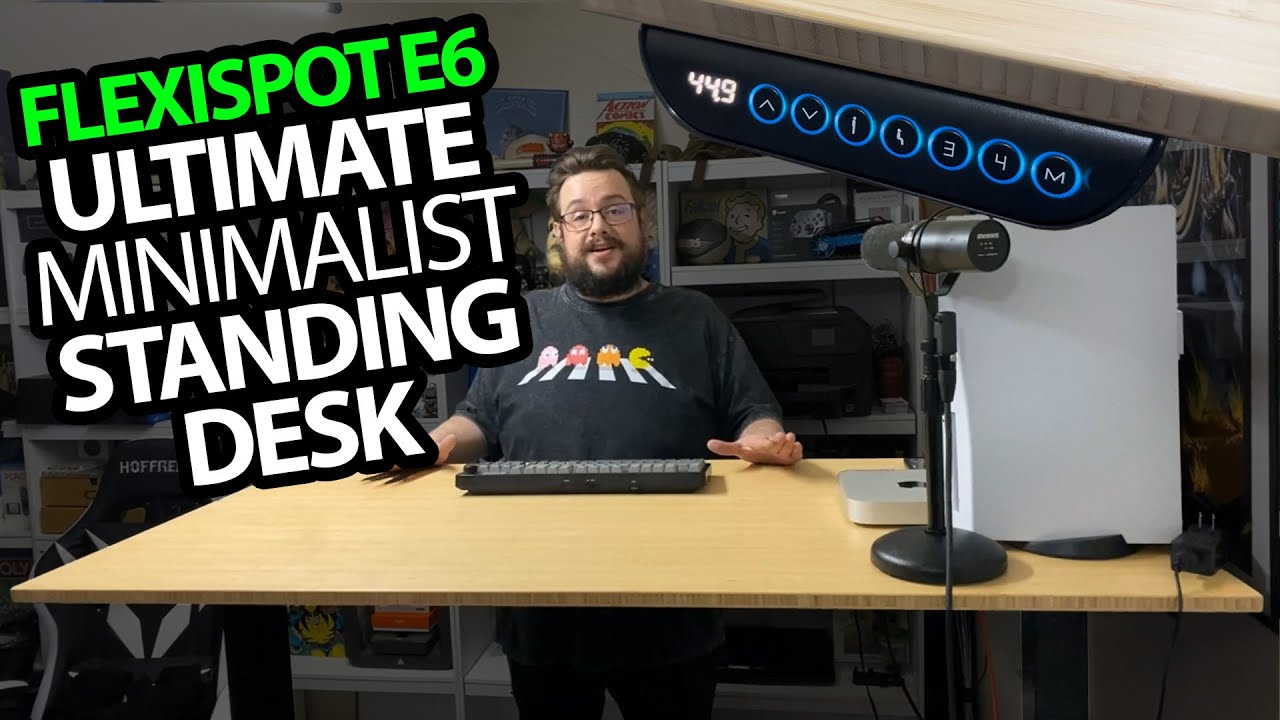
FlexiSpot E6: The Standing Desk That Became My Studio Centerpiece
Trying sitting and standing presets with the equipment already on the desk.
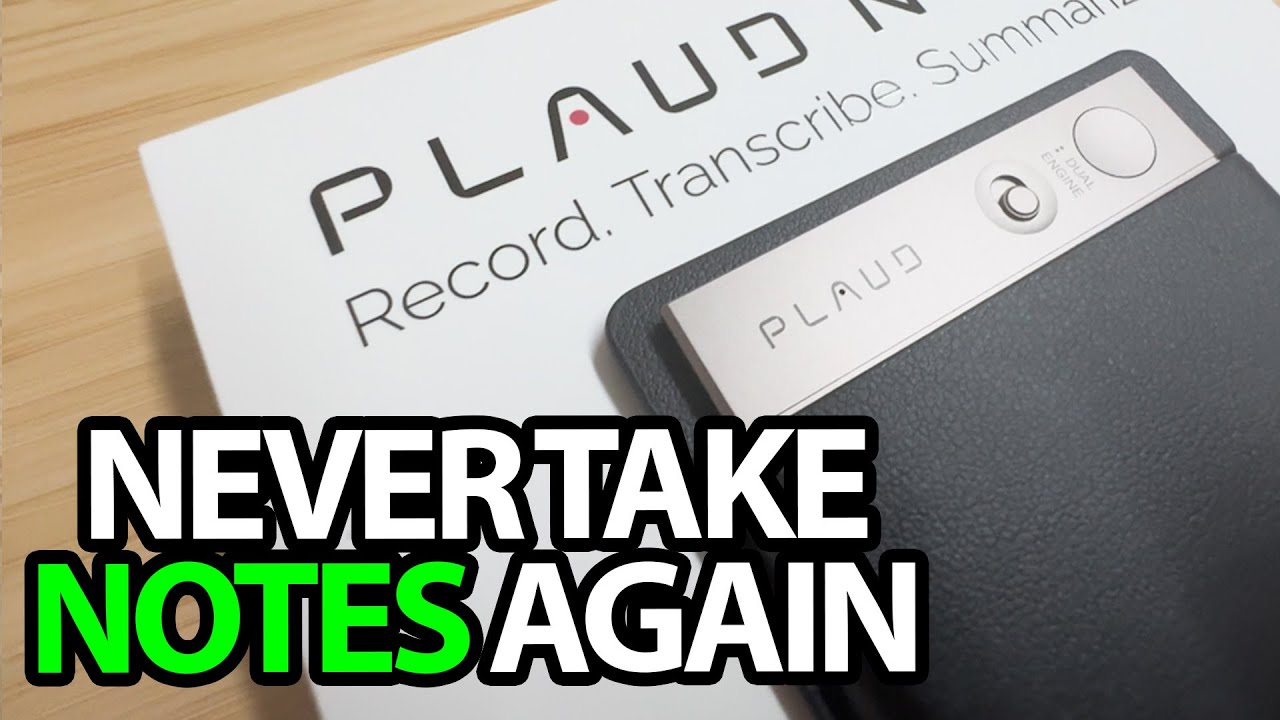
PLAUD Note: I Forgot to Record, Then Tried a Transcript and Mind Map
Opening the thin recorder and reviewing the output from a recorded video.
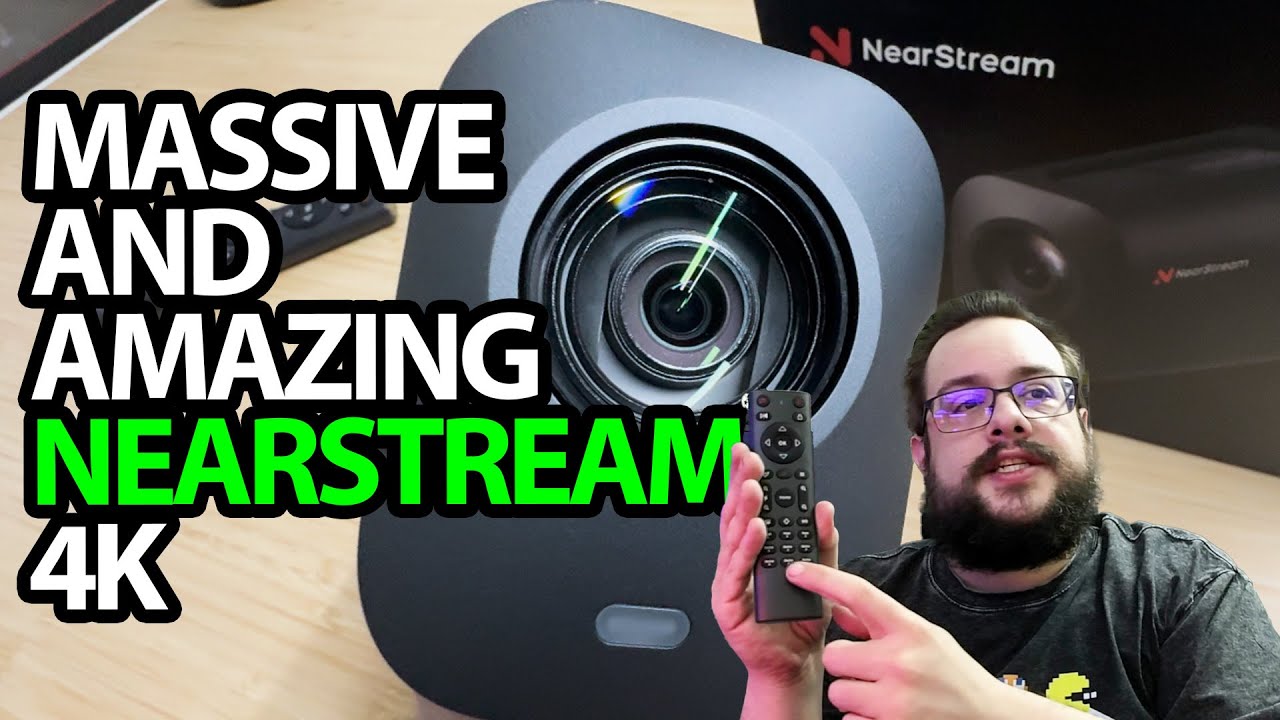
NearStream VM20: A Big Camera with a Remote-Controlled Zoom Demo
Looking over the connections, then switching to the camera and microphone.
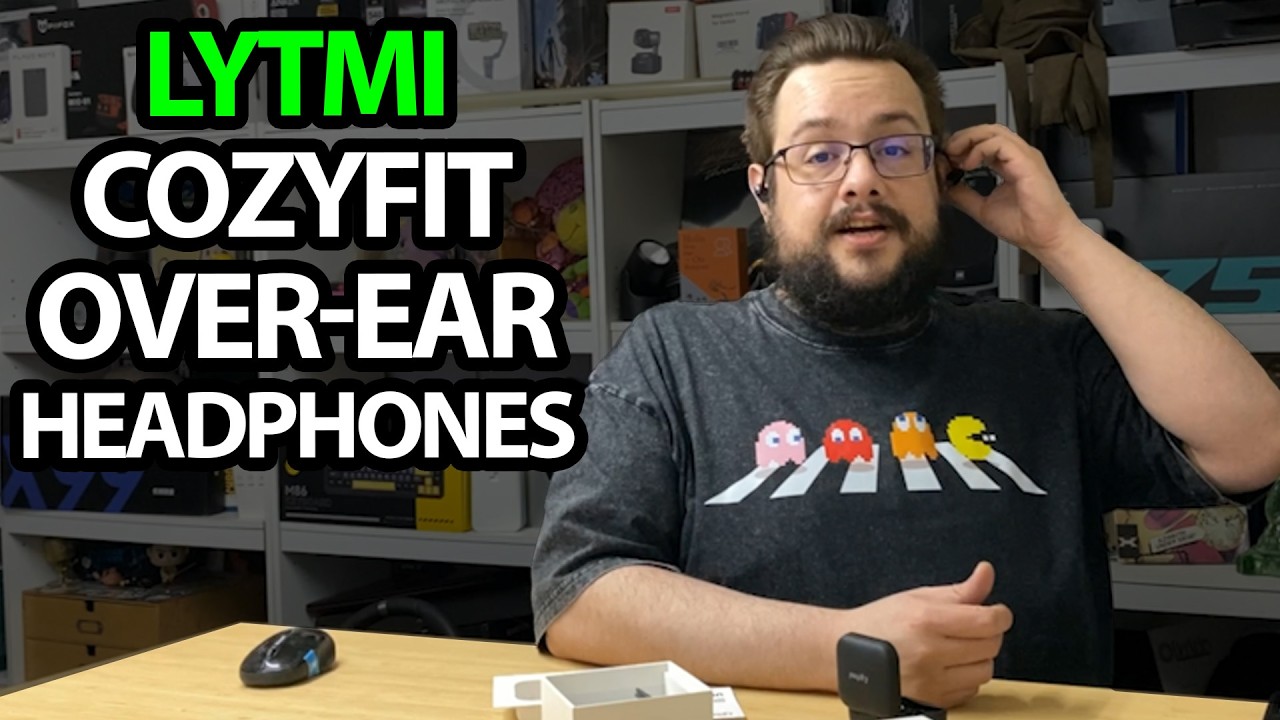
Lytmi CozyFit: An Open-Ear Fit and a First Listen
Trying the flexible hooks, pairing the earbuds and checking the sound.
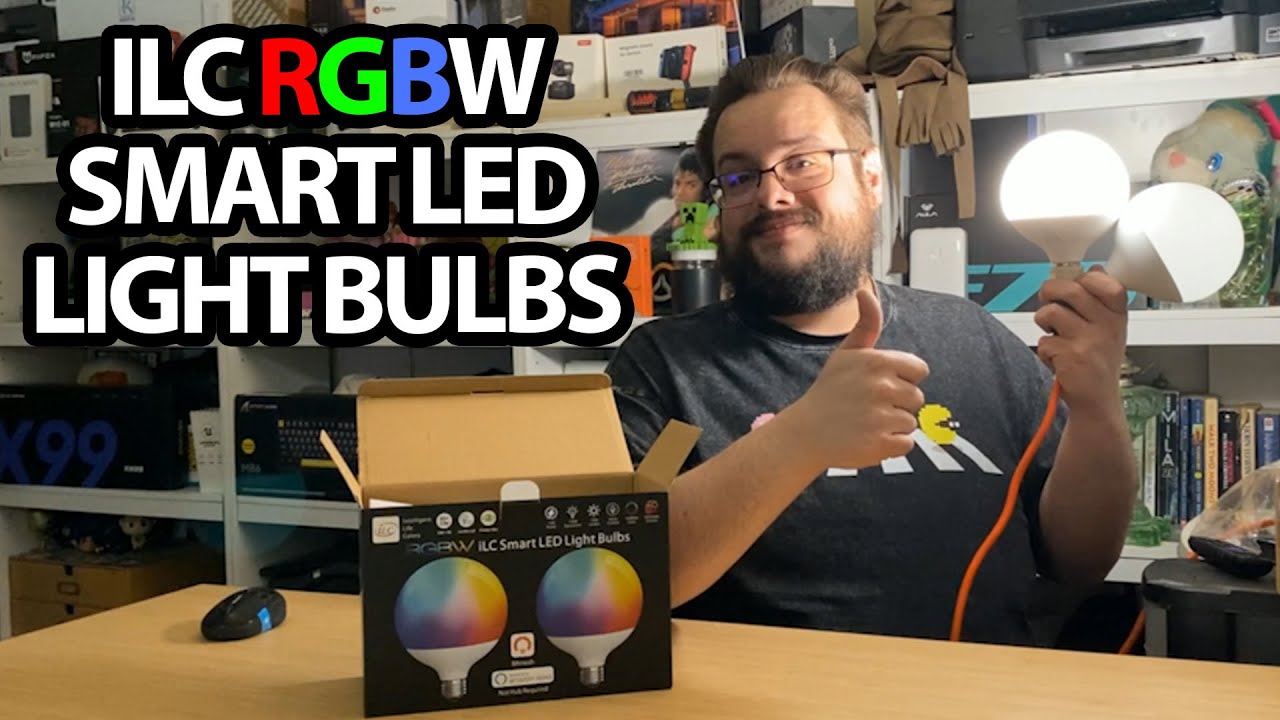
ILC G120 Globe Bulbs: Big Bulbs and Quick Color Changes in the App
Powering one bulb and exploring the color wheel and brightness controls.
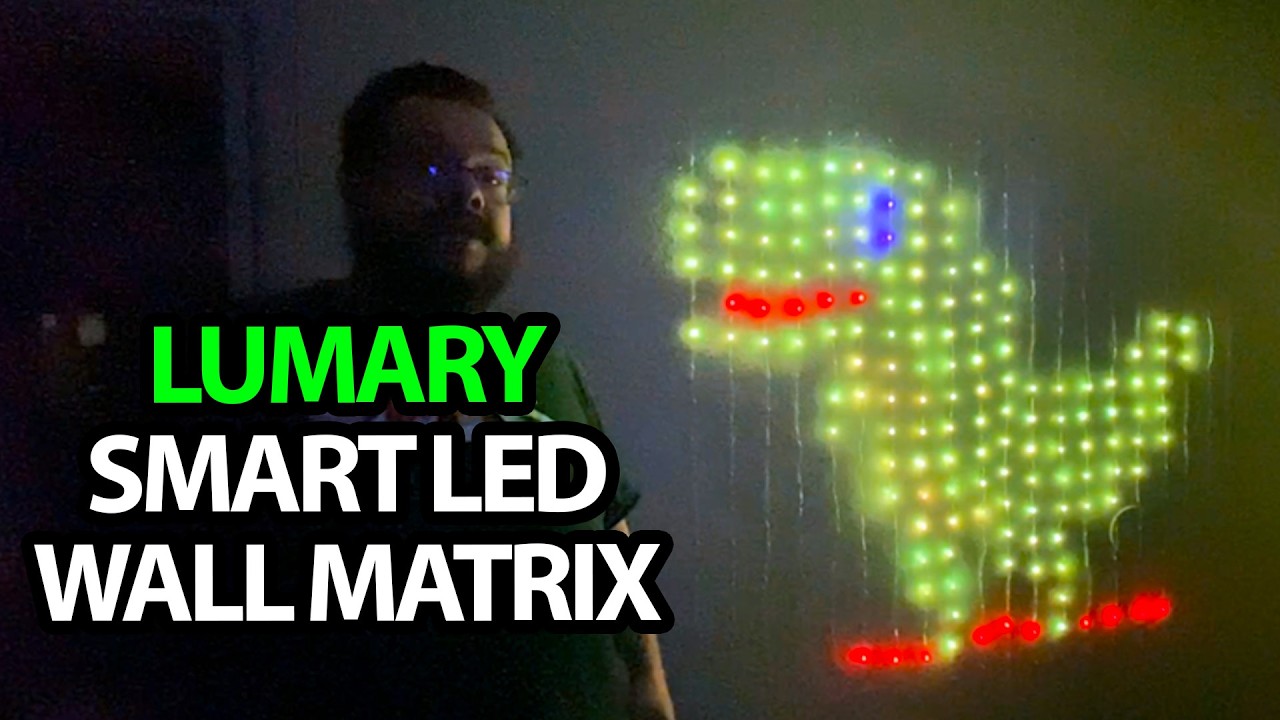
Lumary Curtain Lights: Drawing My Own Little LED Animations
Trying preset scenes, speed controls and the app’s frame-by-frame editor.
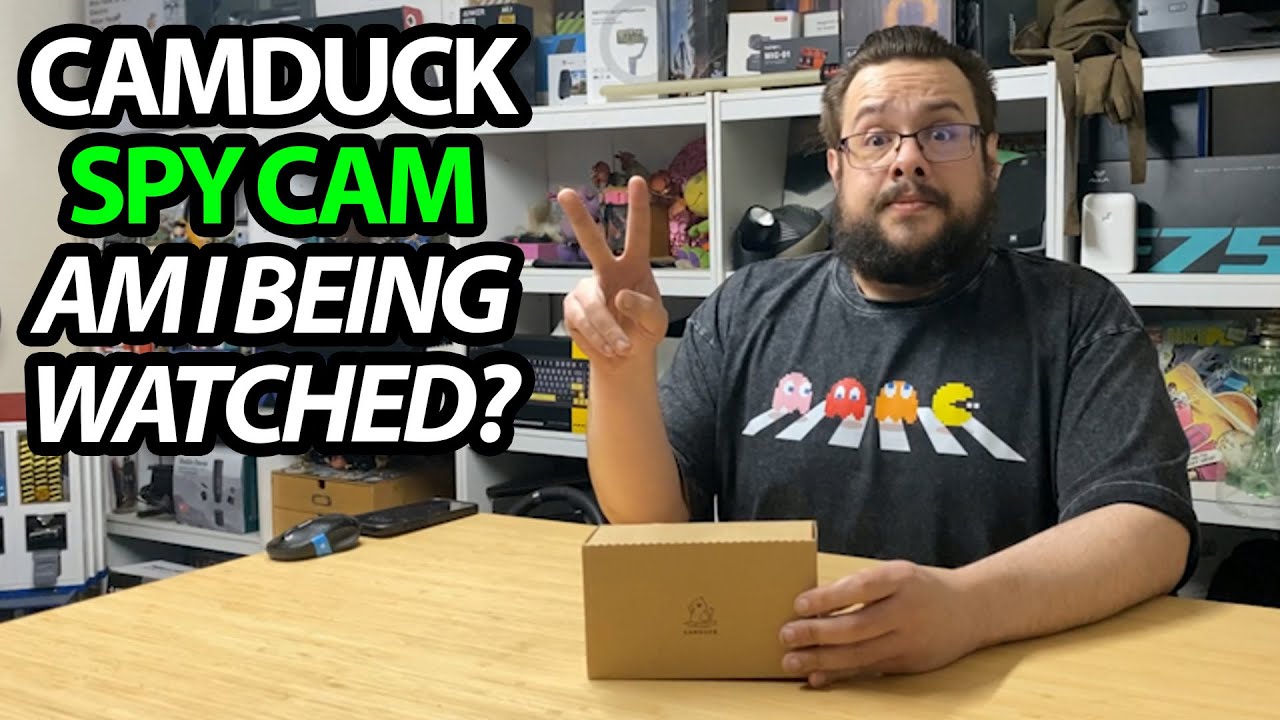
CAMDUCK-XN: Looking Closely at a Charger-Shaped Camera
An unboxing that shows the camera area and removable storage compartment.
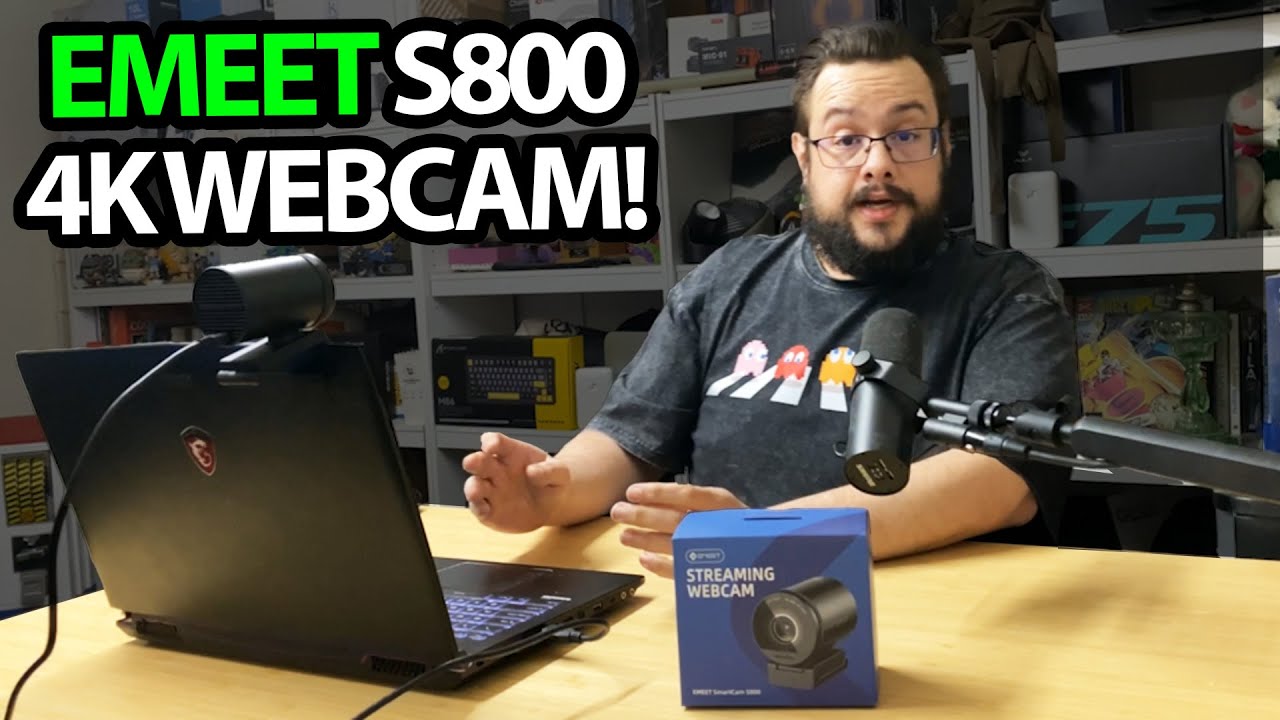
EMEET S800: Trying 4K30, Then Switching to 1080p60
Opening the camera, adjusting the mount and recording in both selected modes.

Aojo Translation Earbuds: Trying an English–French Conversation Mode
Pairing the earbuds and giving the phone app a short translation test.
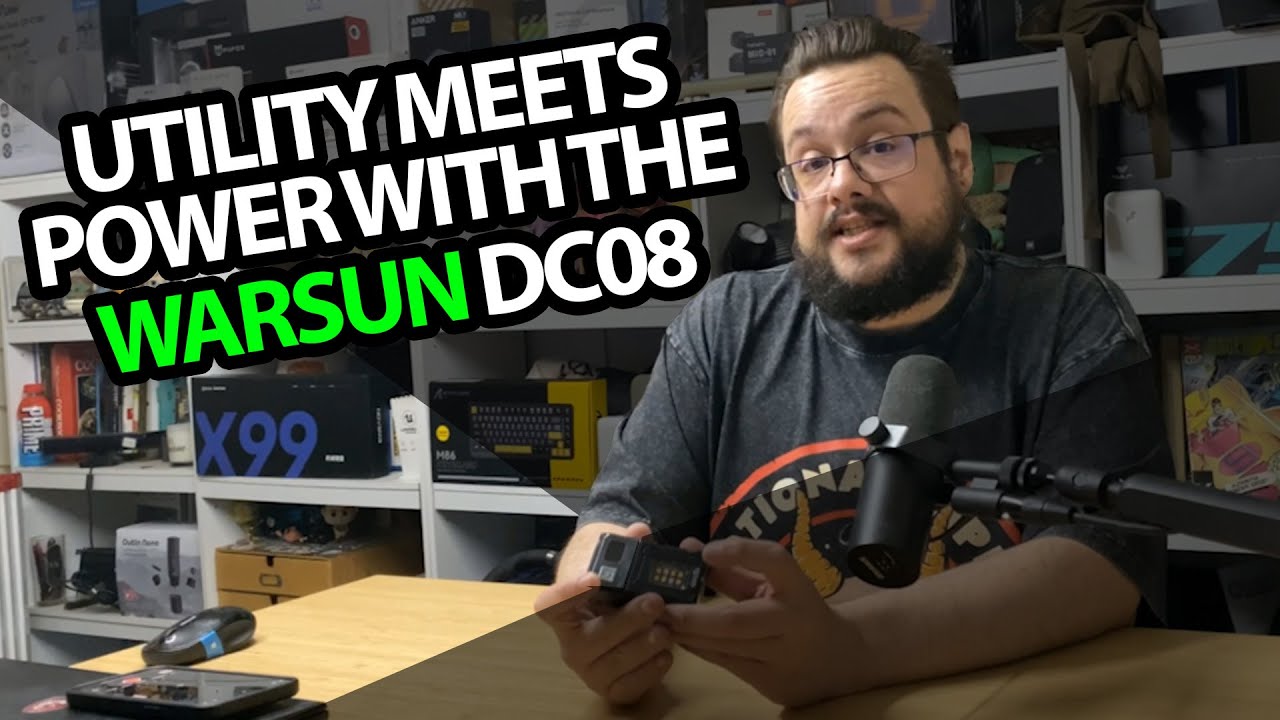
WARSUN DC08: Turn the Head, Then Clip the Light Where You Need It
Charging the flashlight and trying the main and secondary lights.
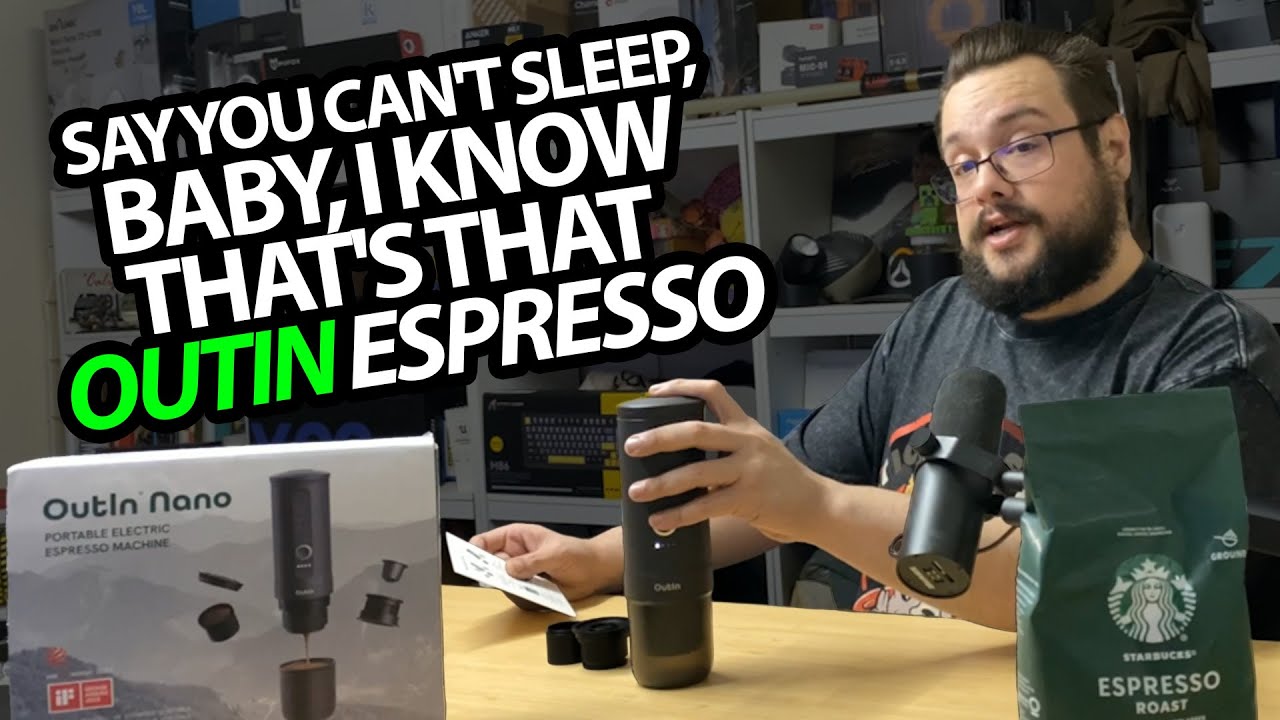
OutIn Nano: A Capsule Shot and a Very Strong Little Latte
Opening the portable espresso maker and trying a capsule brew.
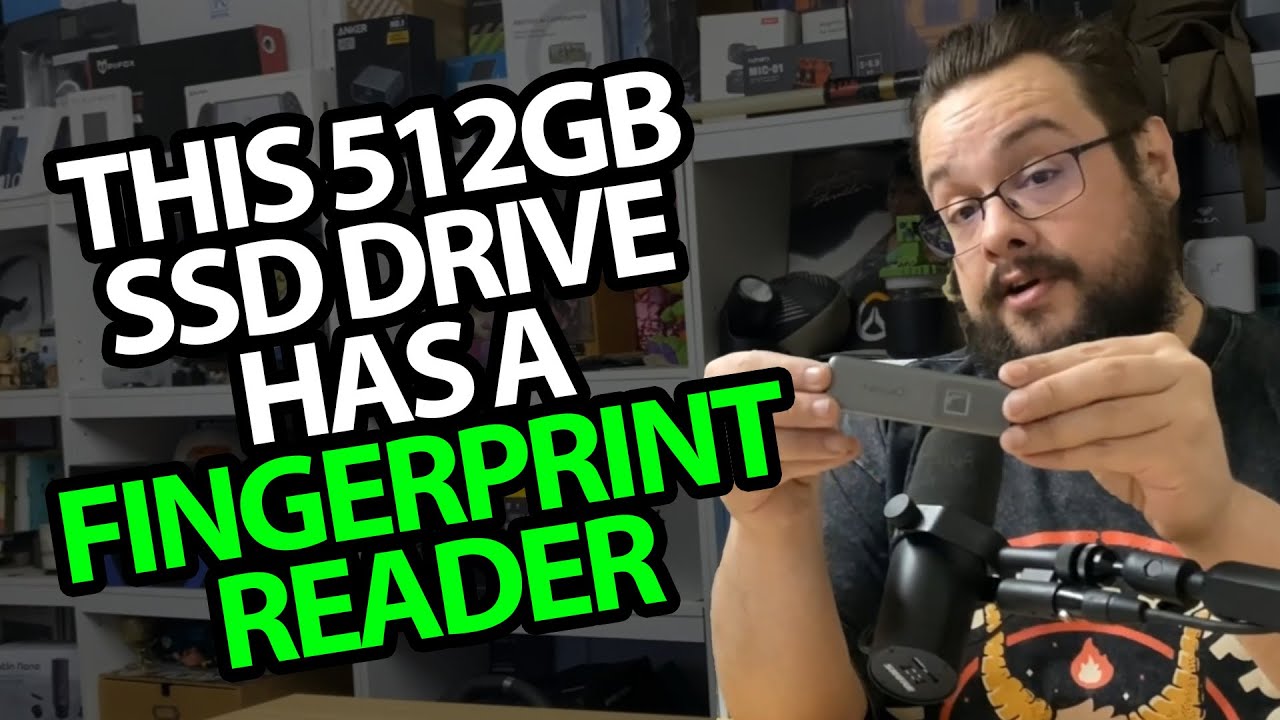
NEWQ Portable SSD Touch: A Fingerprint Reader on a Small USB-C Drive
Opening the 512GB unit, its cables and the supplied pouch.
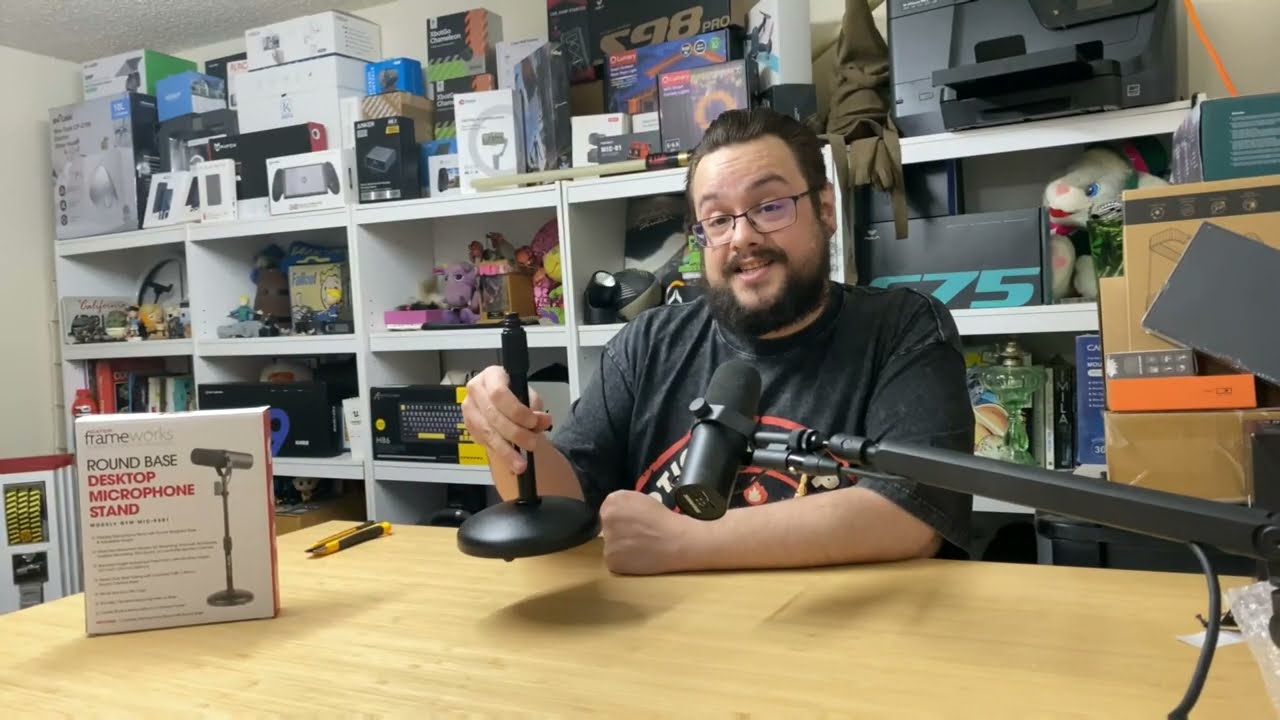
Gator Frameworks Desktop Mic Stand: Two Pieces and a Weighty Base
Putting the stand together and trying its height adjustment.
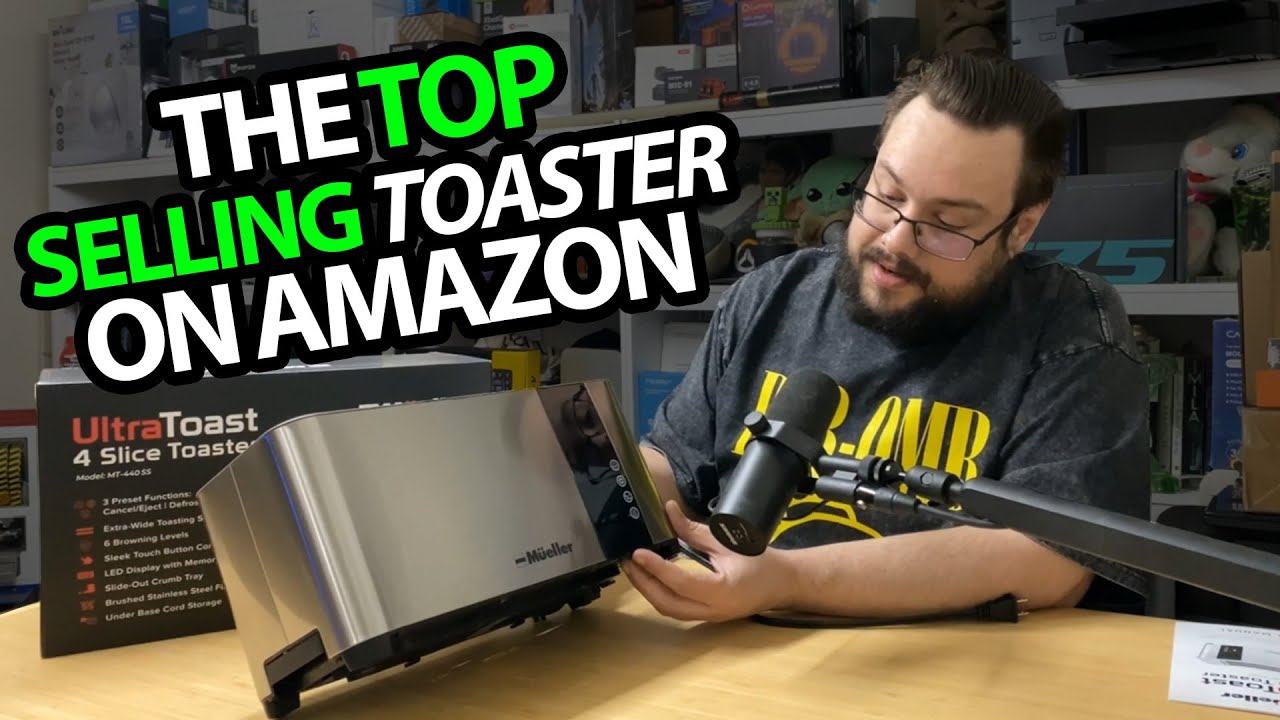
Mueller UltraToast: Wide Slots and a Look over the Controls
Unpacking the four-slice toaster before its first breakfast test.
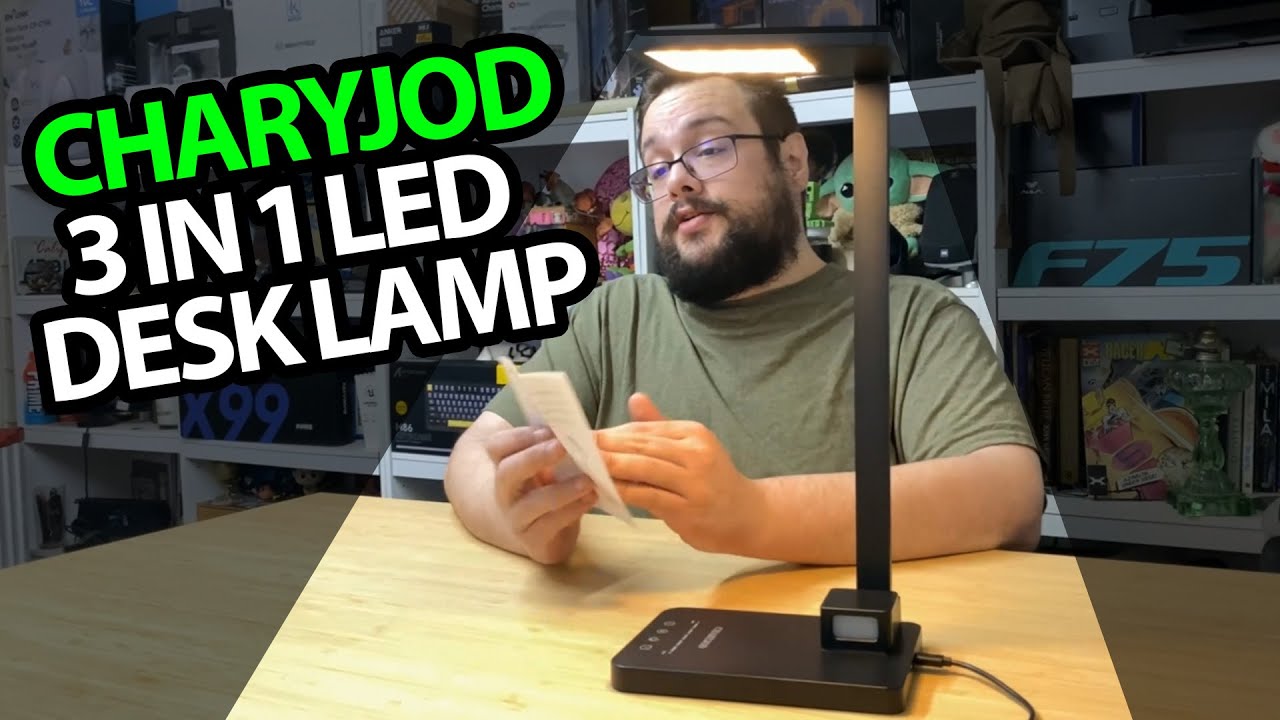
CHARYJOD Desk Lamp: The Little Night Light Has More Range Than I Expected
Trying brightness, warmer light and the swiveling lamp head.
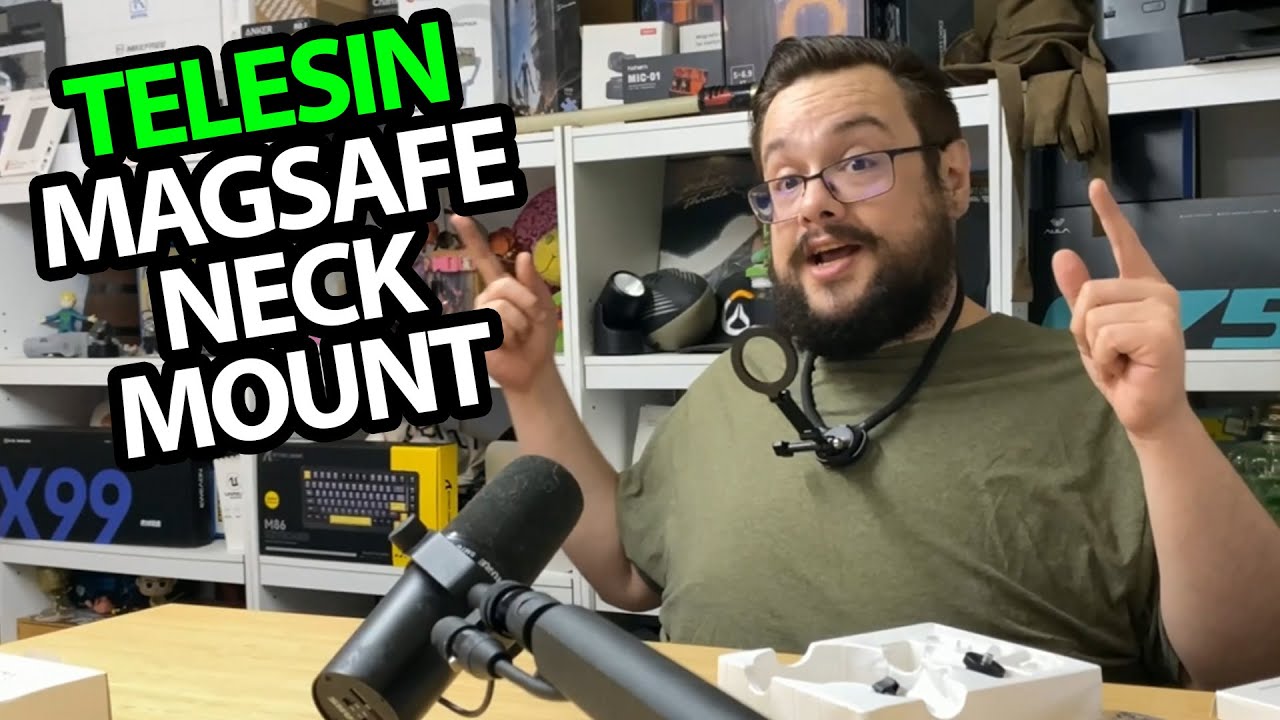
TELESIN S2 Neck Mount: Quick Release, a Phone Fit and One Reach Limitation
Opening the mount and trying the magnetic connection at the desk.
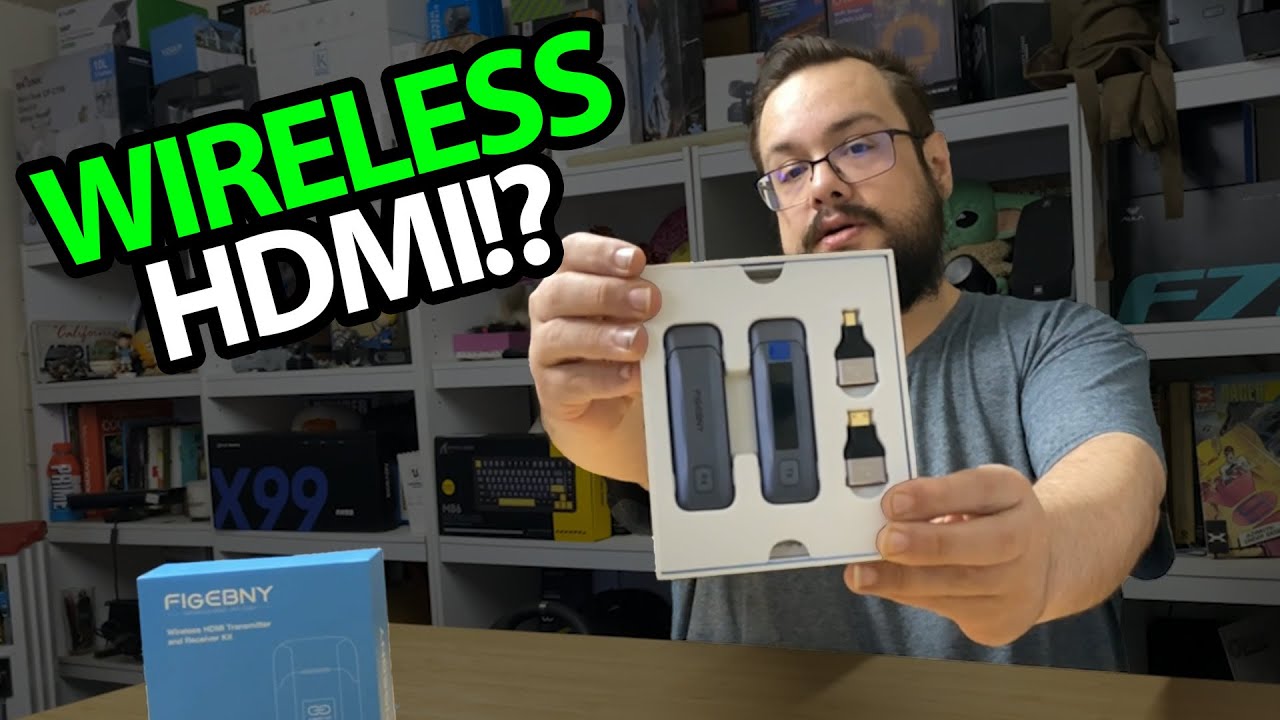
FIGEBNY Wireless HDMI Kit: A Lot of Adapter Options in the Box
Opening the powered transmitter and receiver before a signal test.
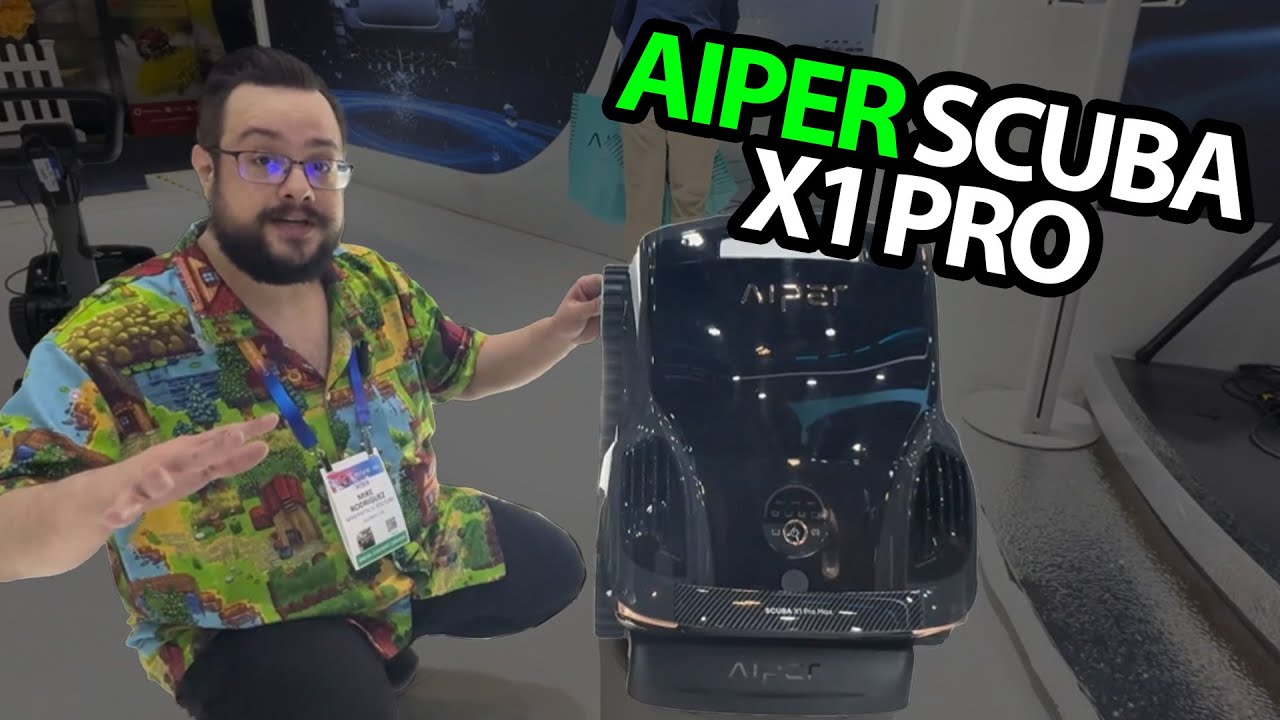
AIPER at CES 2025: Watching the Surface-Cleaning Demonstration
A booth look at floating debris pickup and the pool-side retrieval idea.

MoreBeautiful at CES: Small Ice Makers and a Cold Sample
A short booth conversation about the machines on display.
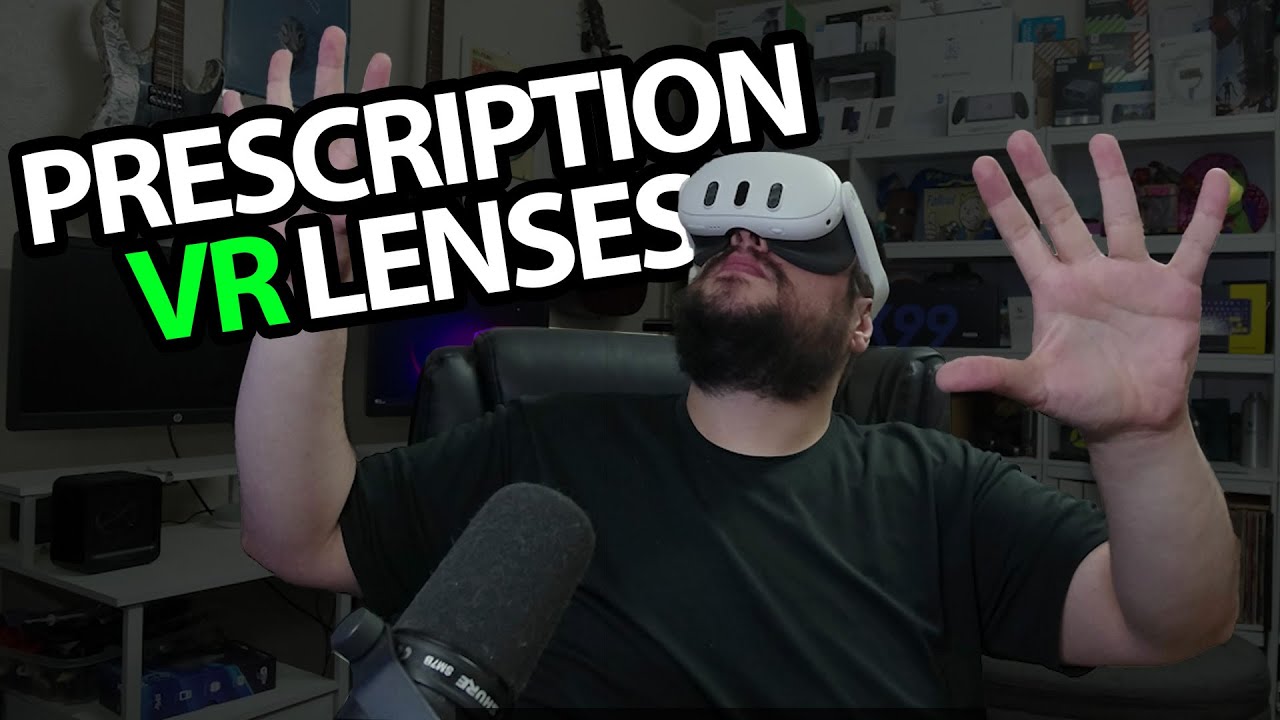
Zenni Quest 3 Lens Inserts: Trying VR with My Prescription in the Headset
Unboxing the lens pair and fitting it to my Meta Quest 3.
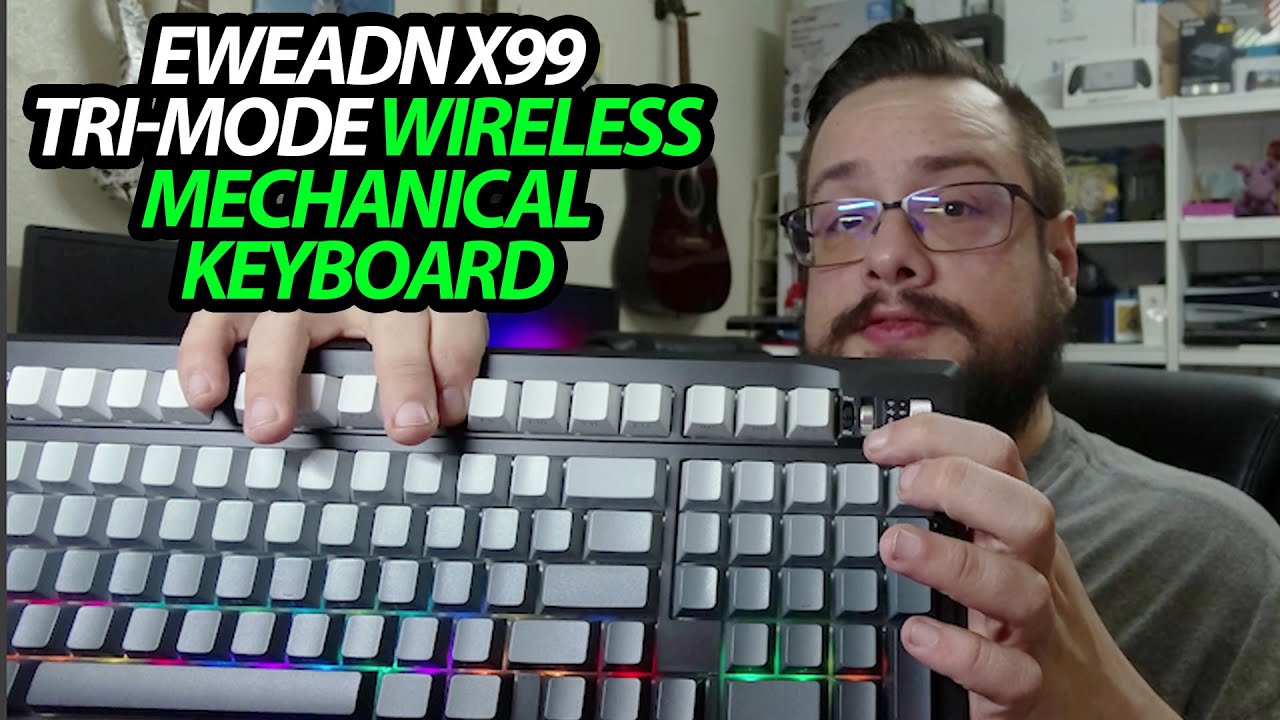
EWEADN X99: A Volume Wheel and a Receiver That Tucks into the Back
Opening the keyboard and checking its switches, feet and accessories.
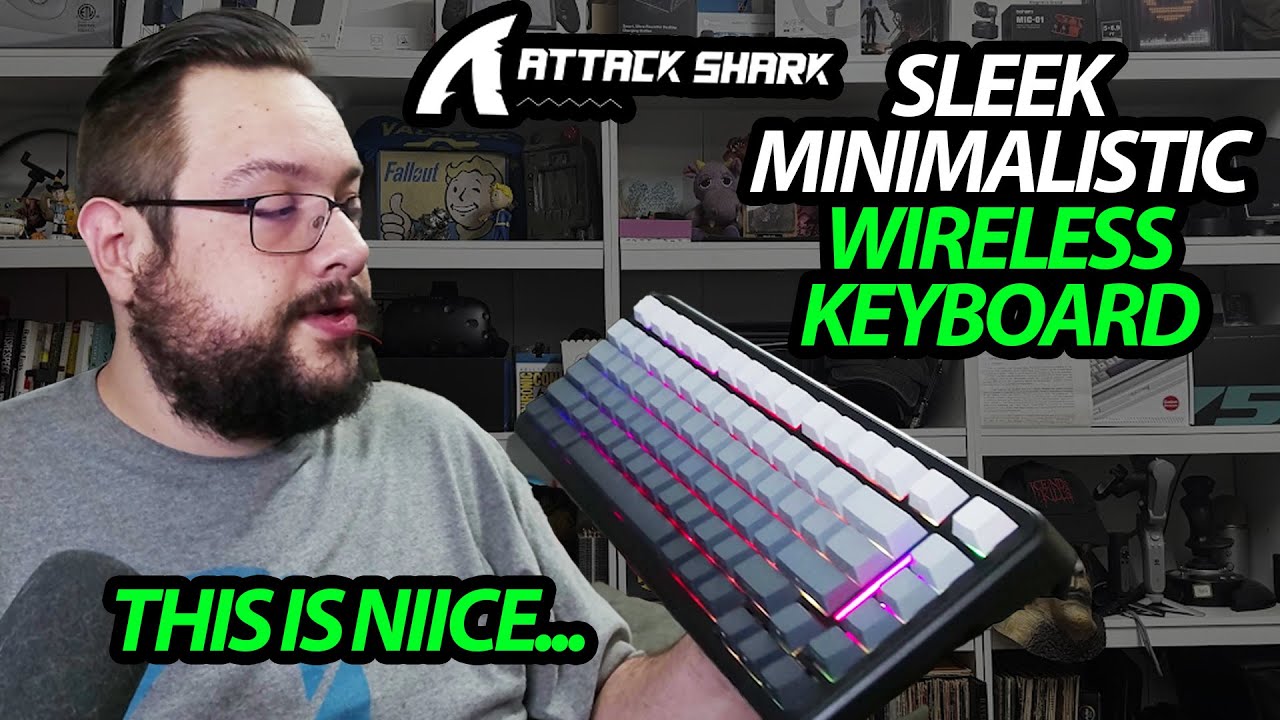
ATTACK SHARK M86: Side-Printed Keys and a Two-Piece Coiled Cable
Looking over the color gradient, receiver storage and cable connector.
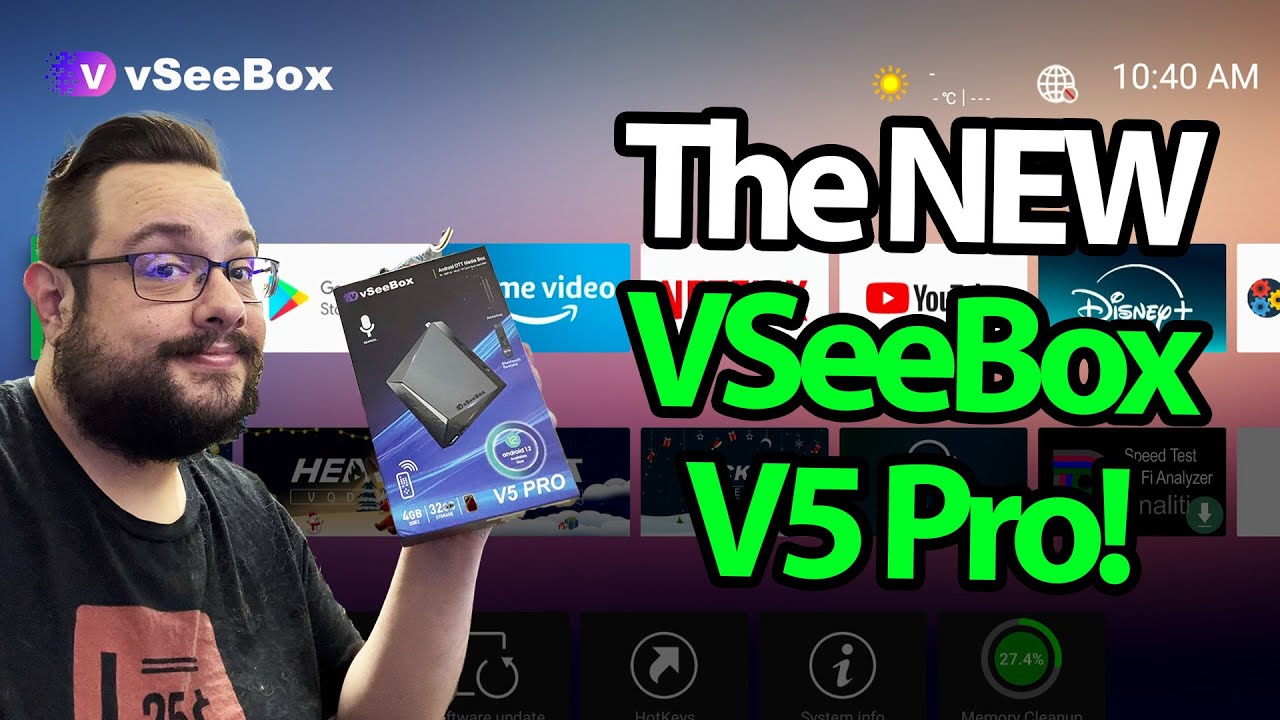
VSeeBox V5 Pro: Ports, Remote Mouse Mode and a Connected Interface
A look through the box’s home screen and app areas.
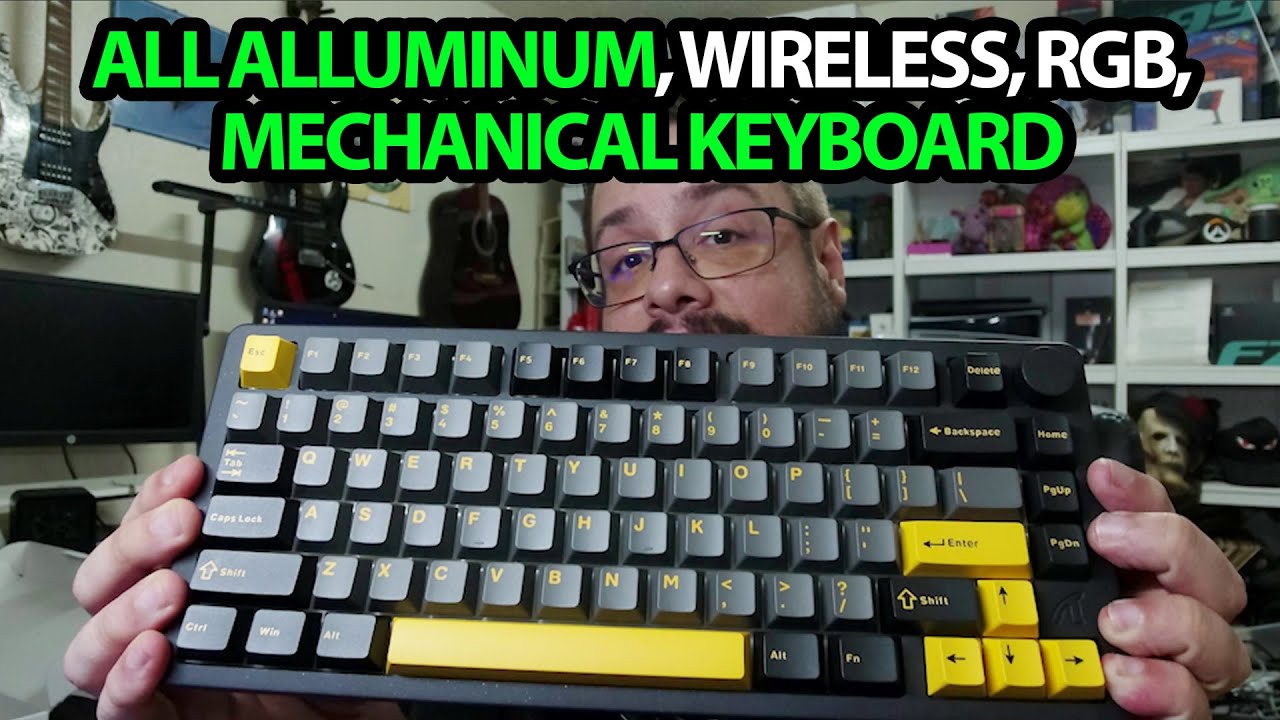
ATTACK SHARK X86: A Heavy Keyboard with a Mirror-Finish Back
Opening the accessories and looking over the aluminum-style enclosure.