
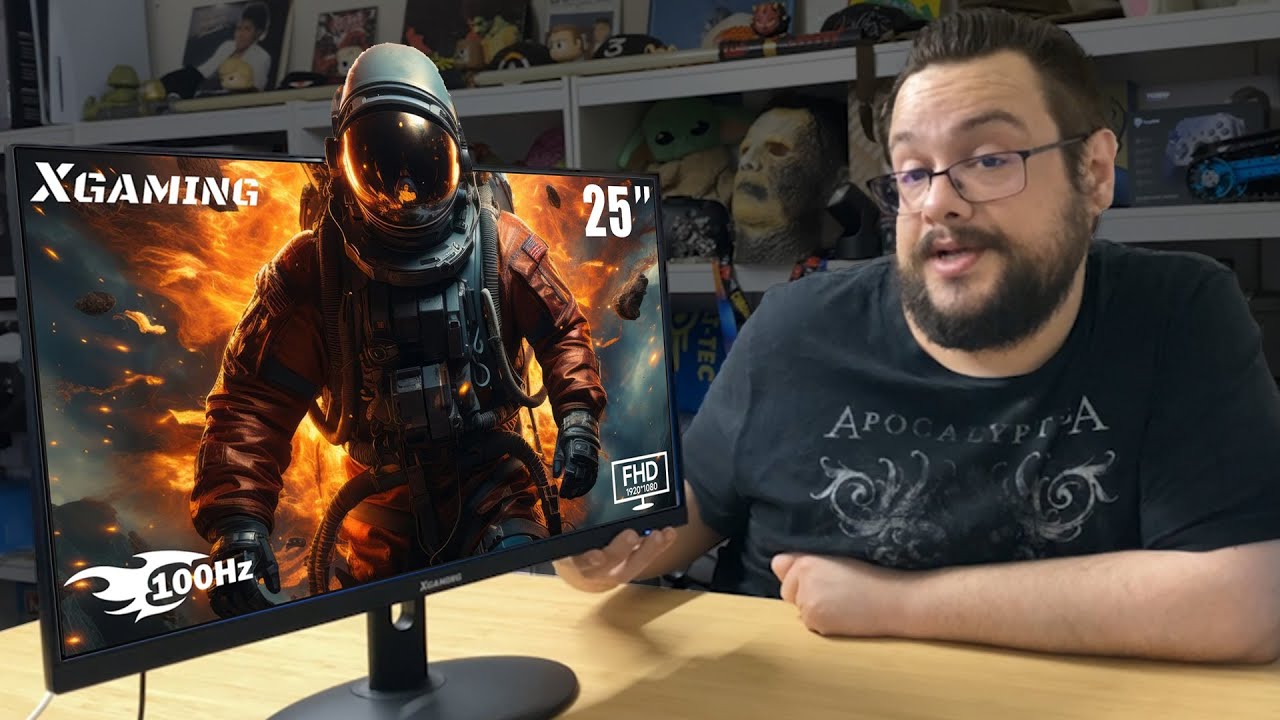
The YouTube player loads when you press Play.
Xgaming25-Inch Monitor: A Thin Screen, Stand Assembly and the Windows Picture
Putting the monitor together and exploring its joystick menu.
Article published November 4, 2026.
This Xgaming monitor is thin enough that the stand arrangement deserves a closer look. I take it out of the box, assemble the base and then connect it to see the Windows picture.
The accessories are not an afterthought
The package includes the power adapter, HDMI cable, screws and a screwdriver. I connect the base pieces, attach the support to the display and fit the small cover over the fixing area.
On the back, I point out HDMI, VGA, audio output and power. A joystick-style control also serves as the power button and menu control.
A different mounting arrangement
The included mounting hardware expands out from the stand attachment area to provide a VESA-style mounting option. That matters because this is not a thick panel with mounting screws spread across its back.
I show the arrangement and the slim profile, without carrying out a wall-mount load test or checking every third-party arm.
Windows comes up, then the menu
After switching it on, Windows appears normally. I use the rear joystick to go through brightness, contrast, color and other on-screen options, including the setting labeled HDR.
I do not see an obvious bad pixel in that first look. It is a visual impression from this session, not a formal pixel inspection or a measurement of HDR performance, response time or color coverage.
The listing describes a 25-inch 1080p 100Hz screen. This video covers assembly, the image and controls rather than a measured gaming review. The original Walmart link is below with its full referral parameters; the prices I mention in the recording are historical.
Links from the video
Affiliate disclosure: These links may earn me a commission at no extra cost to you.
Links and offers are from the video description. Availability, prices and offer terms may change.
Some links to other products on this page are affiliate links, and we may earn a commission if you buy through them. It costs you nothing extra, and it has not changed what this article says — where a competitor is the better answer, we say so.


