
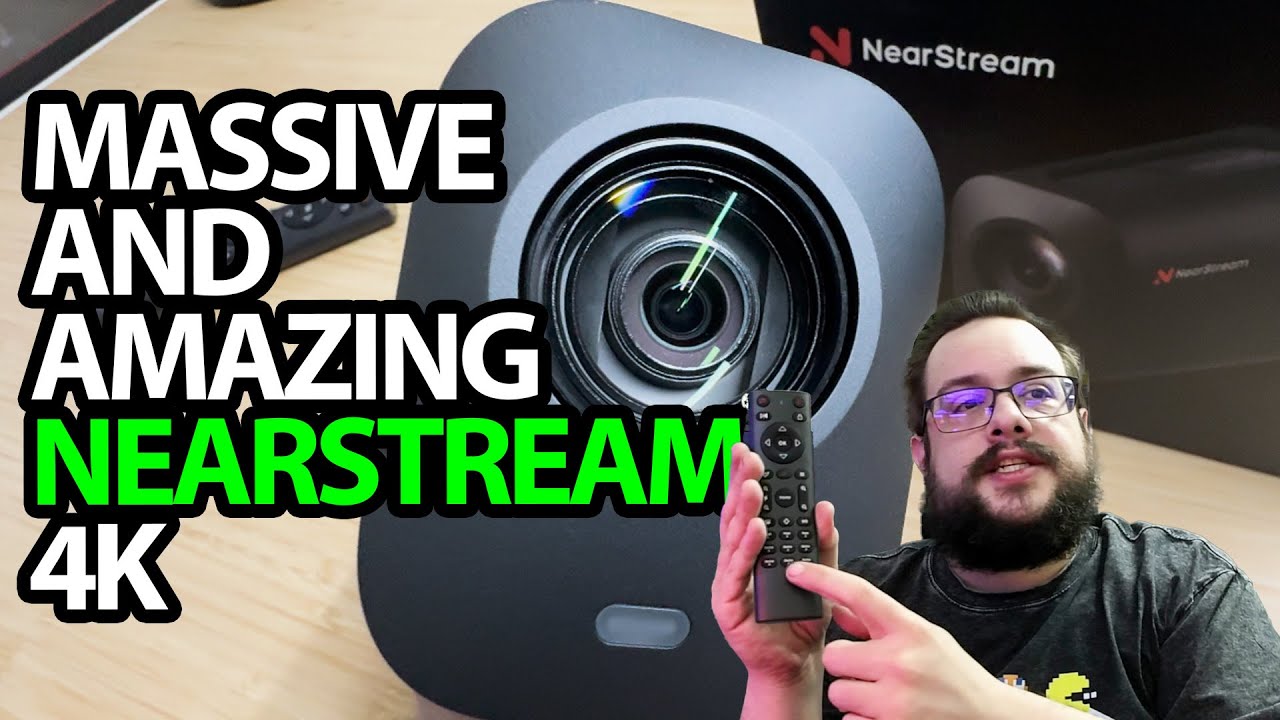
The YouTube player loads when you press Play.
NearStream VM20: A Big Camera with a Remote-Controlled Zoom Demo
Looking over the connections, then switching to the camera and microphone.
Article published November 4, 2026.
The NearStream VM20 is noticeably bigger than the webcams I put beside it. The large lens and separate remote make me want to try the zoom rather than stop at the port tour.
Start with the connections
I unpack the cable, adapter, remote and manuals, then look over the back of the camera. There is an external-microphone connection, HDMI, Ethernet and two USB-C connections with different roles.
I explain the connection options as I go. This demonstration does not exercise every power or network path, so the port tour should not be read as a verified PoE or multi-camera setup.
Switch over and try the zoom
The recording changes to the NearStream image. I use the remote to zoom toward the background, slow down to let it focus and then come back toward myself.
I like what I see in the session and explore presets, white balance and other image settings. The optical and hybrid zoom figures discussed are product specifications; I do not independently measure those ratios or run a controlled comparison with the other cameras on the desk.
The microphone gets a sample too
Near the end, I switch from my usual microphone to the camera's microphone and leave a short spoken sample in the video. I ask viewers what they think, rather than claiming a measured pickup range or noise-reduction result.
I also give VegasNearMe a shout-out during the introduction after my trip to Las Vegas. The original NearStream product link is below.
This is a wired-camera first session with image, zoom and microphone examples. Follow-up comparisons are still future work in the recording.
Links from the video
Affiliate disclosure: These links may earn me a commission at no extra cost to you.
Links and offers are from the video description. Availability, prices and offer terms may change.
Some links to other products on this page are affiliate links, and we may earn a commission if you buy through them. It costs you nothing extra, and it has not changed what this article says — where a competitor is the better answer, we say so.


