
Notes from the workshop.
Software, hardware, practical guides and work in progress from MikeTheTech and PyroSoft.
Cameras, most recent first
DTCRCH Mini Camera: The Key-Fob Shape Hides a Lot of Hardware
Opening the small camera, its cover and the supplied card and adapters.
AOV Solar Camera: Opening the Camera, Panel and Mounting Kit
A hardware tour before this particular unit goes up outside.
Nuroum C46: A Meeting Camera with Speakers and a Remote
Unboxing the all-in-one unit, then recording a short framing-control demo.
NearStream VM20: A Big Camera with a Remote-Controlled Zoom Demo
Looking over the connections, then switching to the camera and microphone.
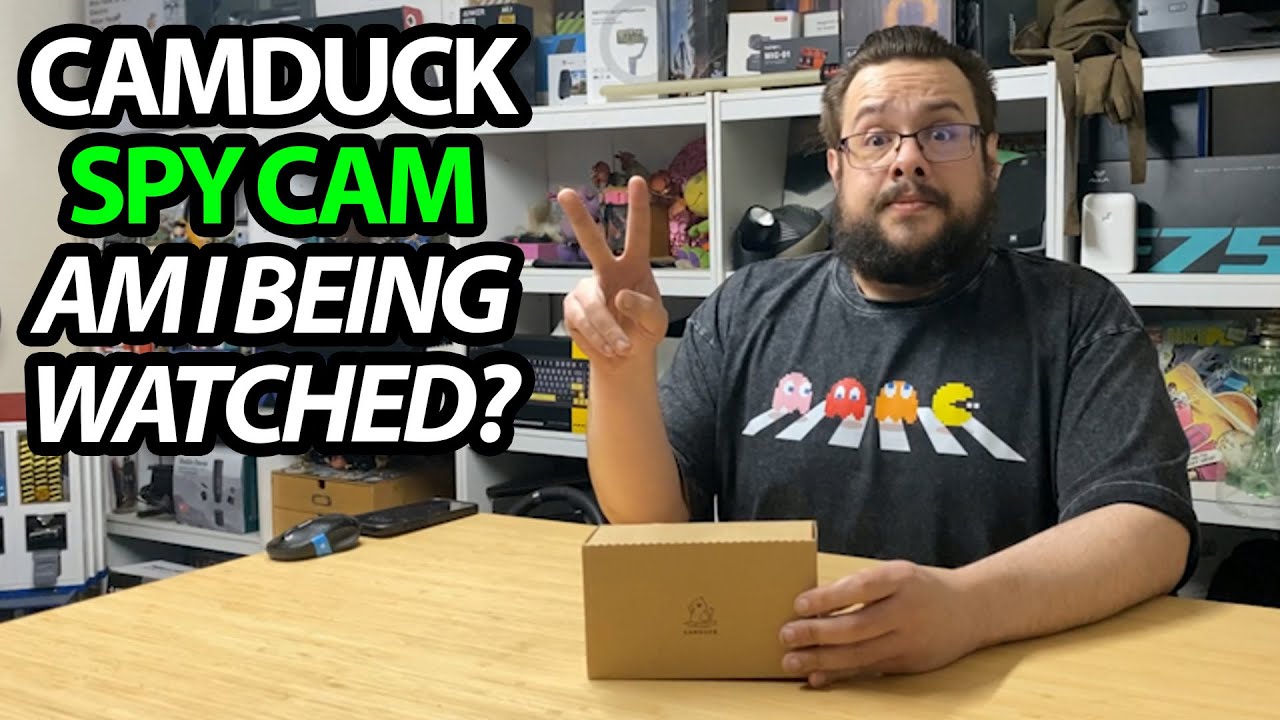
CAMDUCK-XN: Looking Closely at a Charger-Shaped Camera
An unboxing that shows the camera area and removable storage compartment.
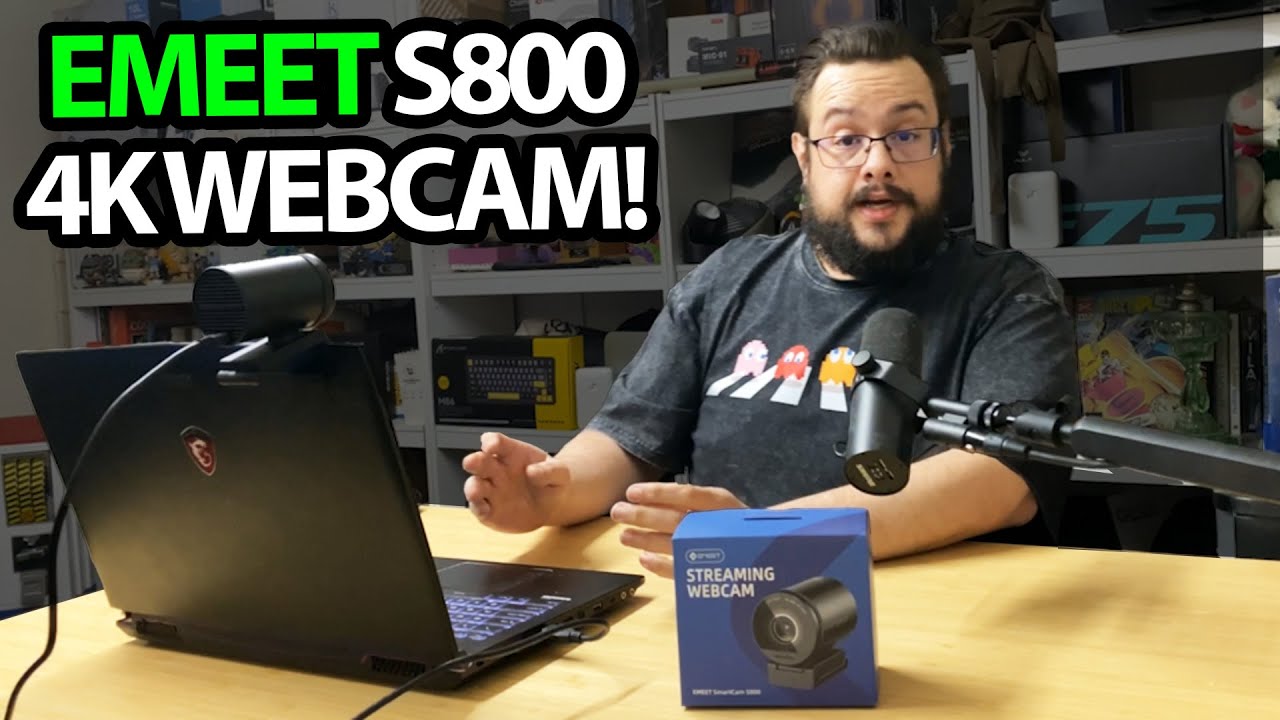
EMEET S800: Trying 4K30, Then Switching to 1080p60
Opening the camera, adjusting the mount and recording in both selected modes.
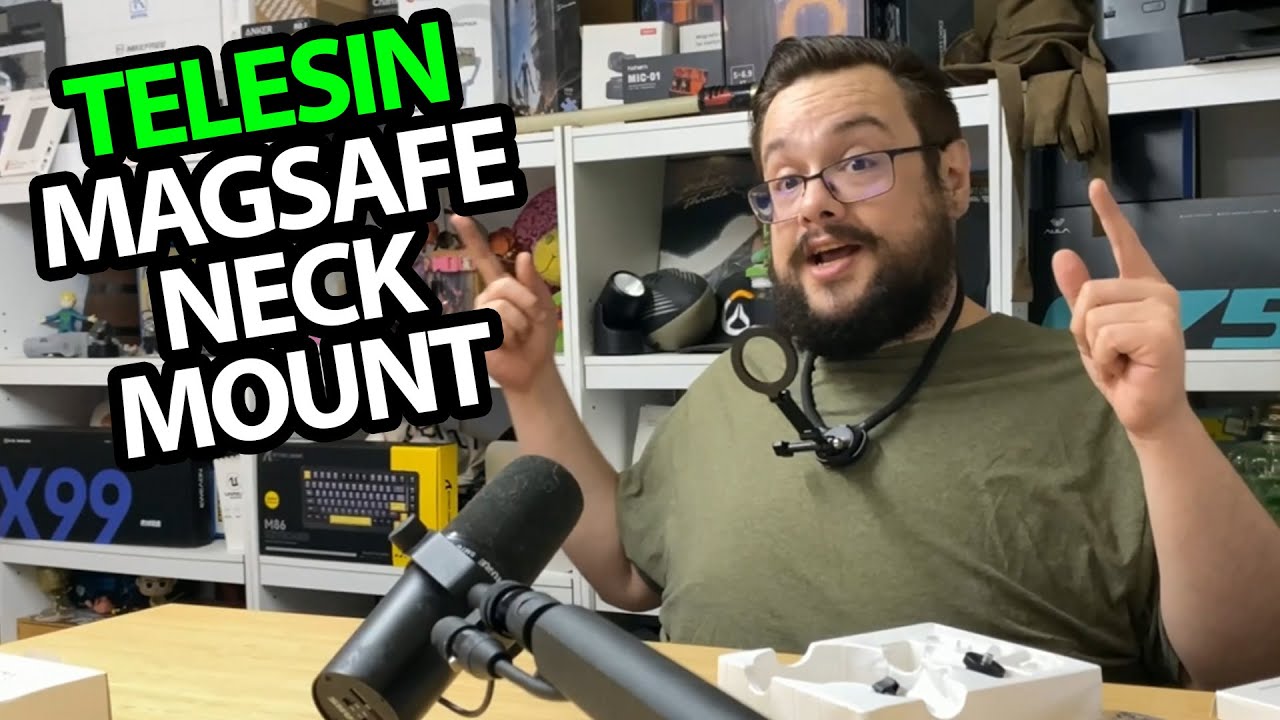
TELESIN S2 Neck Mount: Quick Release, a Phone Fit and One Reach Limitation
Opening the mount and trying the magnetic connection at the desk.
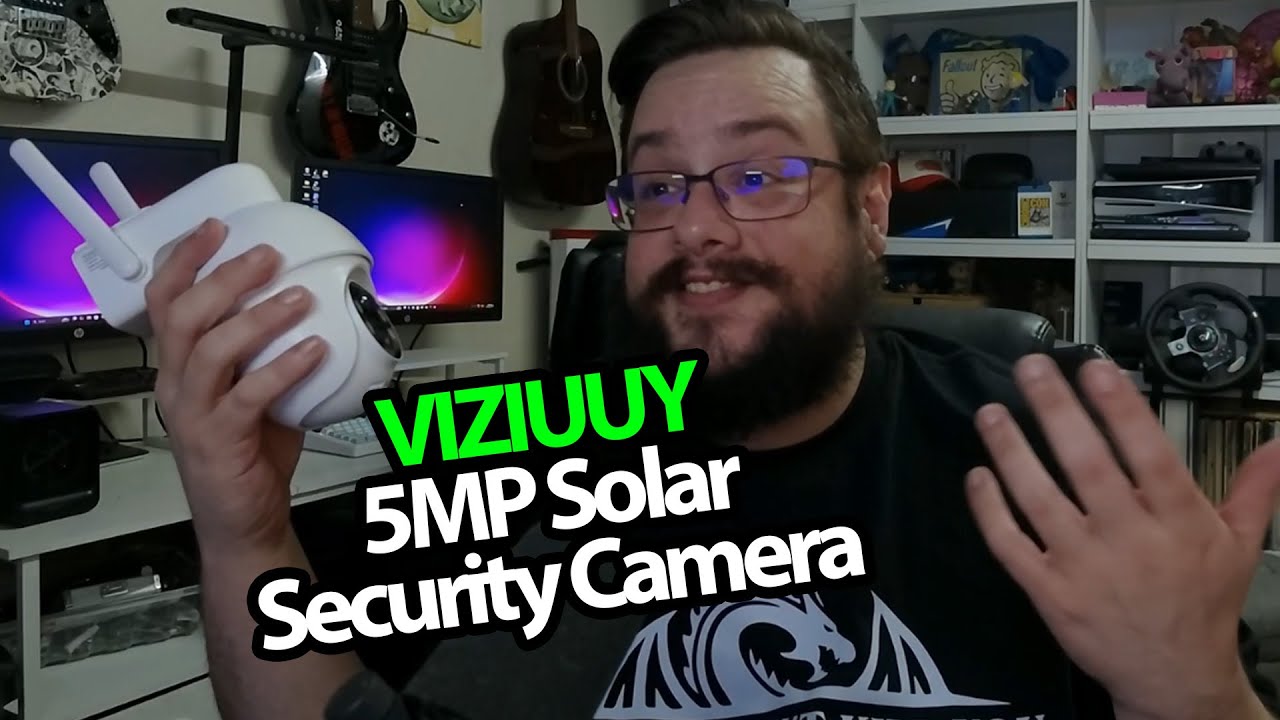
VIZIUUY Solar Camera: A Separate Panel and a Mount I Can Take Down
Opening the camera and walking through its mounting and charging connections.
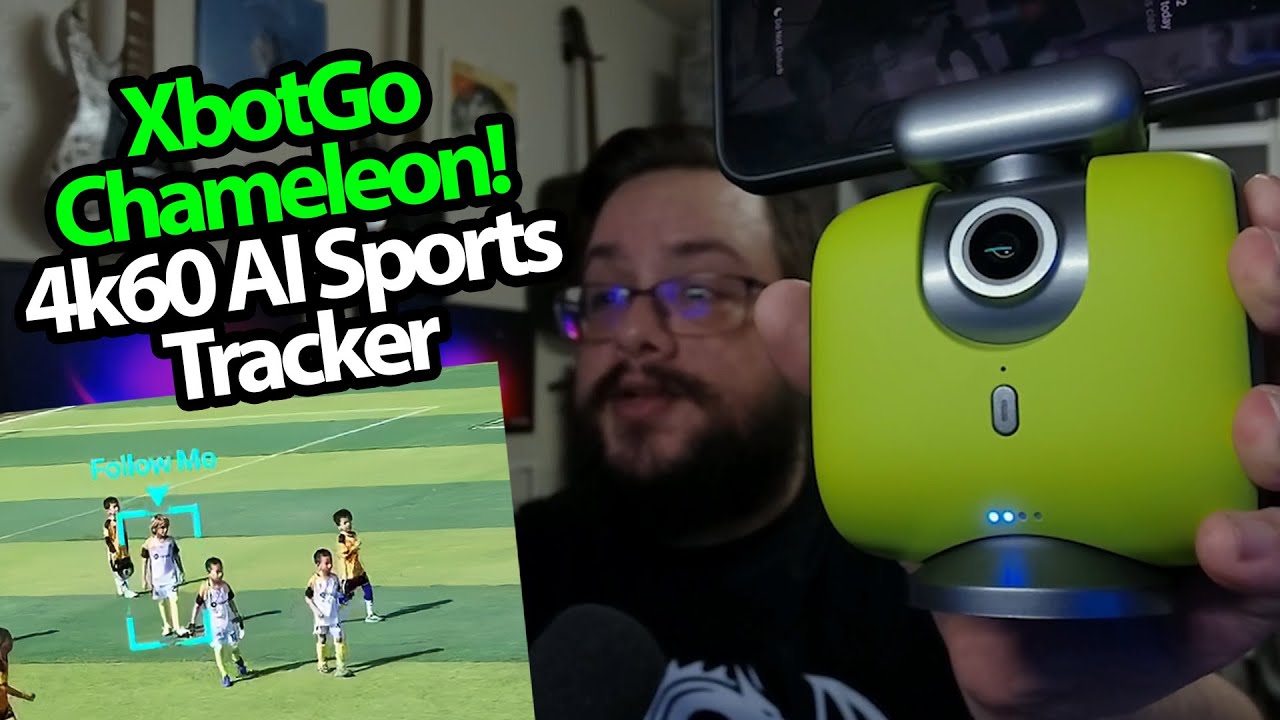
XbotGo Chameleon: The Lime-Green Phone Mount with Bigger Filming Plans
Fitting my phone, opening the remote and looking through the tracking features.
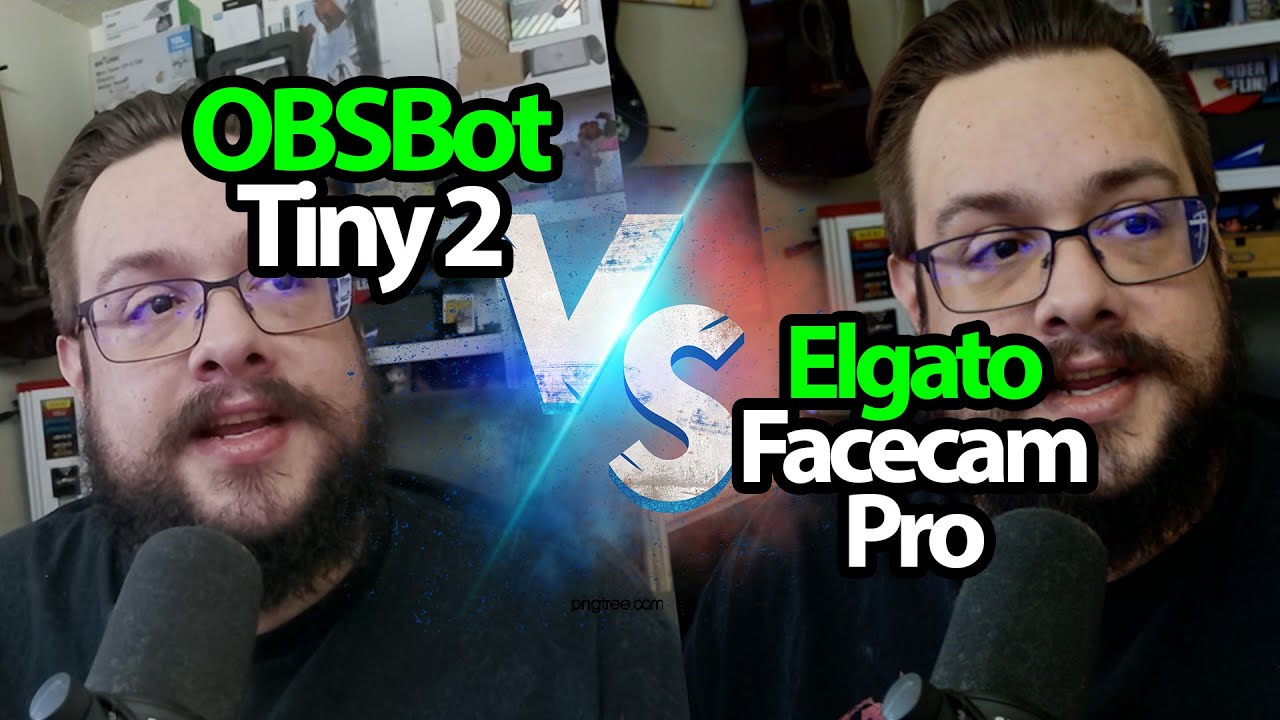
OBSBOT Tiny 2 vs Facecam Pro: What I Noticed with Both Running
A small camera, a magnetic mount and a side-by-side look under my room lighting.
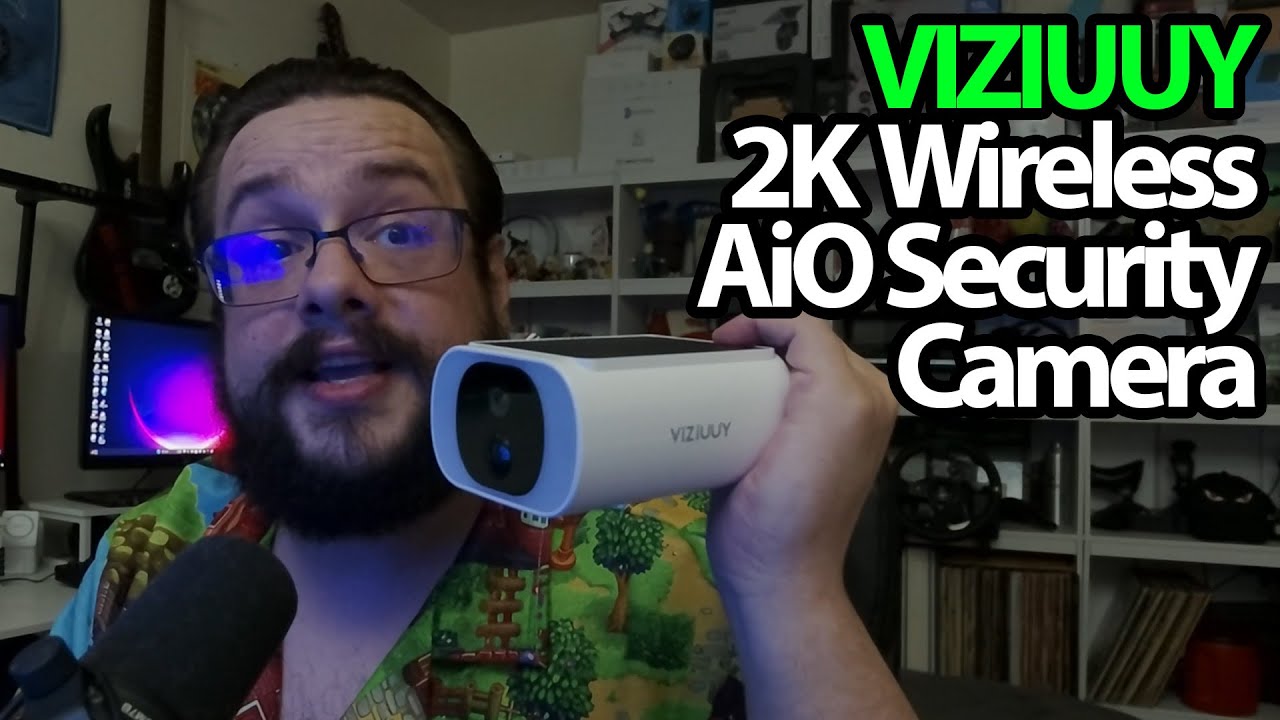
VIZIUUY All-in-One Solar Camera: The Panel Is Already on Top
Opening the fixed-view camera and checking its mounting and charging compartments.
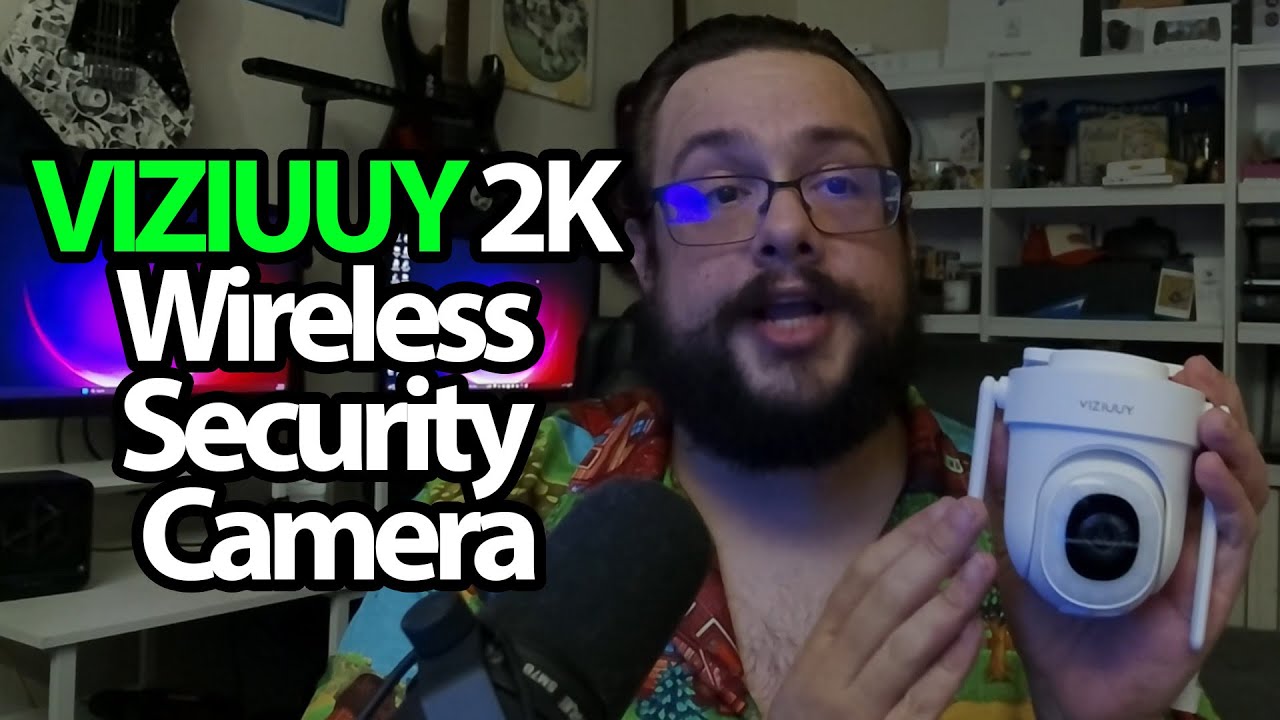
VIZIUUY VZ5D3: A Small Camera with a USB Power Connection
Looking through the mounting templates, power cable and storage compartment.
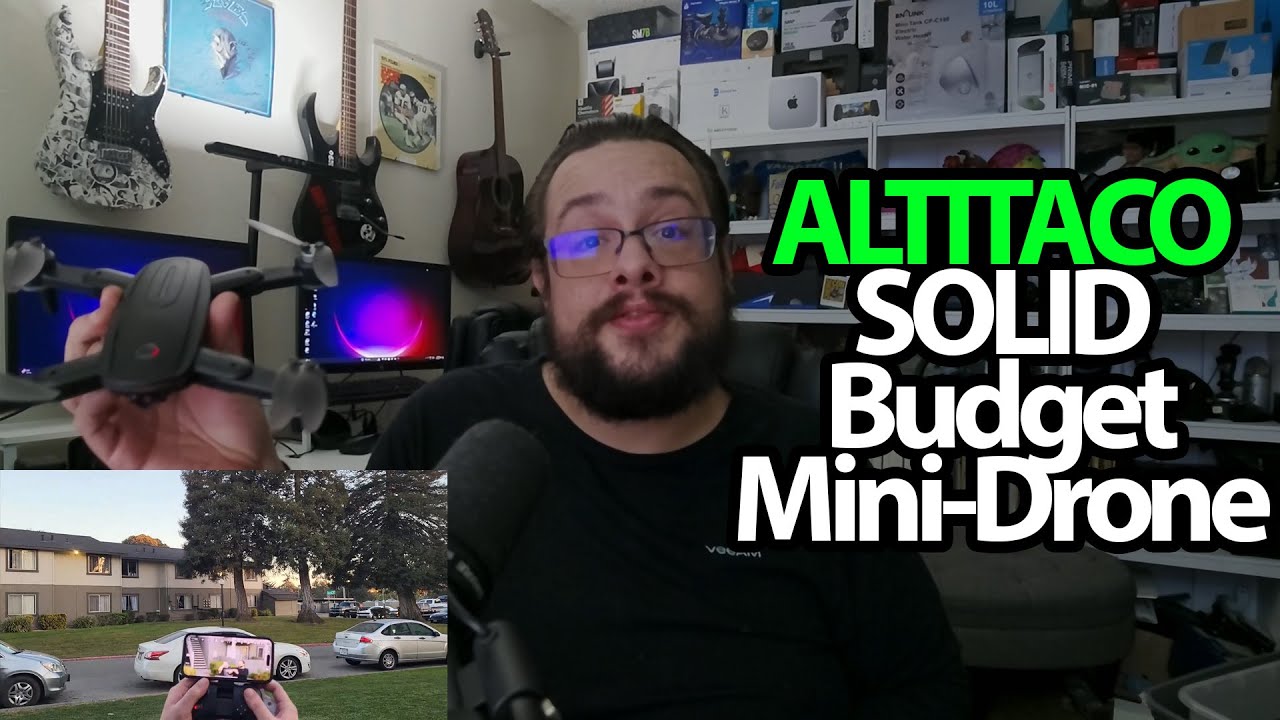
ALTITACO JY01 Pro: Opening the Case and Getting a Phone View
Unfolding the drone, fitting a battery and checking the camera feed before flying.
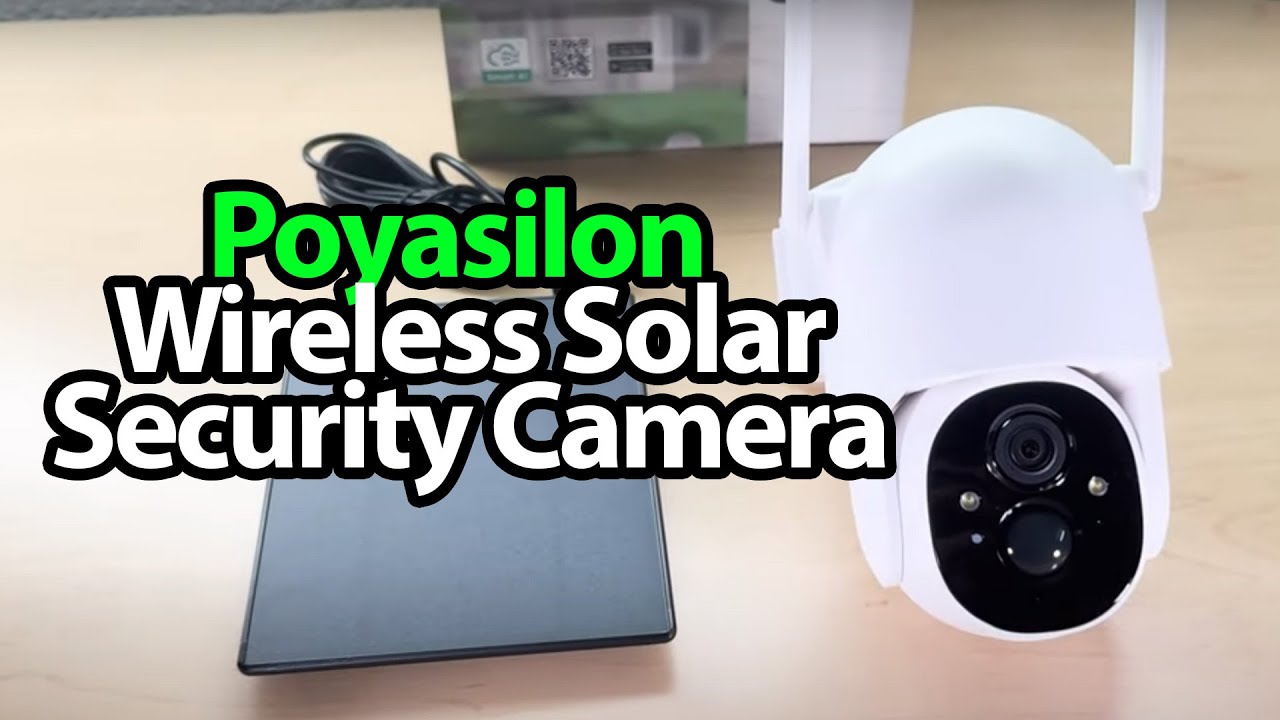
Poyasilon Solar Camera: Two Mounts and a Separate USB-C Panel
Opening the camera kit and looking at the mounting and storage options.
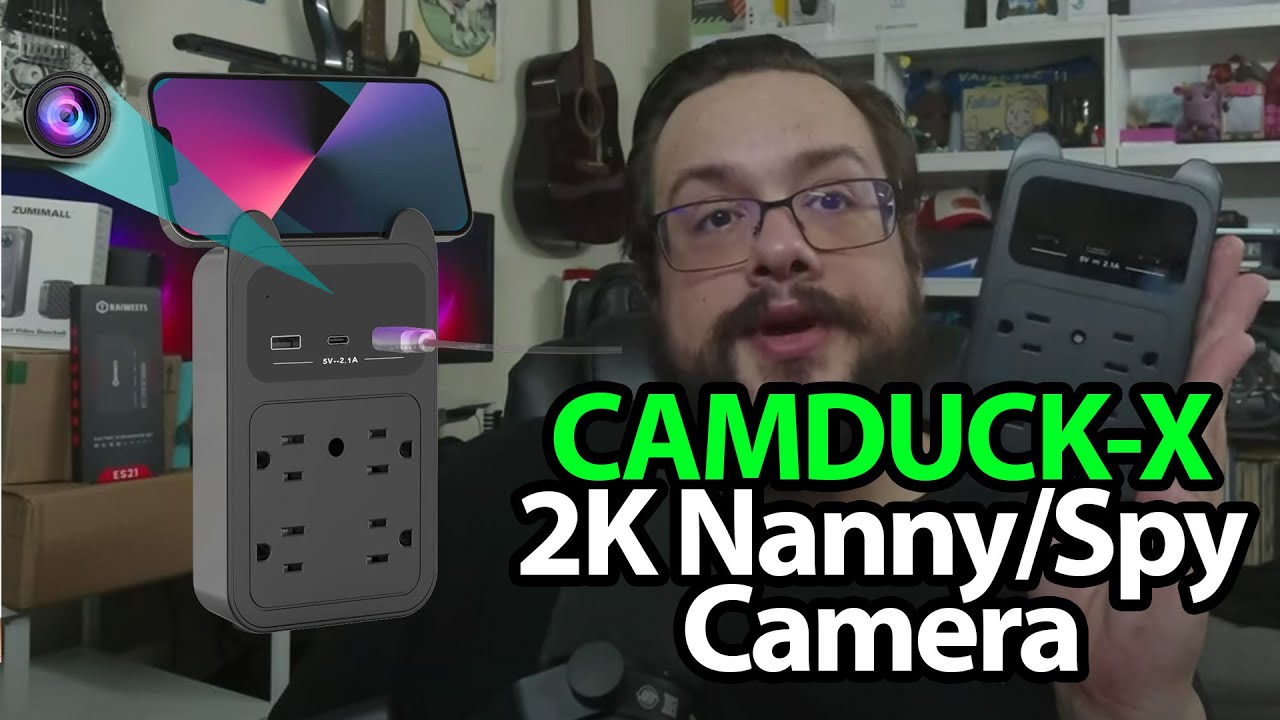
CAMDUCK-X: An Outlet-Style Camera, Viewed as Hardware
Opening the package and looking at its connectors and storage compartment.
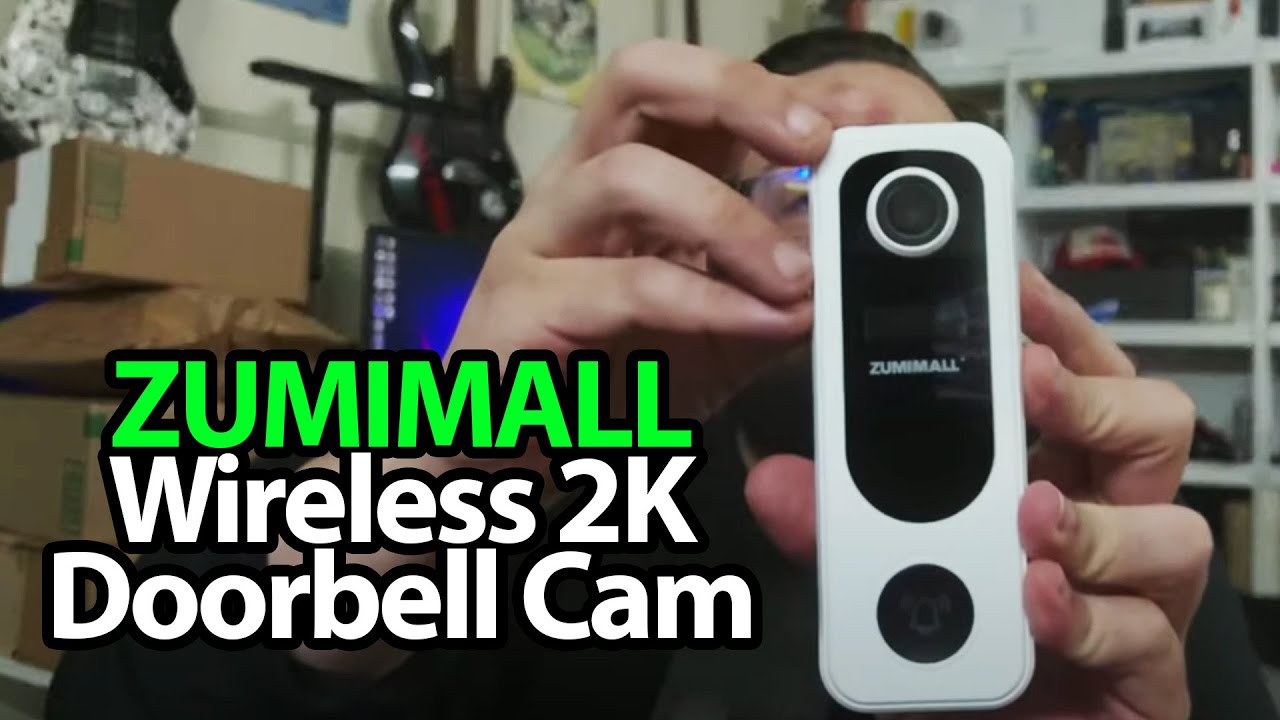
ZUMIMALL Video Doorbell: The Chime and Mount Are Part of the Package
Opening the doorbell, checking the card slot and looking at how the rear plate attaches.
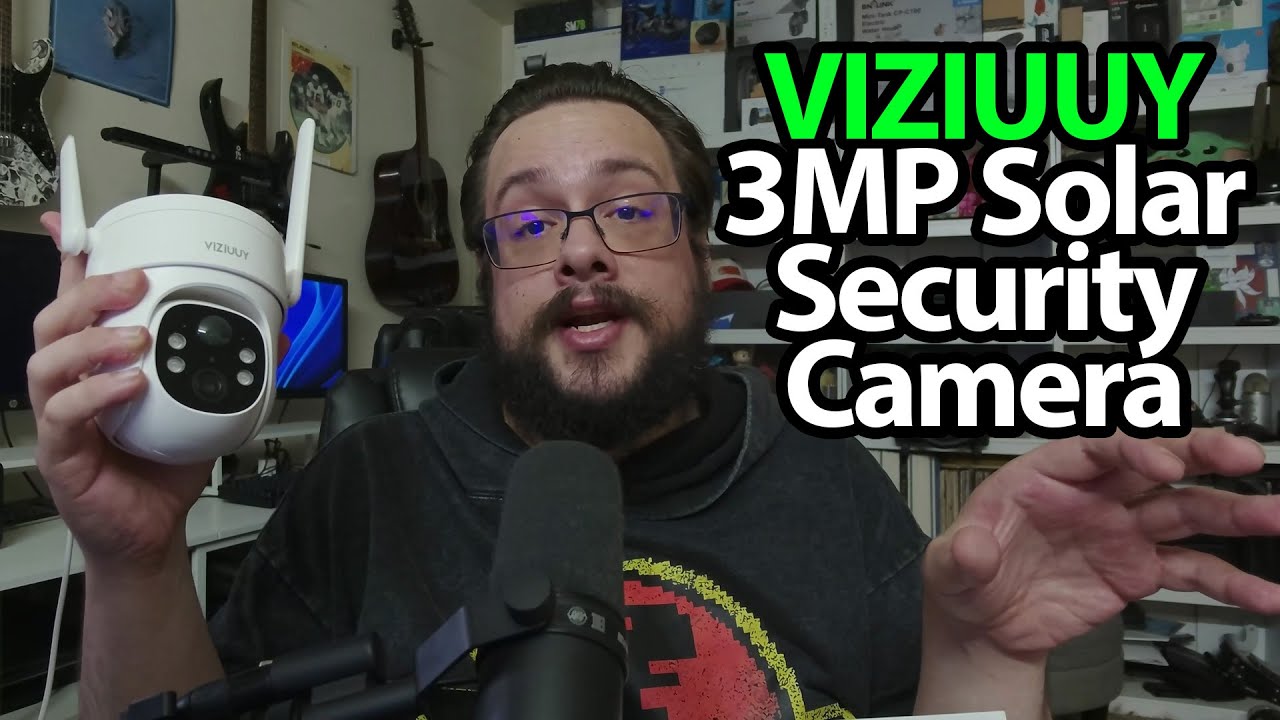
VIZIUUY Solar Camera: Trying the Bracket and Threaded Connector
Opening the separate-panel kit and seeing how the camera comes off its mount.
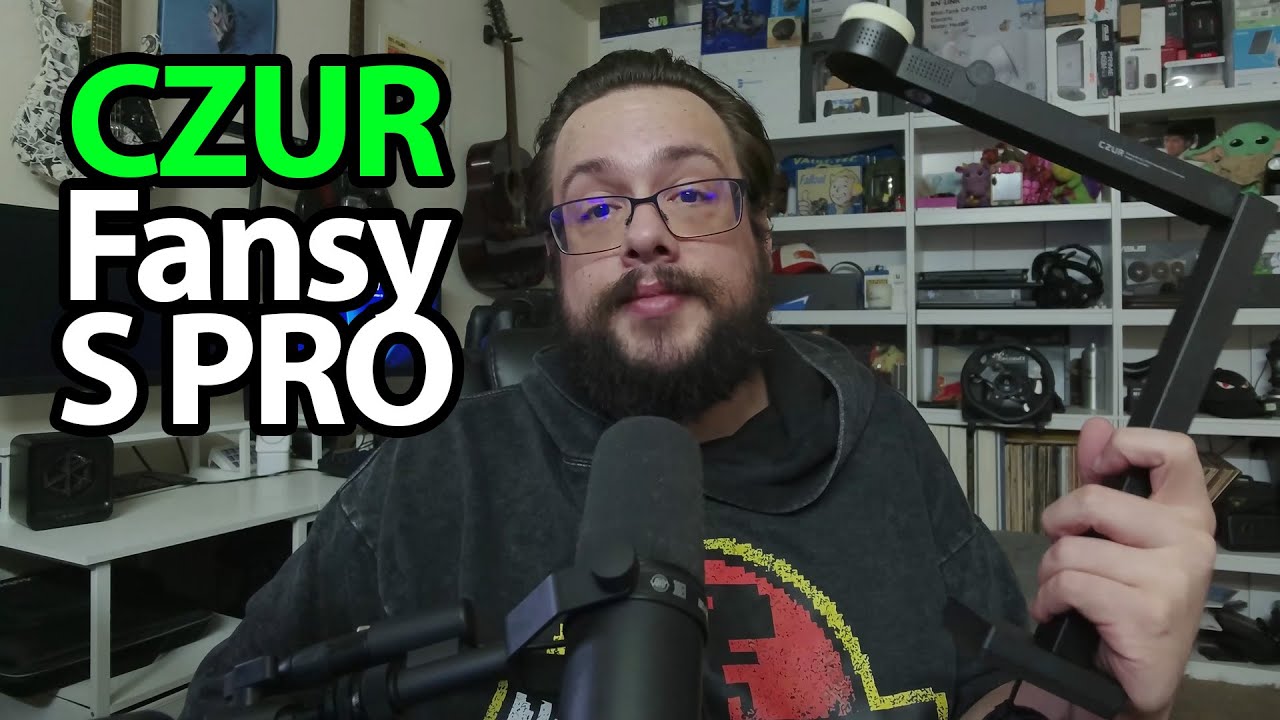
CZUR Fancy S Pro: A Document Camera That Folds Back into Its Case
Opening the camera and looking at the controls before scanning any paperwork.
aosu SolarCam D1 Max: A Separate Panel and a Camera I Still Want to Test
Opening the mounts and fitting the panel cable before an outdoor installation.
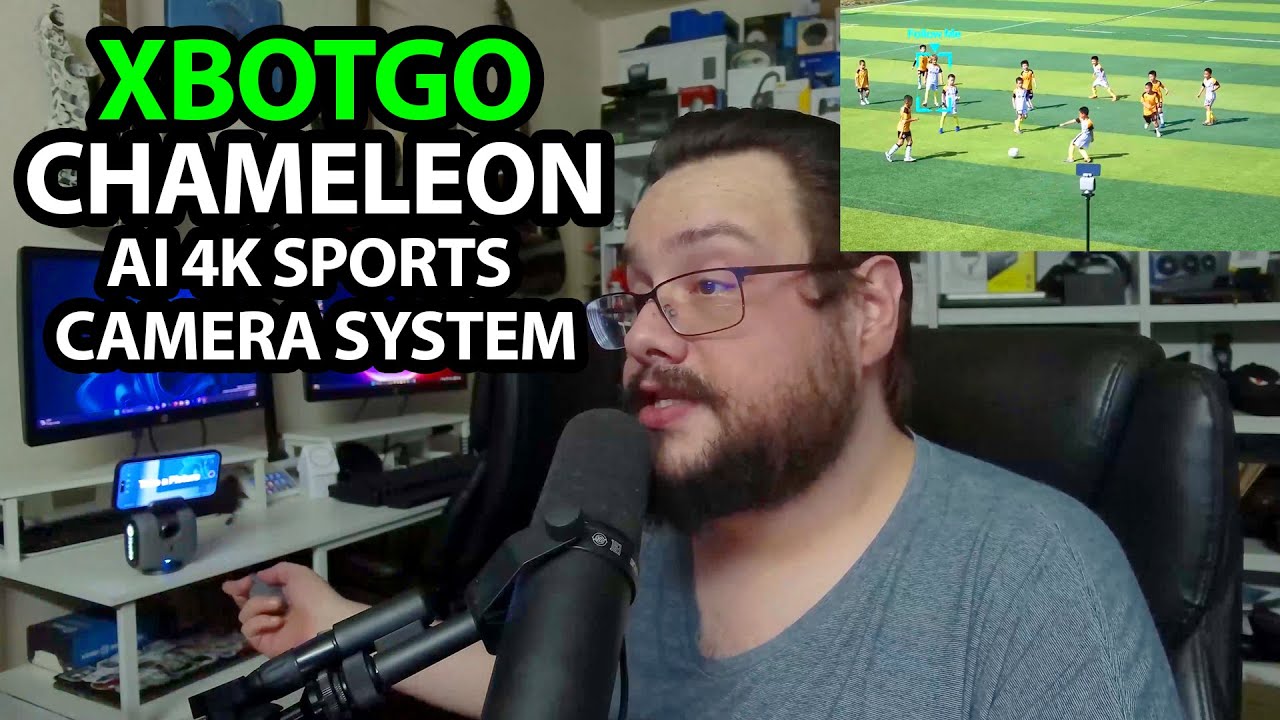
My First XbotGo Chameleon Session: Phone, App and Remote Connected
Trying the mount and indoor controls in the original August 2024 preview.
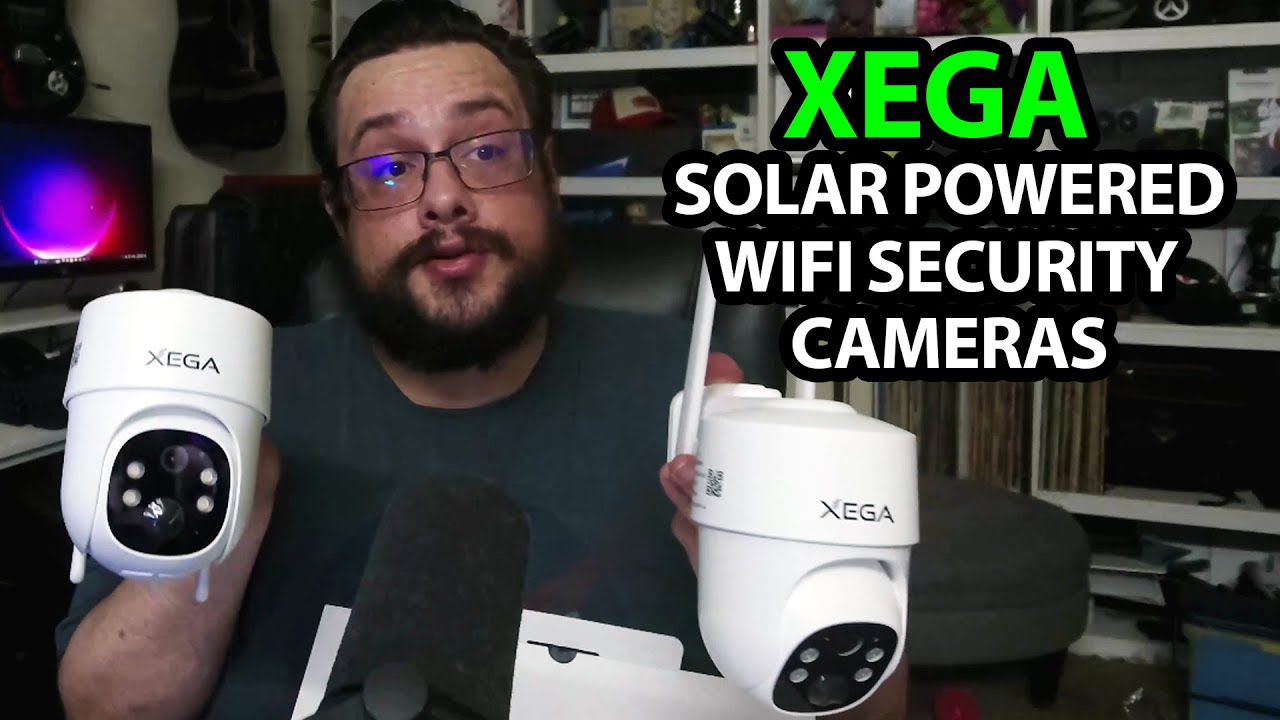
Xega XG2 Wi-Fi Kit: Two Cameras, Two Panels and Separate Mounts
Opening the Wi-Fi package and fitting a panel to its adjustable bracket.
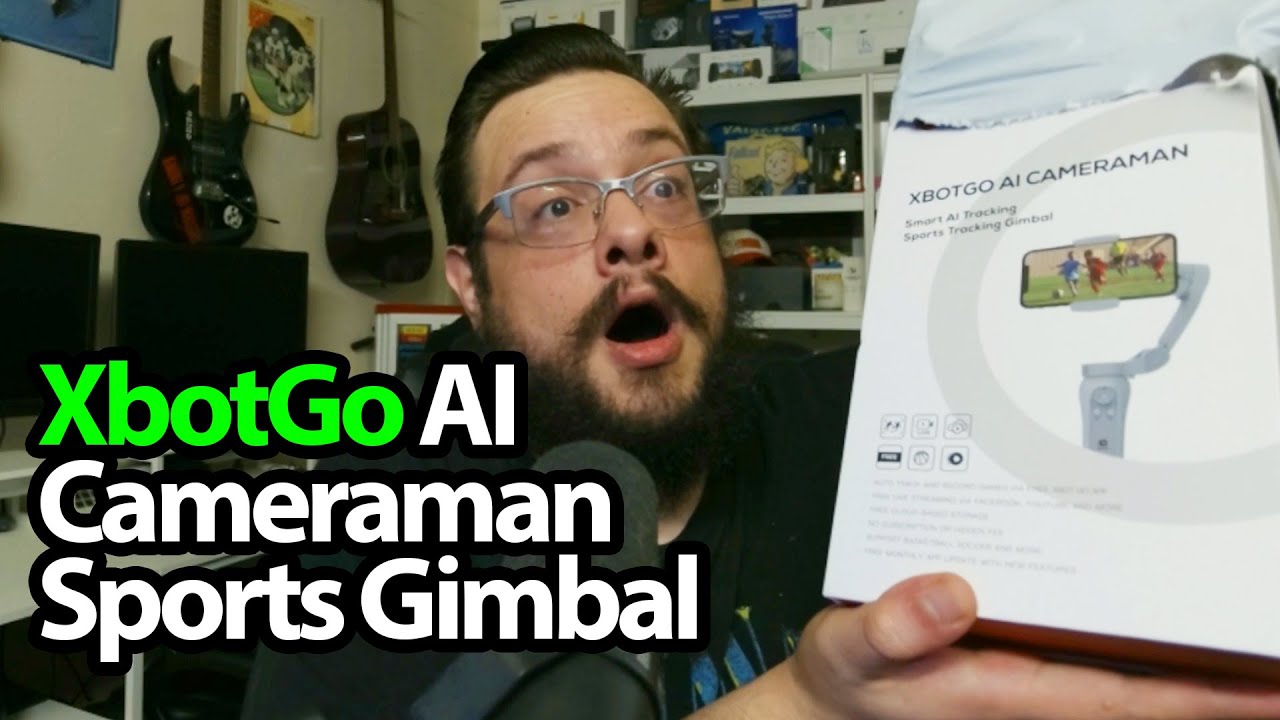
XbotGo AI Cameraman: A Gimbal, a Small Tripod and a Remote
Trying the physical phone mount and orientation controls before a sports recording.
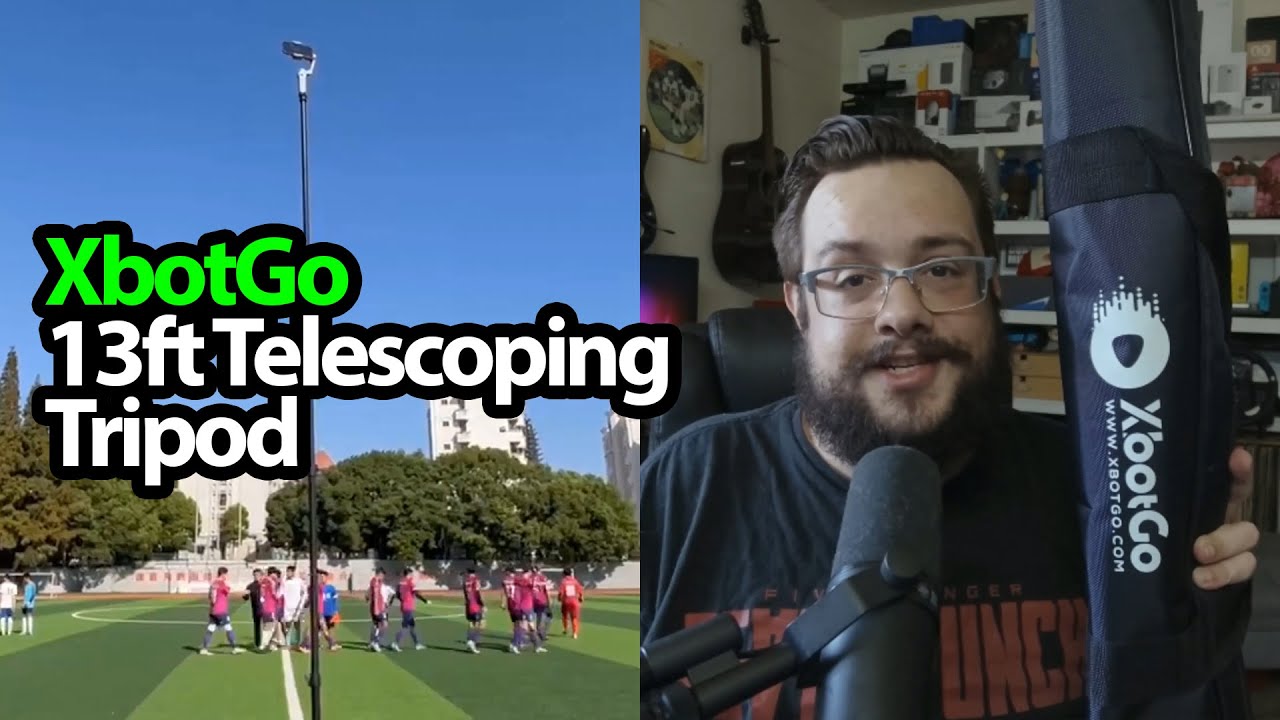
XbotGo T4 Tripod: A Tall Idea That Packs into a Carrying Bag
Opening the telescoping support and looking at its locks and supplied weight bag.
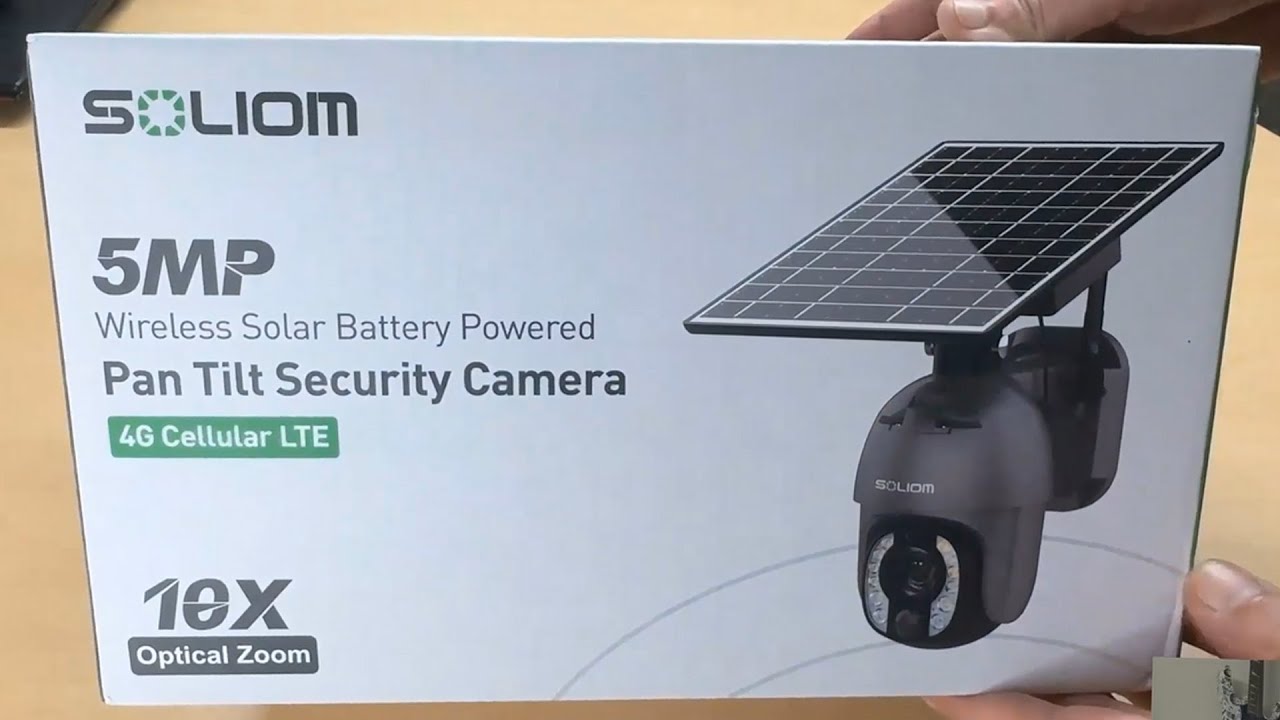
Soliom 4G Camera: From the Solar Panel to My First App Zoom
Putting the pieces together and getting a live indoor view through the phone app.
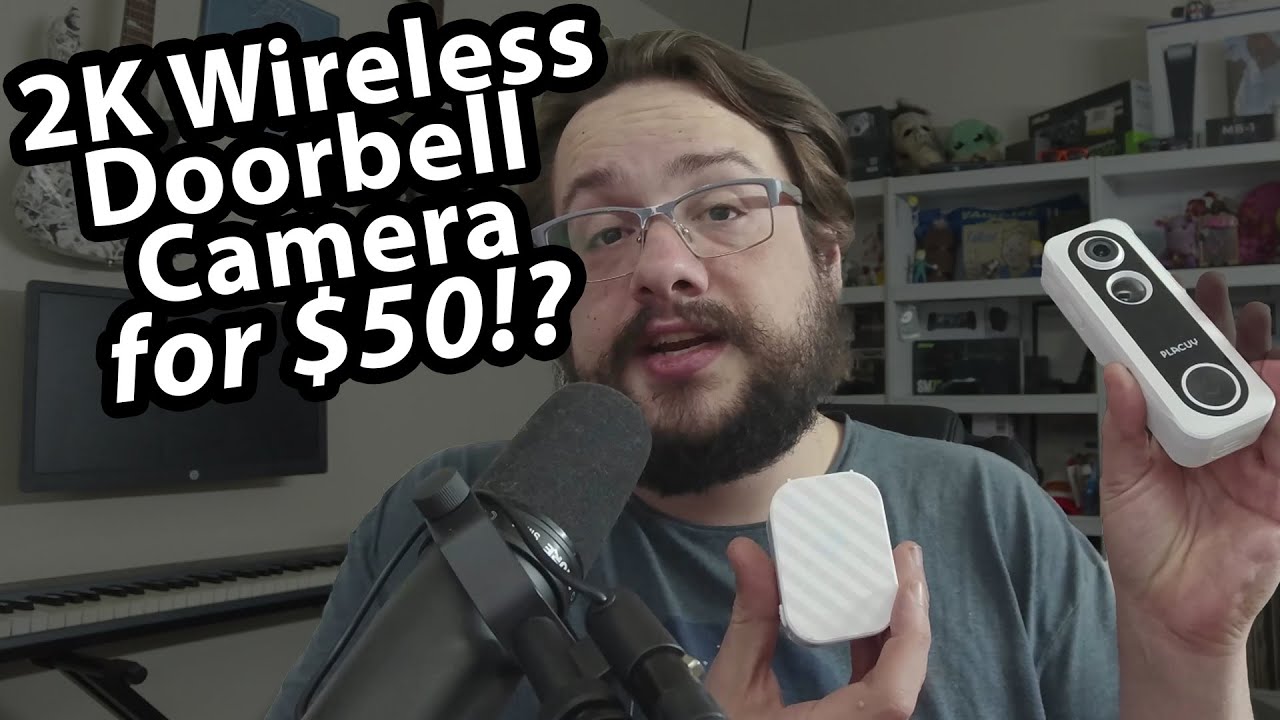
PLACUY Doorbell Camera: Open the Kit, Then Try the Ring
Looking through the camera, indoor chime and mounts before installation.
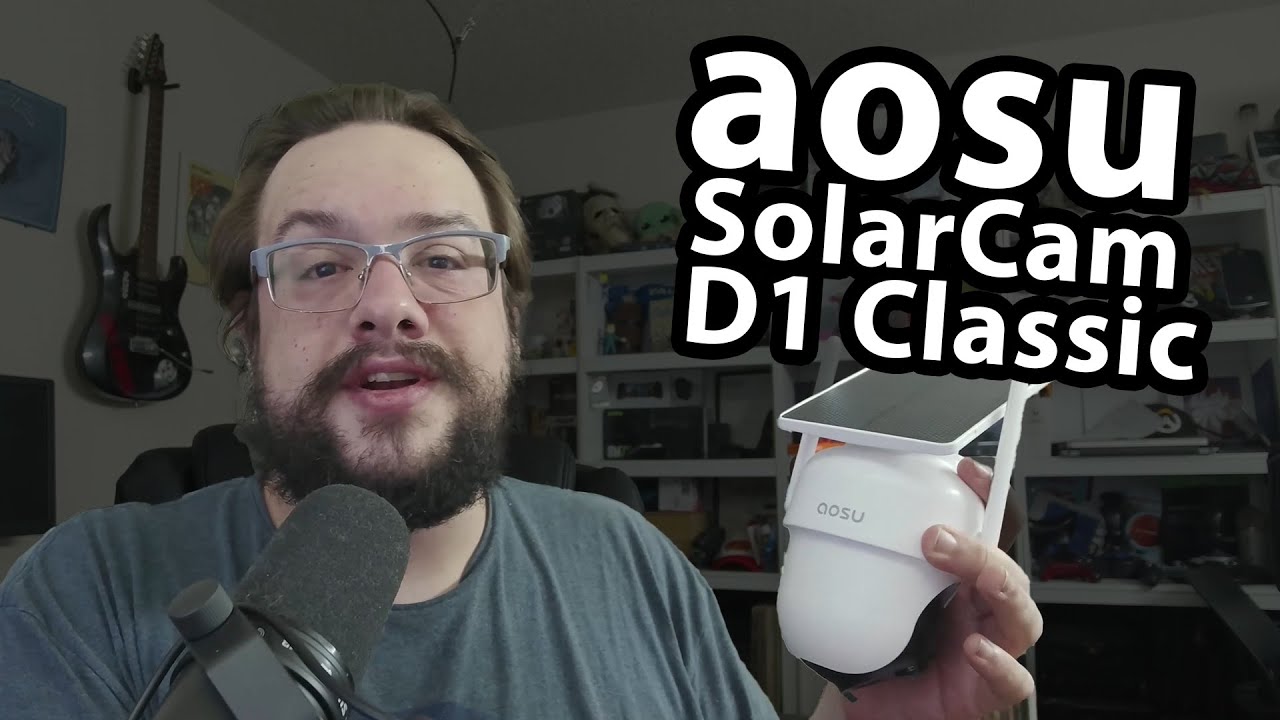
aosu SolarCam D1 Classic: Two Cameras and One Small Base Station
Opening the C9C-2H kit before moving the cameras to a new house.
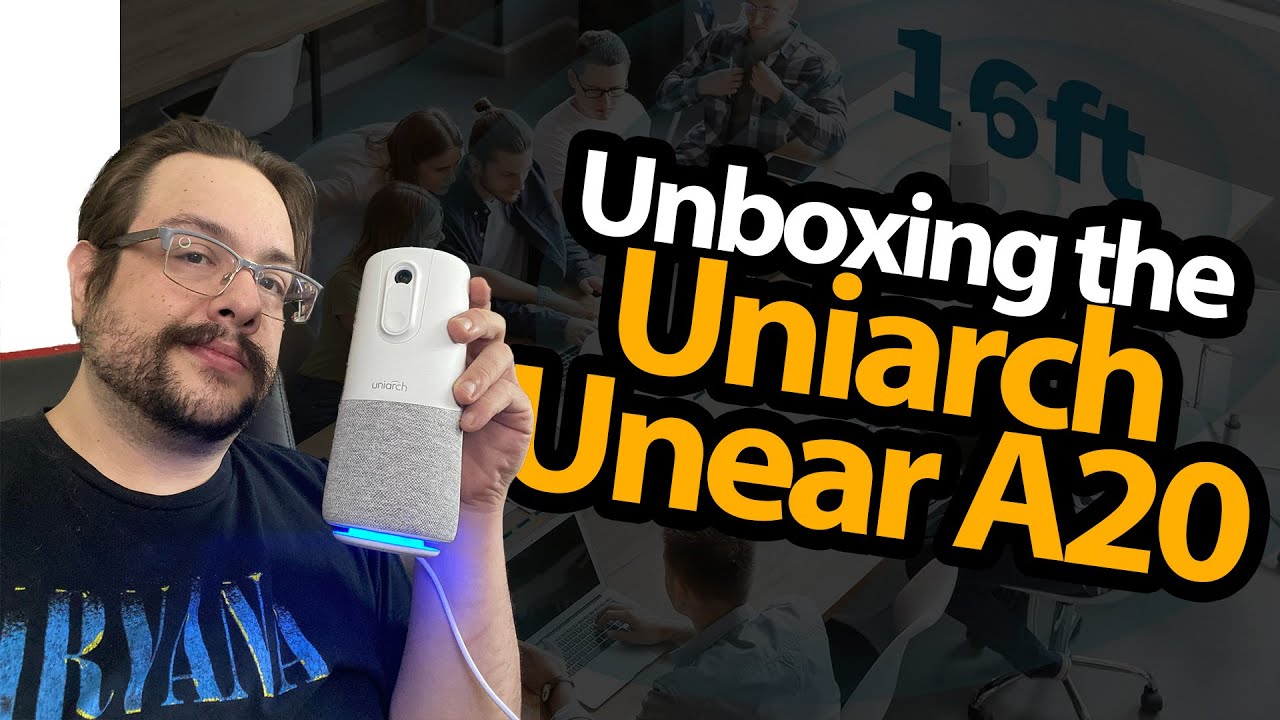
Uniarch Unear A20: A Camera Shield and Mute Controls on Top
Opening the tall conference unit and trying its button indicators.
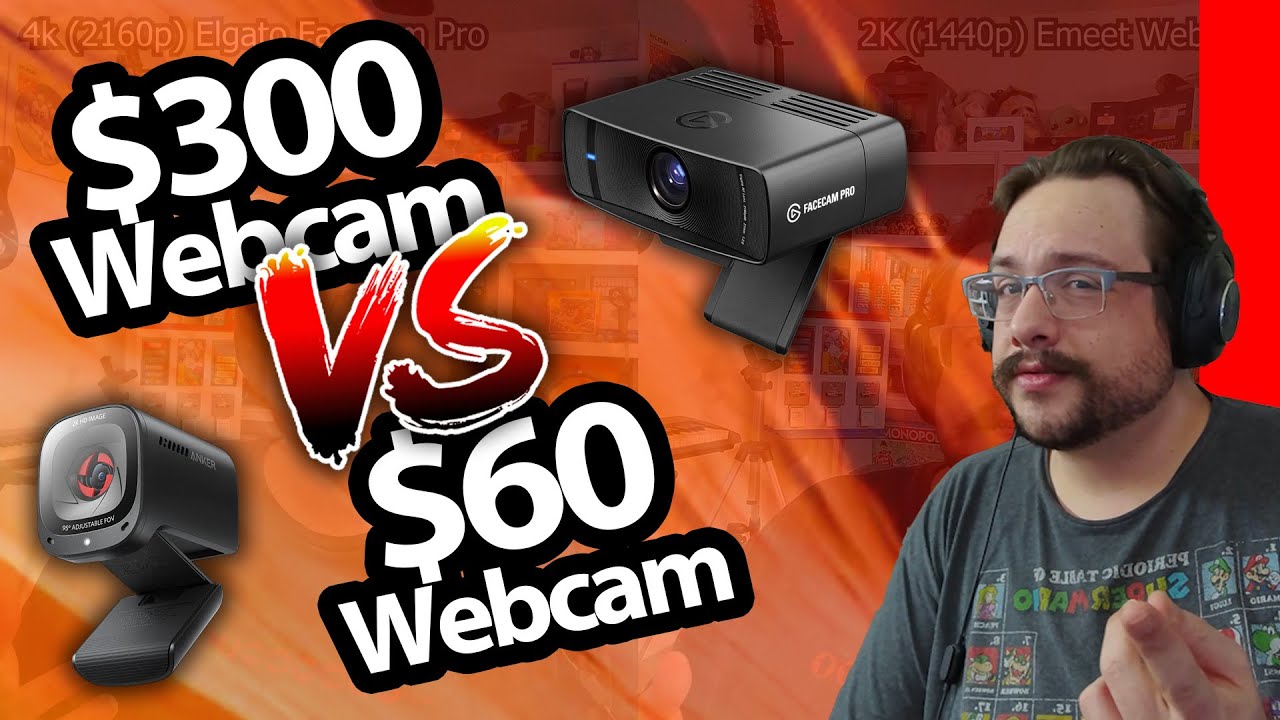
Facecam Pro and Anker C200: More Frames, Then Much Less Light
Comparing the cameras in my recording room as I change the lighting.
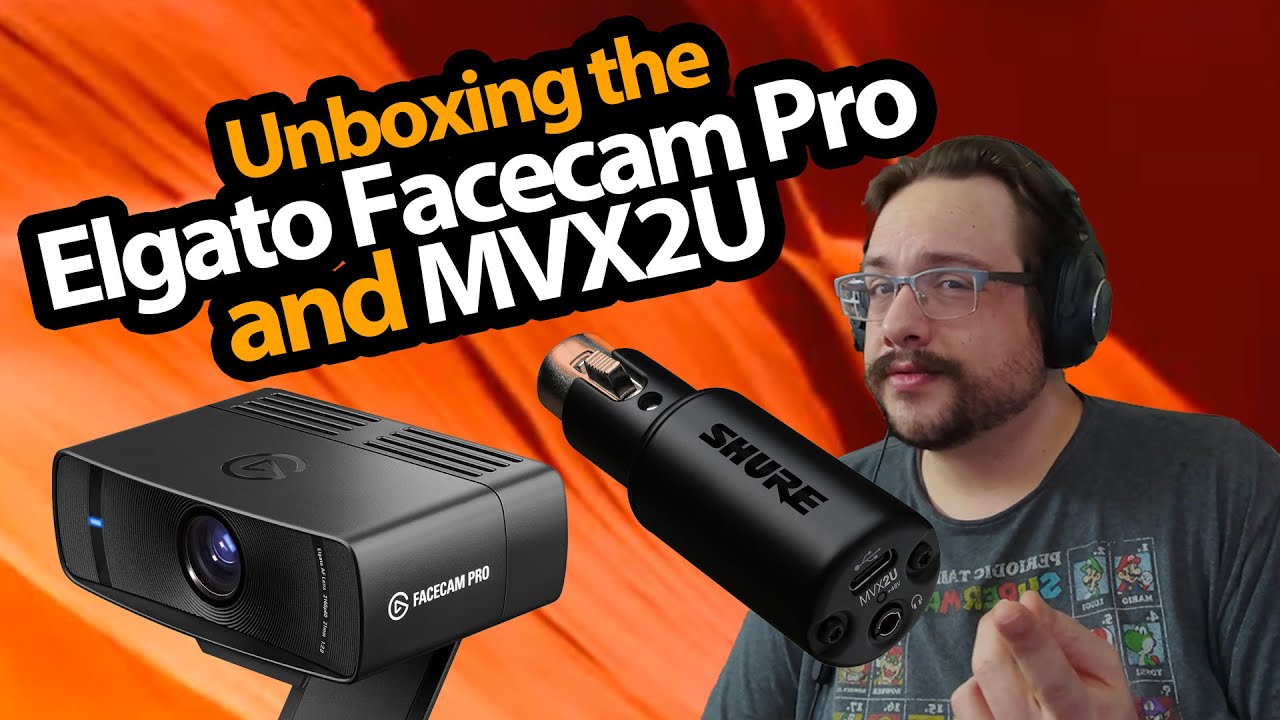
Facecam Pro and MVX2U: Two Pieces of My Recording Upgrade
Opening the camera and audio interface, then showing the camera’s autofocus.
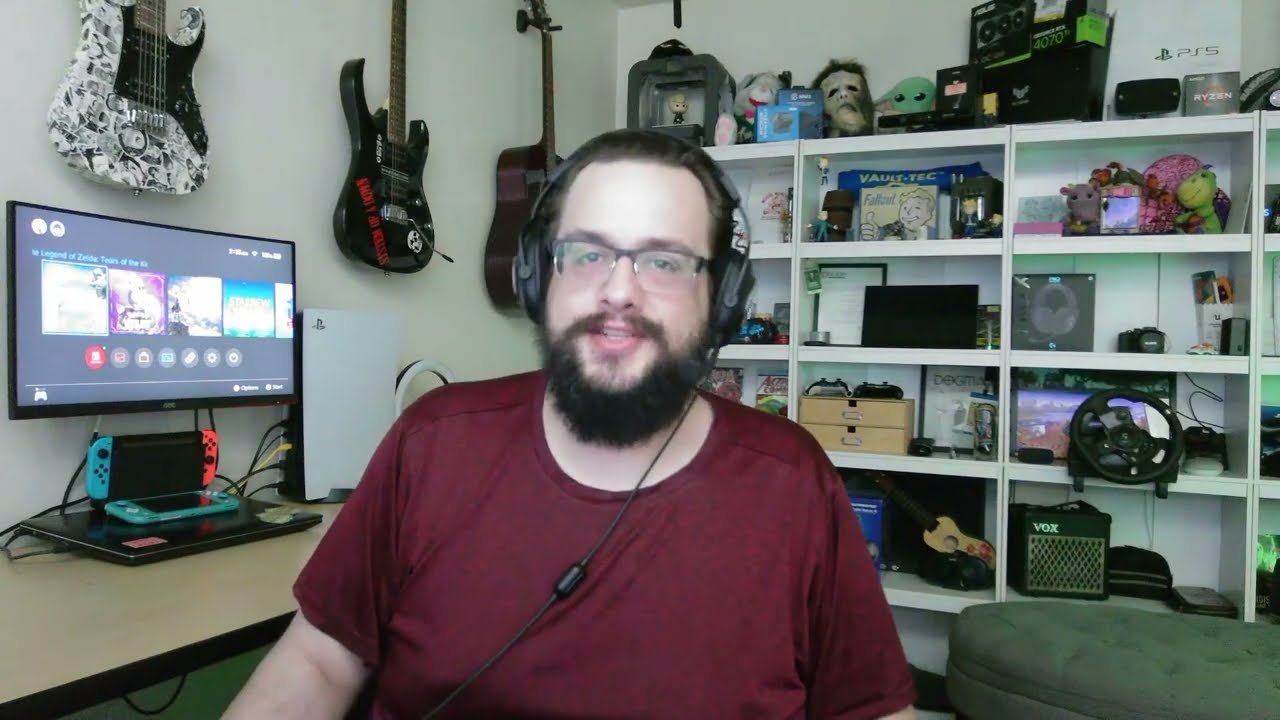
EMEET C960 2K: Try the Focus, Then Fit the Privacy Cover
Recording with the camera under my room lights and showing its physical adjustments.