
Notes from the workshop.
Software, hardware, practical guides and work in progress from MikeTheTech and PyroSoft.
Video Gear, most recent first
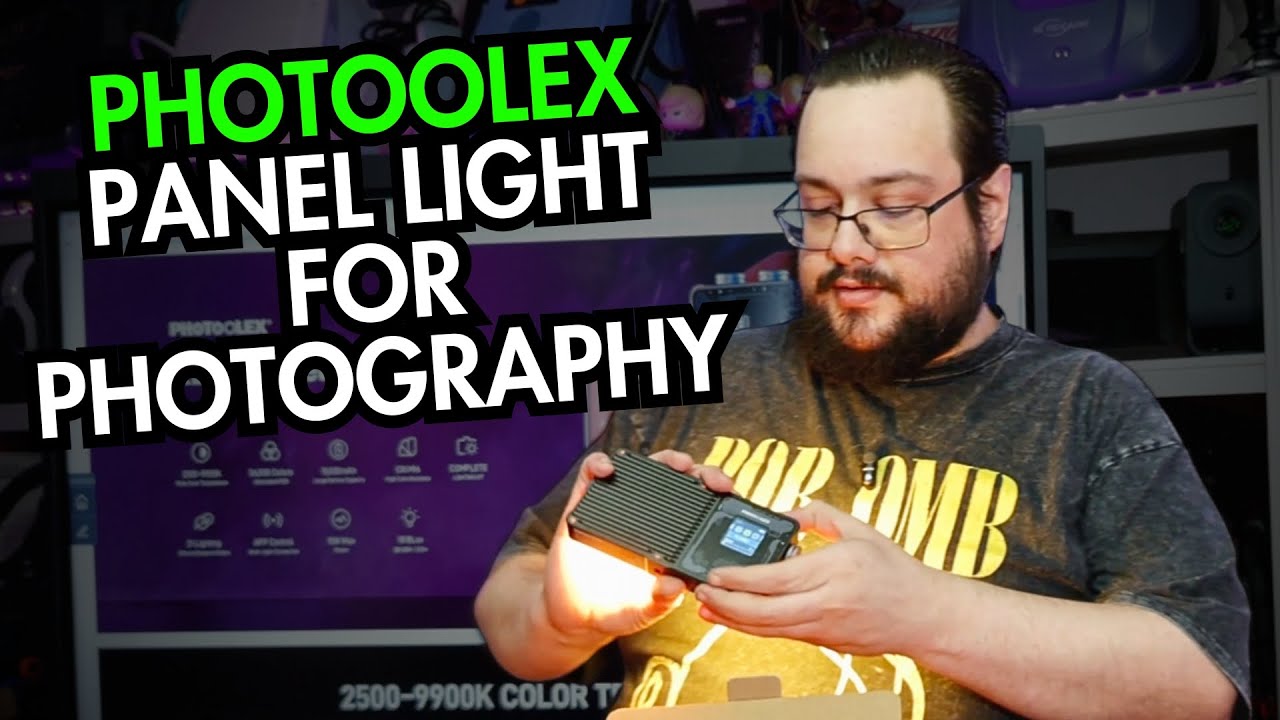
Photoolex X2077: A Small Panel Light with a Box of Accessories
Powering up the panel and looking at its effects, mounting points and light-shaping pieces.
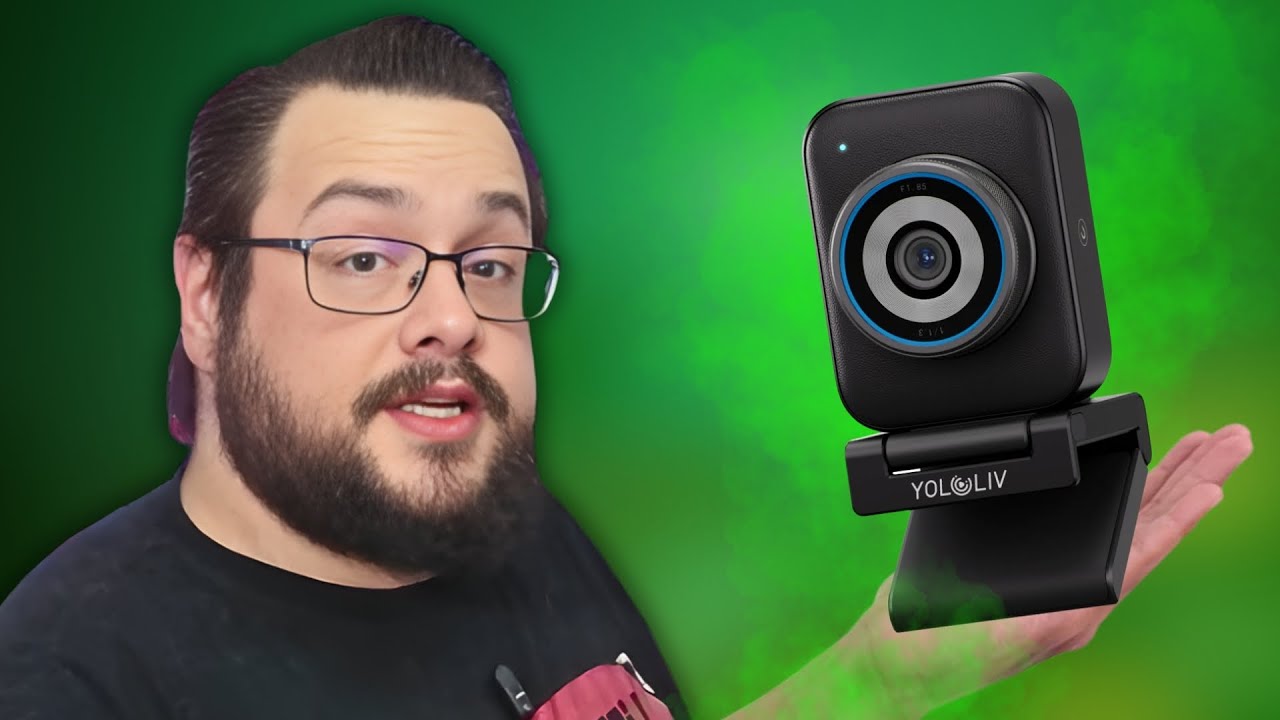
YoloCam S3: The Portrait Mount Was the First Thing I Wanted to Try
Opening the webcam, magnetic support and cable before comparing actual footage.
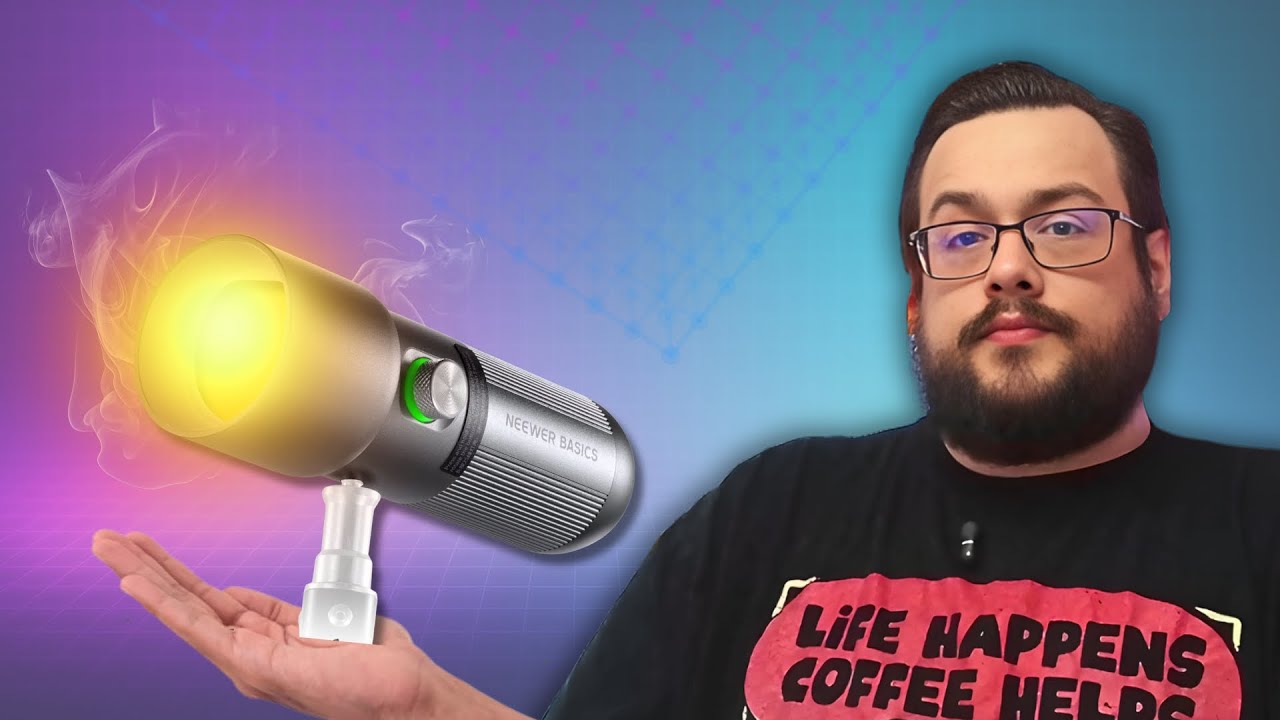
NEEWER FL10: Turning a Bare Wall into a Window-Light Backdrop
Trying the filters, colors and sliding focus on a small light that gives my studio a different look.
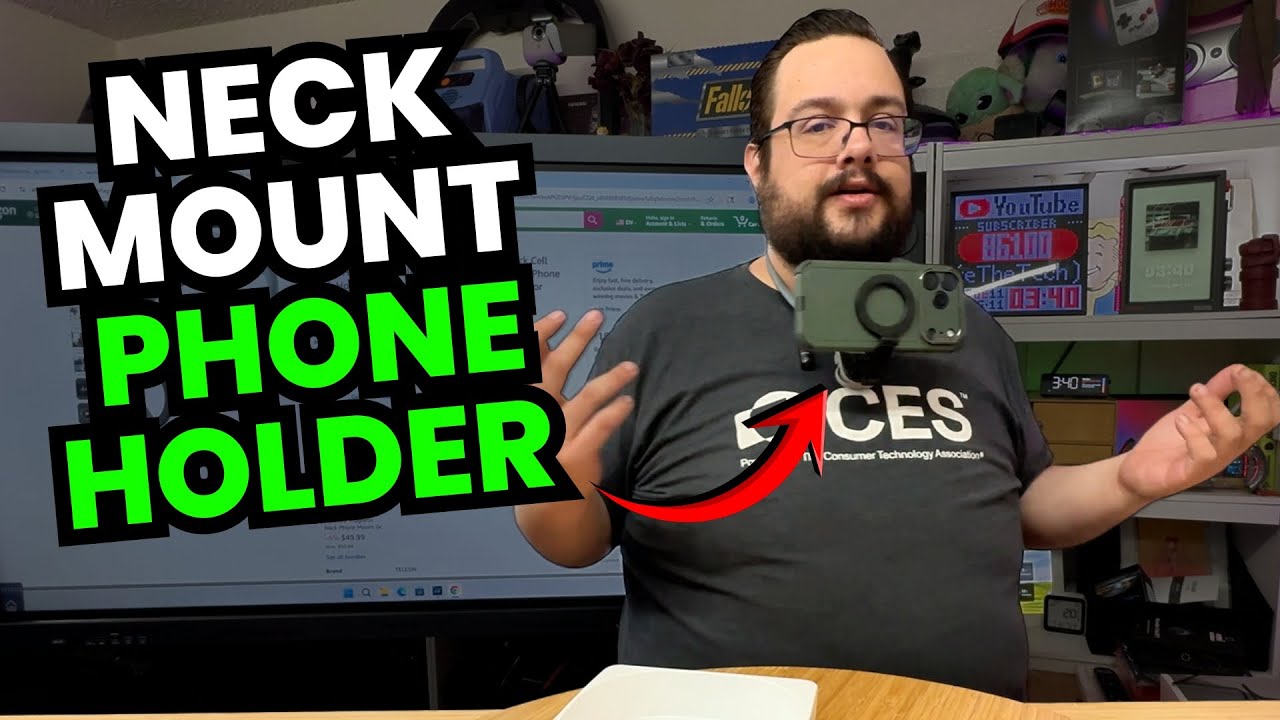
TELESIN Neck Mount: The Release Button Makes the Design Click
Fitting the phone mount and trying its orientation adjustments before filming with it.
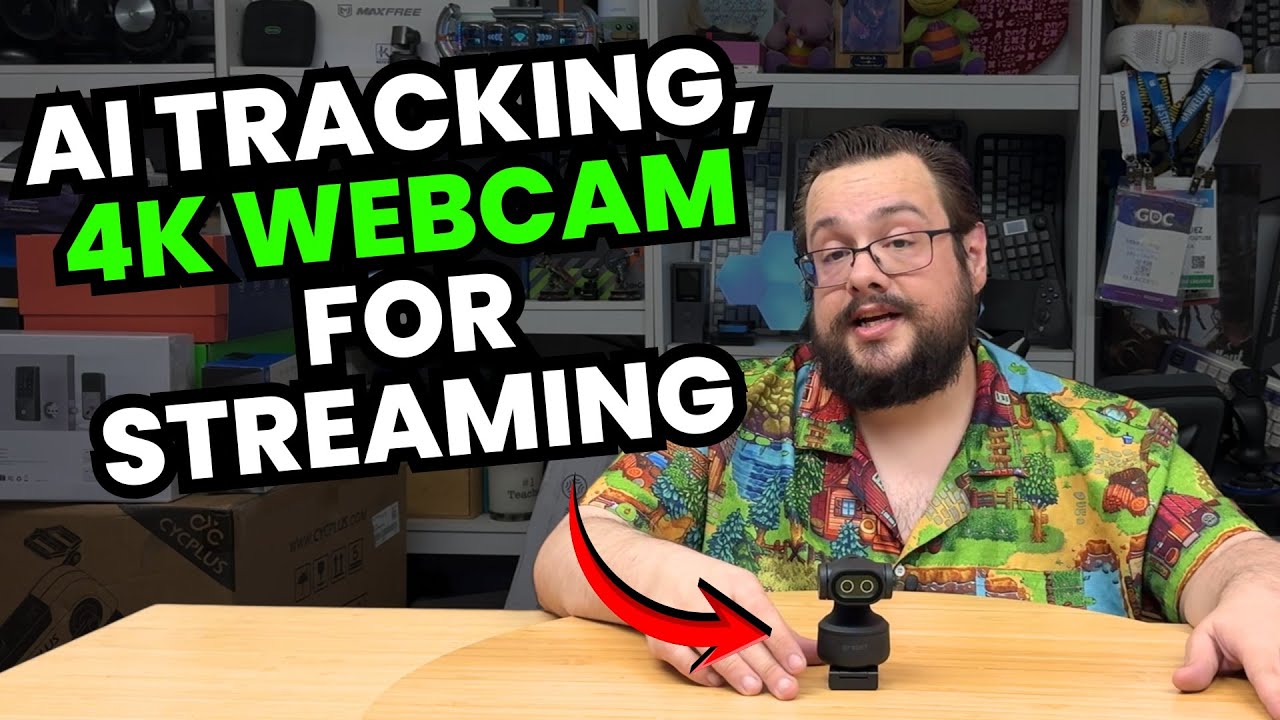
EMEET Pixy and OBSBOT Tiny 2: Trying the Tracking and Camera Modes
Switching between the two webcams, testing movement and giving whiteboard mode a quick try.
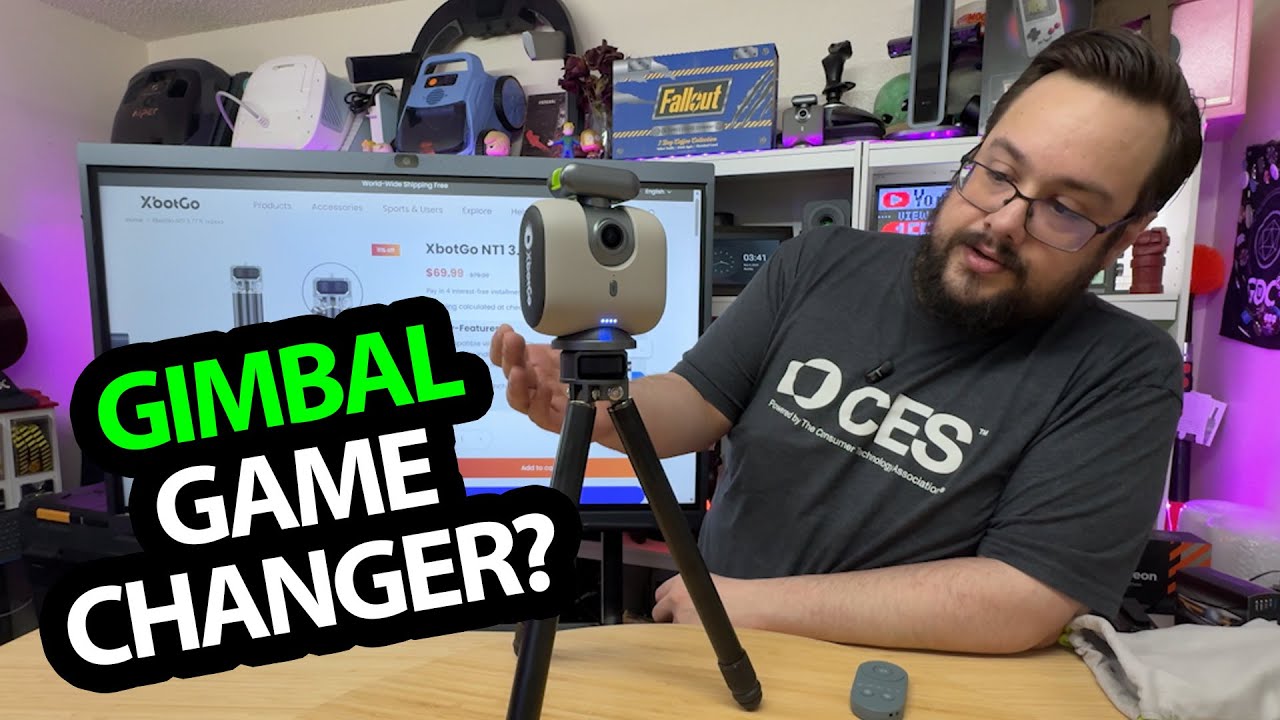
XbotGo Chameleon and NT1: The Tripod Packs Down Smaller Than I Expected
Opening the phone-tracking setup and extending the portable tripod at the desk.
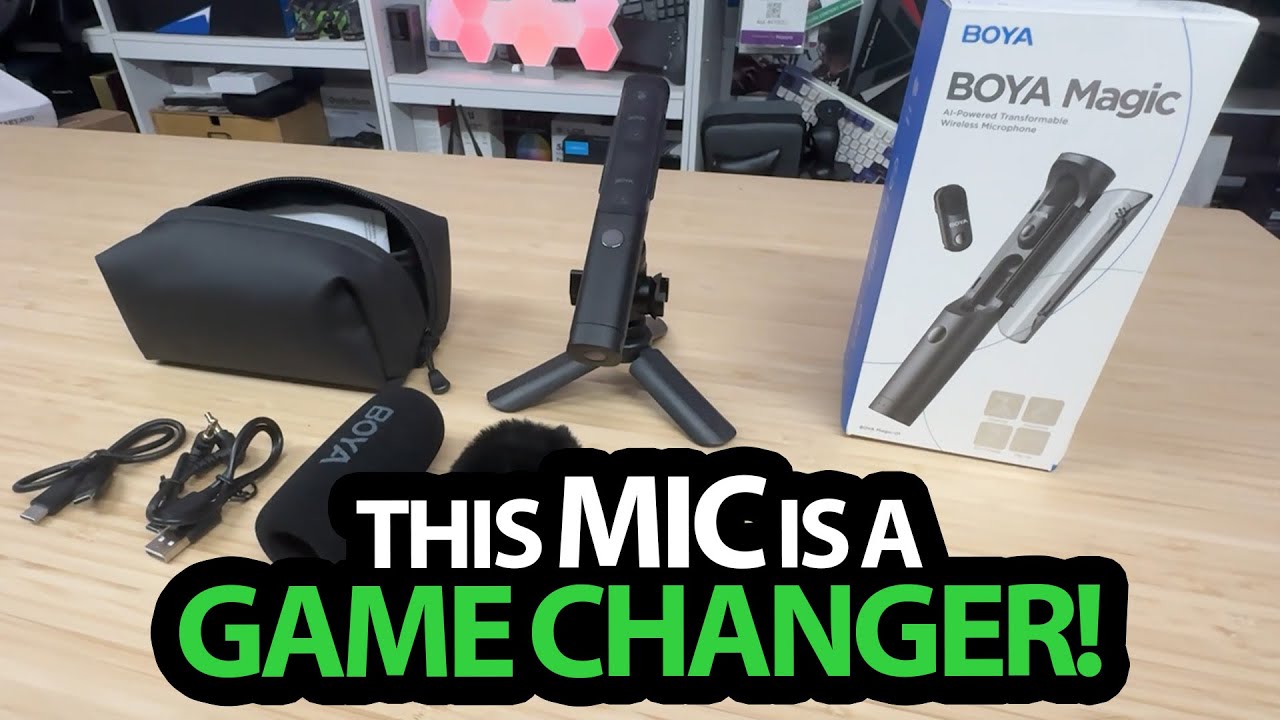
BOYA Magic: Two Tiny Mics Inside a Handheld Body
Trying the clips, stand and receiver arrangements, then switching the recording to BOYA.
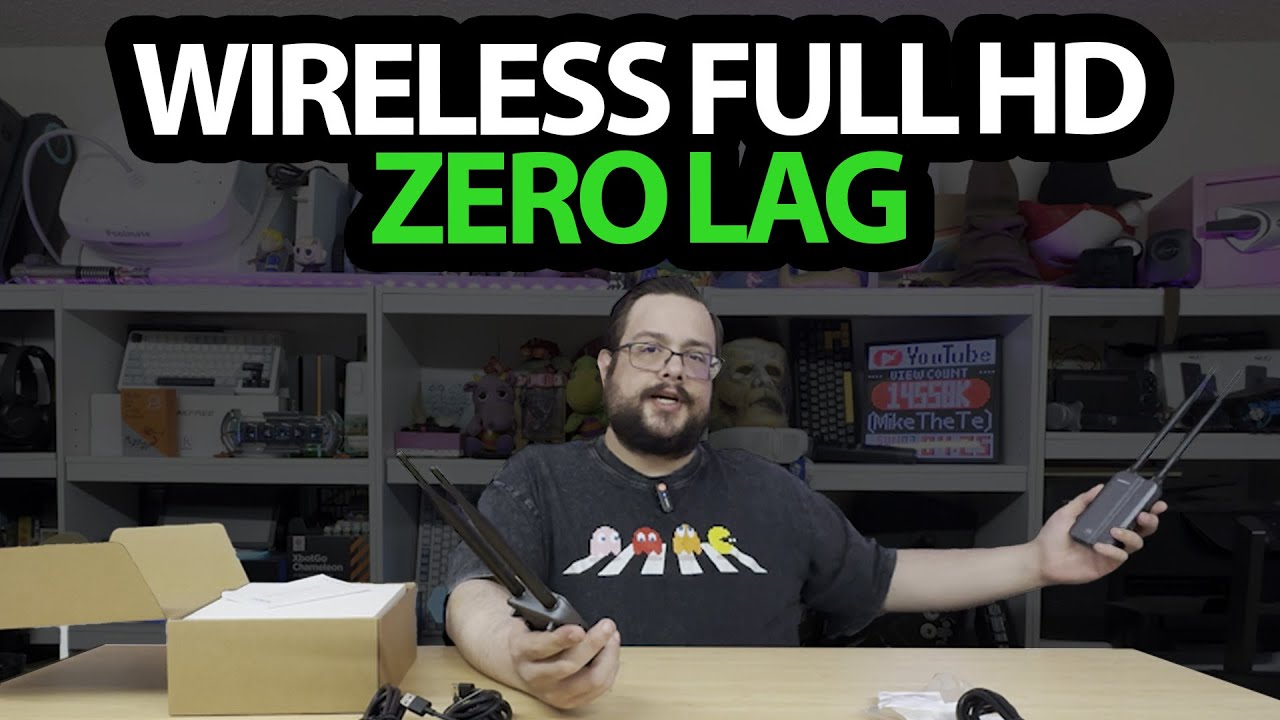
SVBONY TransAir3: Two Antennas per Box and a Look at the HDMI Layout
Unpacking the transmitter, receiver and accessories before a transmission test.
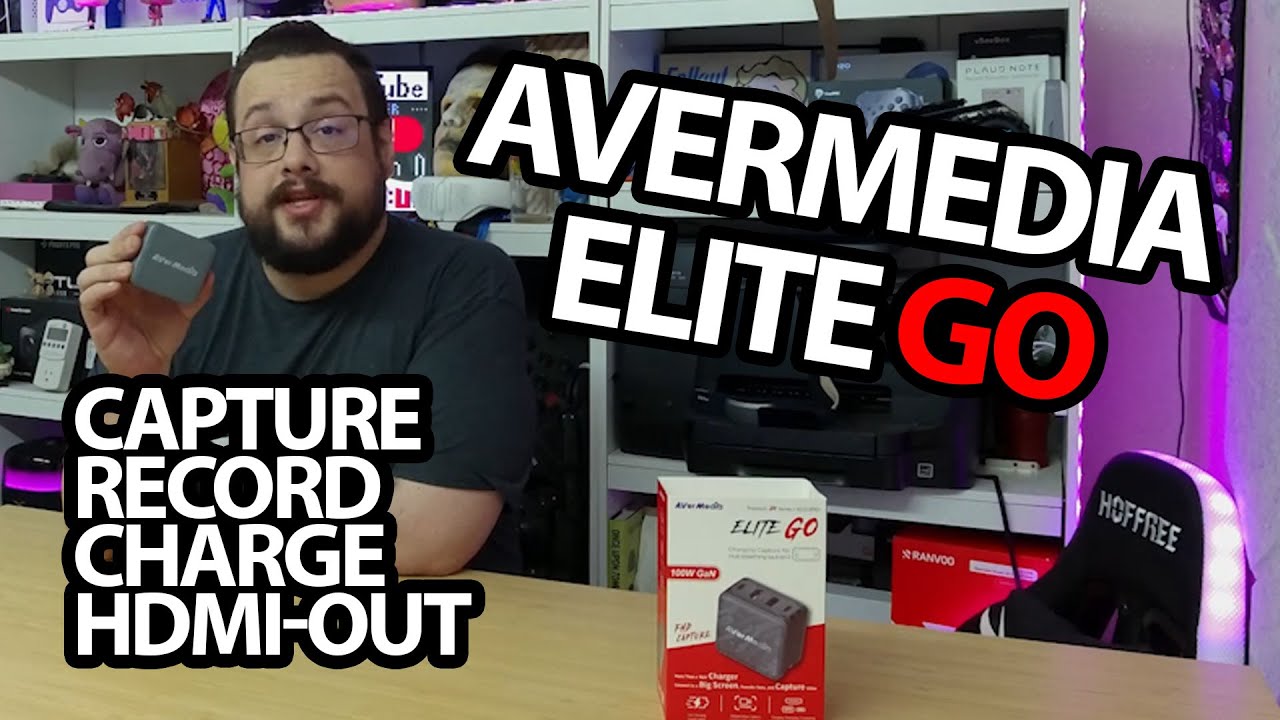
AVerMedia Elite GO: A Charger with Capture and Dock Connections
Opening the GC313Pro and working through the ports and included adapters.
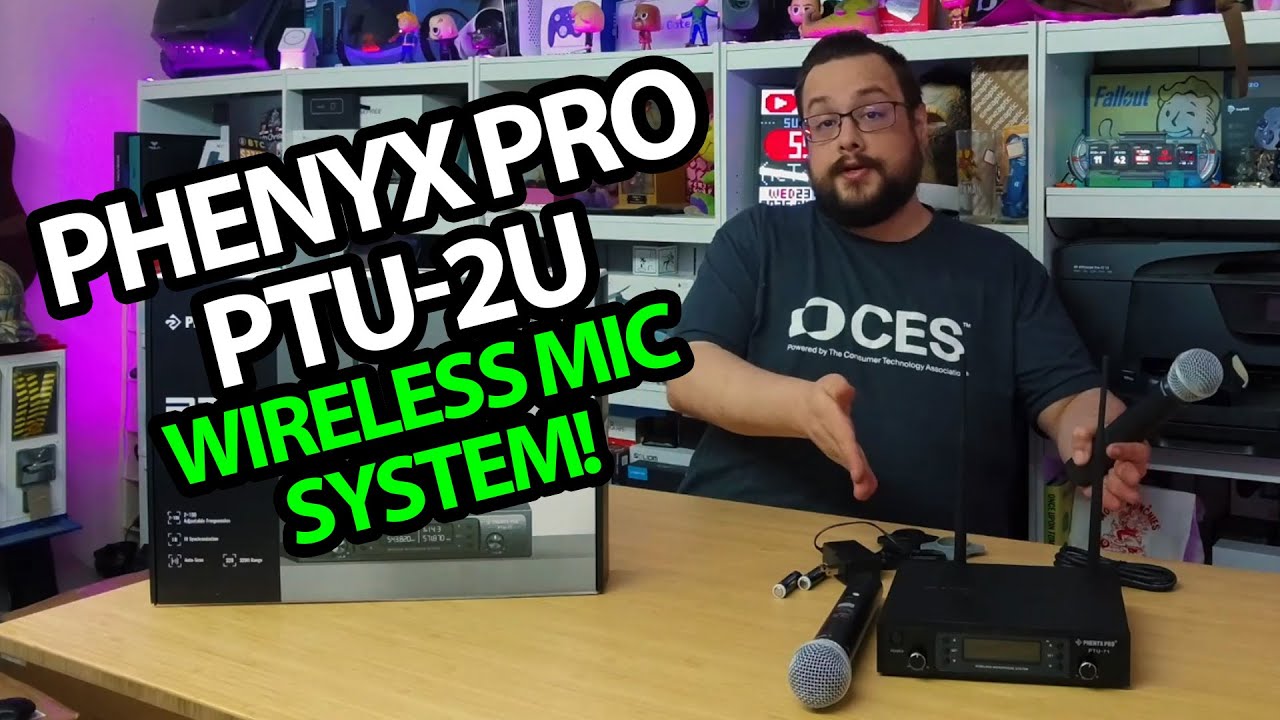
Phenyx Pro Dual-Mic System: Receiver Controls and Separate XLR Outputs
Unpacking the two microphones, fitting the antennas and looking at the displays.
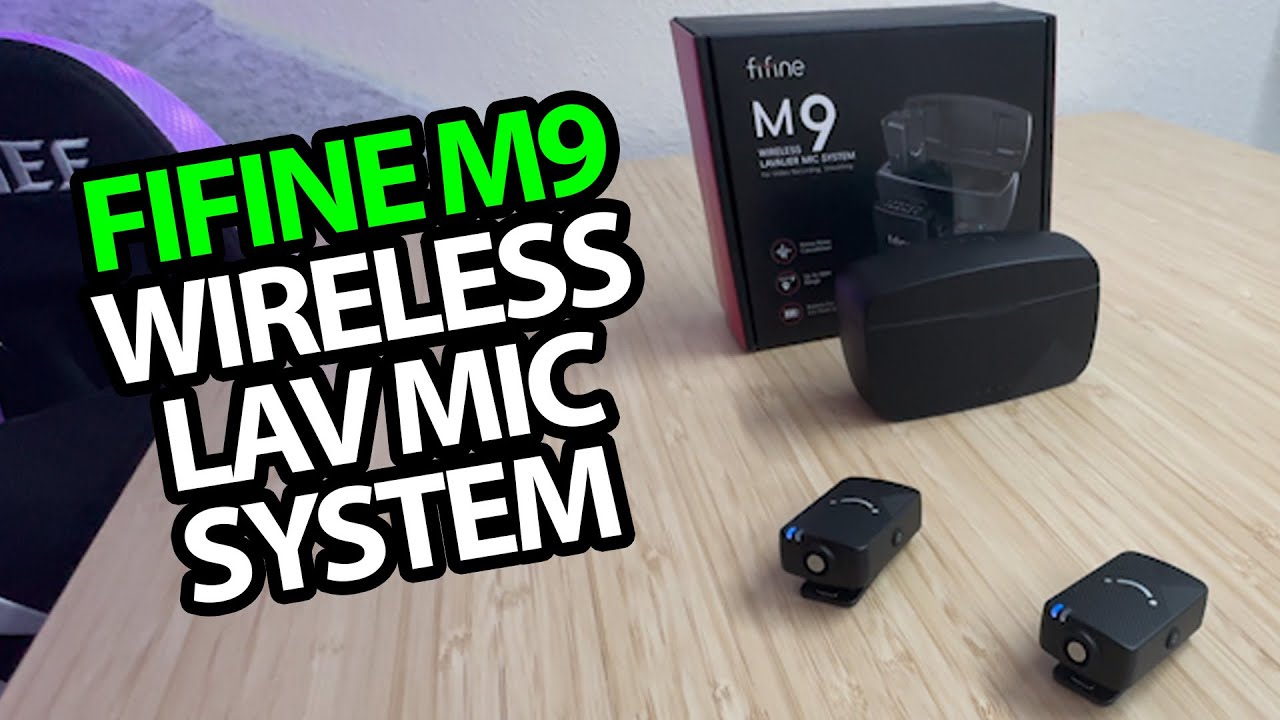
FIFINE M9: From the Charging Case to a Phone Recording
Fitting the windscreens, connecting the receiver and making a stereo sample.
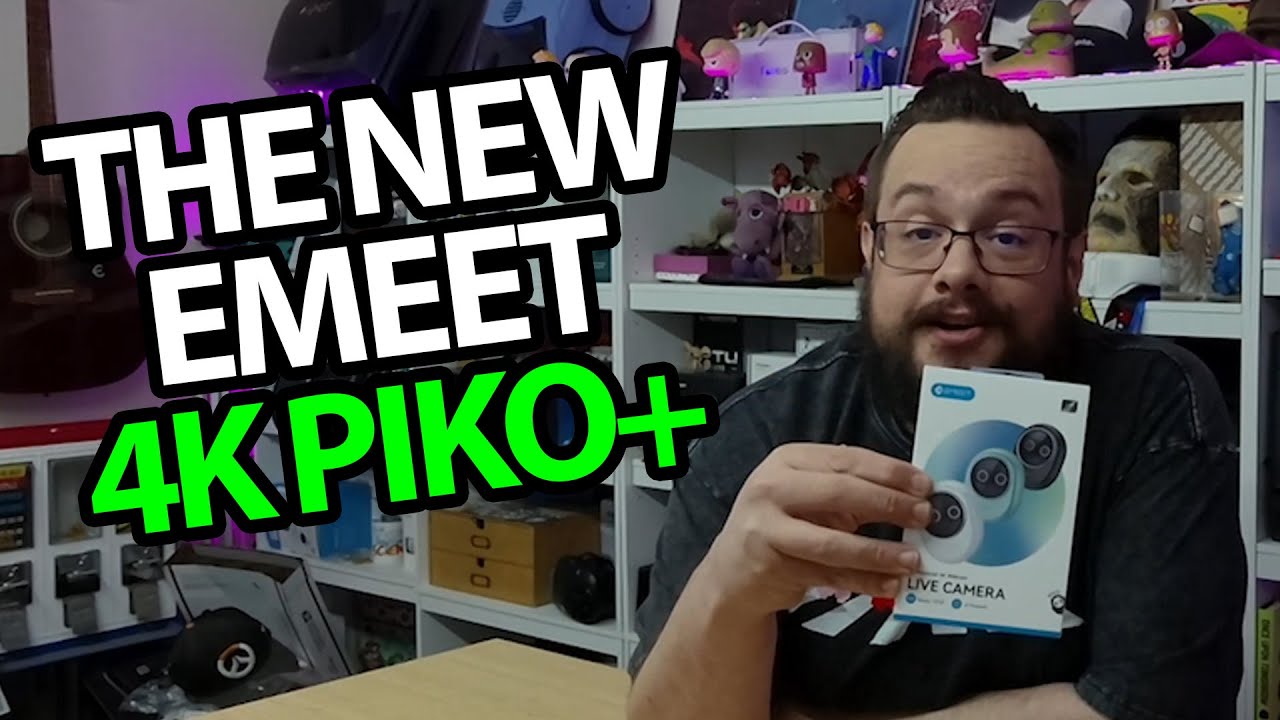
EMEET Piko+: The Panda Is a Privacy Cover, Then I Try the Picture Modes
Switching between 1080p60 and 4K30 settings and recording the three audio modes.
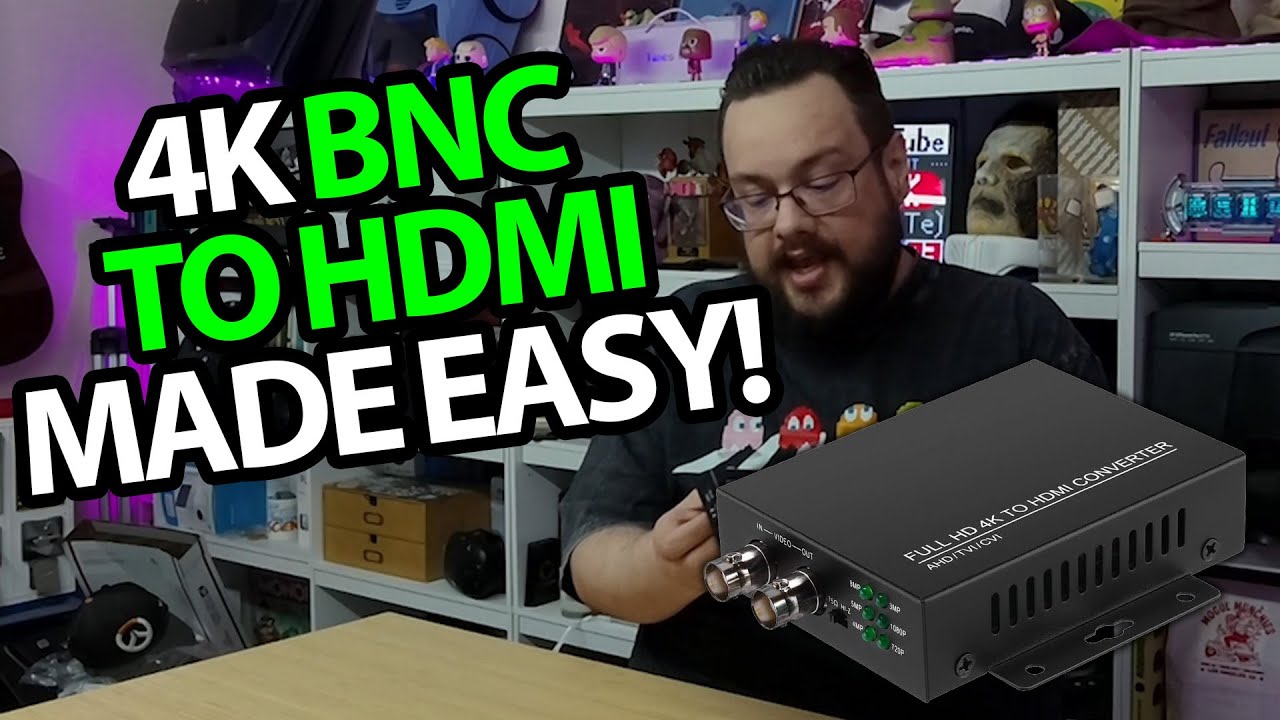
Eyoyo BNC-to-HDMI Adapter: The Loop Output Is the Detail I Like
Unpacking the converter, fitting the cable and looking at its input and outputs.