
Notes from the workshop.
Software, hardware, practical guides and work in progress from MikeTheTech and PyroSoft.
Charging, most recent first
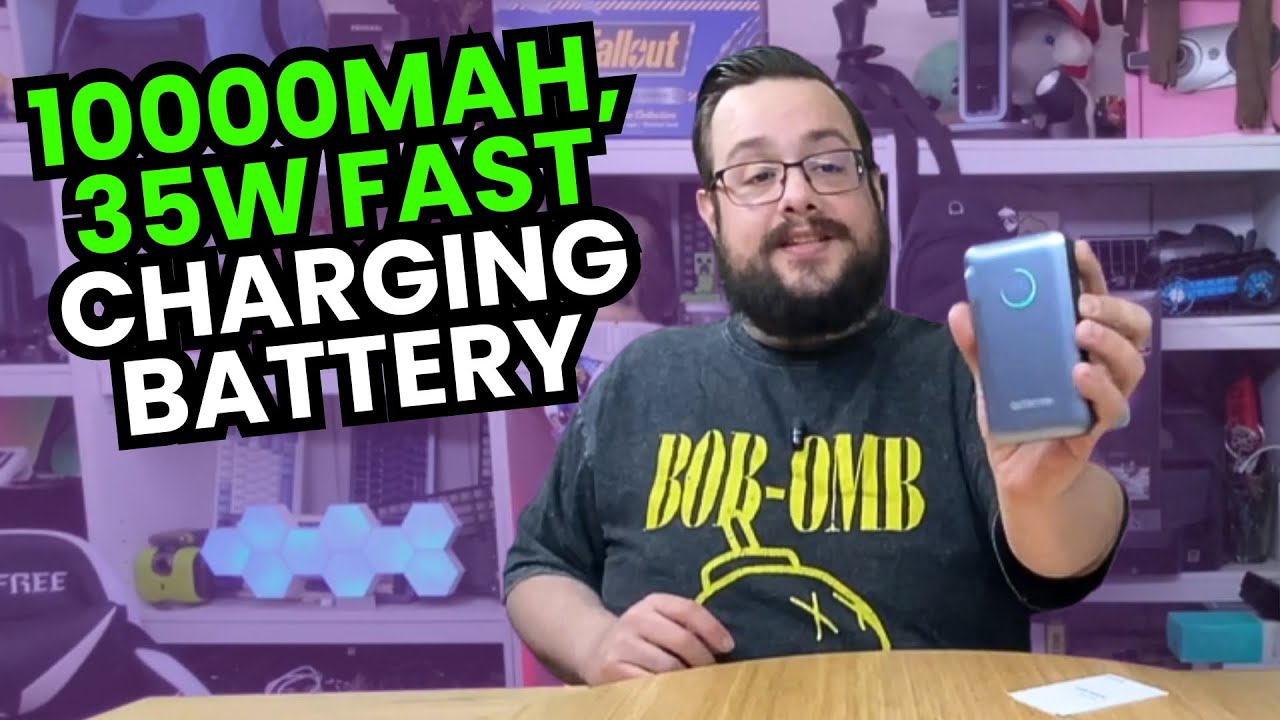
Gitryin Retractable Power Bank: The Battery Display I Almost Missed
Trying the built-in cable, folding plug and hidden-looking percentage display.
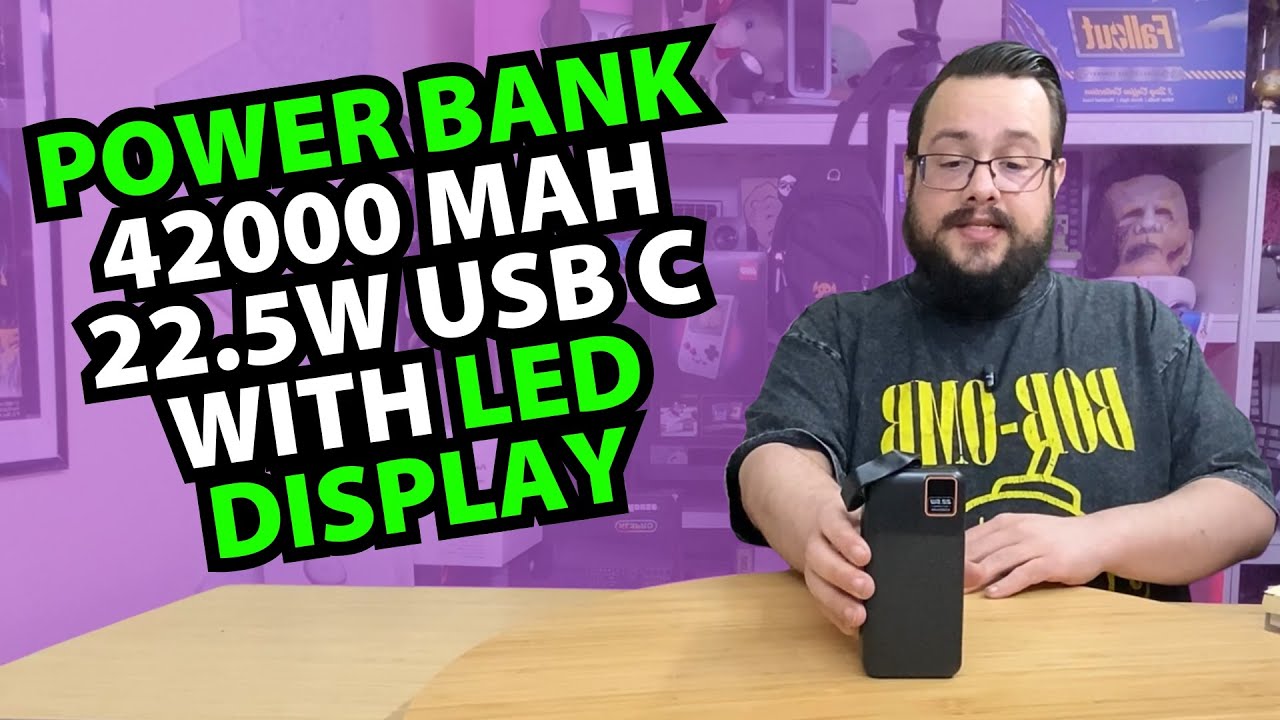
EnergyQC Camp Power Q1: Looking at the Ports Behind the 42,000 mAh Label
Opening the battery pack and reading its input and output ratings.
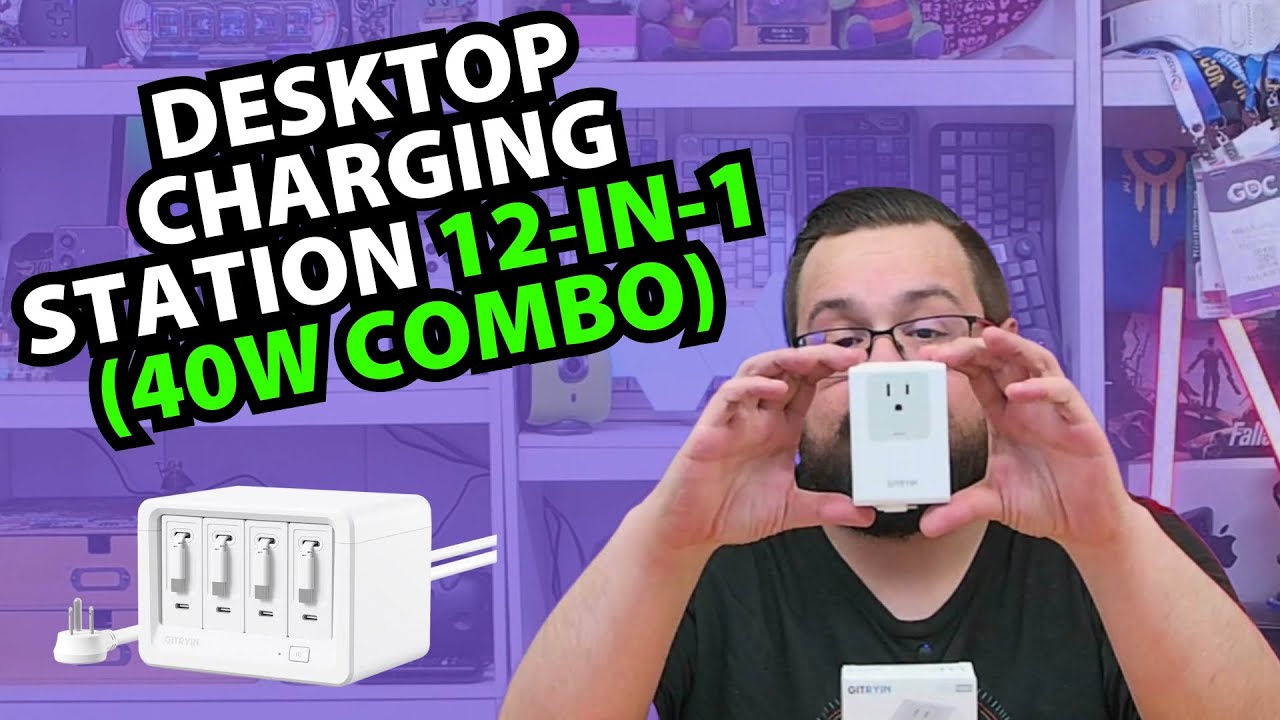
Gitryin Outlet Extender: A Retractable Cable Without Giving Up the Front Socket
Looking over the slim wall adapter and its side connections.
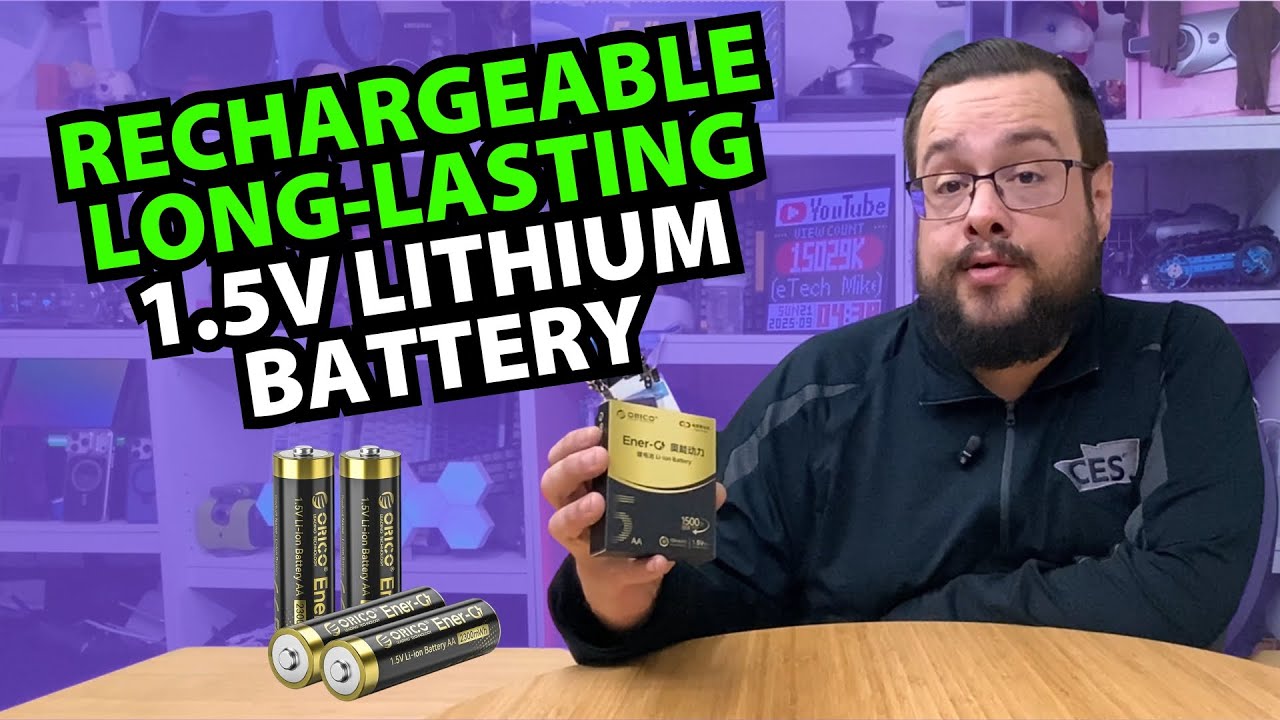
ORICO Ener-G AA Batteries: Four USB-C Ports and One Branching Cable
Opening the case and connecting the rechargeable cells to their supplied lead.

TESSAN Travel Adapter: Sliding Out the Plugs Instead of Packing Loose Heads
Inspecting the plug mechanism and the four USB ports named in the recording.

KUXIU S2: A Small Magnetic Battery That Charges Through My Case
Attaching the pack to the phone and checking the charge indicator.

Kdynix Golf-Ball Charger: A Folding Plug in a Dimpled Silver Shell
Opening the sports-themed charger and looking over its design.
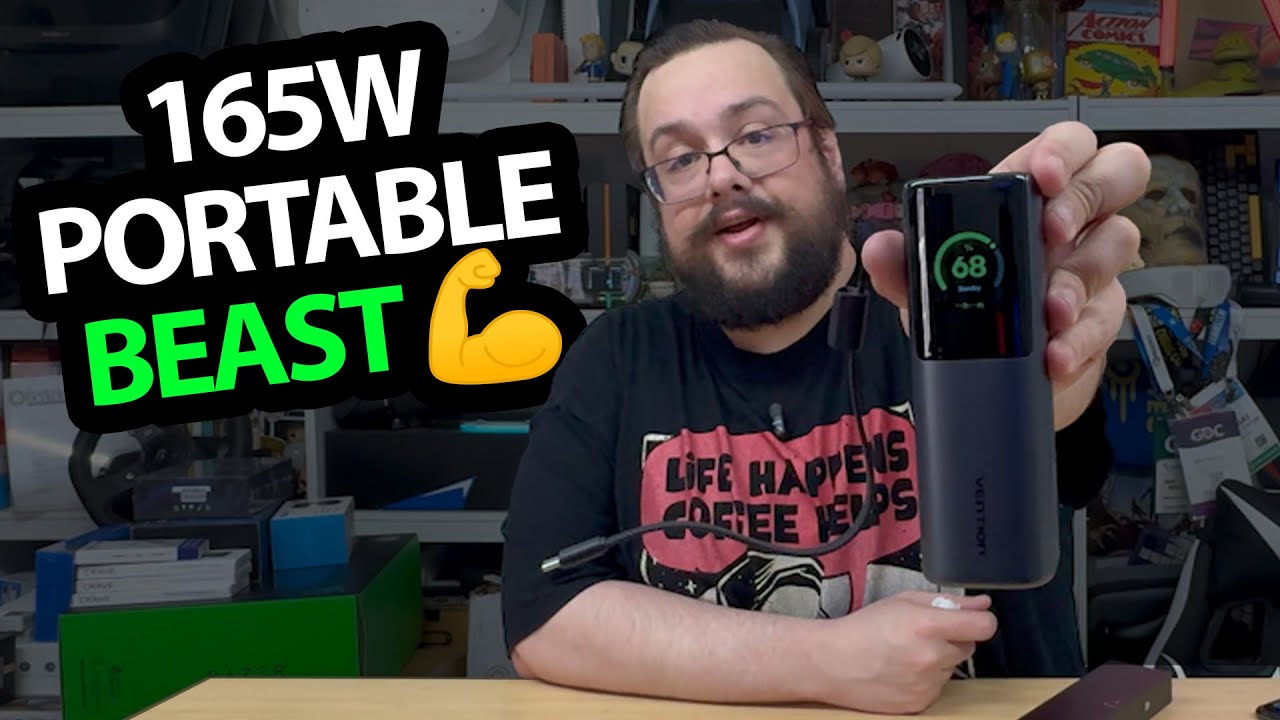
VENTION Powerhive: The Animated Screen Is the First Surprise
Opening the high-output battery pack and looking through its displayed information.
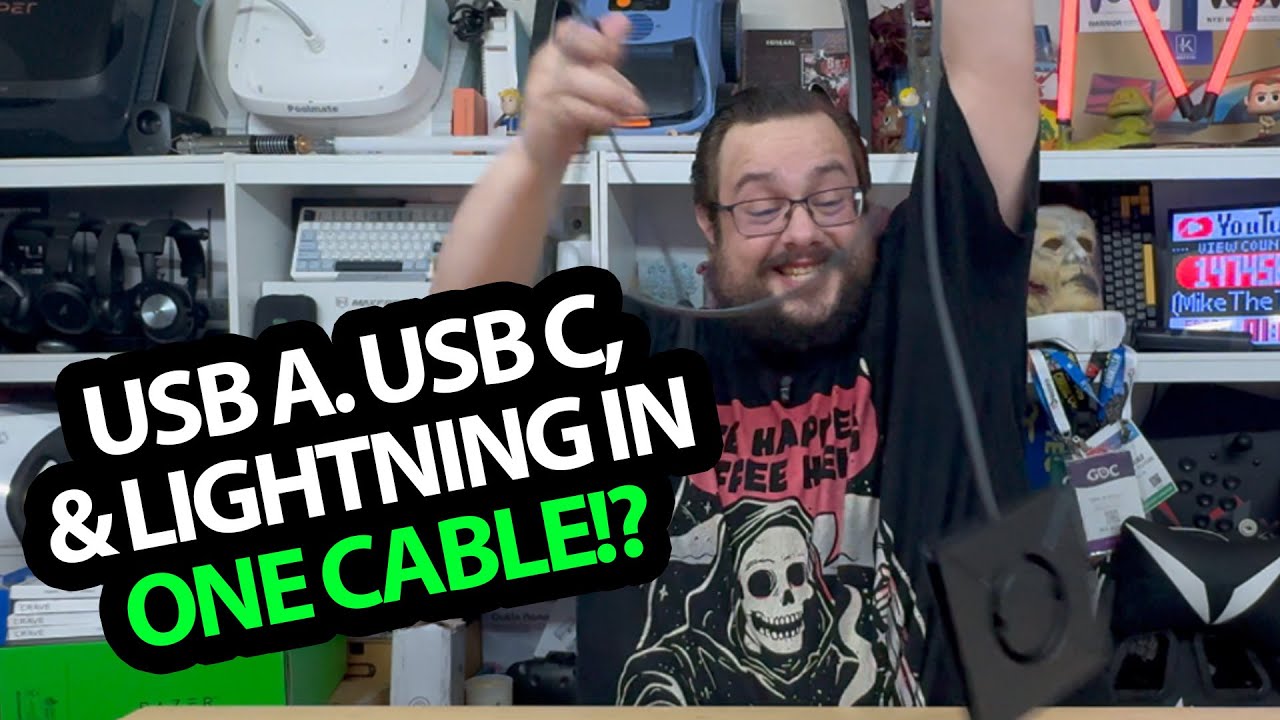
Vexipia L1: A Flat Braided Cable with Adapters at Both Ends
Unwinding the cable and trying its USB-A, USB-C and Lightning connector arrangements.
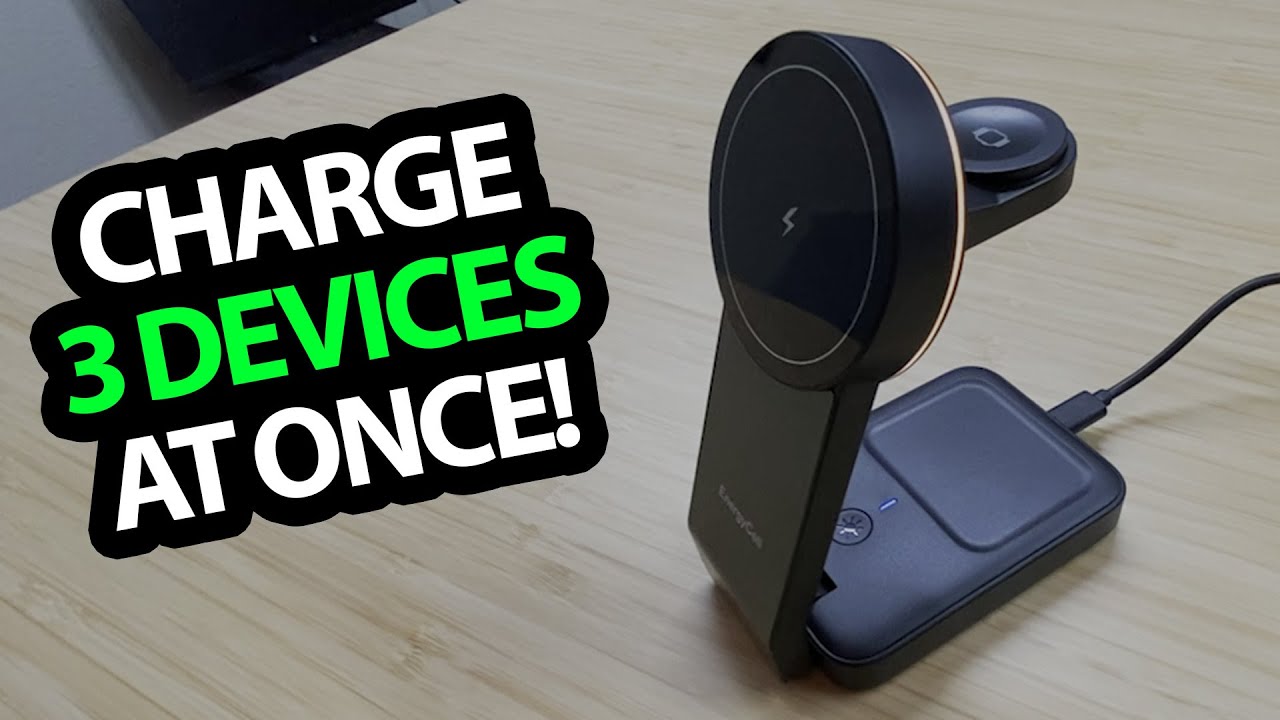
EnergyCell Charging Station: The Watch Support Hides in the Back
Opening the folding parts, trying the light and charging a phone.
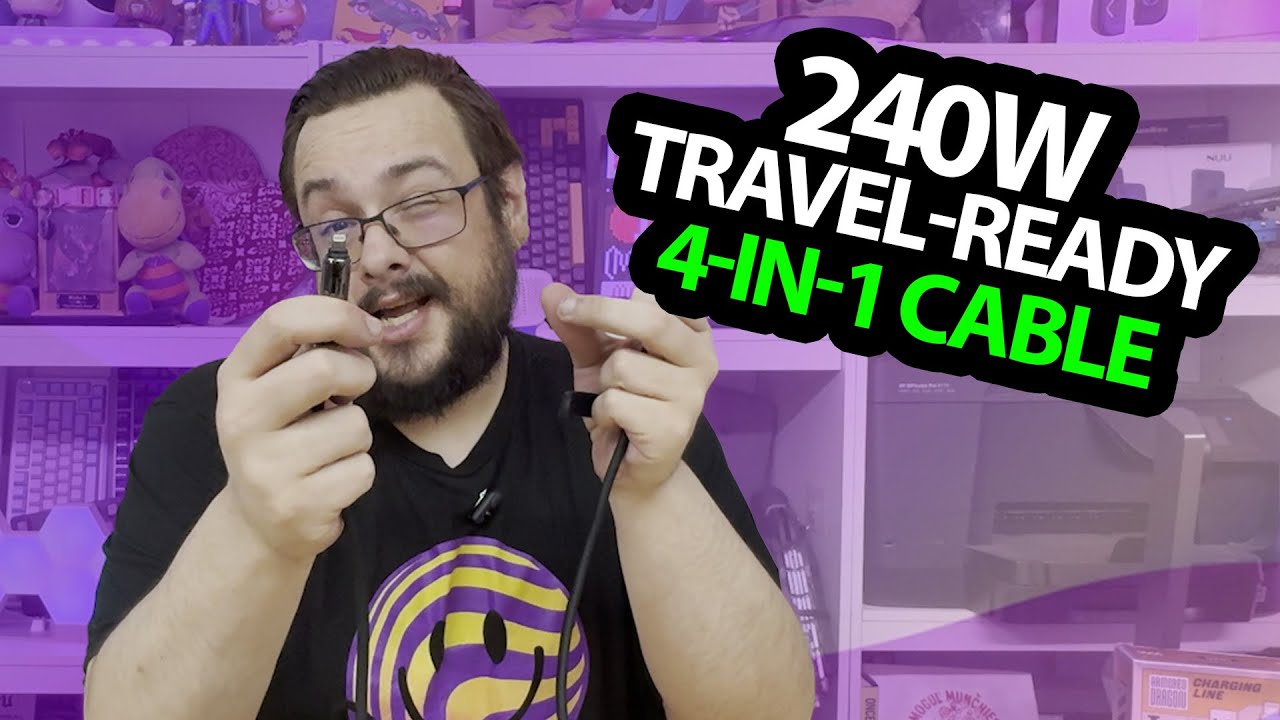
MFish Four-in-One Cable: Thick, Soft and Packed in a Neon-Green Case
Trying the connector adapters and the feel of the lead before charging tests.
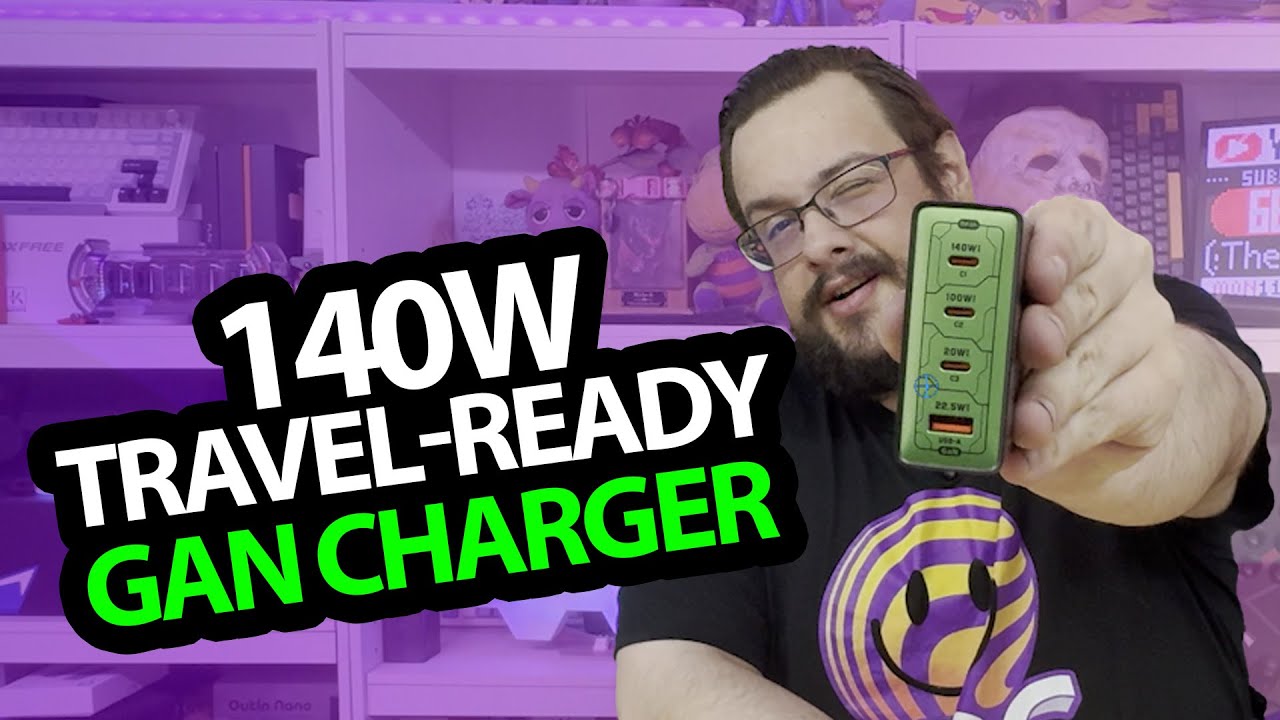
MFish 140 W Charger: The Power-Sharing Table Is Printed on the Front
Opening the four-port charger and reading its different connection ratings.
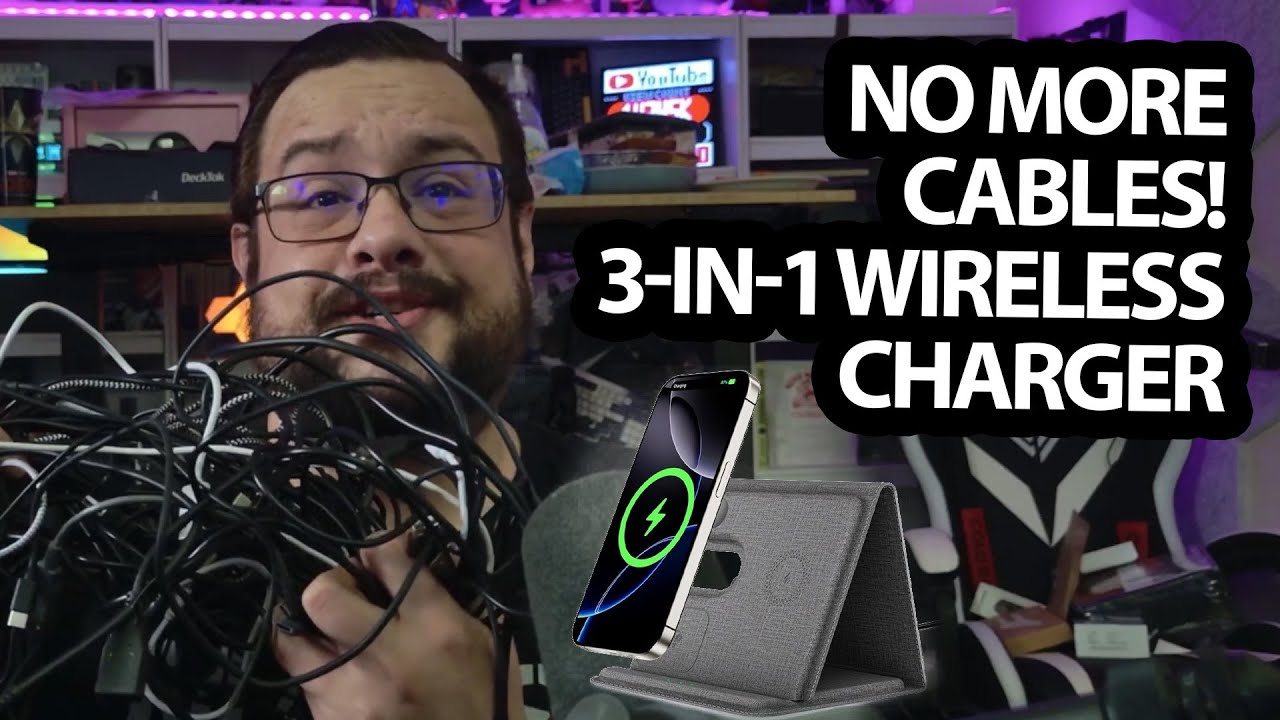
A Folding Three-Device Charger for a Less Crowded Nightstand
The package, folding design and charging layout discussed in my short overview.
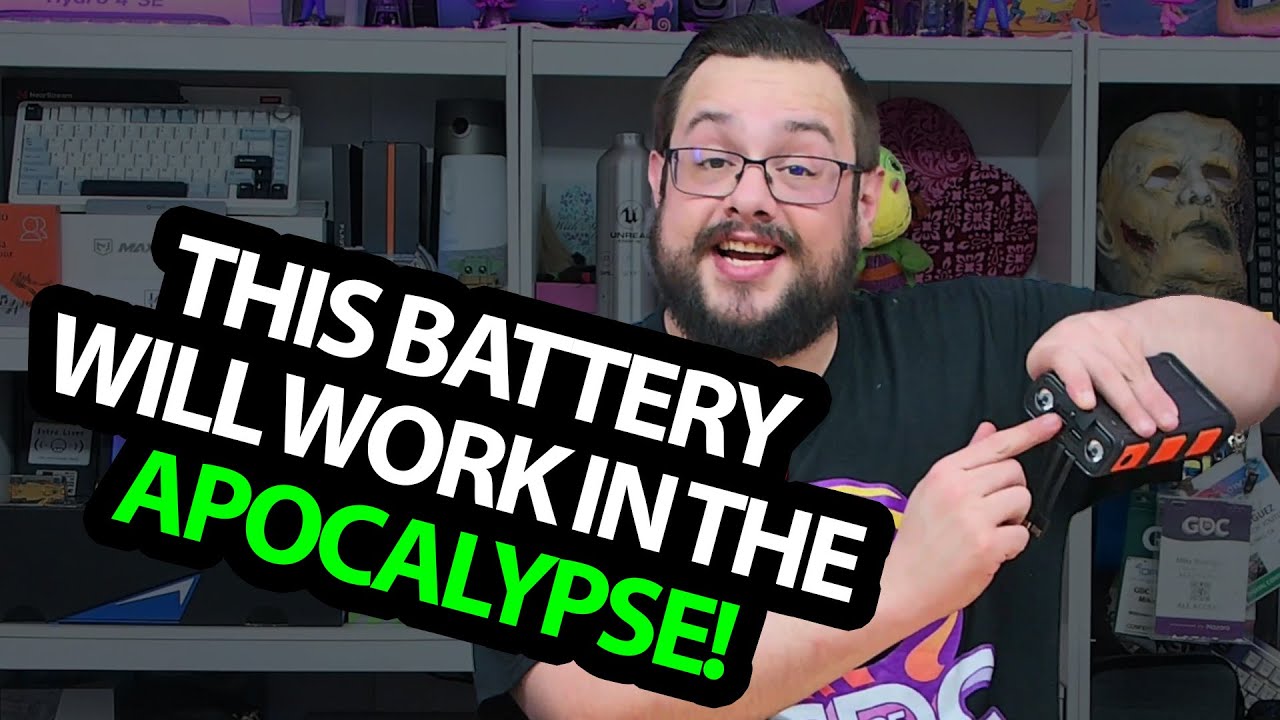
GOODaaa Power Bank: Built-In Leads, Wireless Charging and a Hidden Crank
Trying the phone pad and lights before opening the hand-crank mechanism.
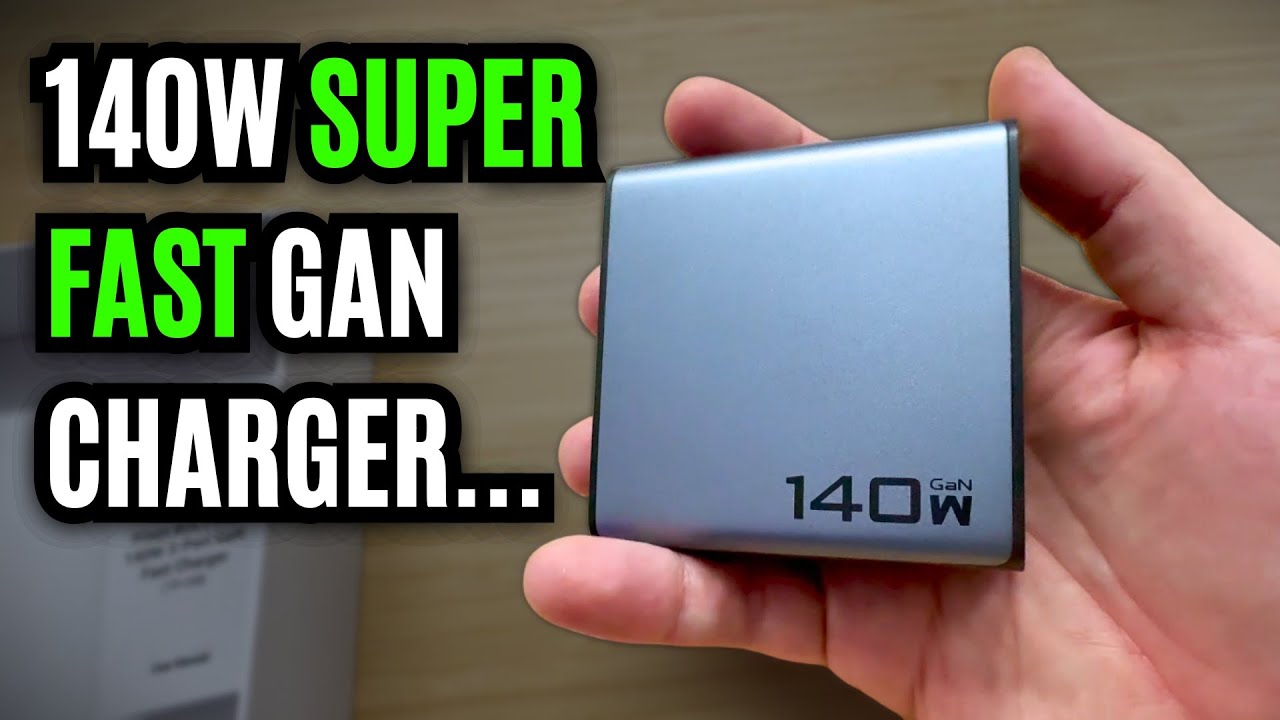
PISEN 140W Charger: Three Ports and a Braided Cable
Opening the adapter and reading the output information on the case.
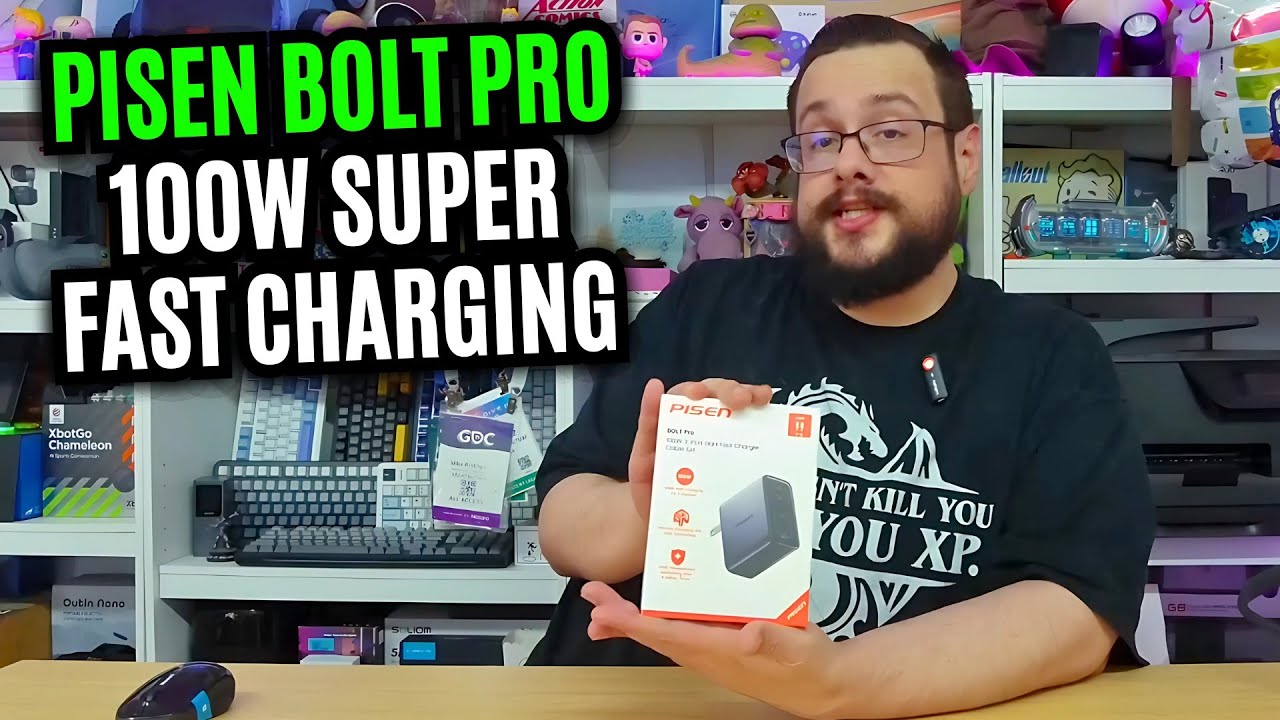
PISEN Bolt Pro 100W: A Substantial Adapter and a Thick Braided Lead
Unboxing the three-port charger and reading its USB output labels.
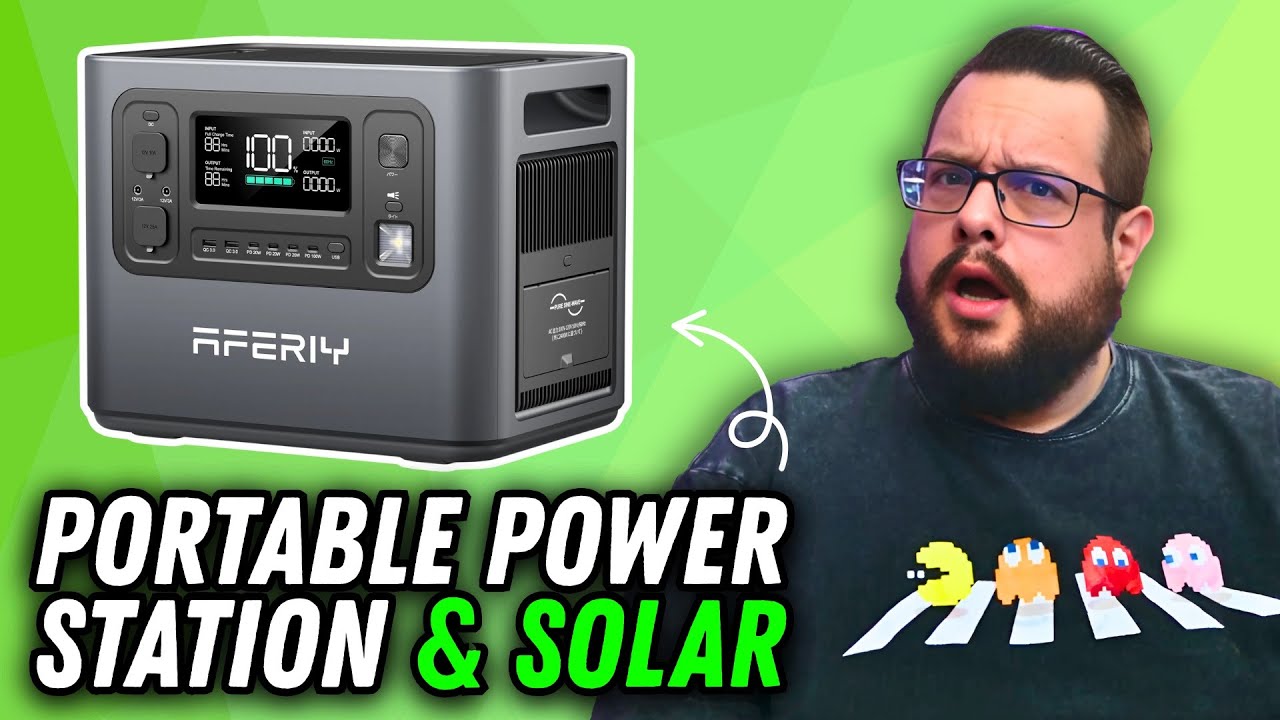
AFERIY Nano100: A Retractable Lead and a Small Solar-Panel Connection
Looking at the display and charging connections on the compact power unit.
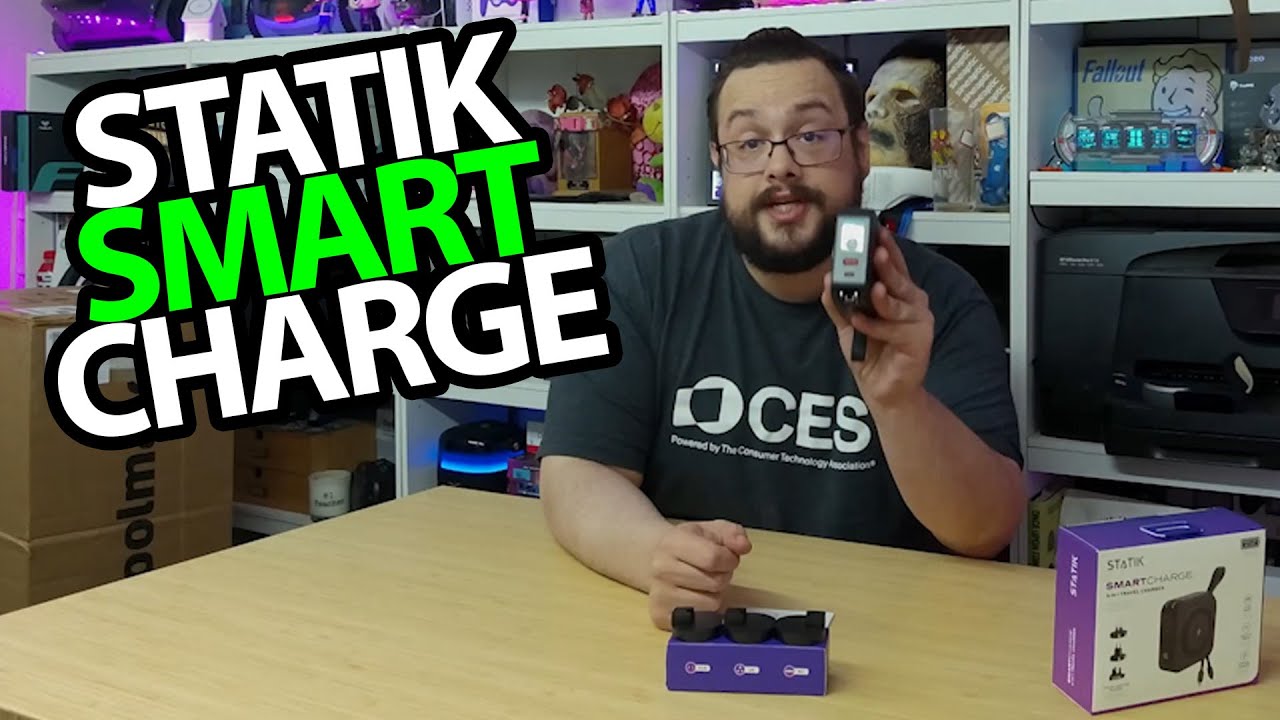
Statik SmartCharge: The Travel Heads Slide over Its Folded Plug
Looking at the attached cables, display and small phone support.
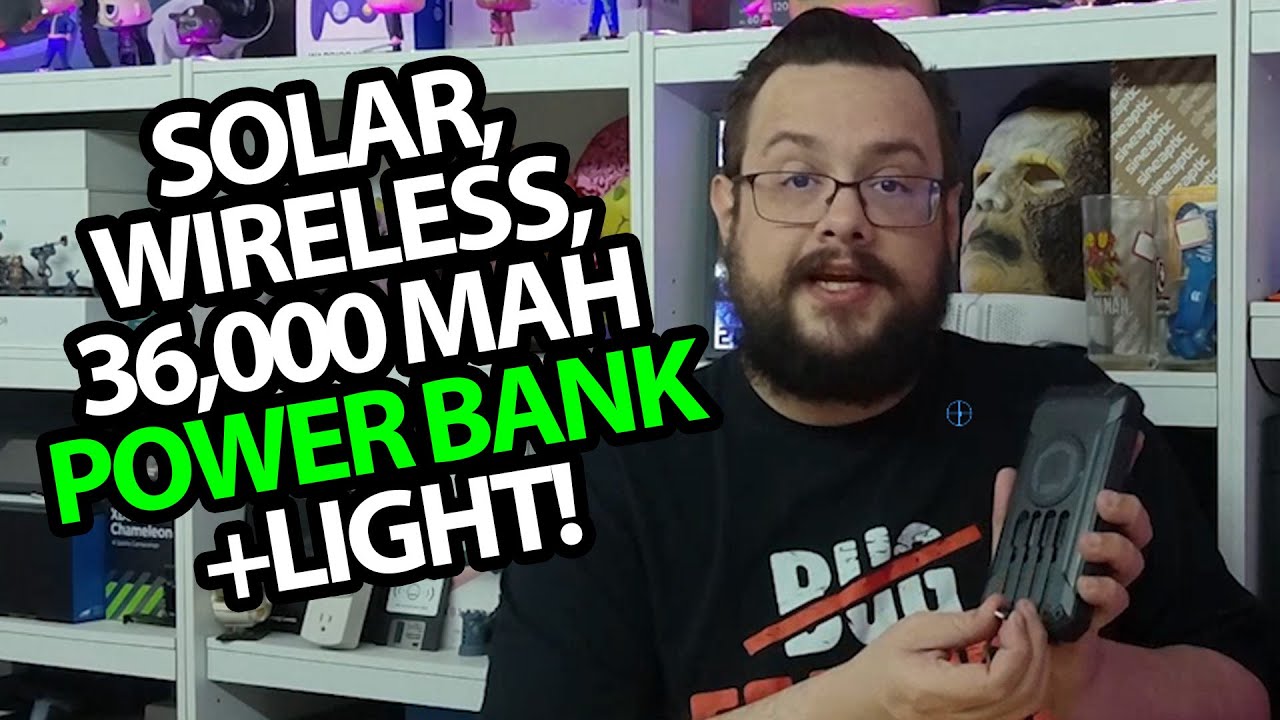
GOODaaa Solar Power Bank: Four Attached Leads and a Light
Unpacking the unit and looking at the solar panel, wireless pad and connections.
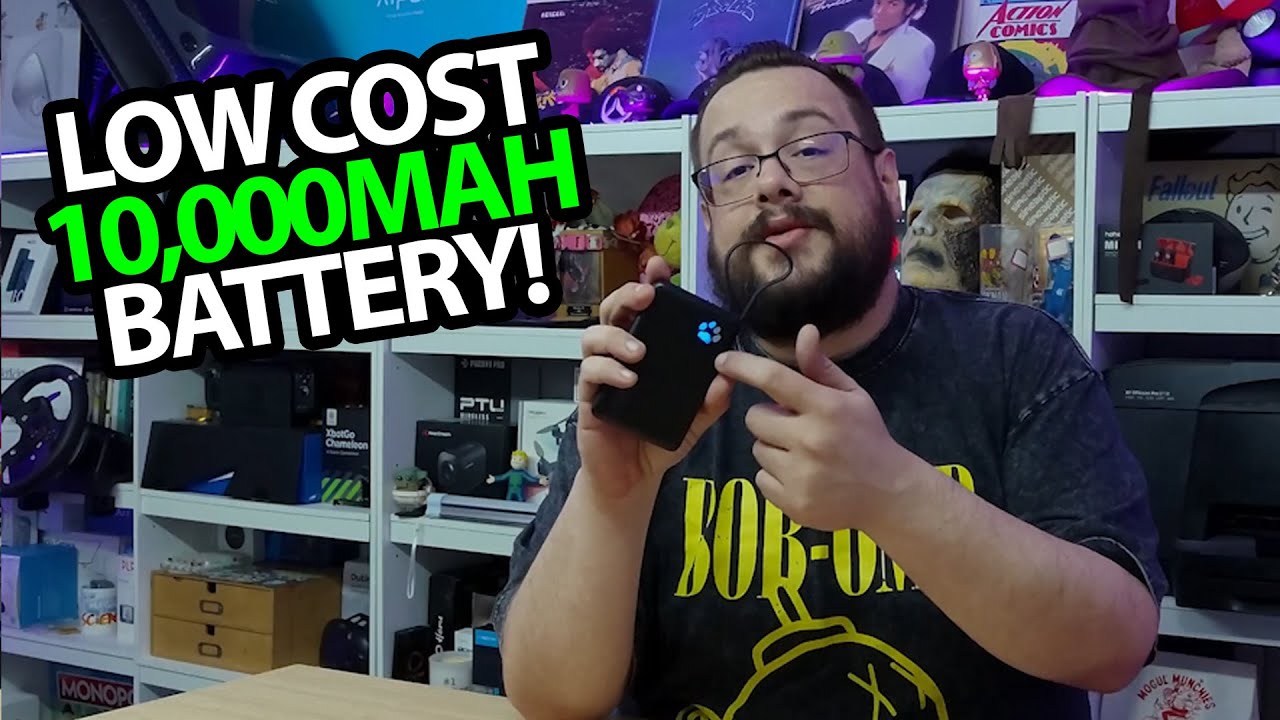
INIU P41: The Attached Cable Becomes a Little Carry Handle
A small power bank with a paw-print indicator and a built-in light.
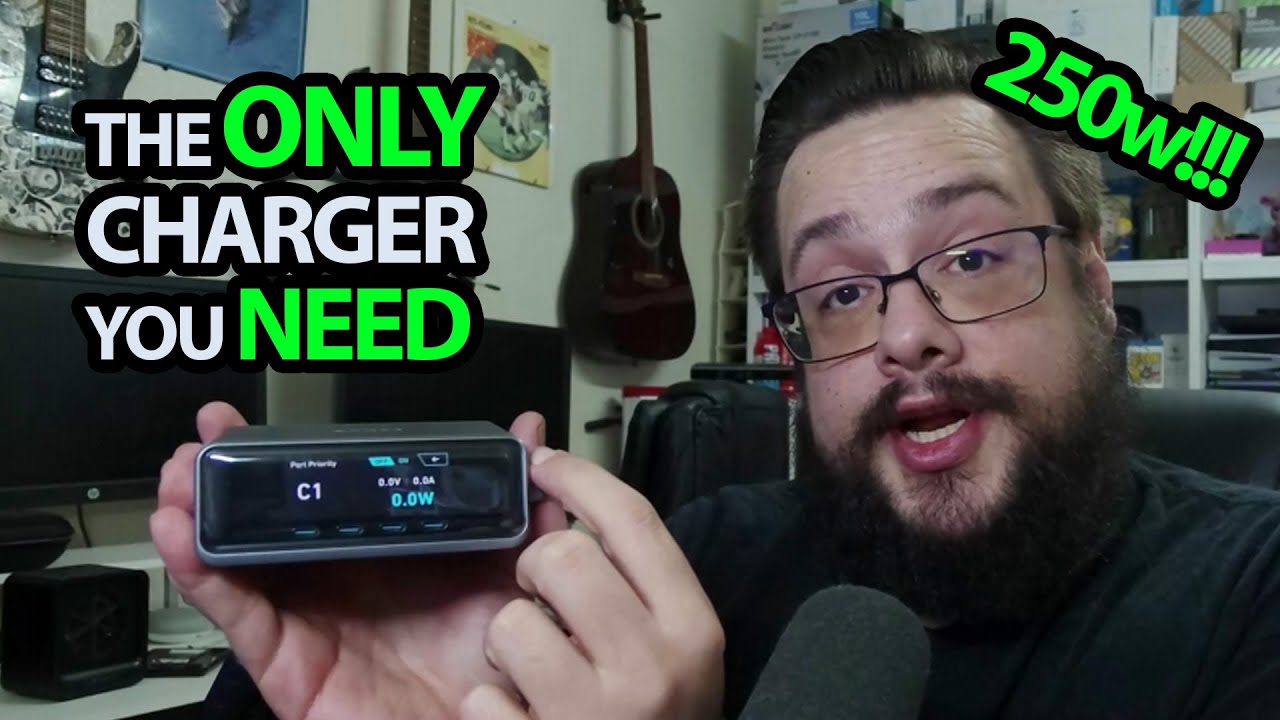
Anker Prime 250W: Watching the Phone and Steam Deck Power Readouts
Trying the screen, dial and two connected devices.
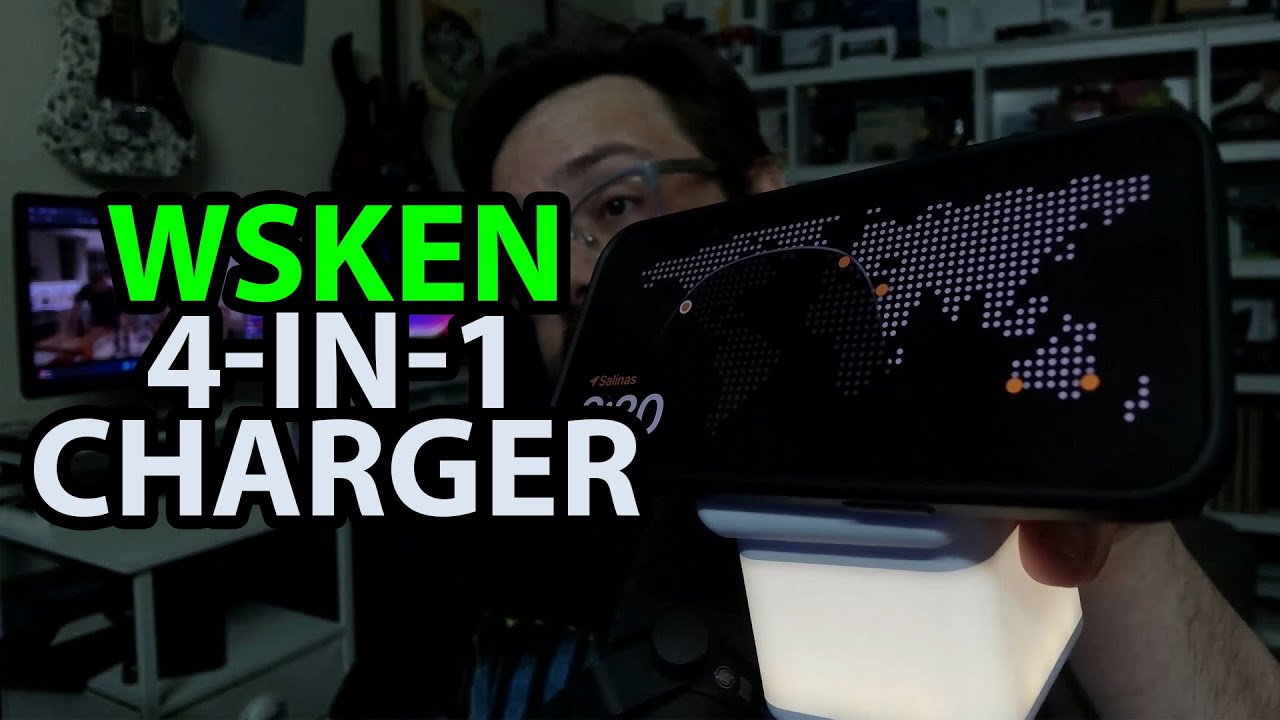
WSKEN W20: A Little Charging House with a Light in the Base
Putting my phone on the stand and trying the ambient-light control.

Three xCool Boxes: An Adapter Cable, USB-C Batteries and a Magnetic Power Bank
Opening the accessories and getting a charging indication on my phone.
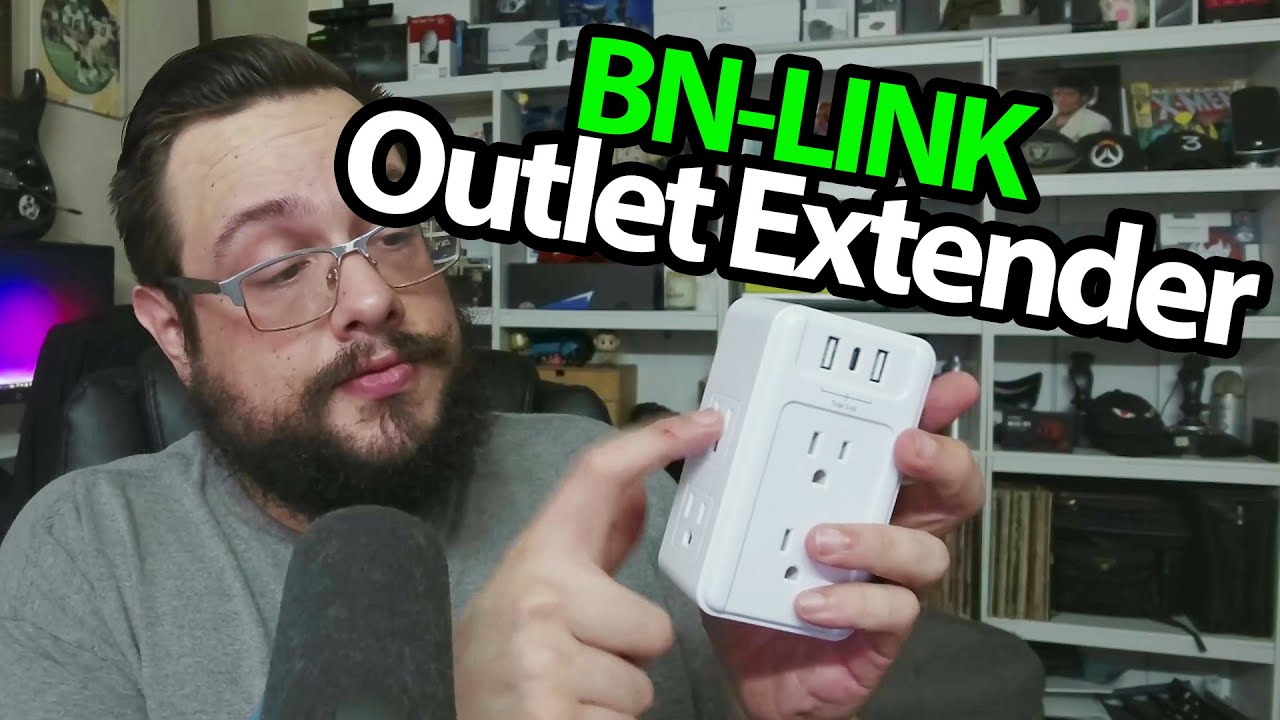
BN-LINK Wall Tap: Six Outlets and USB Connections in One Body
Opening one of three units sent over and looking at its physical layout.

PISEN 120W Charger: The Port-Combinations Chart Is Worth a Look
Opening the charger and cable before measuring any power delivery.

Veger X5 WalletTrack: Two Cards, a Kickstand and My Phone on Charge
Trying the early sample’s magnetic fit and sliding a couple of cards into the wallet.