
The YouTube player loads when you press Play.
EnergyCell Charging Station: The Watch Support Hides in the Back
Opening the folding parts, trying the light and charging a phone.
Article published November 4, 2026.
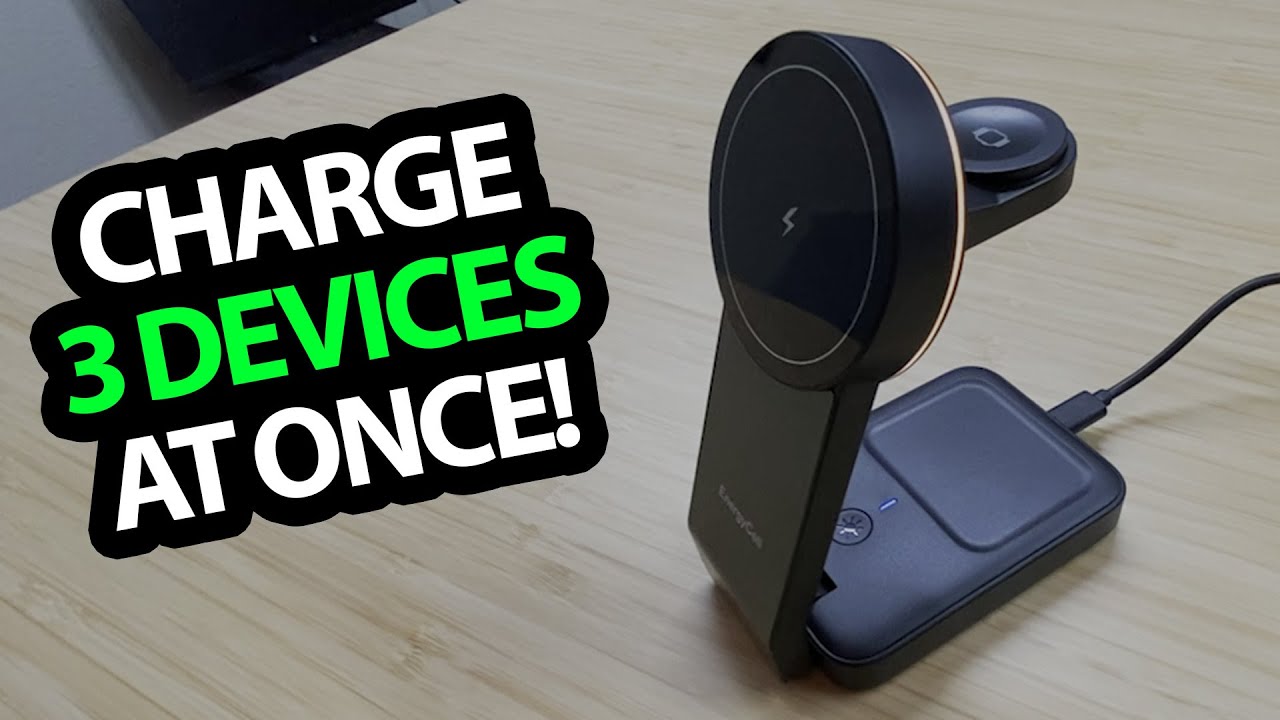
The watch support is tucked into the back of this EnergyCell charging station. Fold it out, and the compact phone stand has another place for an accessory without spreading the whole setup across the desk.
I open the three-in-one station and try its physical arrangement, then connect power and put a phone on it.
Open only the pieces you need
I show the recessed headphone-charging area, the phone support and the folding watch section. The way the pieces hide away is the design detail I like.
There is a USB-C lead in the package. I discuss the listed charging figures, but do not measure delivered power or test the three positions under simultaneous load.
The mystery button turns out to control a light
I initially wonder about the light button. After connecting power, I find the small nightlight and try a steady light and a fading effect.
That is a useful part of the hands-on session: the purpose becomes clear once the station is powered, rather than from looking at the folded hardware alone.
The phone charging check works
I place the phone on the station and report that it is charging. That establishes the particular phone setup in the recording, not every iPhone, watch or earbud-case combination in the listing.
I do not test temperature, certification claims or charge duration here. The first result is the fold-out layout, lighting and working phone connection, with the other charging positions still needing their own check.
Links from the video
Affiliate disclosure: These links may earn me a commission at no extra cost to you.
- EnergyCell charging-station original Amazon link
- MikeTheTech original Patreon link
- Geeksoutfit original clothing-store link
Coupon code: COLLAB1 — Discount amount not stated. Separate Geeksoutfit offer from the original description, not a discount on the reviewed gadget. No amount or expiry was supplied; check current terms.
Links and offers are from the video description. Availability, prices and offer terms may change.
Some links to other products on this page are affiliate links, and we may earn a commission if you buy through them. It costs you nothing extra, and it has not changed what this article says — where a competitor is the better answer, we say so.


