
The YouTube player loads when you press Play.
VENTION Powerhive: The Animated Screen Is the First Surprise
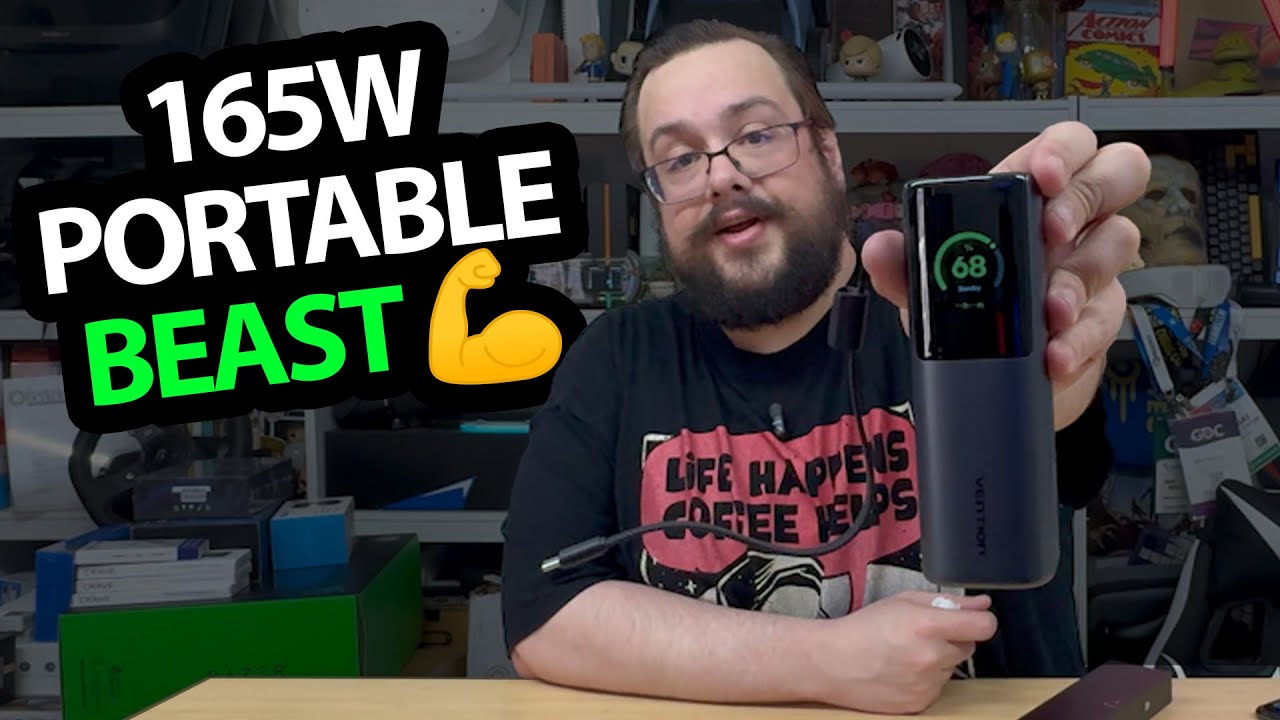
Opening the high-output battery pack and looking through its displayed information.
Article published November 4, 2026.
I expect a power bank, then press the button and find a color screen with animations. That little display changes the feel of the VENTION Powerhive unboxing almost immediately.
VENTION sent this unit for the video. Its headline figures are 165 W total output and 20,000 mAh, but the session is a tour of the hardware and display rather than a measured multi-device charging test.
The battery gets a display of its own
I turn it on and see a 68% reading, along with a time estimate and animated graphics. The screen goes to sleep when it is left alone.
I also discuss the port-power, temperature and battery-health information the unit is intended to show. Displaying those fields does not independently prove calibration, actual endurance or that every operating condition is safe.
The cable folds back into the pack
I try the built-in lead and the way it nests back into the body. There is also a supplied charging cable and a carrying pouch.
The pack has a rubberized base, which gives it a straightforward standing position while I look over the connections. I like the combination of the screen and the attached lead as physical features.
The output figures still need a load test
I read port ratings and talk about possible laptops and handhelds, but I do not verify simultaneous MacBook-and-phone charging, every device's requirements or the full advertised output in this recording.
A cable's printed rating is not a guarantee against heat or damage either. What this first look establishes is the layout, supplied accessories and the display that caught me by surprise.
Links from the video
Affiliate disclosure: These links may earn me a commission at no extra cost to you.
- VENTION Powerhive original Amazon link
- MikeTheTech original Patreon link
- Geeksoutfit original clothing-store link
Coupon code: COLLAB1 — Discount amount not stated. Separate Geeksoutfit offer from the original description, not a discount on the reviewed gadget. No amount or expiry was supplied; check current terms.
Links and offers are from the video description. Availability, prices and offer terms may change.
Some links to other products on this page are affiliate links, and we may earn a commission if you buy through them. It costs you nothing extra, and it has not changed what this article says — where a competitor is the better answer, we say so.


