
The YouTube player loads when you press Play.
ILC G120 Globe Bulbs: Big Bulbs and Quick Color Changes in the App
Powering one bulb and exploring the color wheel and brightness controls.
Article published November 4, 2026.
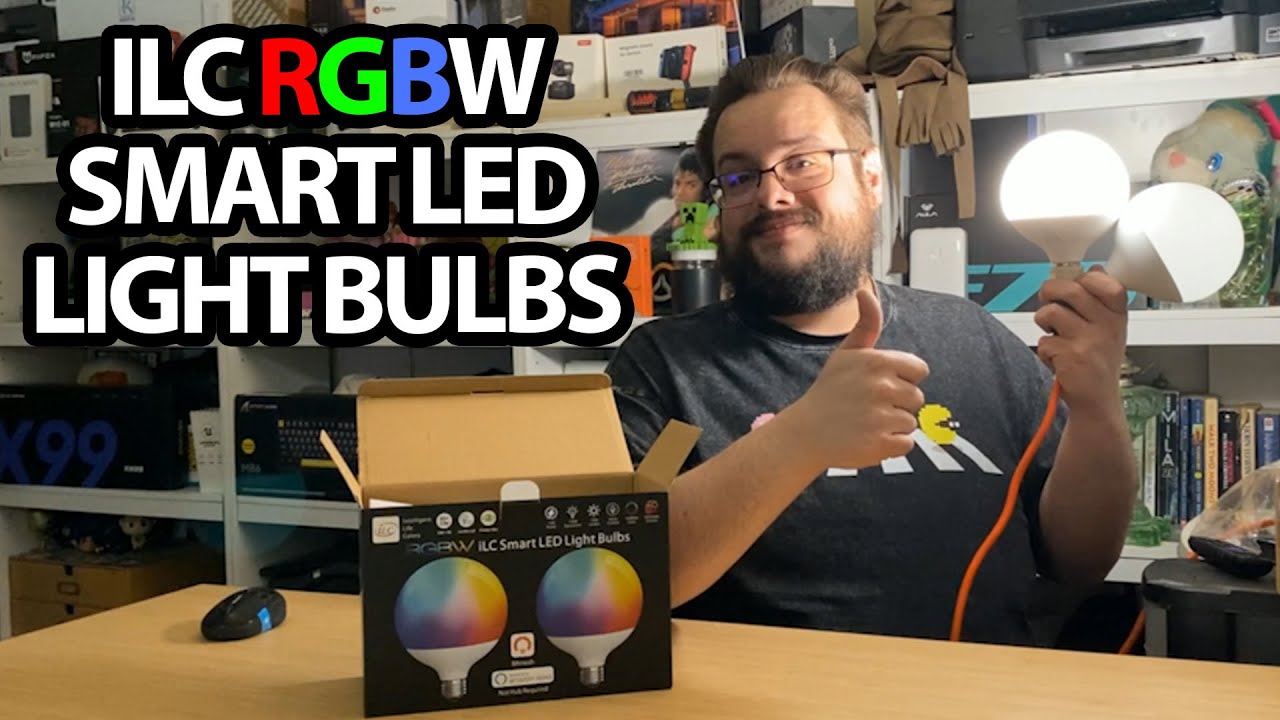
These ILC globe bulbs are much bigger than I expected when I pull them out of the box. The size becomes part of the first impression once I power one up: it spreads light around the room in a way I like.
Try one bulb before the app
The package has two bulbs and an app guide. I use a light socket in the recording area so I can show one working, then lower the other lighting to make its effect easier to see.
I describe the light as bright and broadly spread in this room. That is a visual impression, not a lumen, power-equivalence or color-rendering measurement.
The color wheel responds
The guide's QR code leads to the app links. After installation and discovery, I connect the bulb and move through green, blue, purple and red.
I also look at individual RGB values and brightness controls. Changing those settings in the app is the practical demonstration here, rather than only repeating the smart-lighting feature list.
Other controls are there to explore
I notice timer options and discuss grouping lights so they can change together. This session does not include a scheduled event running later or an Alexa voice-command test.
The video opens with a separate oral-care sponsor mention. The bulb's original Amazon link is below if you want to check the listing.
My takeaway from this first setup is the combination of the large globe shape and easy color selection. The advertised efficiency and color-quality specifications still need their own measurements.
Links from the video
Affiliate disclosure: These links may earn me a commission at no extra cost to you.
Links and offers are from the video description. Availability, prices and offer terms may change.
Some links to other products on this page are affiliate links, and we may earn a commission if you buy through them. It costs you nothing extra, and it has not changed what this article says — where a competitor is the better answer, we say so.


