
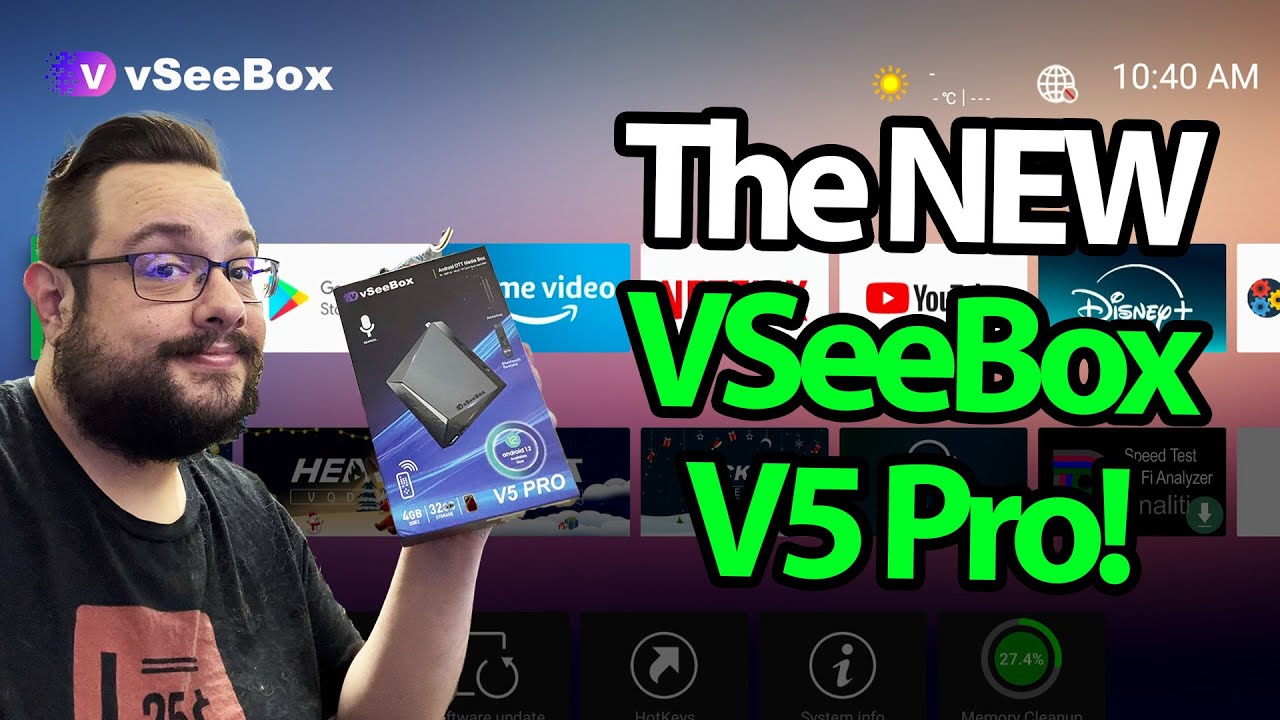
The YouTube player loads when you press Play.
VSeeBox V5 Pro: Ports, Remote Mouse Mode and a Connected Interface
A look through the box’s home screen and app areas.
Article published November 4, 2026.
The VSeeBox V5 Pro has a small front display, a compact body and a remote with a mouse-mode button. I look through those controls and the connected interface in this December 2024 recording.
Start with the connections
I point out the memory-card slot, USB connections, network and audio/video ports. The description corrects my spoken slip: I mean HDMI output.
The small display shows status information, including the connection indication I mention. I also go over the remote and its programmable and app buttons.
Move around the home screen
With the box on the screen, I open the official app-store area and look through other preinstalled app sections. I also show the remote's mouse mode for moving a pointer around the interface.
A VPN app appears during the recording. This is not an audit of that service or proof that the box's software is secure. Browsing a streaming catalog also does not establish its distribution rights or certification.
A tour of this setup
The advertised resolution, networking and update features are not measured in this video. What it shows is the port layout, the remote and the interface I can navigate.
I also recorded a separate Digibox D3 Plus setup if you want another Android-box hardware and interface session. It is a different product, without a head-to-head performance comparison here.
VSeeBox sent this unit for the video. The original referral link and 10% MikeTheTech code are below; no expiry was supplied.
Links from the video
Affiliate disclosure: These links may earn me a commission at no extra cost to you.
Coupon code: MikeTheTech — 10% off. Listed in the December28,2024 description. No expiry supplied; check current store terms and eligibility.
Links and offers are from the video description. Availability, prices and offer terms may change.
Some links to other products on this page are affiliate links, and we may earn a commission if you buy through them. It costs you nothing extra, and it has not changed what this article says — where a competitor is the better answer, we say so.


