
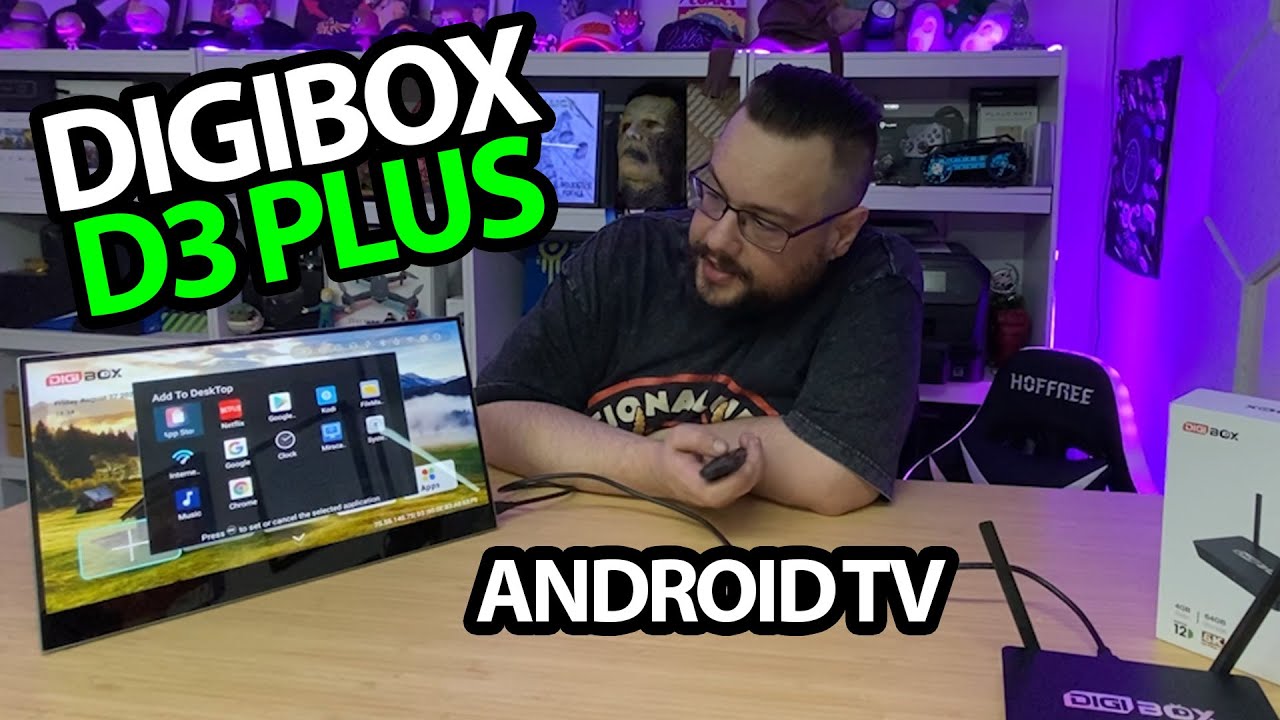
The YouTube player loads when you press Play.
Digibox D3 Plus: First Setup, a Mini Keyboard and the Included USB Drive
Opening the package, pairing the remote and checking the storage screen.
Article published November 4, 2026.
The little keyboard and USB drive are a surprise in this Digibox D3 Plus package. I start with the box and remote, then discover there is more to unpack before I connect the screen.
The extras take up some of the unboxing
I look over the ports, the front lighting and the changing finish on the top logo. The remote is a manageable size, and I add batteries before continuing.
The mini keyboard has its receiver tucked into the back. I plug that into one of the box's USB ports and also point out the microSD slot. The flash drive's capacity is still a question until I reach the storage settings.
Getting to the connected interface
Once the box is on the screen, I pair the remote, connect the Bluetooth audio device it detects and work through language and Wi-Fi setup. I like the layout when the home screen appears.
I open the app areas and the storage information. The screen shows roughly 59GB for internal storage and 63GB for the USB drive in this package. Those are reported capacities, not a storage-speed or full-capacity validation.
Keep the setup result separate from the streaming claims
The recording includes discussion of preinstalled stores and streaming catalogs. I do not establish distribution rights, subscription access, DRM certification or the legality of any particular listing. Nor is this a measured 4K, Wi-Fi or security test.
My later D3 Plus interface look is another session with this product family. Here, the focus is the original package and first setup.
The original seller URL and YOUTUBER code are below. The description supplies neither a discount amount nor an expiry.
Links from the video
Affiliate disclosure: These links may earn me a commission at no extra cost to you.
Coupon code: YOUTUBER — Discount amount not stated. Listed in the March 1, 2025 description. No amount or expiry supplied; check current seller terms.
Links and offers are from the video description. Availability, prices and offer terms may change.
Some links to other products on this page are affiliate links, and we may earn a commission if you buy through them. It costs you nothing extra, and it has not changed what this article says — where a competitor is the better answer, we say so.


