
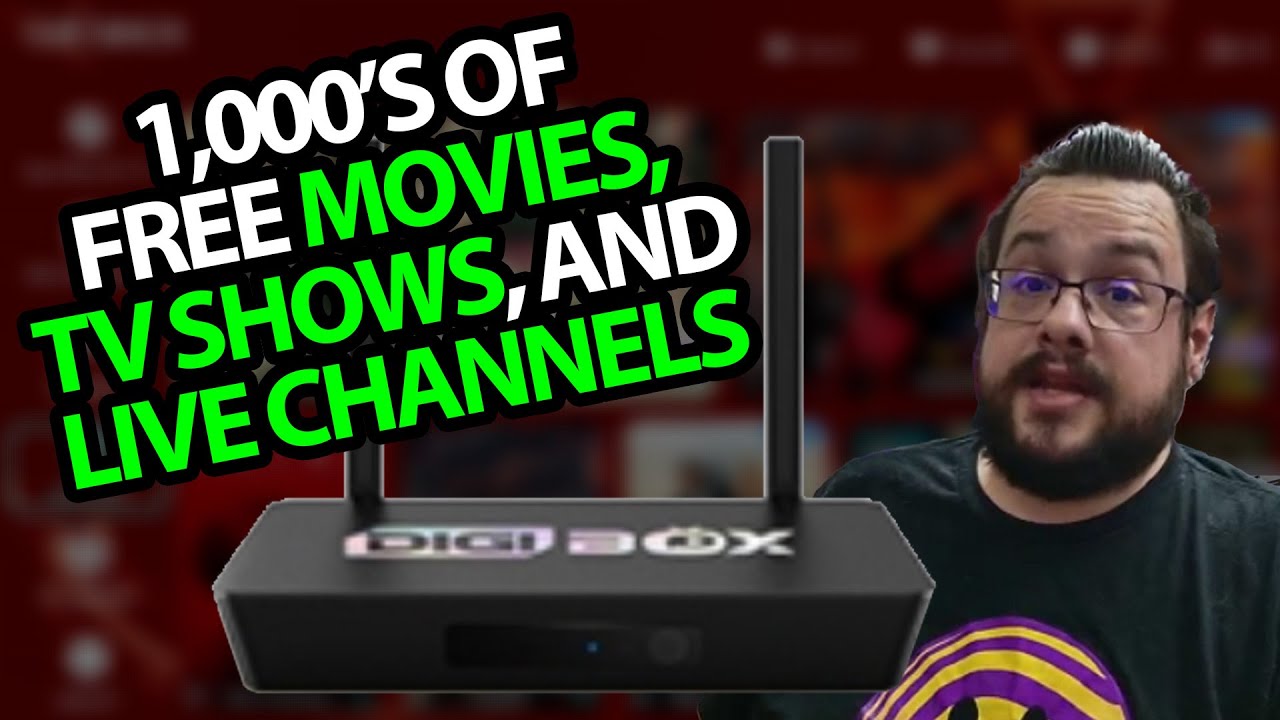
The YouTube player loads when you press Play.
Digibox D3 Plus: A Look Through the Connected Interface
Opening the app menus after connecting the Android TV box.
Article published November 4, 2026.
I had already opened the Digibox D3 Plus in an earlier video. This session is about connecting it and seeing what happens inside the interface, starting with the remote, power lead and box itself.
Two different app-store paths
I point out Google Play and the box's separate app store. Before reaching the latter, the interface presents a notice about respecting intellectual property.
I then move through its live-TV, video-on-demand and catch-up menus. Those categories describe what I navigate in the recording, rather than establish that the listed content is licensed for a particular viewer.
A permission prompt during setup
The recording also includes an audio-access prompt, which I discuss in connection with the remote's voice function. It is part of the setup flow I encounter, without a privacy or permissions audit of the apps.
The session is a brief interface tour. I do not measure output resolution, decoding performance, network stability or the accuracy of voice recognition.
What the short test establishes
I reach the app menus and show how I move between their categories. That is the result here; the old title's 4K wording is not a measured playback result, and the catalog may have changed since the recording.
The original product link and YOUTUBER code are below. The description gives no discount amount or expiry, so check the current provider terms rather than assuming the old offer still applies.
Links from the video
Affiliate disclosure: These links may earn me a commission at no extra cost to you.
Coupon code: YOUTUBER — Discount amount not stated. Listed in the original description. No discount amount or expiry was supplied; check current eligibility and terms.
Links and offers are from the video description. Availability, prices and offer terms may change.
Some links to other products on this page are affiliate links, and we may earn a commission if you buy through them. It costs you nothing extra, and it has not changed what this article says — where a competitor is the better answer, we say so.


