
The YouTube player loads when you press Play.
Divoom Pixoo 64: From the Built-In Demo to My Own Animation Choices
Trying the stand, connecting the app and sending art to the square display.
Article published November 4, 2026.
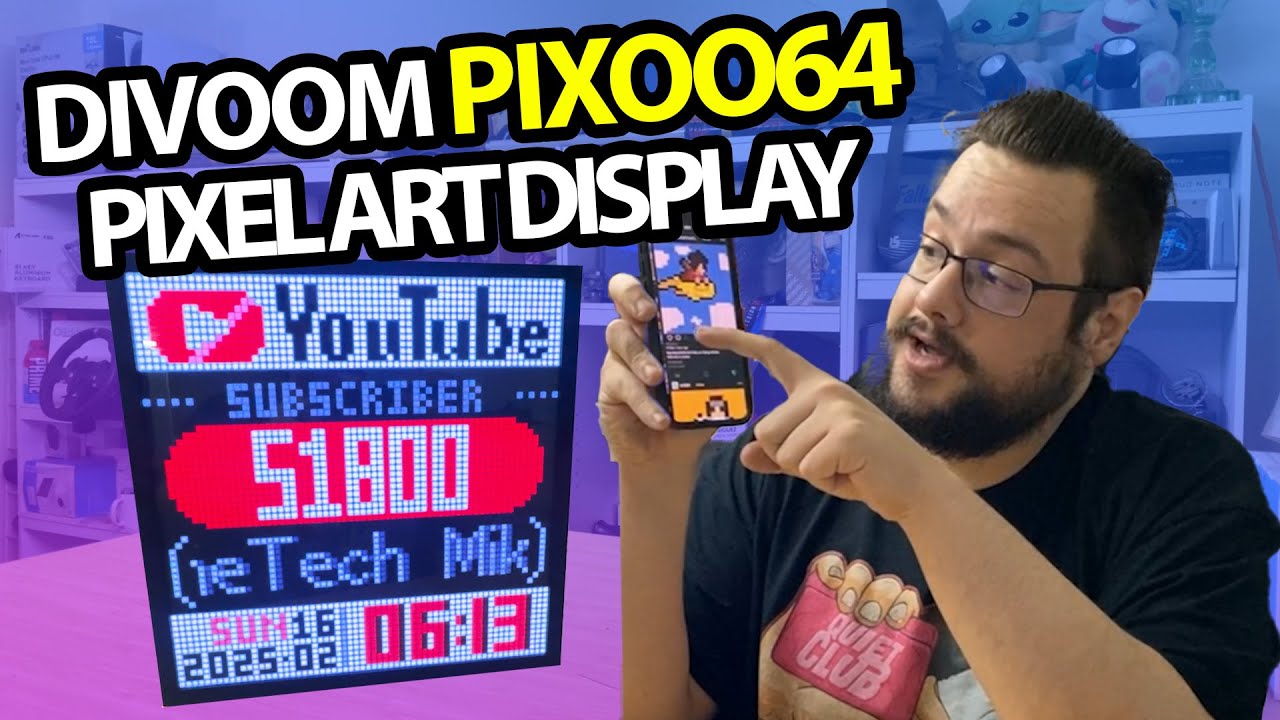
The name Pixoo 64 does not mean 64 individual lights. It is a 64-by-64 display, which gives this little frame enough room for animations, pixel art and bits of information from the app.
I am excited to open this one because it looks like a good fit for the studio. The first question is how it stands up and what I can actually get onto it.
A stand tucked into the back
The package has a braided USB cable and mounting accessories. I pull out the stand piece from the back and fit it into position so the frame can sit on the table.
I also look over the other mounting points and the side controls. There is a small opening whose purpose I am unsure of in the video, so I leave that unidentified rather than turning a guess into a feature.
Power, then the app
Using a USB battery, I bring up the built-in demonstration. The picture comes across on camera more clearly than I expected.
I then open the Divoom pixel-art app, register an account and connect the display to Wi-Fi. An update is offered, but I skip it in this session. This demonstration is not verification of the current firmware.
Choose some art and send it over
I browse the available selections, try animations and apply them to the display. I also start a short countdown. Those are the concrete actions in this first setup, alongside the app's other information-display options.
That initial hardware experience led to my later Pixoo 64 Tools PC project, where I experiment with sending images and a slow desktop feed through the API.
The original product/referral link from this video is below if you want to take a closer look at the display.
Links from the video
Affiliate disclosure: These links may earn me a commission at no extra cost to you.
Links and offers are from the video description. Availability, prices and offer terms may change.
Some links to other products on this page are affiliate links, and we may earn a commission if you buy through them. It costs you nothing extra, and it has not changed what this article says — where a competitor is the better answer, we say so.


