
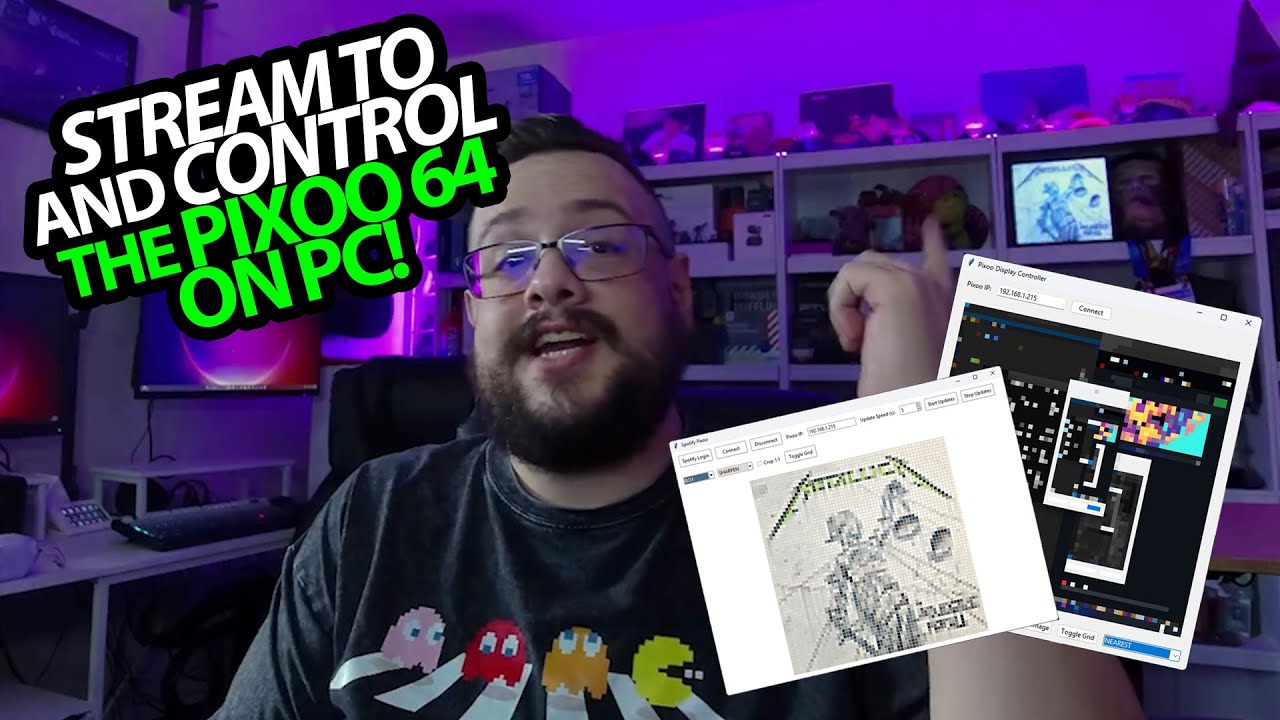
The YouTube player loads when you press Play.
My Pixoo 64 Tools: Send a Screen or Image from the PC
A February 2025 demo of the Python GUI and a separate Spotify experiment.
Article published November 4, 2026.
I can control my Pixoo 64 from the phone, but I want a PC interface too. An API and a few Python libraries give me a starting point, and this video shows the little control center I built around them.
Connect, then stream the screen
I enter the device's local address, connect and start streaming. The GUI previews what is being sent, and the Pixoo updates as I move things around on the desktop.
It is slow, and I say that right away: this approach sends frames one at a time. It is a fun live-display experiment, not a smooth video-streaming claim.
Make a wide desktop fit a square
The display is 64 by 64 pixels, while my desktop is wide. I try different scaling methods and toggle the preview grid, then use the square-crop option to keep the shapes from stretching.
I also show filters such as edge enhancement and embossing. When I stop streaming, I can browse for an image and send that instead. Those small controls make it easier to experiment with what survives at such a low resolution.
A separate Spotify idea
Later in the video, I open a separate Spotify tool, sign in and start updates. Playing something on my phone causes the album art to update on the Pixoo. I point viewers to Patreon for the additional scripts; I do not describe every tool as part of the same free download.
The free GUI project link and the original Pixoo product link are below. This article describes that February 2025 build, without promising current API compatibility or a particular update rate.
I also tried Divoom's Time Gate display, where the app divides information across five separate screens instead.
Links from the video
Affiliate disclosure: These links may earn me a commission at no extra cost to you.
- Pixoo 64 Tools original project link
- MikeTheTech original Patreon link
- Divoom Pixoo 64 original product/referral link
Links and offers are from the video description. Availability, prices and offer terms may change.
Some links to other products on this page are affiliate links, and we may earn a commission if you buy through them. It costs you nothing extra, and it has not changed what this article says — where a competitor is the better answer, we say so.


