
The YouTube player loads when you press Play.
Divoom Time Gate: Five Little Screens, One Very Customizable Desk
Connecting the display and trying its layouts and rear lighting.
Article published November 4, 2026.
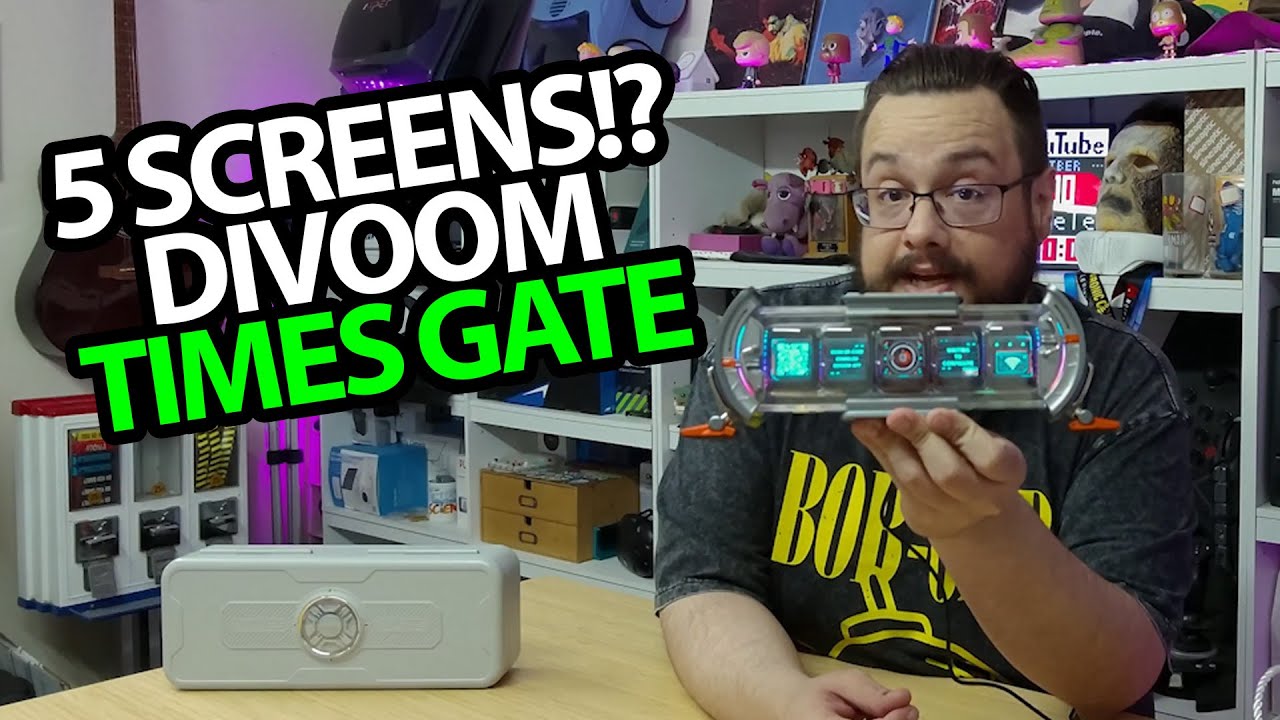
I already have a Divoom Pixoo 64 on the shelf, so the Time Gate has a pretty good chance of fitting in here. Five little screens in a clear-looking, futuristic enclosure? Yeah, I want to see what I can put on those.
The packaging is part of the experience
Even the case gets some attention in this unboxing. There is a small bag, a detailed lid and protective film to peel away before I reach the display. The supplied USB-A-to-C cable has a fabric covering and Divoom branding.
Once the front film comes off, the individual screens and the lettering around the enclosure are easier to appreciate. I plug it into the charger I keep nearby, and the display lights up immediately.
The back gets its own lighting
One thing I had not expected is how much light comes from the back. That makes the spot behind it part of the effect, too. On a shelf, that is a useful bit of ambient lighting rather than just five bright rectangles facing forward.
The buttons on top let me change modes, color and brightness. I try those before opening the app.
Different information on each screen
After connecting in the app and going through the offered firmware update, I bring up a custom layout with a visualizer, a clock, a YouTube counter, a message board and sports information. The point is being able to mix those uses across the five screens.
I also go through the rear-light effects, including a rainbow-style look and pulsing options. Schedules and other layouts are possibilities I discuss; this short setup is not a long-term check of data updates or notification reliability.
For my desk, the appeal is the combination: information across the front, a little atmosphere behind it, and enough control to make it feel like part of the room. The original Divoom link is below.
Links from the video
Affiliate disclosure: These links may earn me a commission at no extra cost to you.
Links and offers are from the video description. Availability, prices and offer terms may change.
Some links to other products on this page are affiliate links, and we may earn a commission if you buy through them. It costs you nothing extra, and it has not changed what this article says — where a competitor is the better answer, we say so.


