
The YouTube player loads when you press Play.
FlexiSpot E6: The Standing Desk That Became My Studio Centerpiece
Trying sitting and standing presets with the equipment already on the desk.
Article published November 4, 2026.
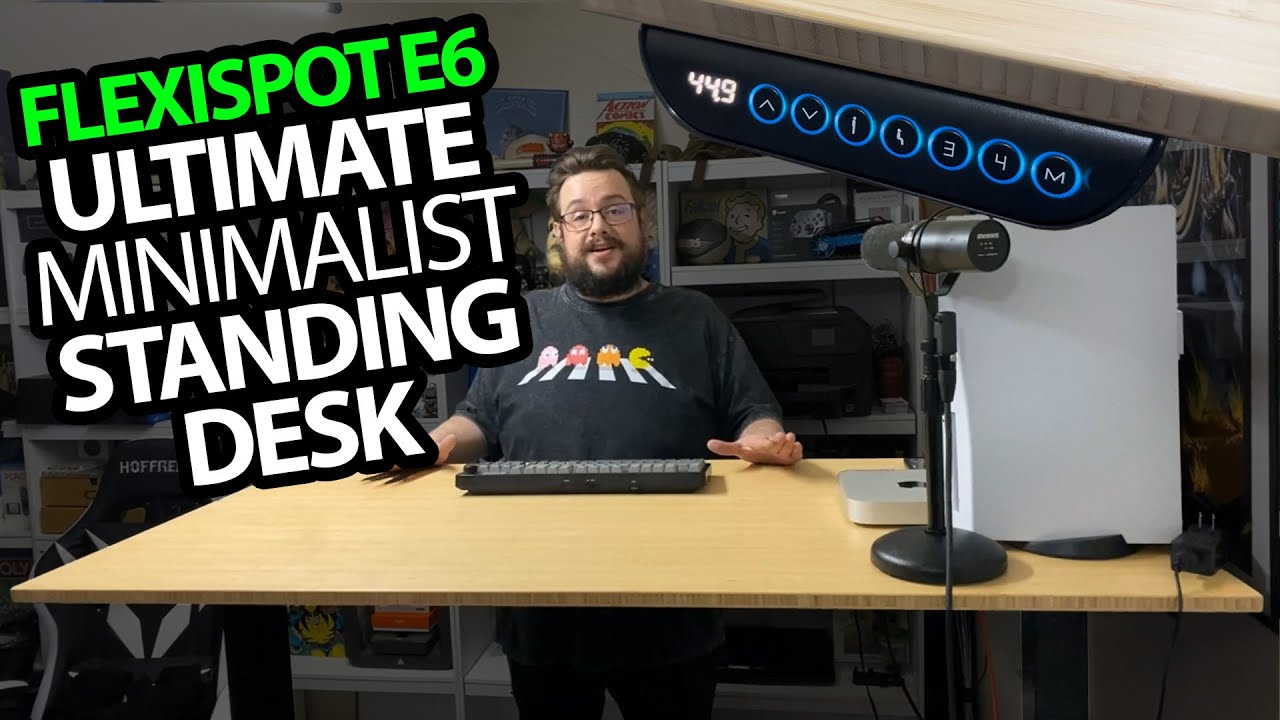
The table in my videos is not just a background. With the FlexiSpot E6, I can change the height of the whole workspace, which makes it useful both for computer work and for recording at the desk.
The surface sets the look
I chose the bamboo top and black legs for this setup. I like how that combination looks on camera, especially with the equipment and unboxing space arranged across it.
There is a PS5, a Mac and my microphone on the table during the demonstration. I also talk about a more minimal arrangement with a wireless keyboard and portable display as an idea, rather than pretending that is a separate completed setup.
One preset for sitting, another for standing
I show the control box on the edge of the desk and use the saved positions. The display reports the selected height, and pressing the sitting preset lowers it back to the level I use.
That repeatable change is the feature I appreciate most. The load and noise figures mentioned in the video are specifications I discuss; I do not weigh the equipment or take a sound-level measurement.
Assembly was a two-person job for us
The tabletop and frame arrived in separate packages. My wife and I put this one together, and I explain why having help made sense with the heavy leg assembly.
FlexiSpot sent the desk for the video. I am enthusiastic about it because it has become the center of my studio, but this session is about the setup and height controls, without a long-term mechanism, maximum-load or medical-benefit test.
The original Amazon link is below for the product listing and current details.
Links from the video
Affiliate disclosure: These links may earn me a commission at no extra cost to you.
Links and offers are from the video description. Availability, prices and offer terms may change.
Some links to other products on this page are affiliate links, and we may earn a commission if you buy through them. It costs you nothing extra, and it has not changed what this article says — where a competitor is the better answer, we say so.


