
The YouTube player loads when you press Play.
ATTACK SHARK M86: Side-Printed Keys and a Two-Piece Coiled Cable
Looking over the color gradient, receiver storage and cable connector.
Article published November 4, 2026.
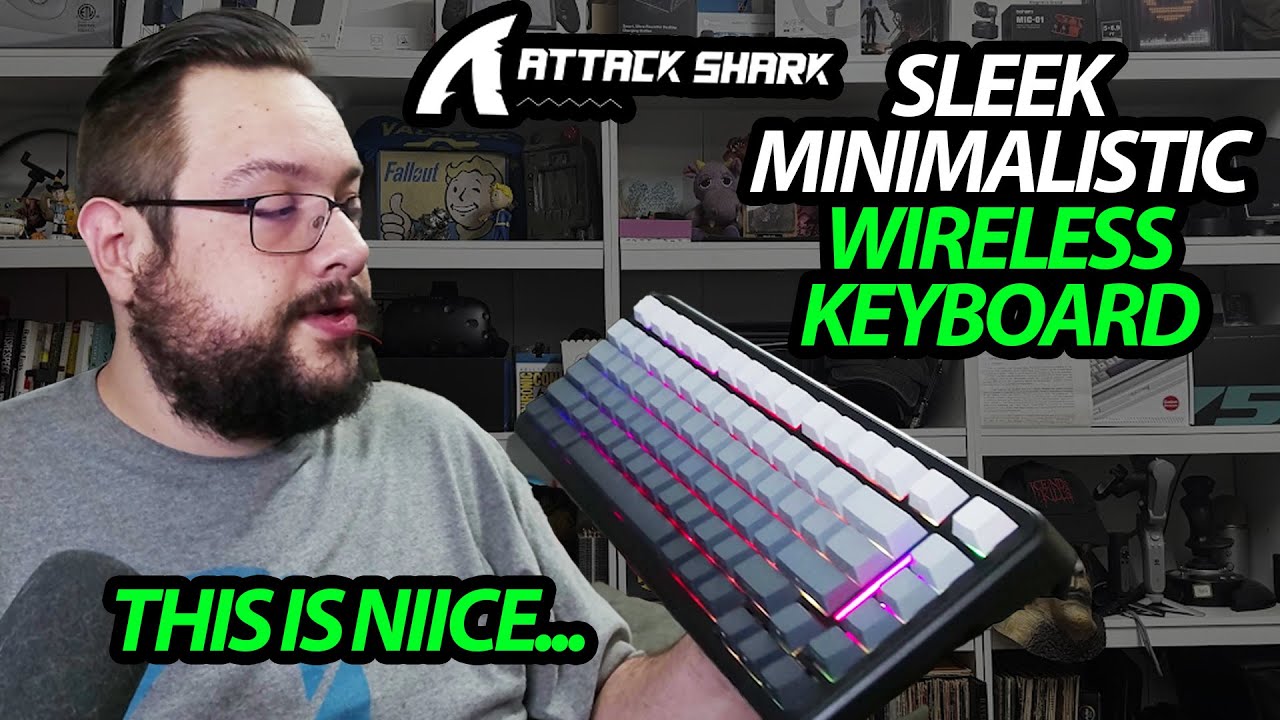
From above, the ATTACK SHARK M86 looks almost blank. Turn it toward you and the key legends appear along the front edges. That side printing and the dark-to-light gradient make a strong first impression.
Find the receiver under a foot
I look over the Mac/Windows switch, USB-C connection and wireless modes, then find the receiver tucked under one of the folding feet.
The storage arrangement has a magnetic pull, and closing the foot helps keep the receiver contained. The feet also give me different typing angles.
The lighting doubles as a status cue
Switching modes brings the RGB lighting on. One key flashes differently while the keyboard is in pairing mode, and I note that my PC can find it.
That is the connection behavior shown, without a measured wireless-latency or gaming test.
The cable is an accessory worth opening
The cable arrives in two parts. I look at the coiled section, line up the connector and screw the joint together. I initially misunderstand which part the threaded connector belongs to, then work through the two halves in the video.
The package also has spare switches and a puller. I do not open the keyboard to verify the internal padding or carry out a battery-endurance test.
ATTACK SHARK sent this one for the video. The original M86 Amazon link is below.
Links from the video
Affiliate disclosure: These links may earn me a commission at no extra cost to you.
Links and offers are from the video description. Availability, prices and offer terms may change.
Some links to other products on this page are affiliate links, and we may earn a commission if you buy through them. It costs you nothing extra, and it has not changed what this article says — where a competitor is the better answer, we say so.


