
The YouTube player loads when you press Play.
EMEET S800: Trying 4K30, Then Switching to 1080p60
Opening the camera, adjusting the mount and recording in both selected modes.
Article published November 4, 2026.
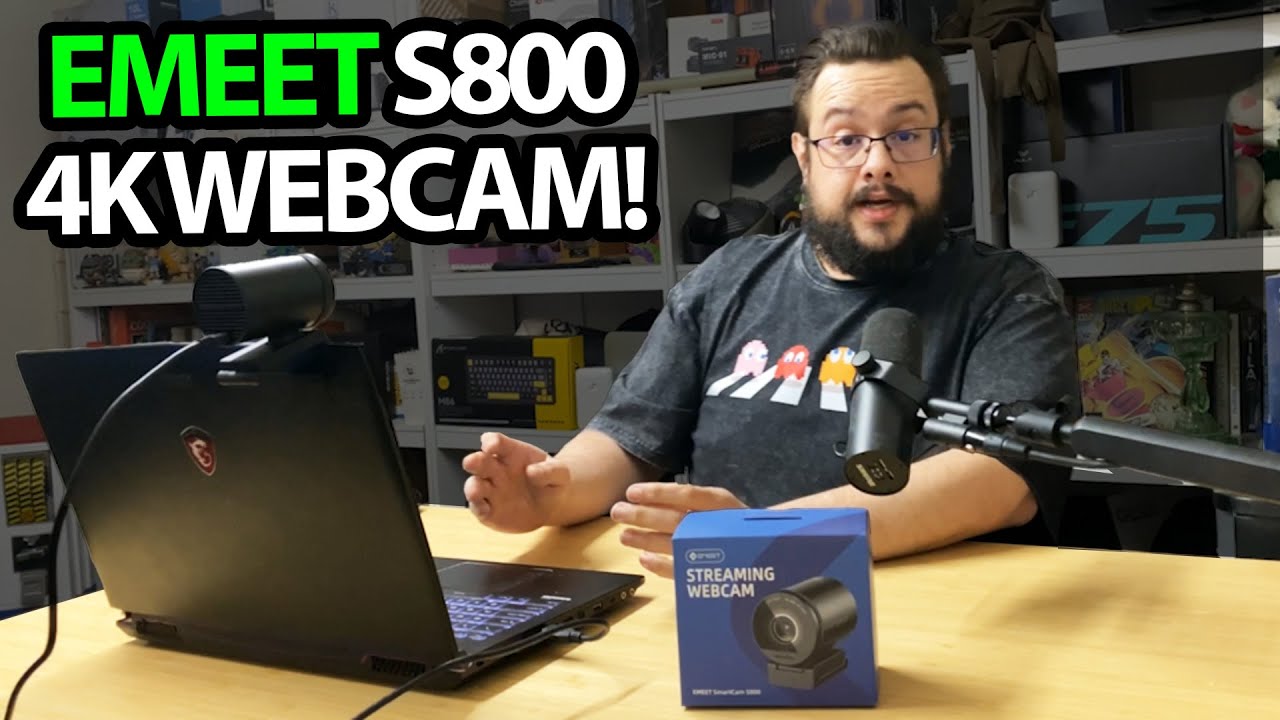
I want the camera unboxings to include the camera working, so the EMEET S800 goes from the package to a laptop in this session. Then I try the two modes I am most interested in: 4K at 30 frames per second and 1080p at 60.
The mount gives me some room to adjust
I open the shutter and look over the monitor mount, tripod connection and USB-C port. Once it is on the desk, I notice the swivel adjustment as well.
The package includes the USB cable, and I keep that with the camera while setting up. I also download EMEET Link before continuing the demonstration.
Switching the recording mode
The sample starts with the setting labeled 4K30. I then change to 1080p60 so the video includes the higher-frame-rate option too.
In that first try, I lean toward 1080p60 because I like the motion and the picture I am getting under my existing lights. That is a preference from this setup, without a measured comparison of detail, HDR or autofocus speed.
A first session, with comparisons still to come
EMEET sent the S800 for the video. I finish asking which cameras people want compared next, so those comparisons are not results I can add to this first look.
I later tried the EMEET Piko Plus, a different camera design with its own recording-mode choices. The original S800 Amazon link is below for this unit.
Links from the video
Affiliate disclosure: These links may earn me a commission at no extra cost to you.
Links and offers are from the video description. Availability, prices and offer terms may change.
Some links to other products on this page are affiliate links, and we may earn a commission if you buy through them. It costs you nothing extra, and it has not changed what this article says — where a competitor is the better answer, we say so.


