
The YouTube player loads when you press Play.
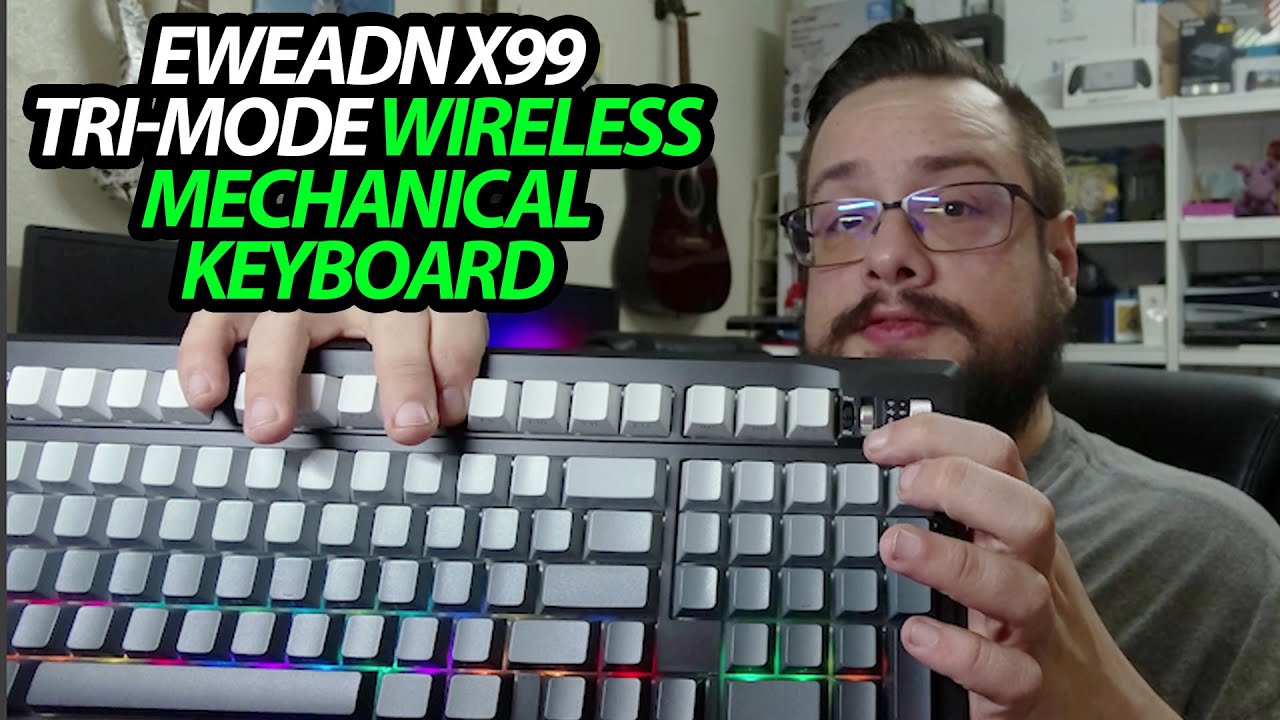
EWEADN X99: A Volume Wheel and a Receiver That Tucks into the Back
Opening the keyboard and checking its switches, feet and accessories.
Article published November 4, 2026.
The EWEADN X99 feels weighty when I lift it out, but the useful little detail turns out to be at the back: a place to keep the wireless receiver instead of losing it in the box.
Open the accessories first
I find replacement switches, a switch-and-keycap puller and the USB-C cable. The cable has a branded wrap, and the puller has a ring that I spend a moment playing with.
I then turn the keyboard over to look at the rear plate and the adjustable feet. It can sit flat or use either of the raised positions shown.
A mode switch and a volume wheel
The side has the connection-mode selector and a separate Mac/PC switch. I also point out the wheel used for volume control and the USB-C connection.
This is a hardware tour, without a completed pairing or a latency comparison across the three connection types.
Seat the receiver properly
I initially let the receiver drop while showing the compartment, then realize it needs to be pushed fully into its place. Once seated, it stays tucked away as intended in the demonstration.
I finish with a brief key-sound sample. The battery size and switch-customization features discussed are product specifications; I do not run an endurance or switch-replacement test here.
EWEADN sent the keyboard for the video. The original Amazon link is below.
Links from the video
Affiliate disclosure: These links may earn me a commission at no extra cost to you.
Links and offers are from the video description. Availability, prices and offer terms may change.
Some links to other products on this page are affiliate links, and we may earn a commission if you buy through them. It costs you nothing extra, and it has not changed what this article says — where a competitor is the better answer, we say so.


