
Notes from the workshop.
Software, hardware, practical guides and work in progress from MikeTheTech and PyroSoft.
Hardware, most recent first
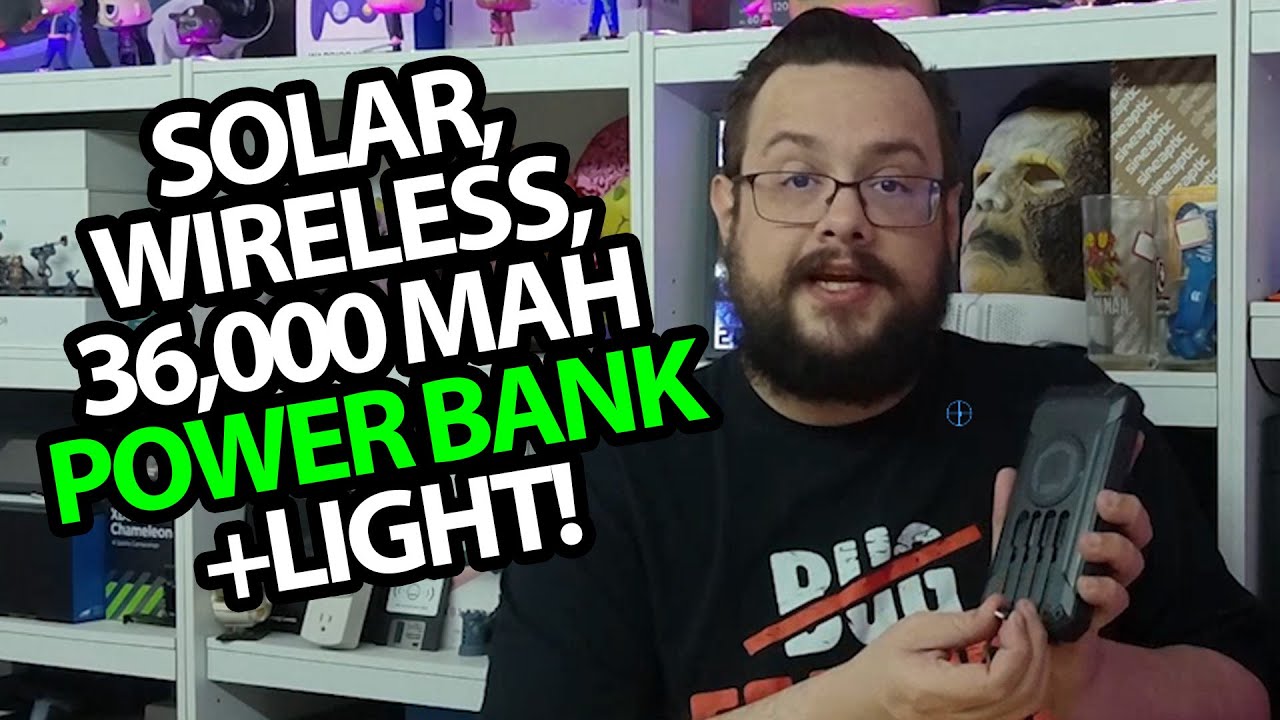
GOODaaa Solar Power Bank: Four Attached Leads and a Light
Unpacking the unit and looking at the solar panel, wireless pad and connections.
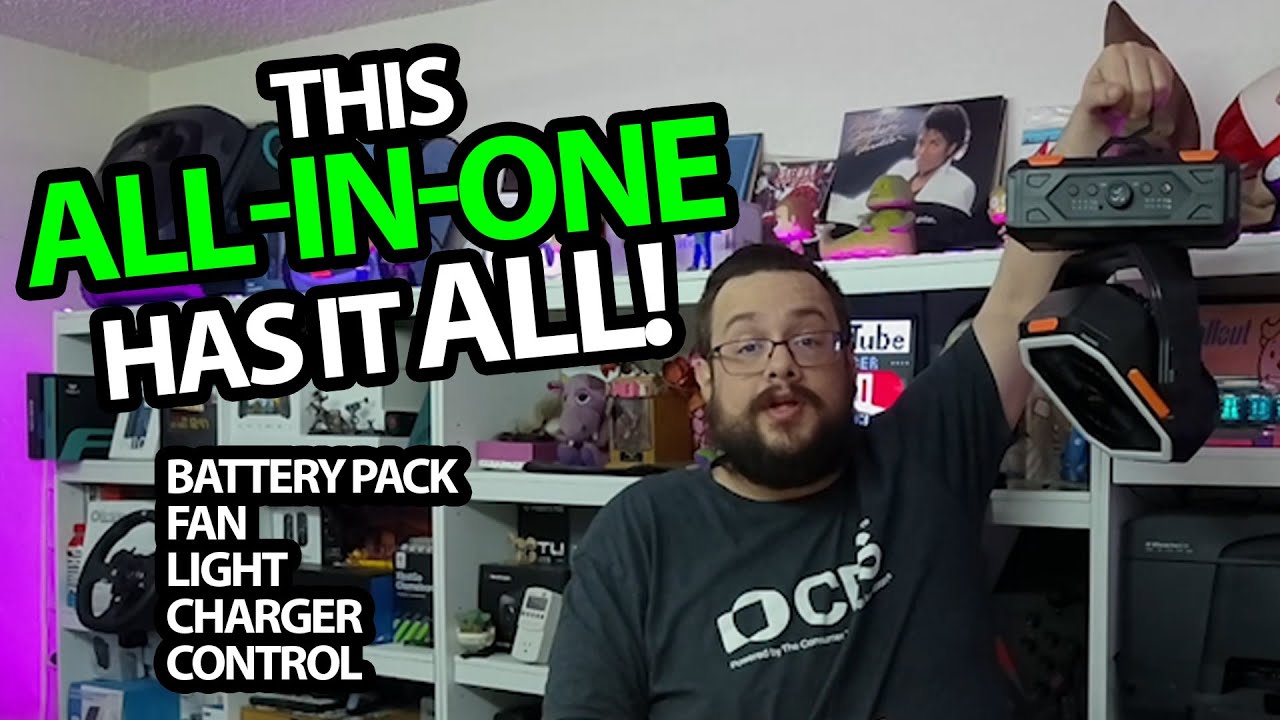
OGERY F11: The Fan Starts Turning and Moves My Poster
Trying the speed control, three light levels and the included remote.
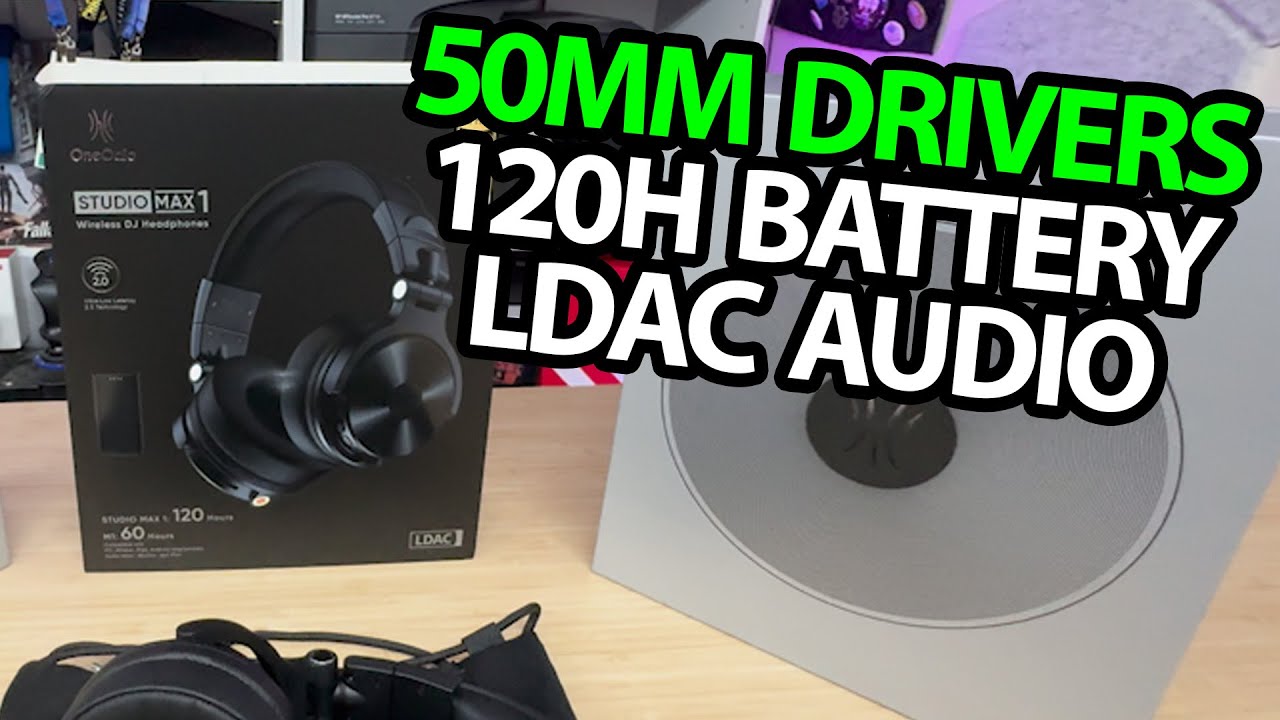
OneOdio Studio Max 1: A Wireless Transmitter and Plenty of Cable Options
Opening the headphones, trying the fit and giving a first listening reaction.
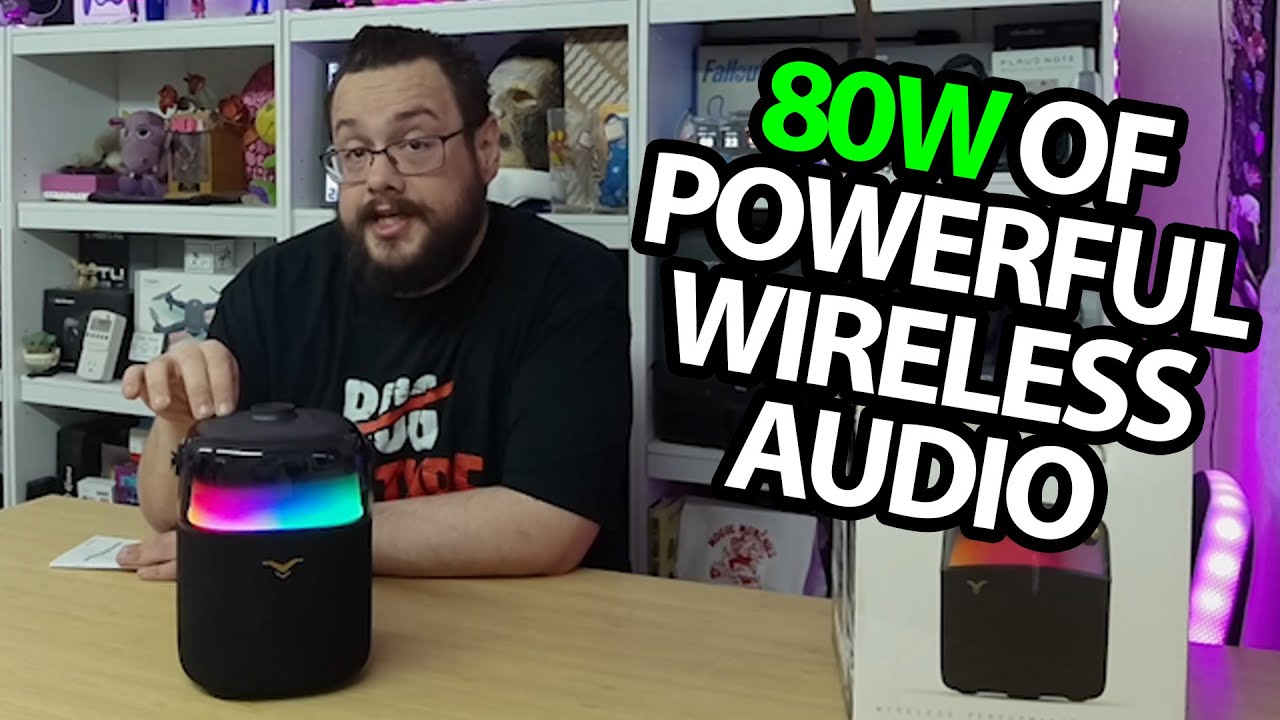
PartyFree S2: A Soft Handle, Rear Connections and Colorful Light Modes
Opening the portable speaker and trying its startup and lighting controls.
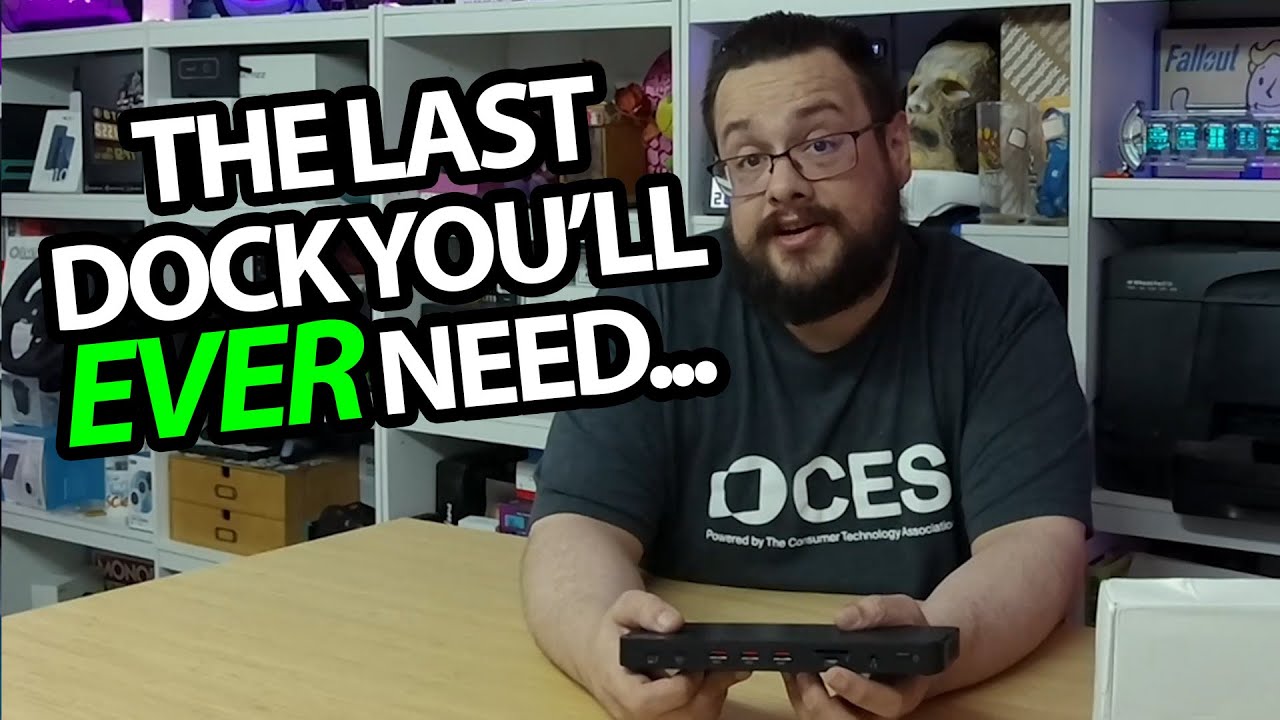
MOKiN Thunderbolt 4 Dock: A Lot of Connections in a Thin Case
Unpacking the dock and looking through its front and rear port layout.
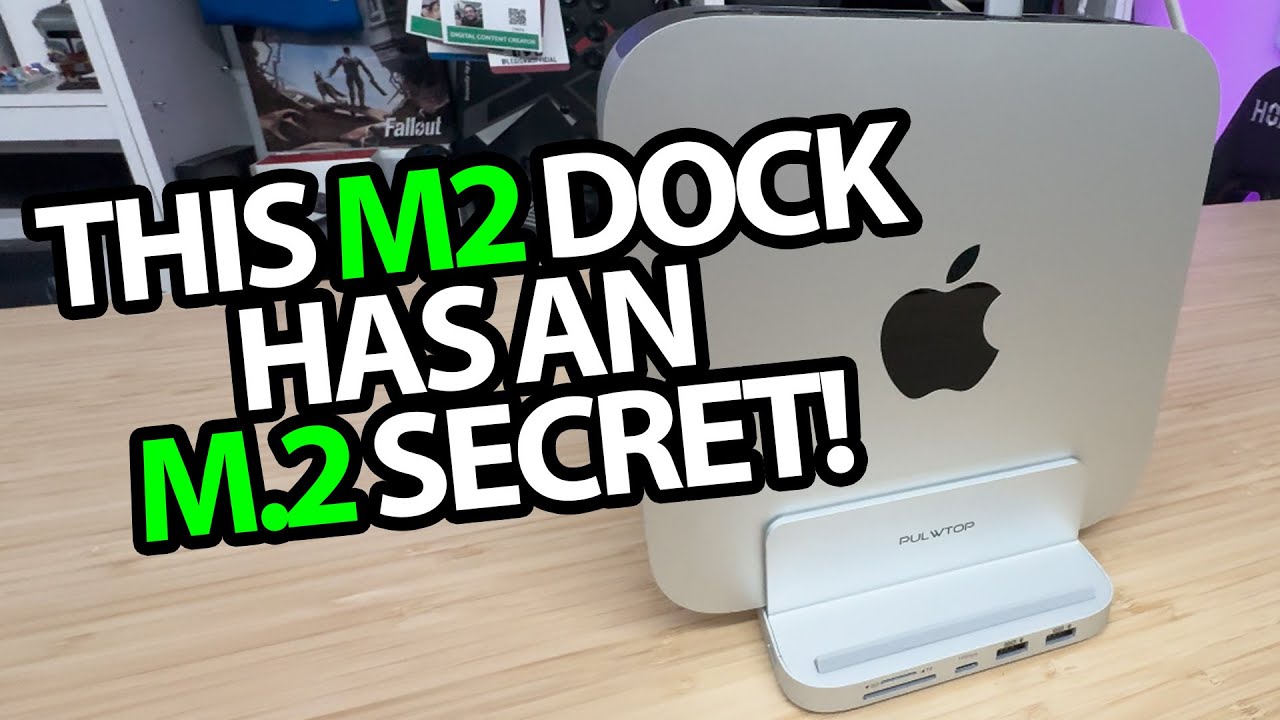
PULWTOP Vertical Mac Mini Hub: Ports and an SSD Compartment Underneath
Opening the stand-and-hub combination and looking at the supplied fitting parts.
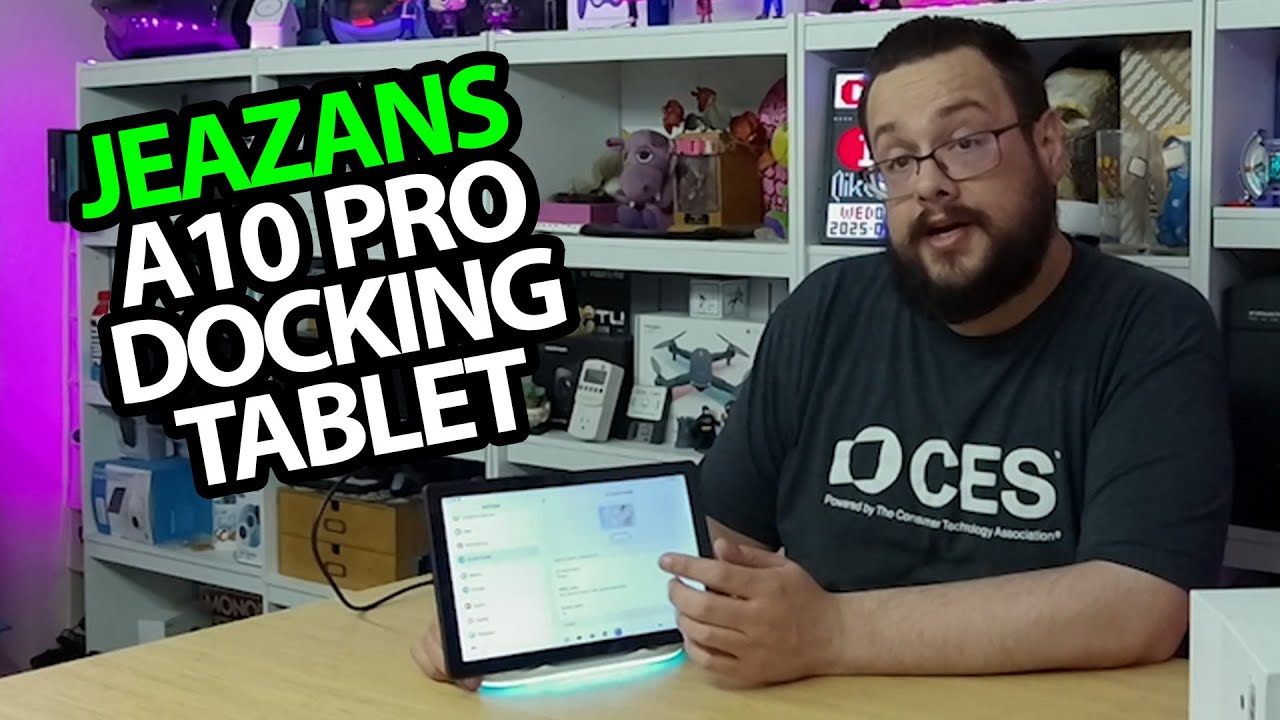
Jeazans A10 Tablet: The Speaker Dock Changes What It Does on the Desk
Trying the magnetic connection, dock mode and changing lights.
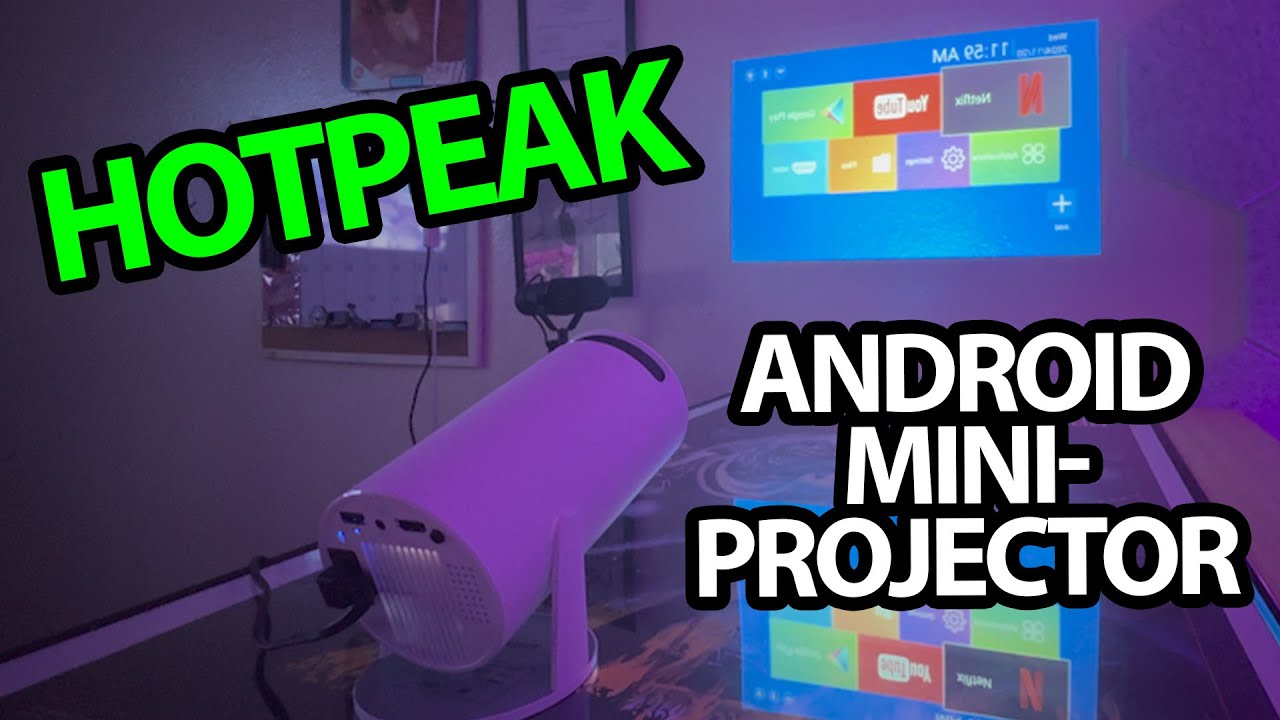
HOTPEAK PR06: The First Image Is Android on the Projector Itself
Unboxing the compact projector, turning it on and aiming it at the wall.
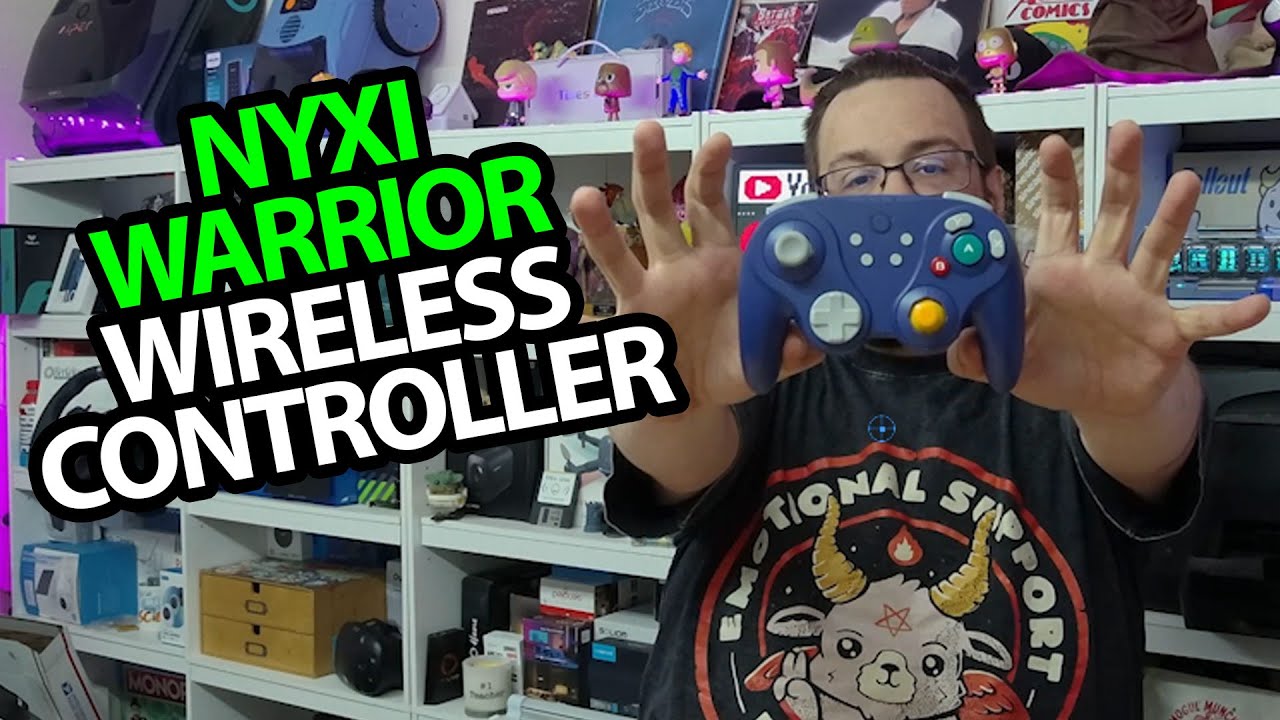
NYXI Warrior: Swapping the Paddles and the Classic Stick Caps
A physical first look at the GameCube-inspired controller and included adapter.
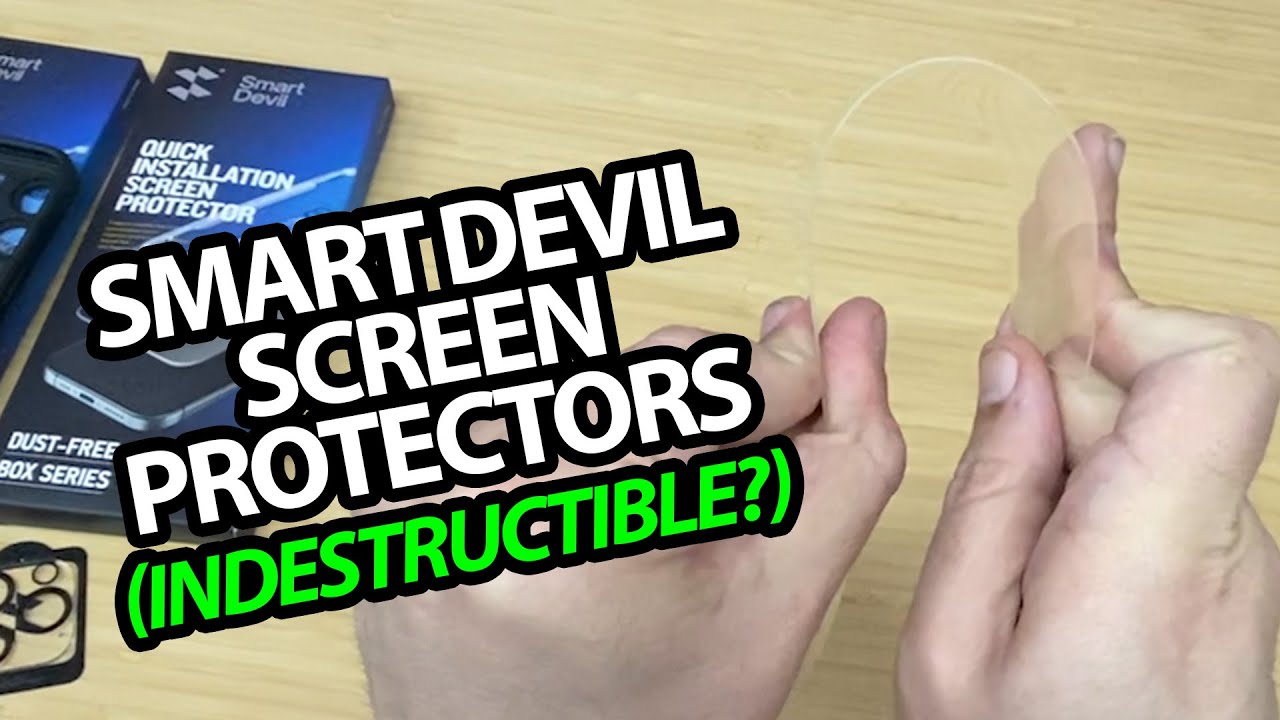
SmartDevil SmartPull: The Applicator, One Small Bubble and a Spare-Sample Test
Installing a screen and camera cover before trying a separate protector's resistance.
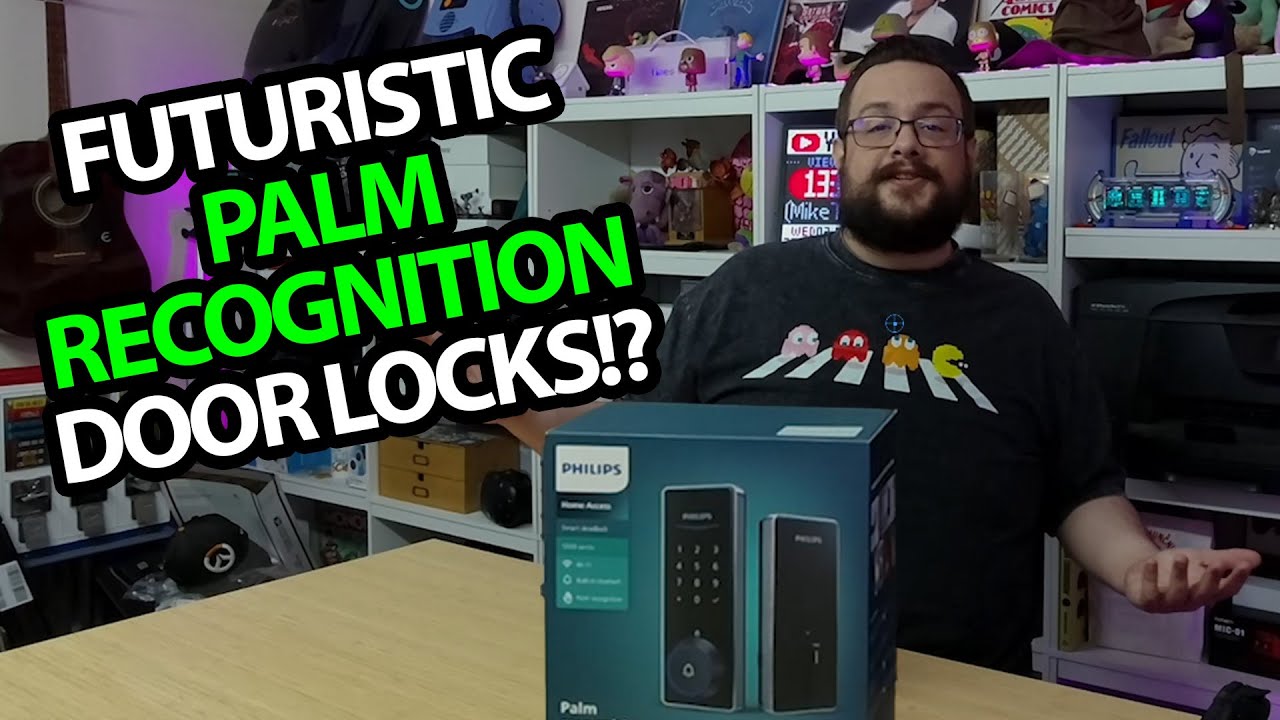
Philips 5000 Smart Deadbolt: My Left Palm Works, the Other Does Not
A tabletop app setup and palm-enrollment test before the door installation.
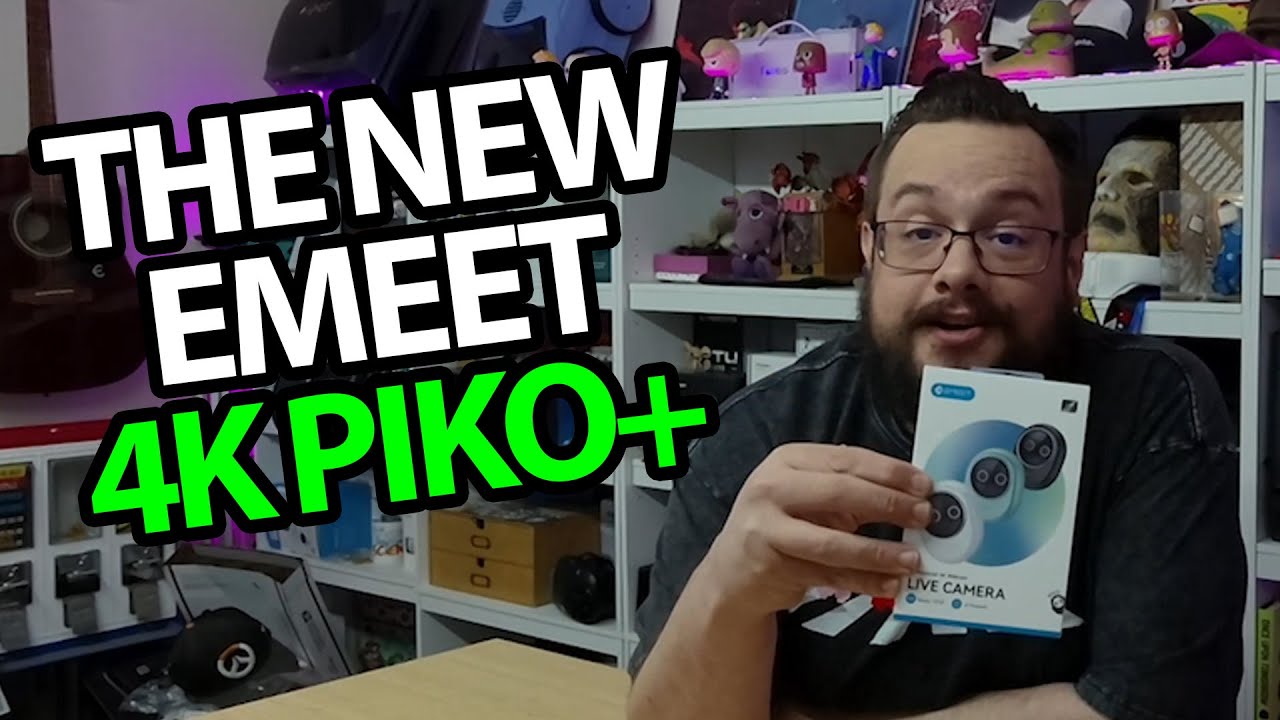
EMEET Piko+: The Panda Is a Privacy Cover, Then I Try the Picture Modes
Switching between 1080p60 and 4K30 settings and recording the three audio modes.
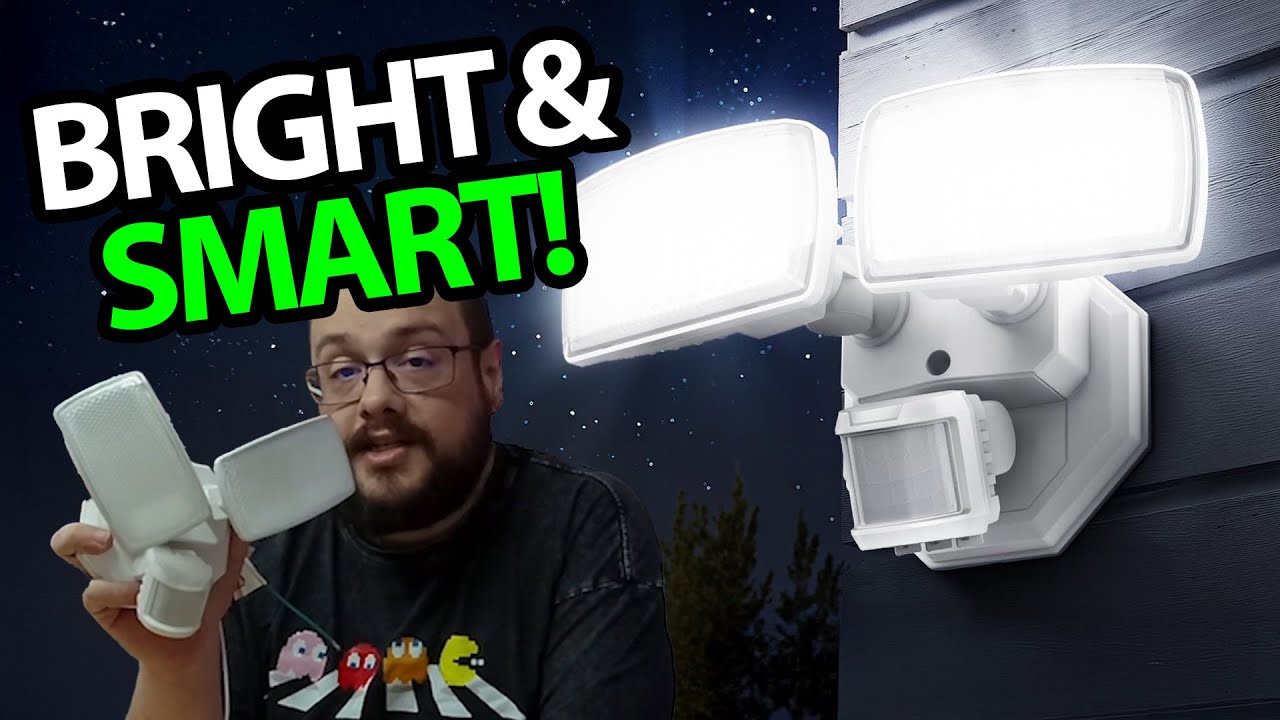
Onforu Motion Light: Adjustable Sections and Three Control Knobs
Looking over the uninstalled fixture and its mode, time and distance controls.
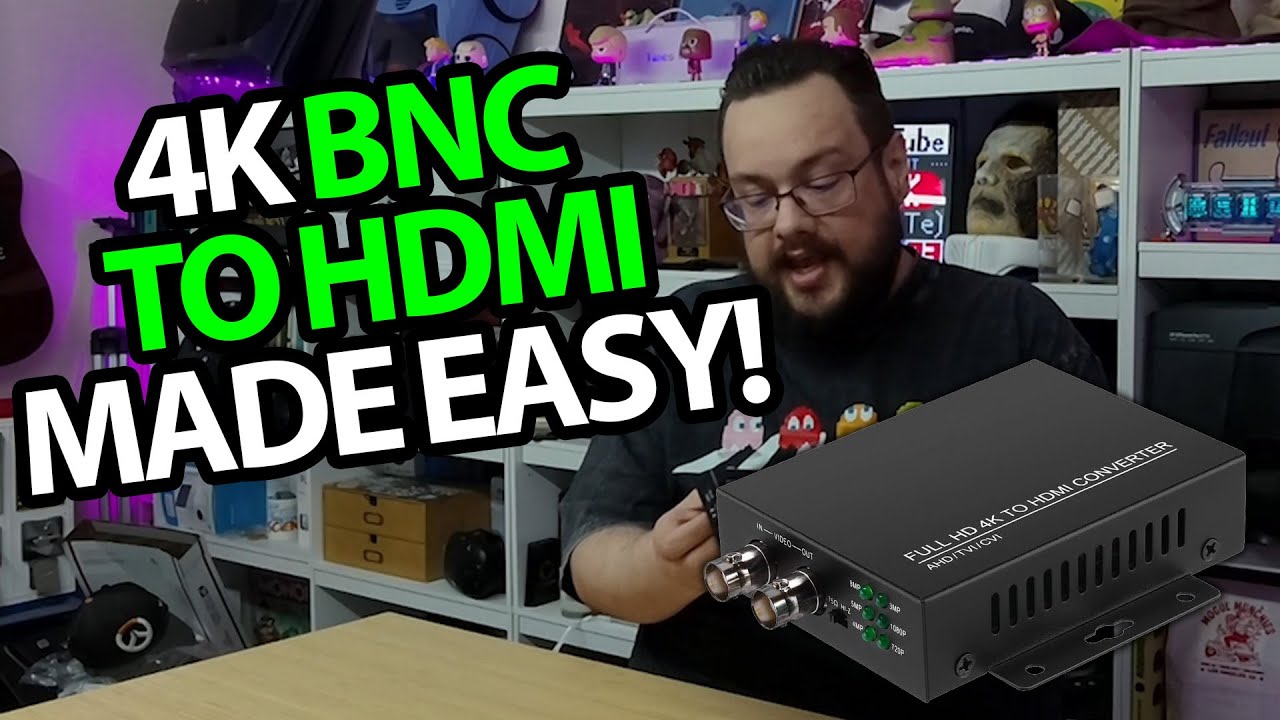
Eyoyo BNC-to-HDMI Adapter: The Loop Output Is the Detail I Like
Unpacking the converter, fitting the cable and looking at its input and outputs.
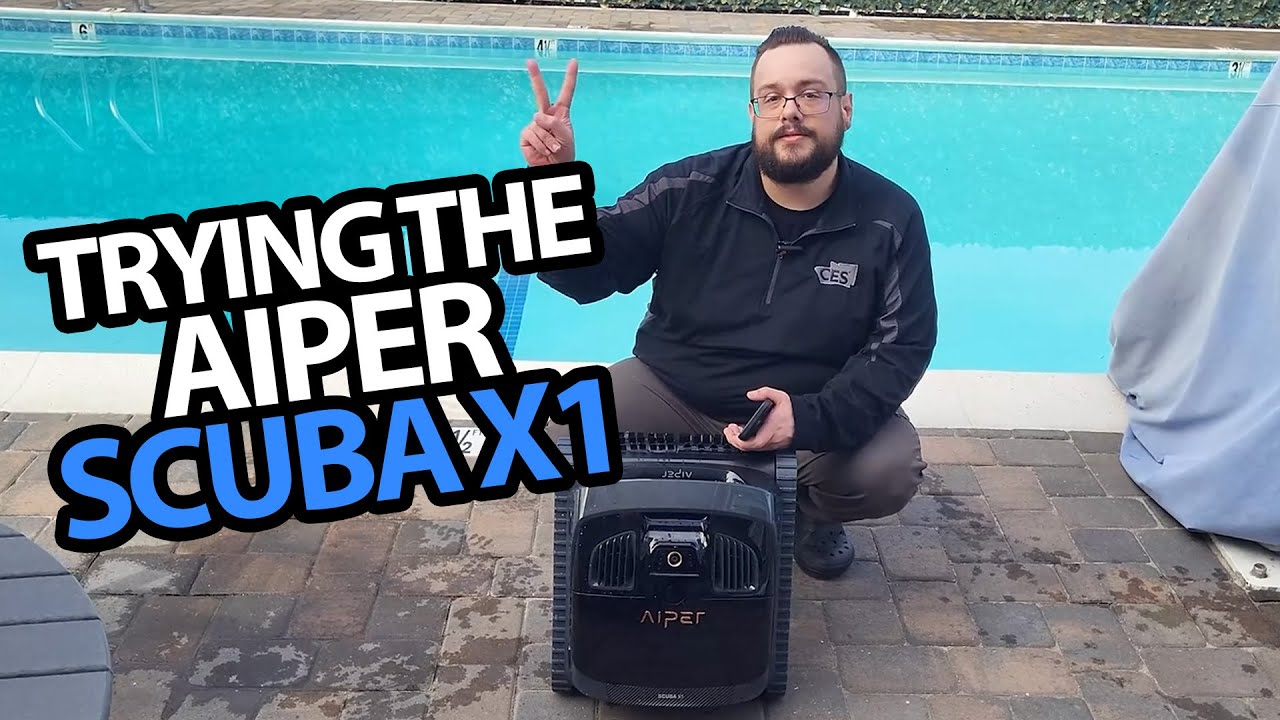
AIPER Scuba X1: From the Charging Stand to the Pool Waterline
Trying waterline mode, watching the cleaner climb and opening the debris basket.
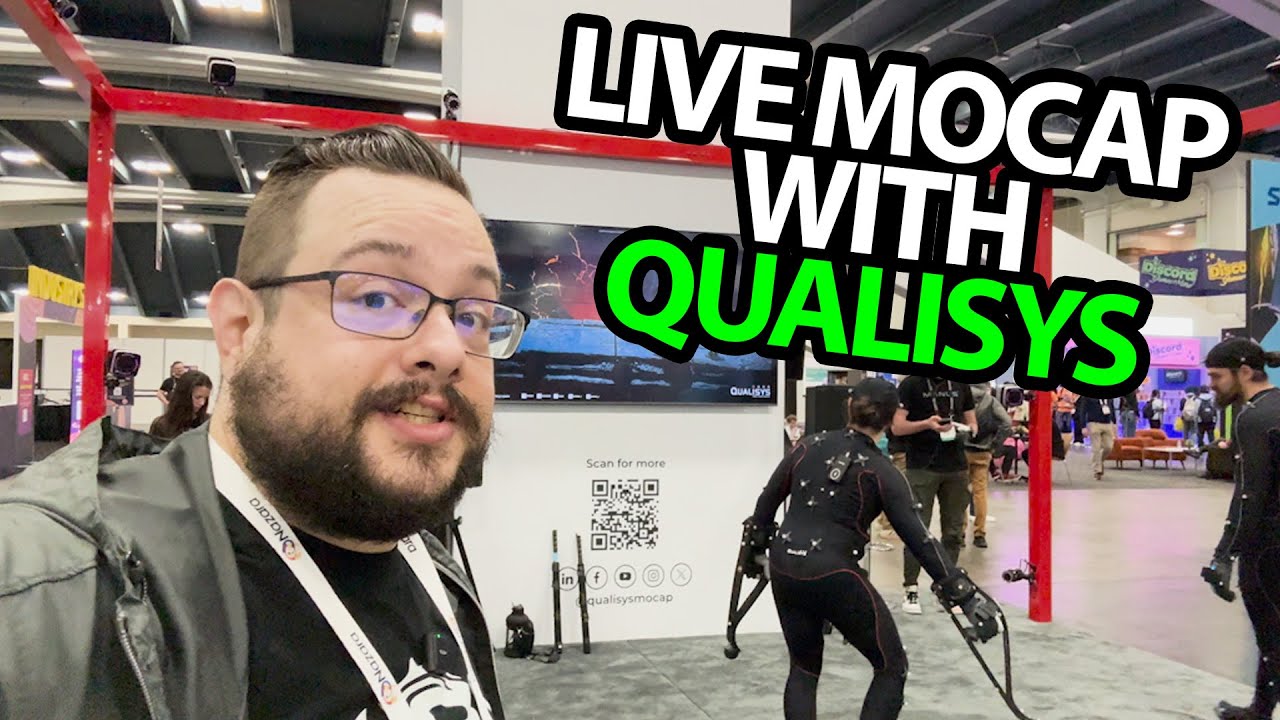
Qualisys Motion Capture: Performers Drive the Characters in Real Time
A short interview about optical tracking, props and the choices behind a capture system.
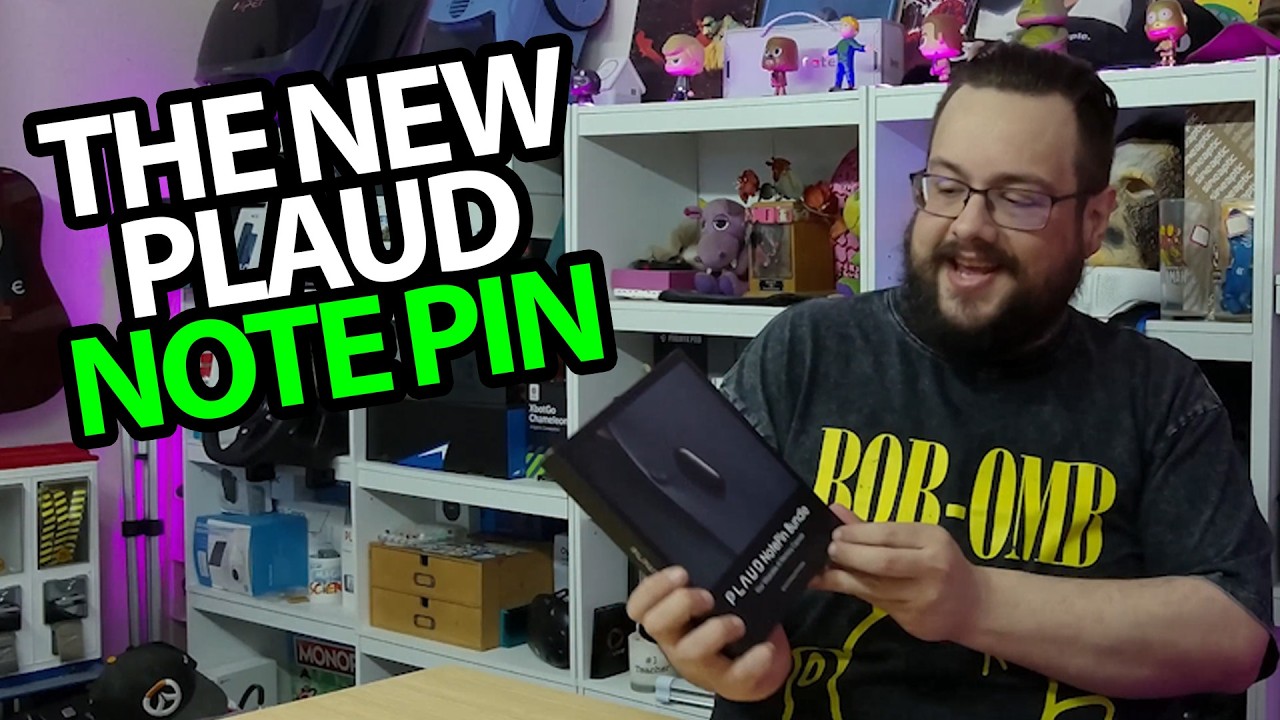
PLAUD NotePin: Shirt Clip, Wristband and a Very Small Recorder
Opening the accessory bundle and trying several ways to wear the device.
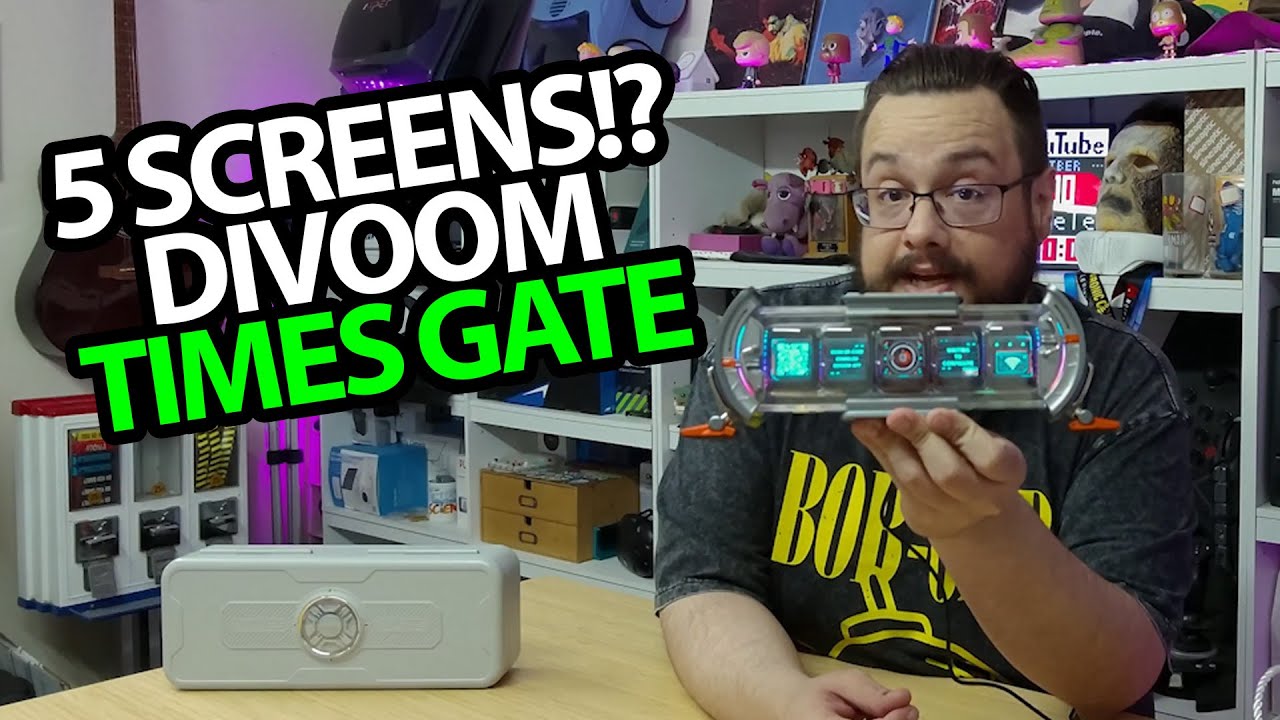
Divoom Time Gate: Five Little Screens, One Very Customizable Desk
Connecting the display and trying its layouts and rear lighting.

MetaY eGPU Dock: A Short Booth Conversation About Portable Graphics
Kenny explains the dock and the separate idea of renting spare computing power.

RANVOO AICE Lite Plus: I Expected Cooling, Then Tried the Heating Mode
First impressions of the neck-worn device, fan controls and app.
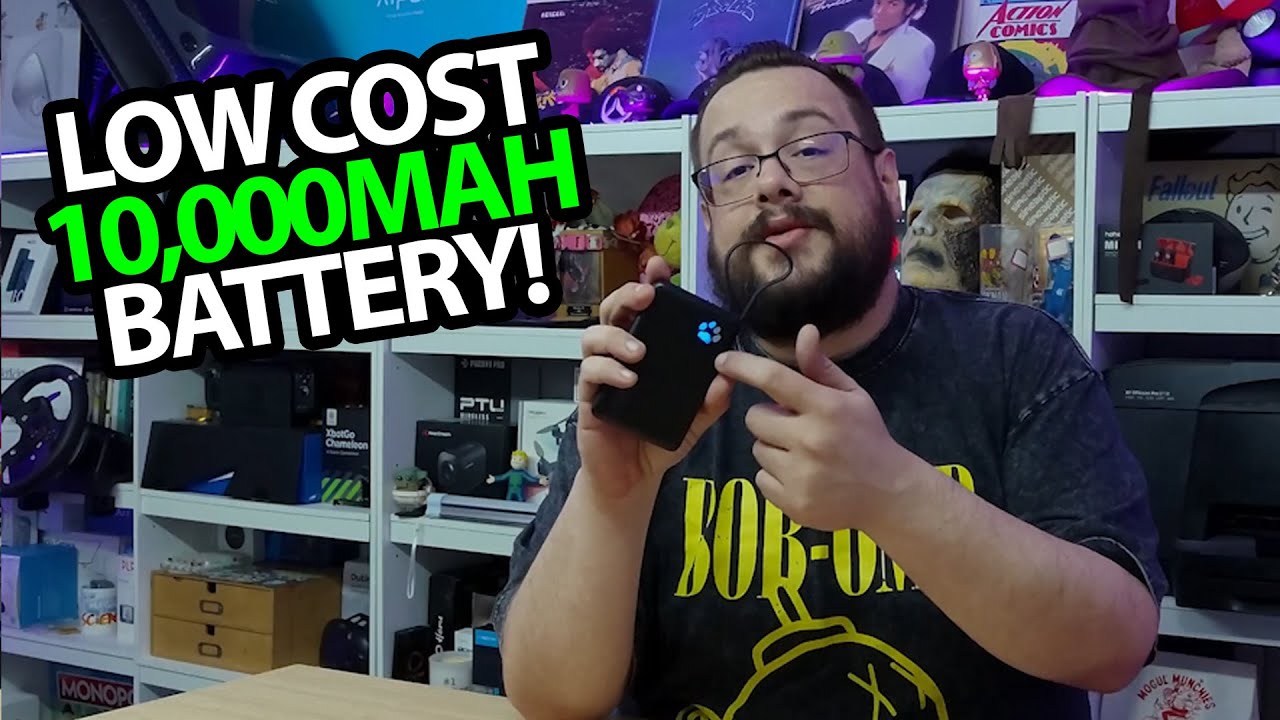
INIU P41: The Attached Cable Becomes a Little Carry Handle
A small power bank with a paw-print indicator and a built-in light.
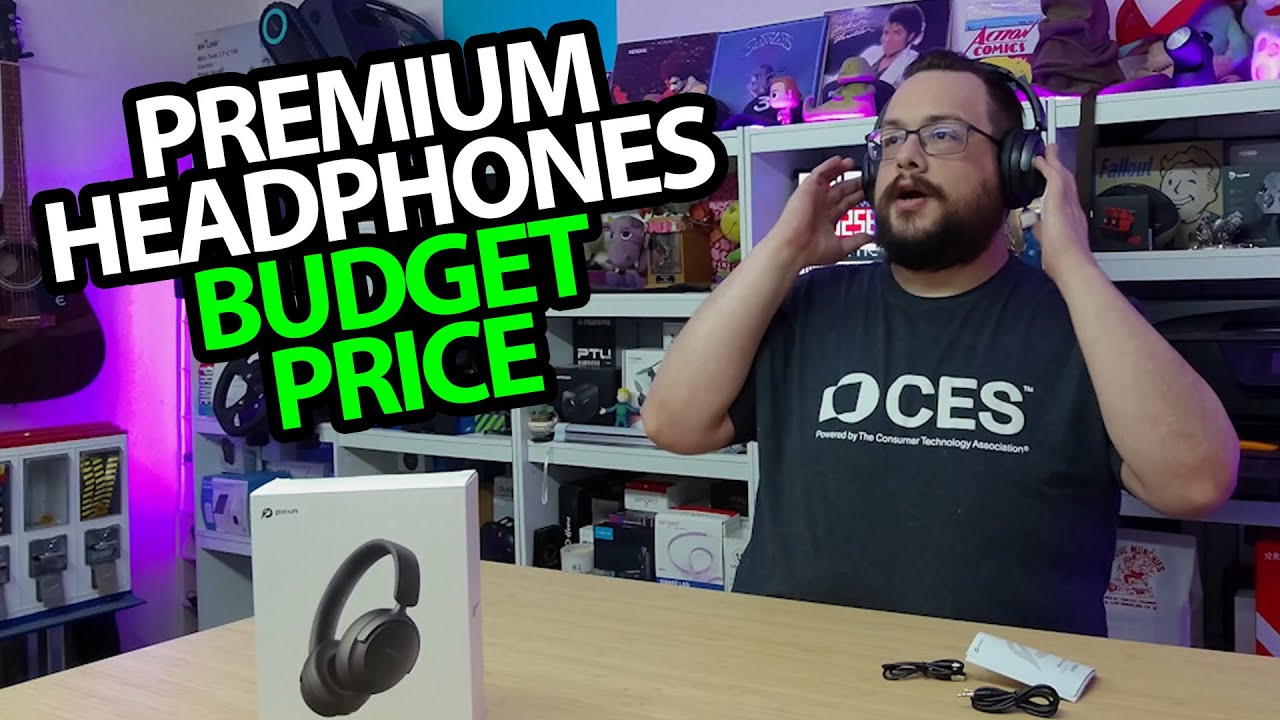
Picun NC60: The Fit Isolates Sound Before I Even Turn Them On
Pairing the headphones and trying their bass-heavy sound for the first time.
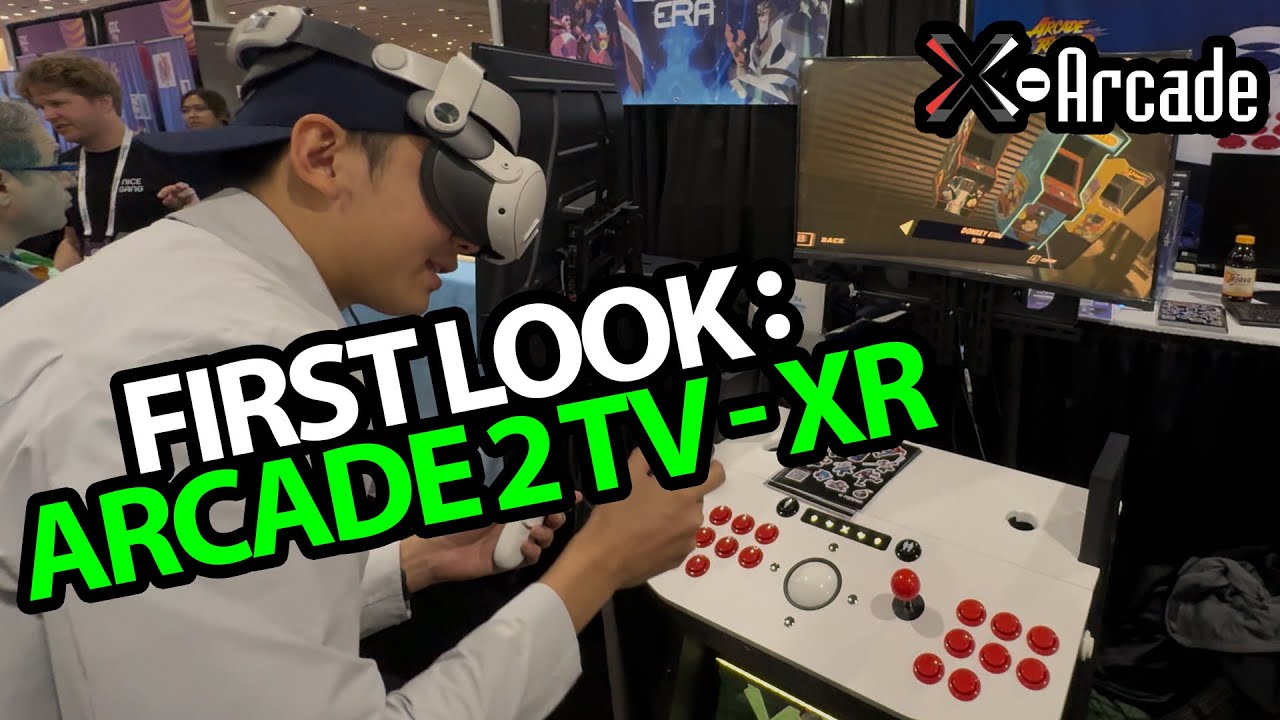
X-Arcade Arcade2TV-XR: Matching Real Controls to a Virtual Cabinet
A GDC conversation about physical arcade hardware and customizable VR surroundings.
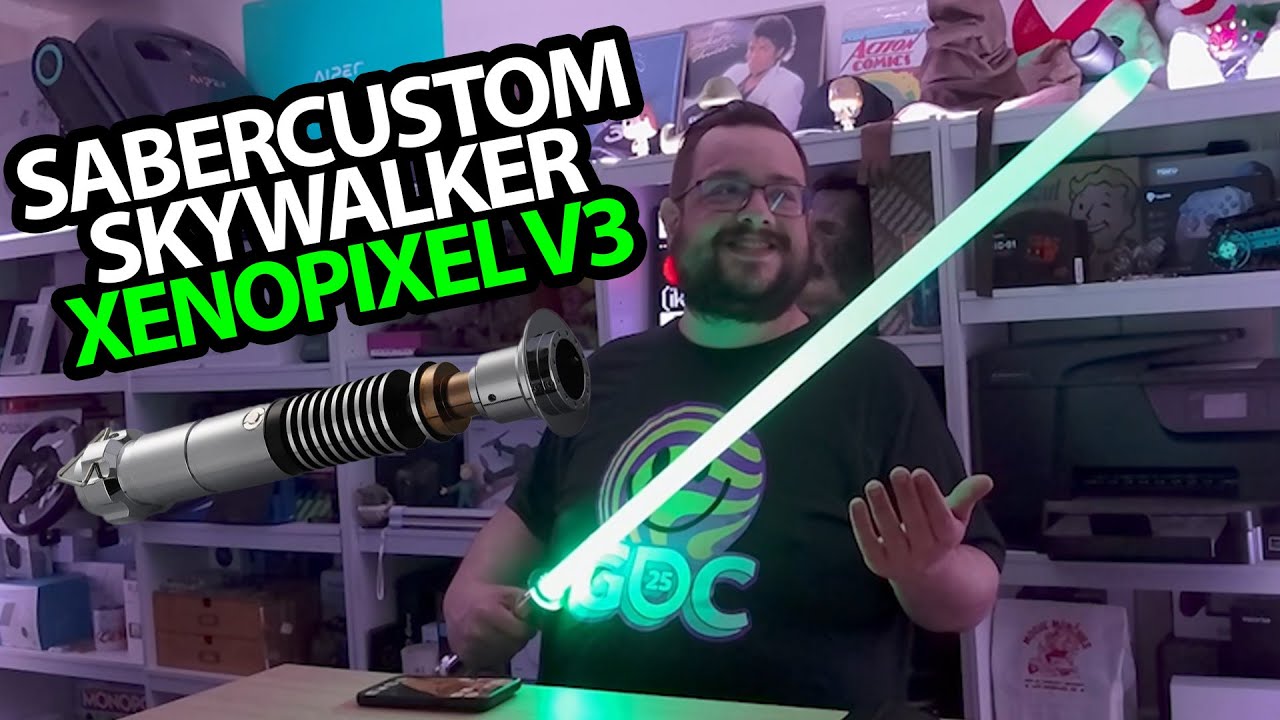
SaberCustom Lightsaber: Colors, Swing Sounds and an App to Control Them
Assembling the blade, trying the effects and connecting the configurator.
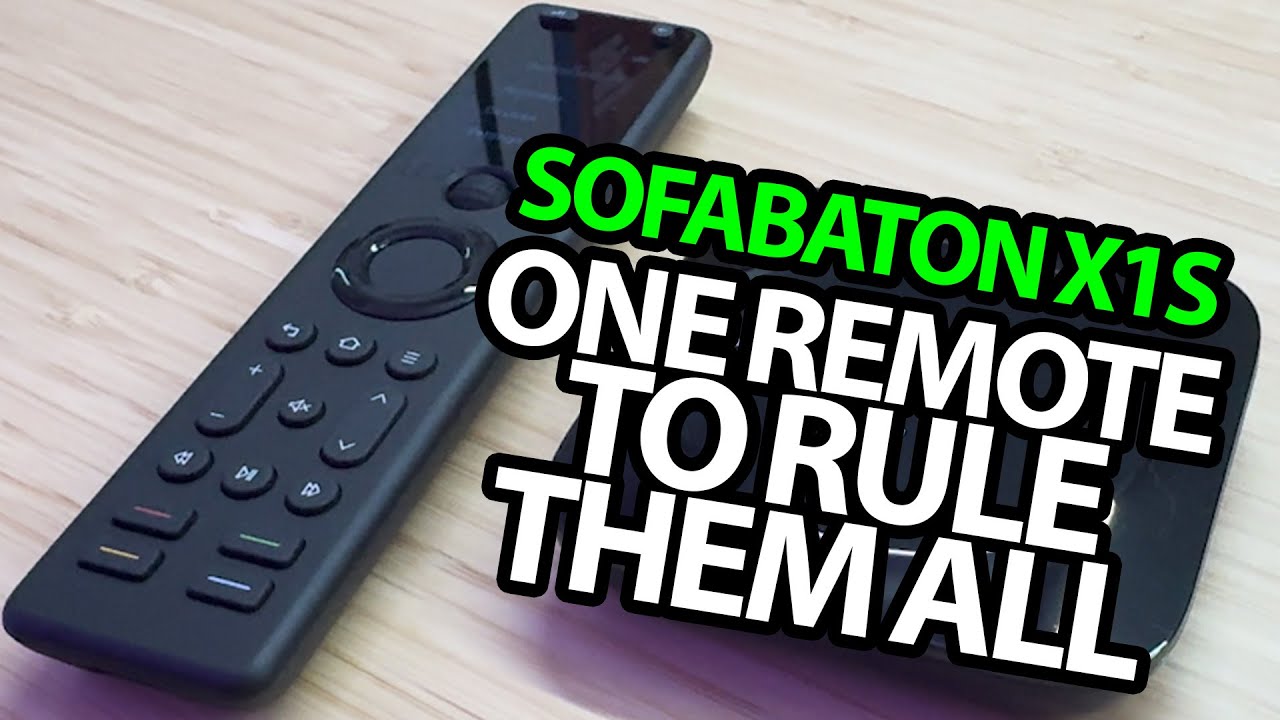
SofaBaton X1S: The Hub Is What Makes This Remote Interesting
Opening the remote, screen controls and infrared accessories before setup.
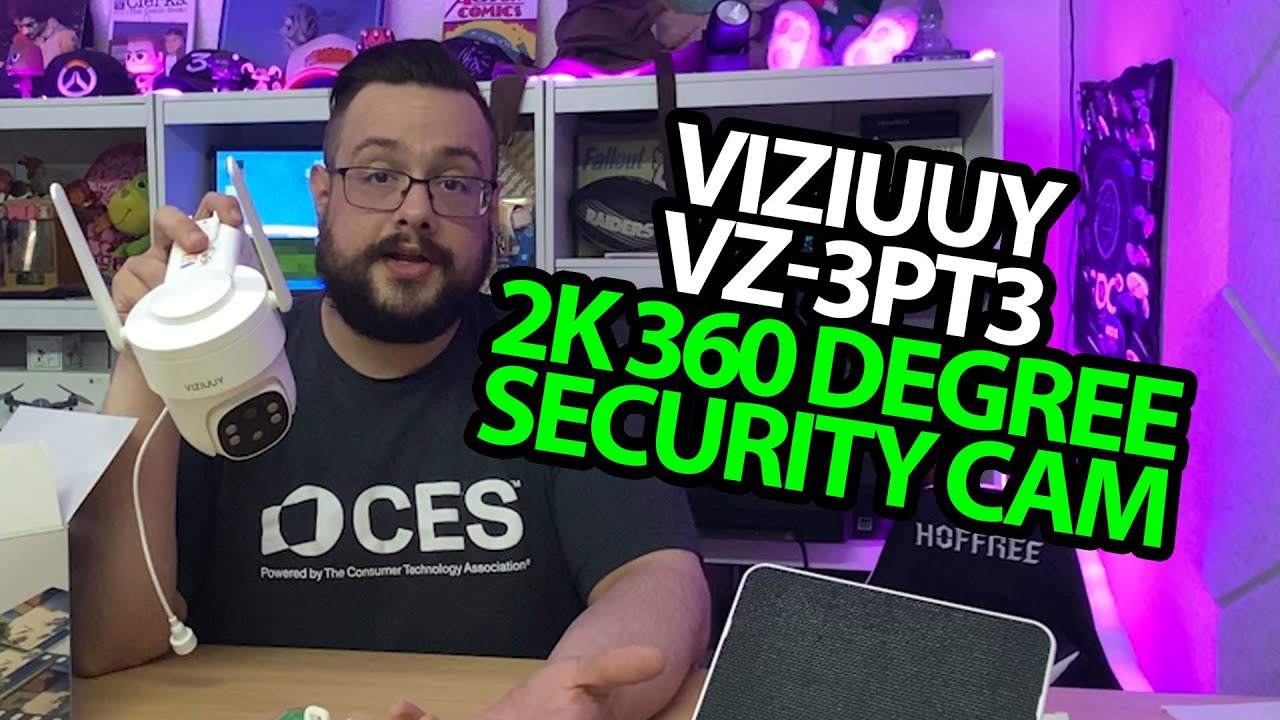
AOV Solar Camera: Opening the Camera, Panel and Mounting Kit
A hardware tour before this particular unit goes up outside.
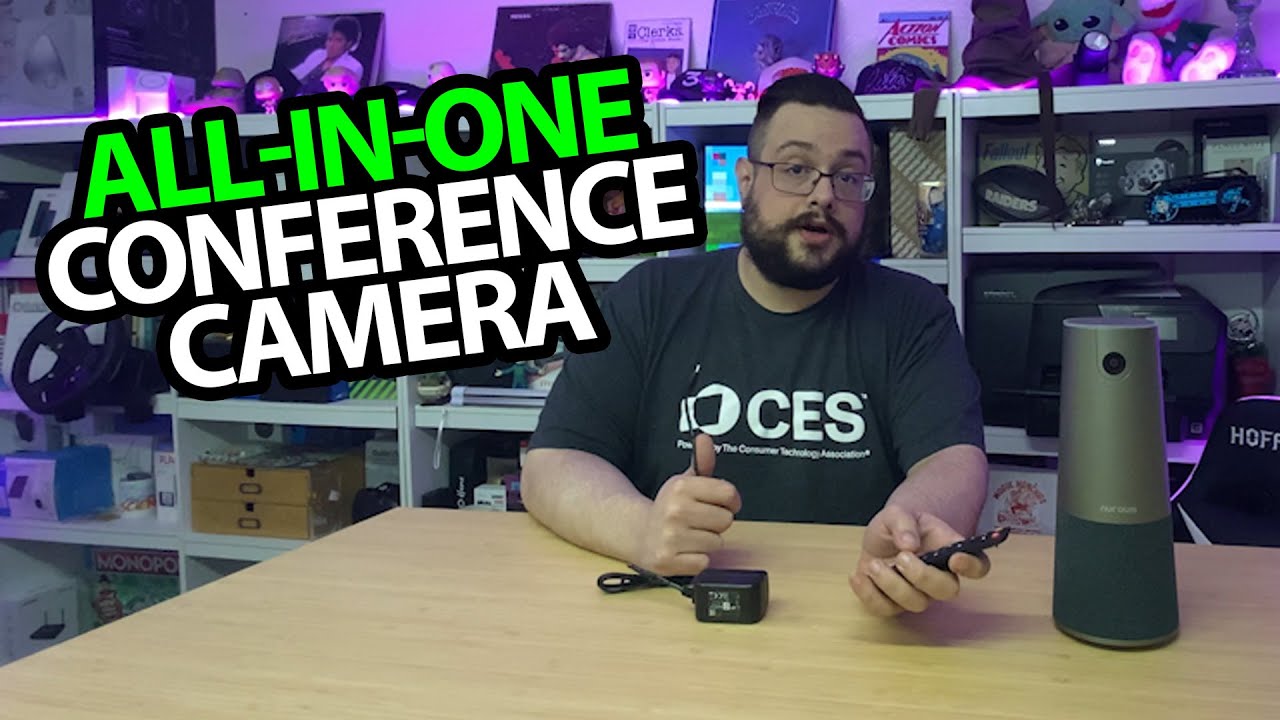
Nuroum C46: A Meeting Camera with Speakers and a Remote
Unboxing the all-in-one unit, then recording a short framing-control demo.
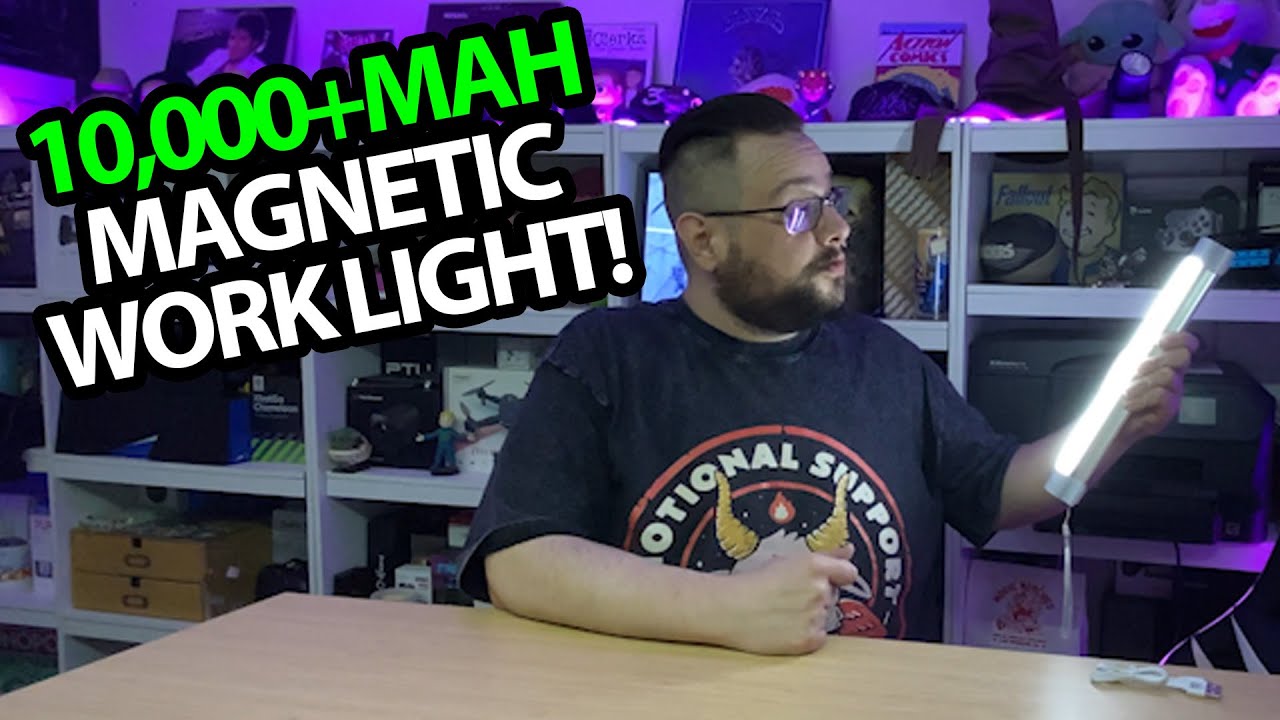
LETOUR Rechargeable Light: Strong Magnets and Three Brightness Steps
Trying the mounting pieces, light levels and extra modes at the workbench.
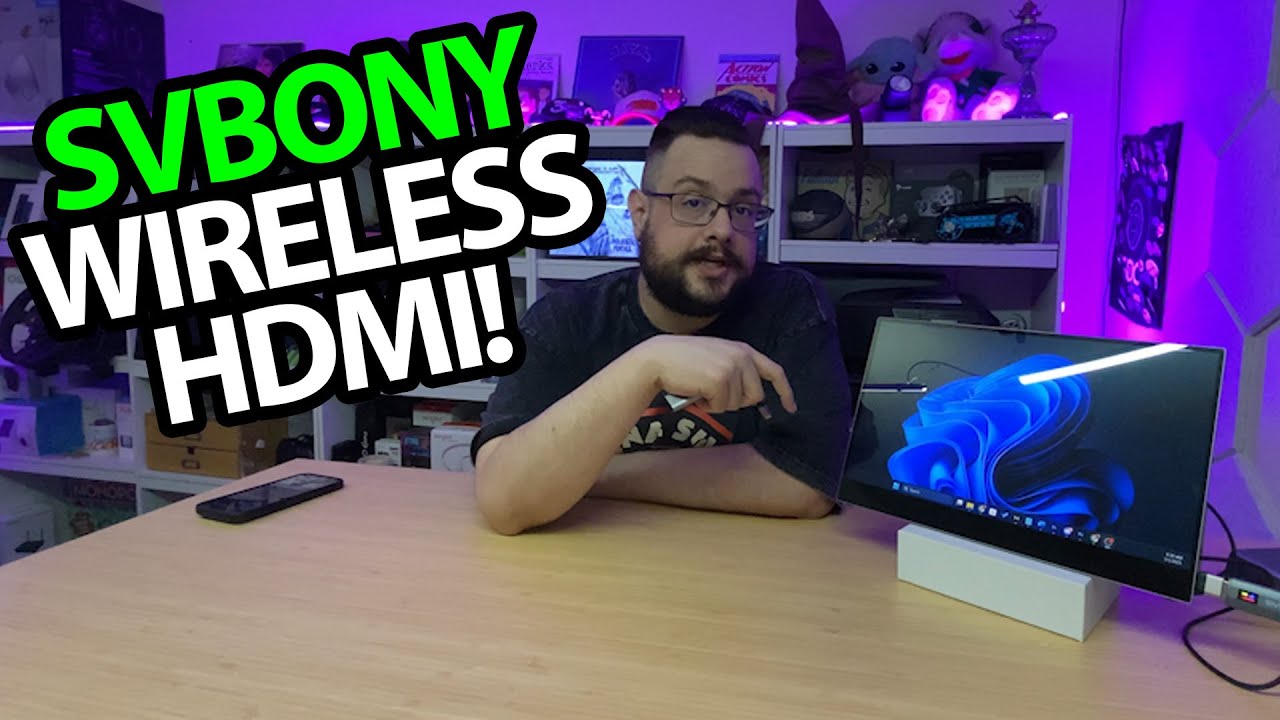
SVBONY Wireless HDMI: First My Phone, Then the Computer Across the Room
Connecting the transmitter and receiver to a small screen.
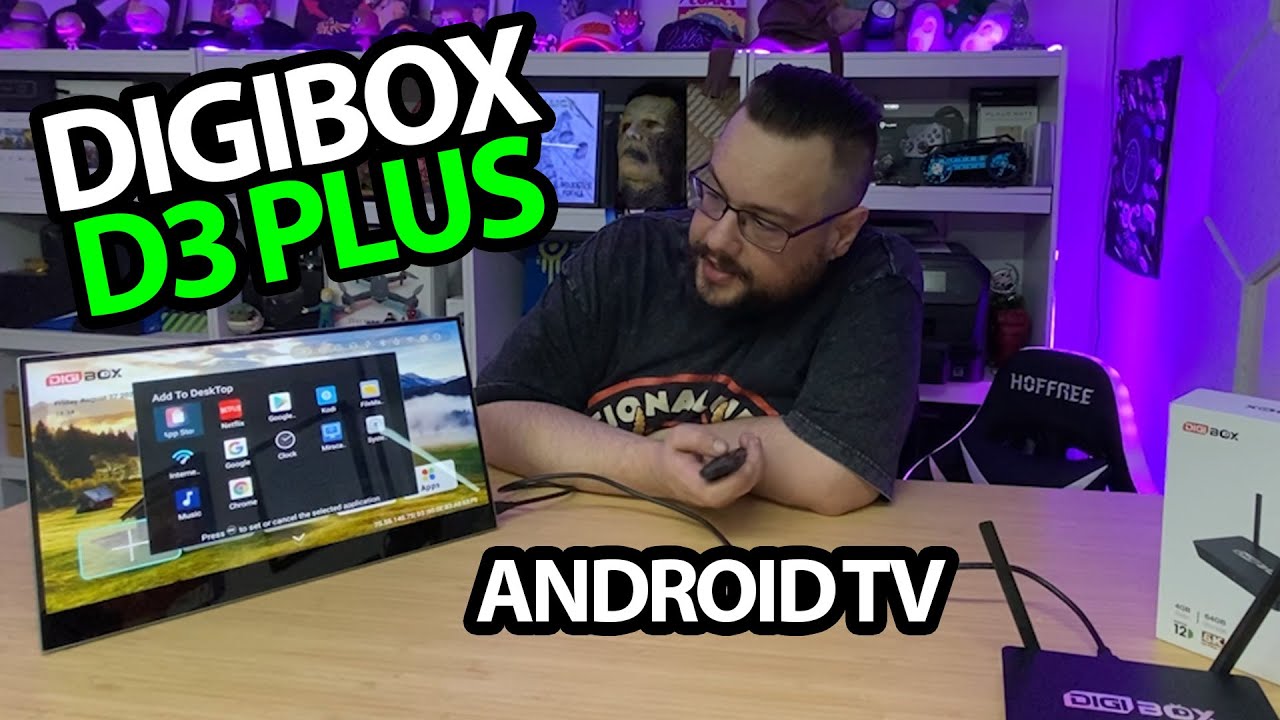
Digibox D3 Plus: First Setup, a Mini Keyboard and the Included USB Drive
Opening the package, pairing the remote and checking the storage screen.