
The YouTube player loads when you press Play.
SVBONY Wireless HDMI: First My Phone, Then the Computer Across the Room
Connecting the transmitter and receiver to a small screen.
Article published November 4, 2026.
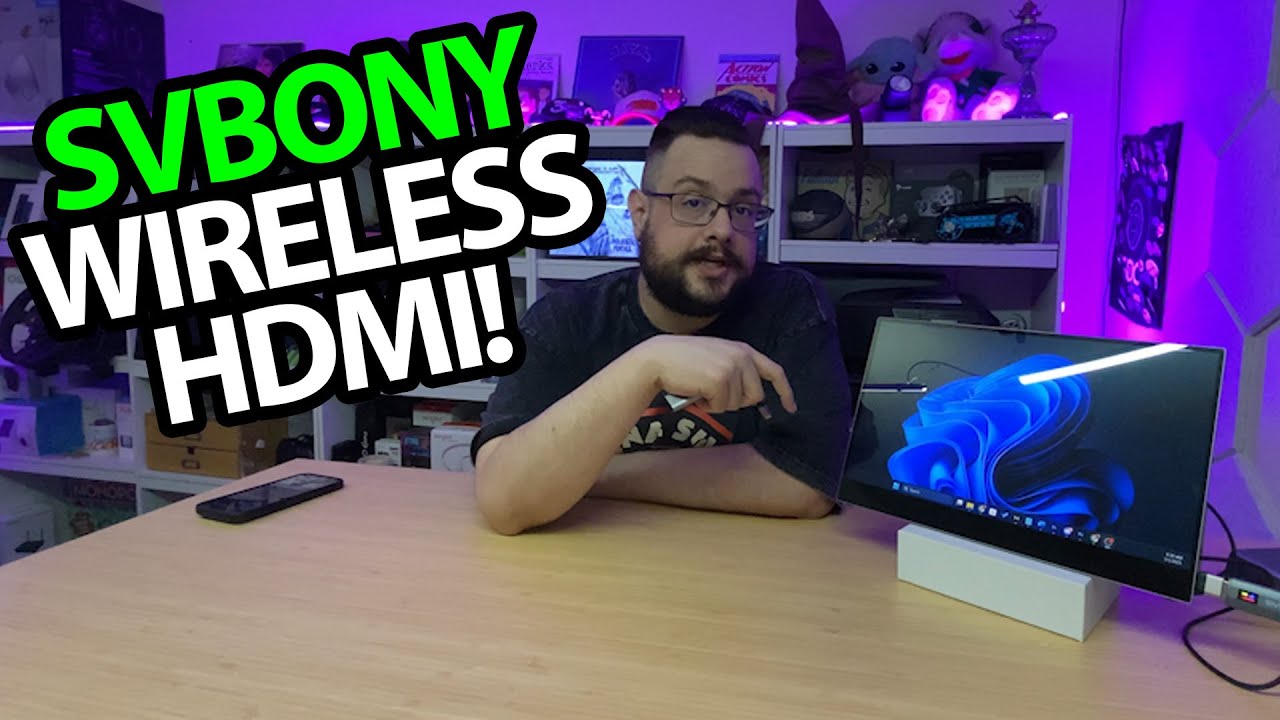
A wireless HDMI kit is more interesting once there is a picture on the other end. In this session, I start with my phone beside a small screen, then move to a computer across the room.
The video title calls the system TransAir1, while I identify it as the SVBONY ST2 and link the ST2 page in the description. Those are the names supplied with this particular recording.
Power both ends
The transmitter and receiver each have a display and need their own power connection. I unpack the two USB-C cables and the HDMI adapter pieces before hooking up the receiver to the small screen.
The package also has a USB-C-to-HDMI adapter. That gives me something to try with my phone; it is not a guarantee that every USB-C phone can output video.
The phone works, so try farther away
After connecting the phone, its picture appears. The unit's display reports 1080p60 and shows signal information.
Having the source right beside the receiver is not much of a distance test, so I try my computer across the room. Its desktop appears on the screen too. That is the useful result from this short demonstration.
A room-sized example
I do not measure latency, test the advertised maximum range or send the signal through multiple walls. The resolution indicator is also different from independently analyzing the output.
I later opened the SVBONY TransAir3, which has a different hardware layout. That article is a separate unboxing, rather than a head-to-head performance comparison.
The original ST2 link and mike22 code are below. The description gives no discount amount or expiry, so I keep those unspecified.
Links from the video
Affiliate disclosure: These links may earn me a commission at no extra cost to you.
Coupon code: mike22 — Discount amount not stated. Listed in the March 1, 2025 description. No amount or expiry supplied; check current terms.
Links and offers are from the video description. Availability, prices and offer terms may change.
Some links to other products on this page are affiliate links, and we may earn a commission if you buy through them. It costs you nothing extra, and it has not changed what this article says — where a competitor is the better answer, we say so.


