
The YouTube player loads when you press Play.
SVBONY TransAir3: Two Antennas per Box and a Look at the HDMI Layout
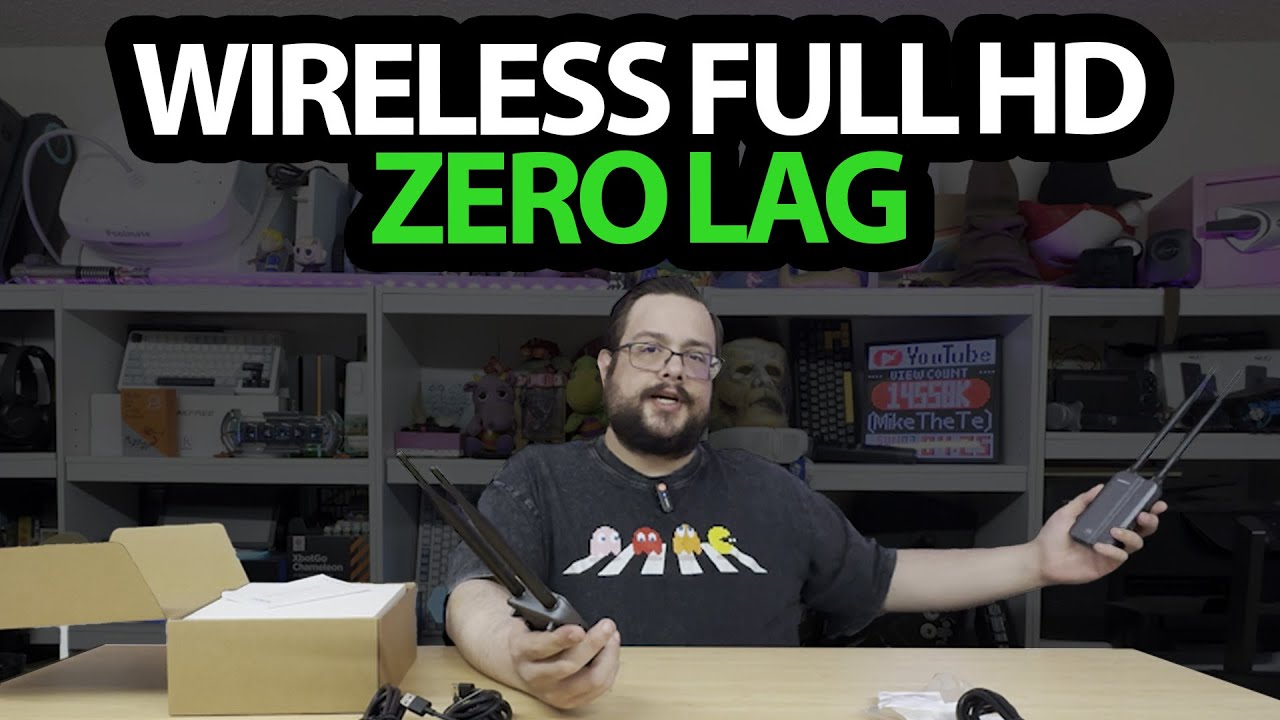
Unpacking the transmitter, receiver and accessories before a transmission test.
Article published November 4, 2026.
The antenna pair on each box makes this SVBONY kit look different from the little USB-sized video transmitters I have handled. I take out the transmitter and receiver and work through where the video and power connections go.
The title calls it TransAir3, while my opening readout also mentions ST4 Transmaster. I am following the kit shown in this unboxing, without merging those names into a new model specification.
The input and output arrangement
I show the transmitter's input and local output connection, then the two HDMI outputs on the receiving side. I also point out the power controls and infrared connections.
That explains the intended layout. It is not a demonstration of a working signal on three screens.
A fairly complete accessories box
I unpack HDMI and USB-C leads, infrared accessories, the small HDMI adapters and four antennas. I fit the antennas to the boxes and look at the mounting arrangements.
For the audio side of a separate recording setup, my SVBONY D4 microphone walkthrough covers a different kit. I am not testing the two products together here.
The range test is explicitly next
I finish by discussing a future connection and distance test. The minimum latency and open-space range figures I read are advertised claims, not measurements completed in this session.
I do not verify app monitoring, multiple receivers, interference resistance or a particular display mode here. SVBONY supplied the kit; this first result is the hardware layout and accessories, ready for the later transmission tests I propose.
Links from the video
Affiliate disclosure: These links may earn me a commission at no extra cost to you.
- SVBONY TransAir3 original product/referral link
- MikeTheTech original Patreon link
- Geeksoutfit original clothing-store link
Coupon code: COLLAB1 — Discount amount not stated. Separate Geeksoutfit offer from the original description, not a discount on the reviewed device. No amount or expiry was supplied; check current terms.
Links and offers are from the video description. Availability, prices and offer terms may change.
Some links to other products on this page are affiliate links, and we may earn a commission if you buy through them. It costs you nothing extra, and it has not changed what this article says — where a competitor is the better answer, we say so.


