
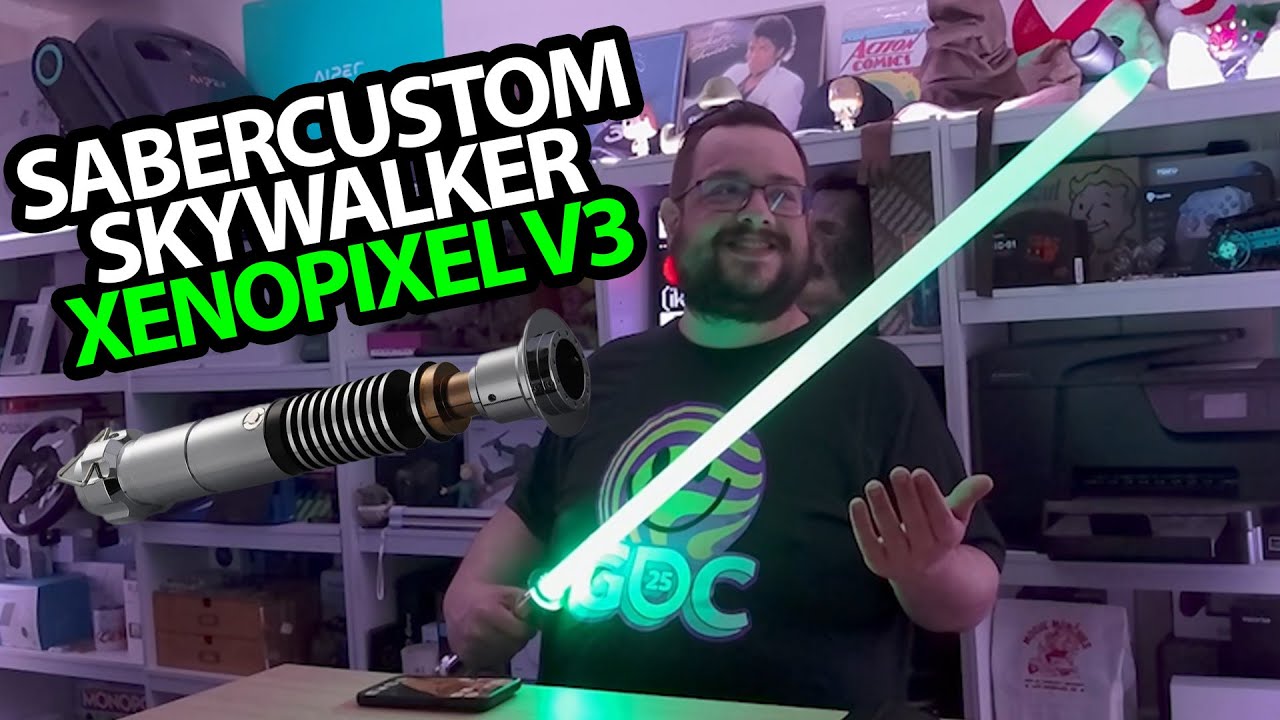
The YouTube player loads when you press Play.
SaberCustom Lightsaber: Colors, Swing Sounds and an App to Control Them
Assembling the blade, trying the effects and connecting the configurator.
Article published November 4, 2026.
I have been looking forward to this one. The SaberCustom Skywalker-style lightsaber comes out of the box with a shiny metal hilt, a full-size blade and a very good chance of making my recording space feel too small.
From separate pieces to a working prop
I look over the hilt, peel off the protective covering and show the included manual, charging cable and tools. The blade fits into the hilt and is secured with the supplied screws.
Once it is together, I hold the button and hear the power-on effect. Then the lighting comes on, and the movement and impact sounds make the whole thing much more entertaining than a static display piece.
Trying the colors with one button
I dim the room lighting to get a better look. There are different effects to explore, including a blaster-like sound and the change in sound as I move the saber.
I also cycle through colors and stop on green. The single-button controls work, but remembering which press and movement does what makes me interested in the app.
The configurator makes the choices easier to see
I install and open the Xeno configurator, enable Bluetooth and connect to the saber it finds. From there, I change colors and explore the available effects and sound fonts. The app also displays battery information.
Hearing the different character-style sounds is a big part of why I enjoy it. This is a demonstration of the supplied unit and its controls, without a durability, dueling or impact-safety test.
I finish wanting more room to try it outside. That is a future idea in the recording, not an additional test I am claiming here. The original SaberCustom referral link is below.
Links from the video
Affiliate disclosure: These links may earn me a commission at no extra cost to you.
Links and offers are from the video description. Availability, prices and offer terms may change.
Some links to other products on this page are affiliate links, and we may earn a commission if you buy through them. It costs you nothing extra, and it has not changed what this article says — where a competitor is the better answer, we say so.


