
The YouTube player loads when you press Play.
SofaBaton X1S: The Hub Is What Makes This Remote Interesting
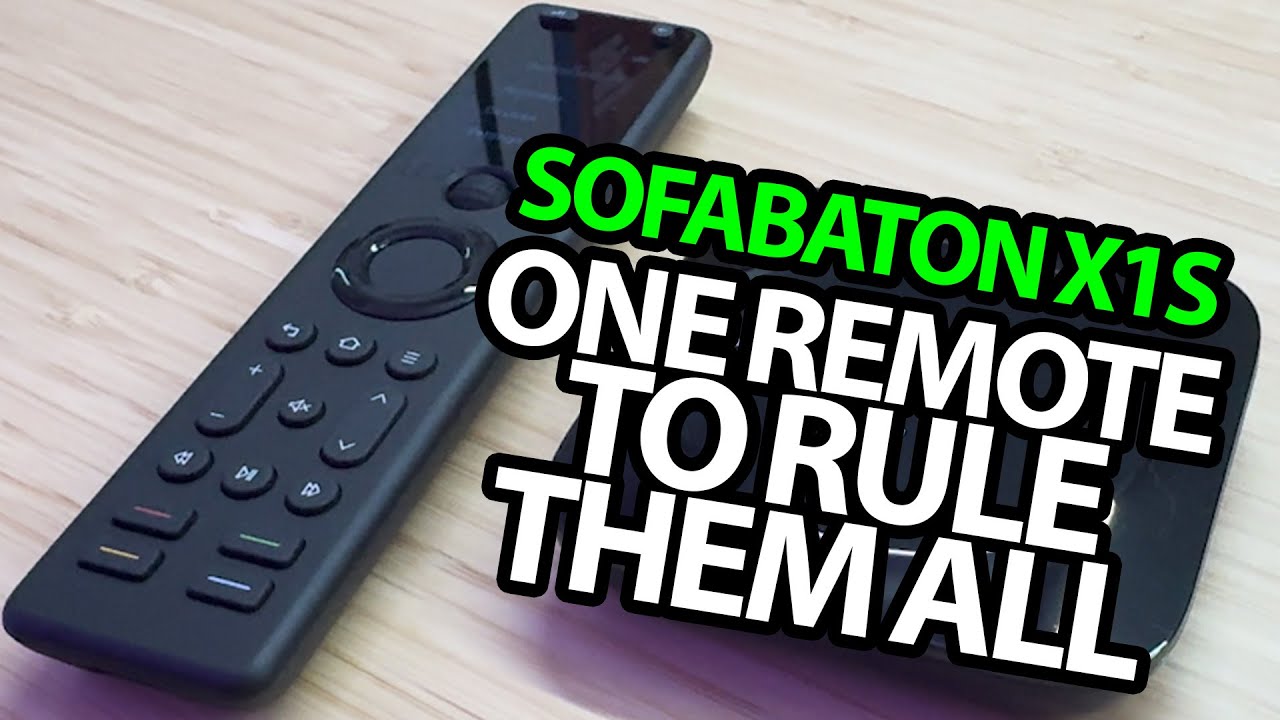
Opening the remote, screen controls and infrared accessories before setup.
Article published November 4, 2026.
I have wanted a good high-tech universal remote for a while. The SofaBaton X1S catches my attention before I even open it, but the remote turns out to be only half of the package.
A screen and a different way to scroll
The remote feels light in my hand. I peel off the film and look over its screen, navigation buttons and colored preset buttons.
The control near the top is what I spend time on: a ball-like scroll control for moving through selections, with a press to choose. Activities and devices have their own places in the interface.
The hub sits near the equipment
Next out of the box is the hub. I explain how placing it near the entertainment equipment gives the remote another way to send commands to infrared-controlled devices.
The included infrared extension accessories are part of that discussion, along with the USB cables and power adapter. The remote itself has a charging connection and a built-in battery.
Activities are the part I want to try next
I talk through connecting the hub to Wi-Fi, adding devices in the app and grouping commands into activities. Turning one thing off and another on for a music session is the kind of use I have in mind.
That setup is still ahead of me at the end of this recording. I say I plan to connect the devices around my house and return with an update. This unboxing does not verify the advertised compatibility count, voice assistants or months-long battery claims.
I like the idea and the hardware layout; the next meaningful question is how it handles a particular home setup. The original store and Amazon links are below, with the description's 15% promo code and no assumed current expiry.
Links from the video
Affiliate disclosure: These links may earn me a commission at no extra cost to you.
Coupon code: MikeTheTech — 15% off. Listed in the March 9, 2025 description. No expiry supplied; check current terms and eligible products.
Links and offers are from the video description. Availability, prices and offer terms may change.
Some links to other products on this page are affiliate links, and we may earn a commission if you buy through them. It costs you nothing extra, and it has not changed what this article says — where a competitor is the better answer, we say so.


