
The YouTube player loads when you press Play.
MOKiN Thunderbolt 4 Dock: A Lot of Connections in a Thin Case
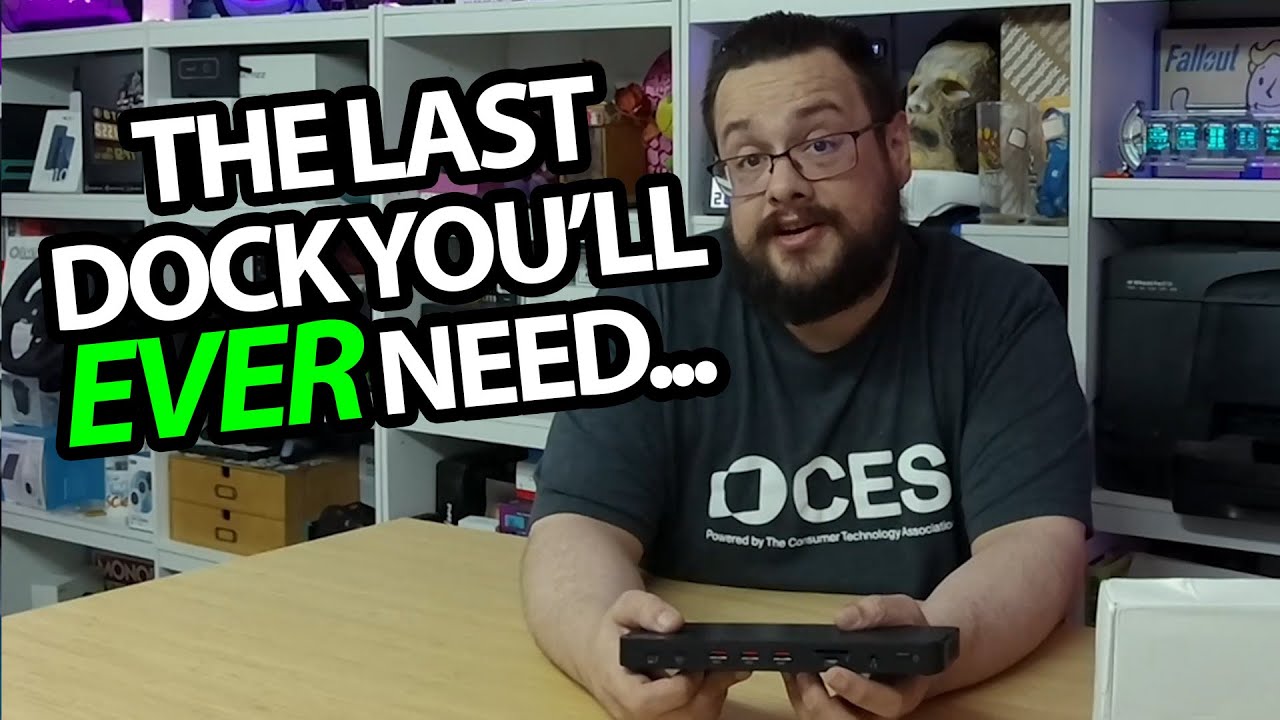
Unpacking the dock and looking through its front and rear port layout.
Article published November 4, 2026.
The MOKiN dock is much smaller than the box suggests. Once it is out, I spend most of the session turning it around and working through the connections on both long sides.
The power parts and cable come first
I unpack the power adapter, mains lead, guide and Thunderbolt cable, then look at the thin case. There is ventilation underneath, rubber pads to keep it in place and a security-lock slot at one end.
The shape is compact, but having ports on both sides means the cable layout will matter when it reaches the desk.
Cards and controls on one side, displays on the other
I look through the power button, audio connection, card slots and USB ports, then turn to the network and display connections. Two DisplayPort sockets and an HDMI socket are part of the layout I show.
I discuss the advertised Thunderbolt, Ethernet and display capabilities while doing that tour. I do not connect a set of displays or measure transfer and charging rates in this recording.
The workstation setup is next
I finish by saying I want to put it on my main PC and see how it runs. That setup is future work here, rather than a completed compatibility test for every computer in the description.
My Razer Thunderbolt 5 dock unboxing is another look at a desktop dock's physical layout, with a different feature set. MOKiN supplied this unit; its original link is below for the current host and display requirements.
Links from the video
Affiliate disclosure: These links may earn me a commission at no extra cost to you.
Links and offers are from the video description. Availability, prices and offer terms may change.
Some links to other products on this page are affiliate links, and we may earn a commission if you buy through them. It costs you nothing extra, and it has not changed what this article says — where a competitor is the better answer, we say so.


