
The YouTube player loads when you press Play.
Razer Thunderbolt 5 Dock: Opening the SSD Slot Before Connecting a Computer
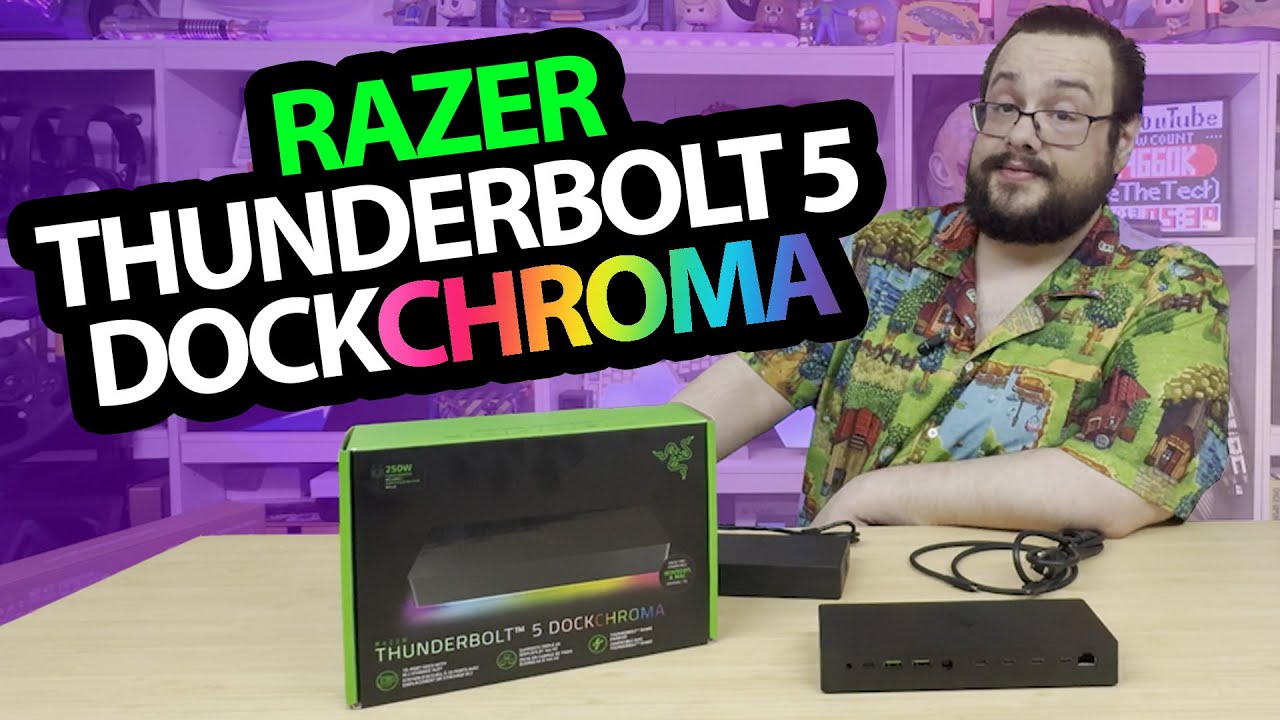
Unpacking the Chroma dock, power supply and accessible storage compartment.
Article published November 4, 2026.
Working with Razer had been a goal of mine, so opening this package is an exciting start to the collaboration. The Thunderbolt 5 Dock Chroma has plenty on its feature list, but the part I can inspect immediately is the SSD compartment underneath.
This is the unboxing. I do not connect a computer, transfer files or drive a bank of displays in this session.
The storage compartment opens easily
I open the bottom cover and look at the M.2 slot, thermal material and metal heat-spreading pieces. Being able to see that arrangement is useful before installing a drive.
I do not install and benchmark an SSD here. The slot's advertised interface does not establish that every drive will deliver its maximum speed in this dock.
Look through the connections and accessories
I read the connection list and look over the USB, Thunderbolt, audio, Ethernet and card-slot arrangement. There are also guides, stickers and the external power supply.
The power supply is substantial beside the dock. Its printed rating is not a measured per-port delivery or a guarantee that any connected equipment can be powered in every combination.
The bigger feature tests are still ahead
I discuss multi-display capabilities and Thunderbolt Share during the walkthrough, but do not configure them. The recording does not establish 8K output, a particular three-screen mode or a data-transfer benchmark.
Razer supplied the dock for this first part of the collaboration. The useful starting point is the physical layout and storage access, with the computer, display and performance tests left as separate work.
Links from the video
Affiliate disclosure: These links may earn me a commission at no extra cost to you.
Links and offers are from the video description. Availability, prices and offer terms may change.
Some links to other products on this page are affiliate links, and we may earn a commission if you buy through them. It costs you nothing extra, and it has not changed what this article says — where a competitor is the better answer, we say so.


