
The YouTube player loads when you press Play.
Nuroum C46: A Meeting Camera with Speakers and a Remote
Unboxing the all-in-one unit, then recording a short framing-control demo.
Article published November 4, 2026.
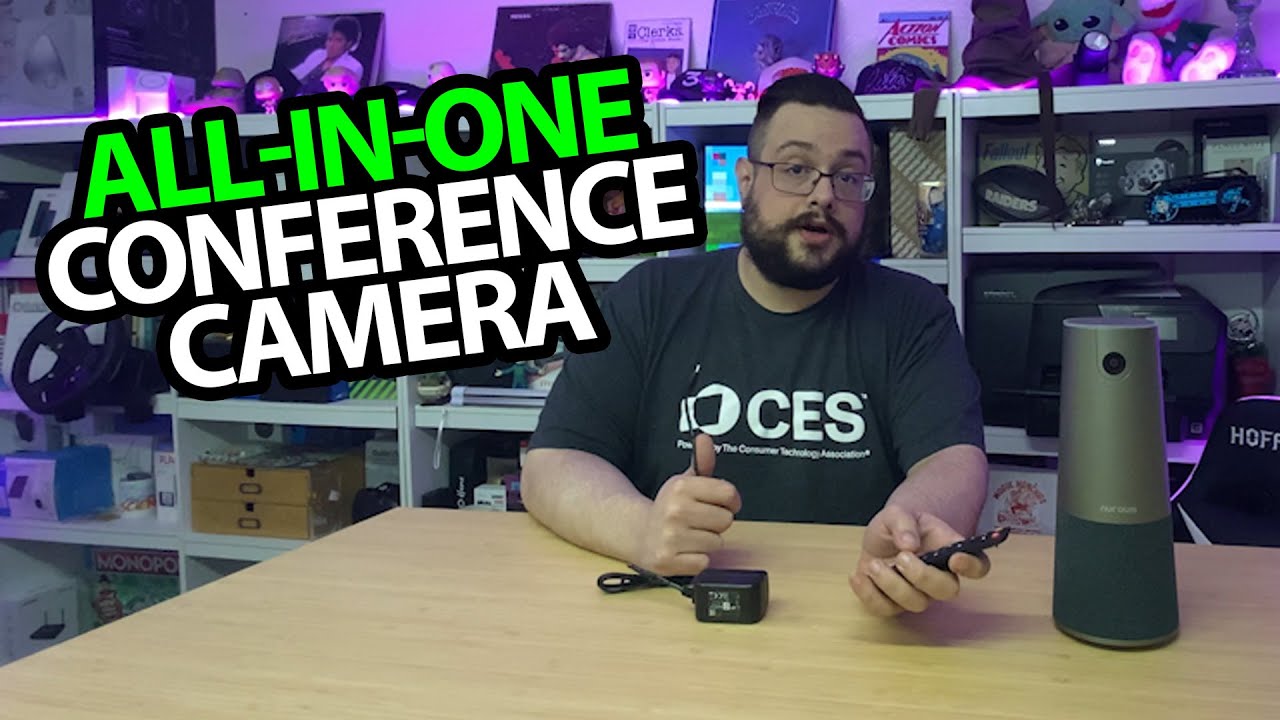
The Nuroum C46 tries to gather three things that usually clutter a meeting table: camera, microphones and speakers. I open the box, look over the controls and then switch the recording over to the C46 itself.
The remote makes sense for a table
The package includes a power adapter, a long USB cable and a remote. The cable has a USB-A adapter on one end, which gives me more than one connection option for the computer side.
The remote has framing, zoom, volume and mute controls. I add the AAA batteries it needs before trying it. That is a useful distinction from only having buttons on the camera, where somebody might have to lean across the table to reach them.
Looking over the all-in-one body
I point out the speaker grille, top controls and microphone positions. Underneath are the cable connections, channels for routing them and a tripod mount.
For a different desktop-camera design, I also looked at the EMEET Piko Plus. That is a separate first look, not a measured comparison with this conference unit.
Then the C46 takes over the recording
In the short direct sample, I use the remote's person-framing mode and switch back to the normal view. I also try the manual zoom controls. That gives a practical look at the framing changes rather than leaving the article at the box contents.
I discuss the built-in speaker and microphone functions, but this is not a full-room call test or verification of the advertised pickup distance and resolution. The recording is a brief demonstration on my desk.
Parallels Desktop sponsors this video. Its original link is below alongside the C46 product link; the sponsor and the camera are separate.
Links from the video
Affiliate disclosure: These links may earn me a commission at no extra cost to you.
Links and offers are from the video description. Availability, prices and offer terms may change.
Some links to other products on this page are affiliate links, and we may earn a commission if you buy through them. It costs you nothing extra, and it has not changed what this article says — where a competitor is the better answer, we say so.


