
The YouTube player loads when you press Play.
Eyoyo BNC-to-HDMI Adapter: The Loop Output Is the Detail I Like
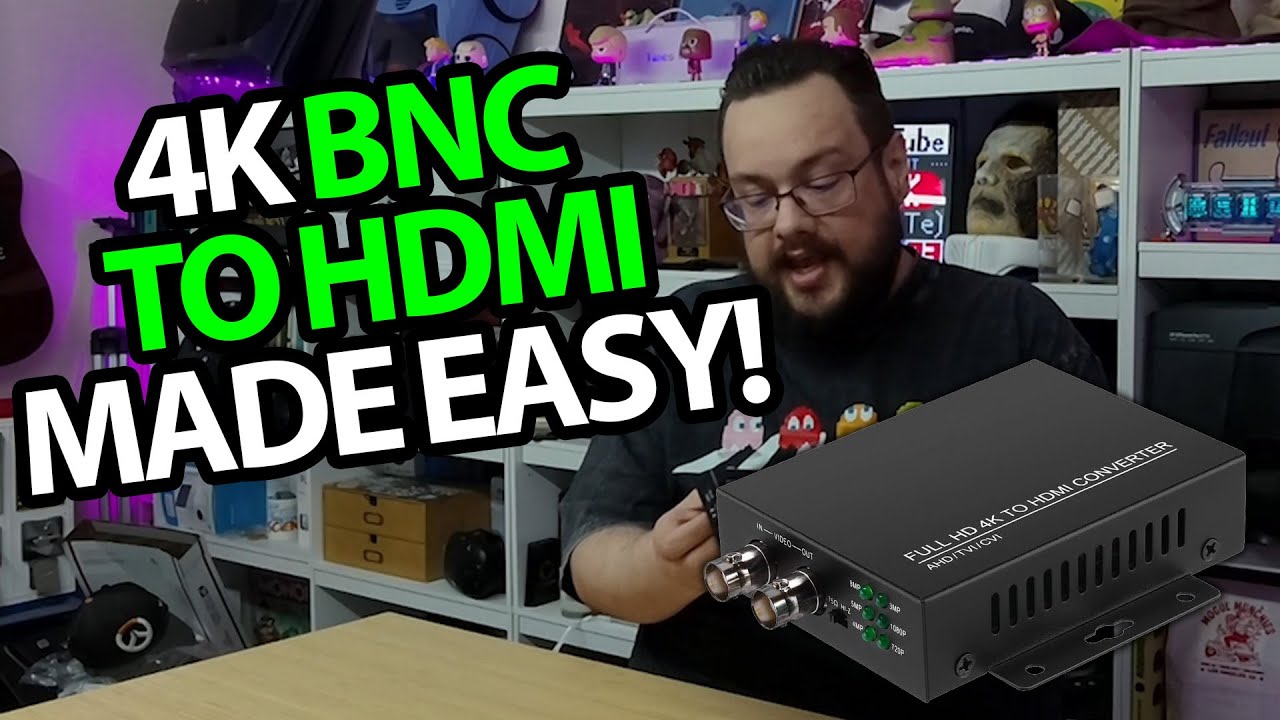
Unpacking the converter, fitting the cable and looking at its input and outputs.
Article published November 4, 2026.
The BNC output is the part of this Eyoyo converter I want to point out. The layout is intended to let a signal continue through a system while HDMI provides another viewing connection, instead of making the converter the final stop.
Power parts and a locking connector
I open the package and look at the mounting tabs, power adapter and USB cable. I also fit the included BNC extension and show its twist-lock connection.
Then I work around the case, from the format indicators and switch to the HDMI output and power connection.
Look at the named formats
The package names AHD, TVI, CVI and CVBS. I discuss those labels and the role of the input and output connections while showing the hardware.
I do not connect several camera formats or demonstrate an SDI workflow in this recording. The connector shape alone is not a compatibility test.
The walkthrough is the hardware
I describe possible monitoring uses and point out the ventilation, but do not measure output resolution, heat or latency. Despite the broad demo wording in the old description, this session is an unboxing and layout tour.
Eyoyo supplied the adapter and Geeksoutfit supplied apparel. The original product link is preserved below for checking the exact supported signal formats and setup requirements.
Links from the video
Affiliate disclosure: These links may earn me a commission at no extra cost to you.
- Eyoyo BNC-to-HDMI adapter original Amazon link
- MikeTheTech original Patreon link
- Geeksoutfit original clothing-store link
Coupon code: COLLAB1 — Discount amount not stated. Separate Geeksoutfit offer from the original description, not a discount on the reviewed product. No amount or expiry was supplied; check current terms.
Links and offers are from the video description. Availability, prices and offer terms may change.
Some links to other products on this page are affiliate links, and we may earn a commission if you buy through them. It costs you nothing extra, and it has not changed what this article says — where a competitor is the better answer, we say so.


