
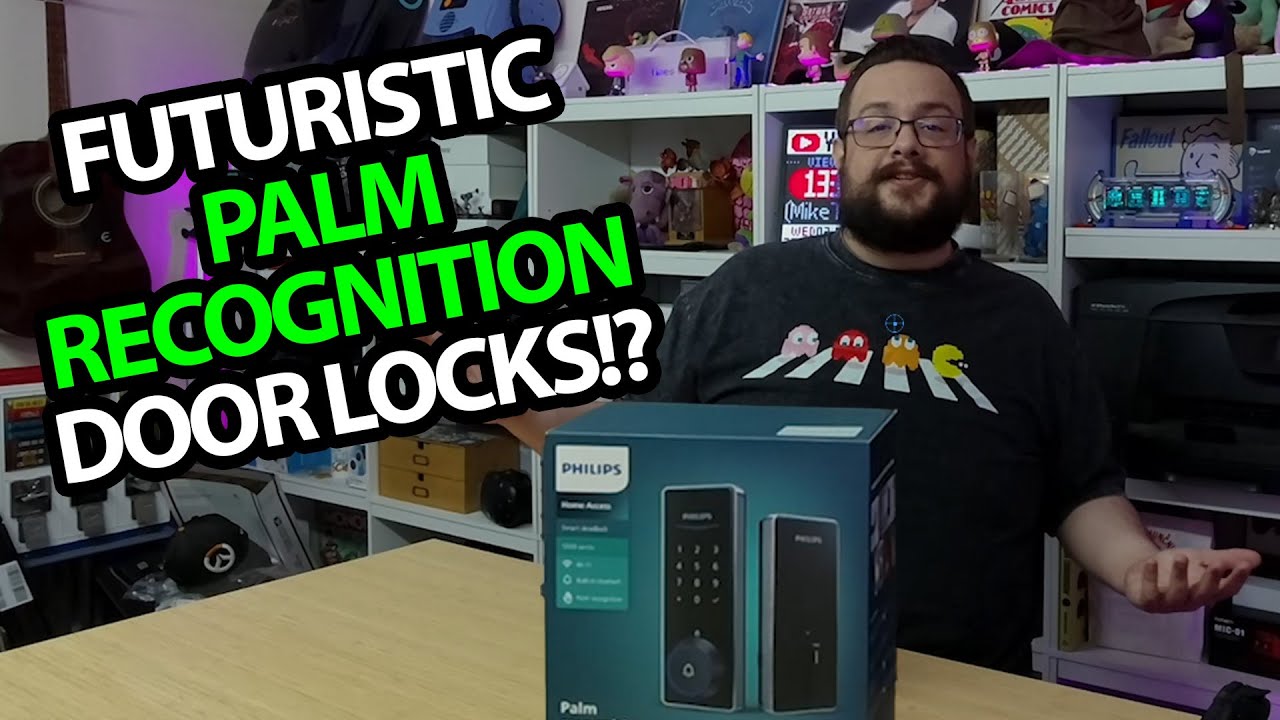
The YouTube player loads when you press Play.
Philips 5000 Smart Deadbolt: My Left Palm Works, the Other Does Not
A tabletop app setup and palm-enrollment test before the door installation.
Article published November 4, 2026.
The palm test is the part I am most excited to try on this Philips 5000 Series deadbolt. I enroll my left hand, try the other hand and get a rejection, then return to the enrolled palm and get a successful verification.
That happens on the table during this session. Installing the lock in a door is the follow-up I am planning.
The package includes the door-sensor pieces
I work through the templates, guides and hardware, then look at the inner and outer lock sections. There is also a plug-in chime and separate sensor hardware.
I show the touchscreen area, the concealed key opening and the battery compartment before connecting the two halves for the tabletop test.
The app finds the lock
I open Home Access, find the device and go through setup, including its network connection. I then use the app to unlock it before adding a palm.
The useful result is seeing that setup and the two different palm responses in this recording. A few attempts do not establish a biometric error rate, spoof resistance or an independent security certification.
Two different smart-lock first looks
My Veise smart-lock unboxing is a separate hardware tour with cards and a different lock layout. This Philips session goes farther into tabletop enrollment, while the installed-door test remains future work.
Philips supplied the lock and Geeksoutfit supplied apparel. The original product link is below; no access codes, network details or key information are reproduced here.
Links from the video
Affiliate disclosure: These links may earn me a commission at no extra cost to you.
- Philips 5000 smart deadbolt original Amazon link
- MikeTheTech original Patreon link
- Geeksoutfit original clothing-store link
Coupon code: COLLAB1 — Discount amount not stated. Separate Geeksoutfit offer from the original description, not a discount on the reviewed product. No amount or expiry was supplied; check current terms.
Links and offers are from the video description. Availability, prices and offer terms may change.
Some links to other products on this page are affiliate links, and we may earn a commission if you buy through them. It costs you nothing extra, and it has not changed what this article says — where a competitor is the better answer, we say so.


