
The YouTube player loads when you press Play.
Veise Smart Lock: The Cards, Hardware and Two Sides of the Lock
An unboxing and tabletop look before installing it in a door.
Article published November 4, 2026.
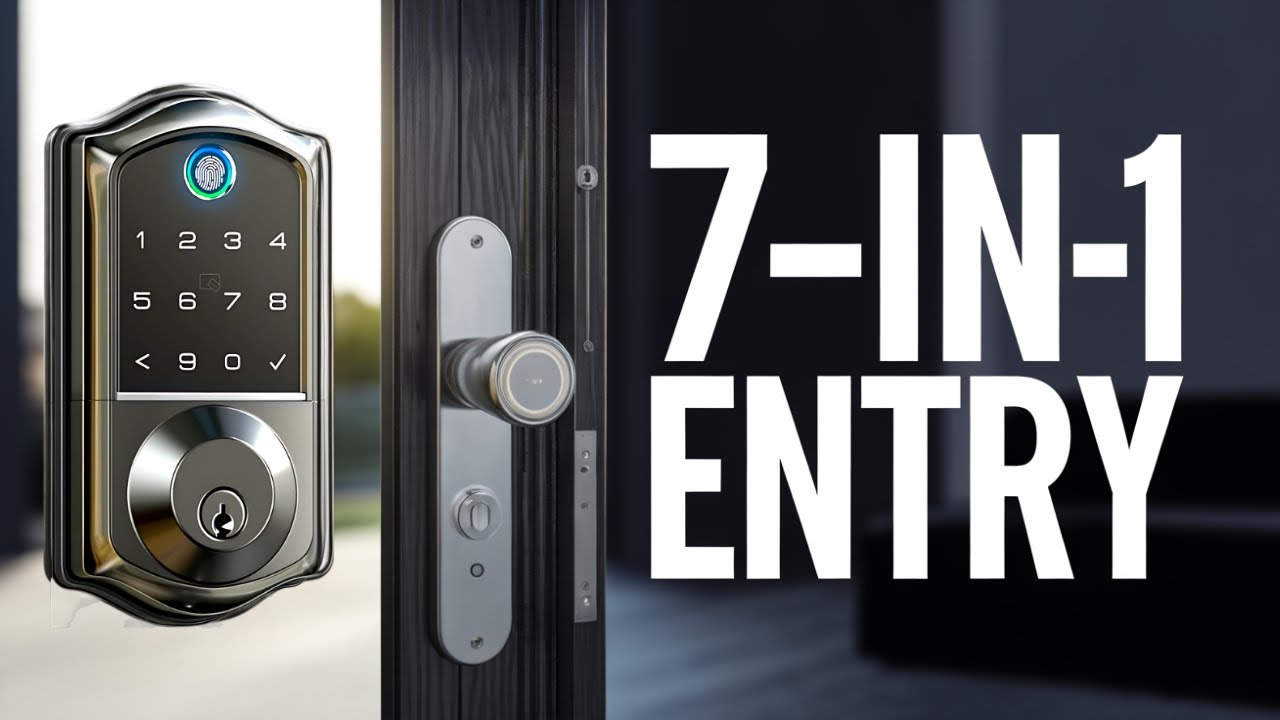
The two cards in this Veise smart-lock package make me think about coming home with my hands full. They are one of the access options being offered, alongside the keypad, fingerprint reader, app and traditional key.
First, though, I want to see the hardware. This video is the unboxing and a tabletop look at how the two halves connect, before I install it in a door.
Instructions, templates and the small parts
I open the manuals and find the installation templates and video-instruction QR codes. Then I work through the cards, keys, deadbolt pieces and mounting hardware.
The black finish carries through to the visible lock parts. I also notice the grease on the mechanism while handling it, which is one of those small unboxing details that is easier to discover than plan for.
Front controls and the inside mechanism
I turn the outer section over to show its keypad, card-reading area and key opening, then look at the inner section and battery compartment.
There is a USB-C connection visible underneath. I do not establish its charging or emergency-power behavior in this session, so I would not infer that it recharges the batteries.
The connecting cable goes through the plate
I show the cable running through the mounting plate and where it connects, then put the back plate into position. It is a useful look at the physical arrangement before the door installation.
Veise supplied the lock. The app, temporary-code and remote-access features are discussed, but I do not configure them or run an installed security test here. The original product link is below for the current model and requirements.
Links from the video
Affiliate disclosure: These links may earn me a commission at no extra cost to you.
- Veise smart-lock original Amazon referral link
- MikeTheTech original Patreon link
- Geeksoutfit original clothing-store link
Coupon code: COLLAB1 — Discount amount not stated. Separate Geeksoutfit offer from the original description, not a discount on the reviewed product. No amount or expiry was supplied; check current terms.
Links and offers are from the video description. Availability, prices and offer terms may change.
Some links to other products on this page are affiliate links, and we may earn a commission if you buy through them. It costs you nothing extra, and it has not changed what this article says — where a competitor is the better answer, we say so.


