
The YouTube player loads when you press Play.
Jeazans A10 Tablet: The Speaker Dock Changes What It Does on the Desk
Trying the magnetic connection, dock mode and changing lights.
Article published November 4, 2026.
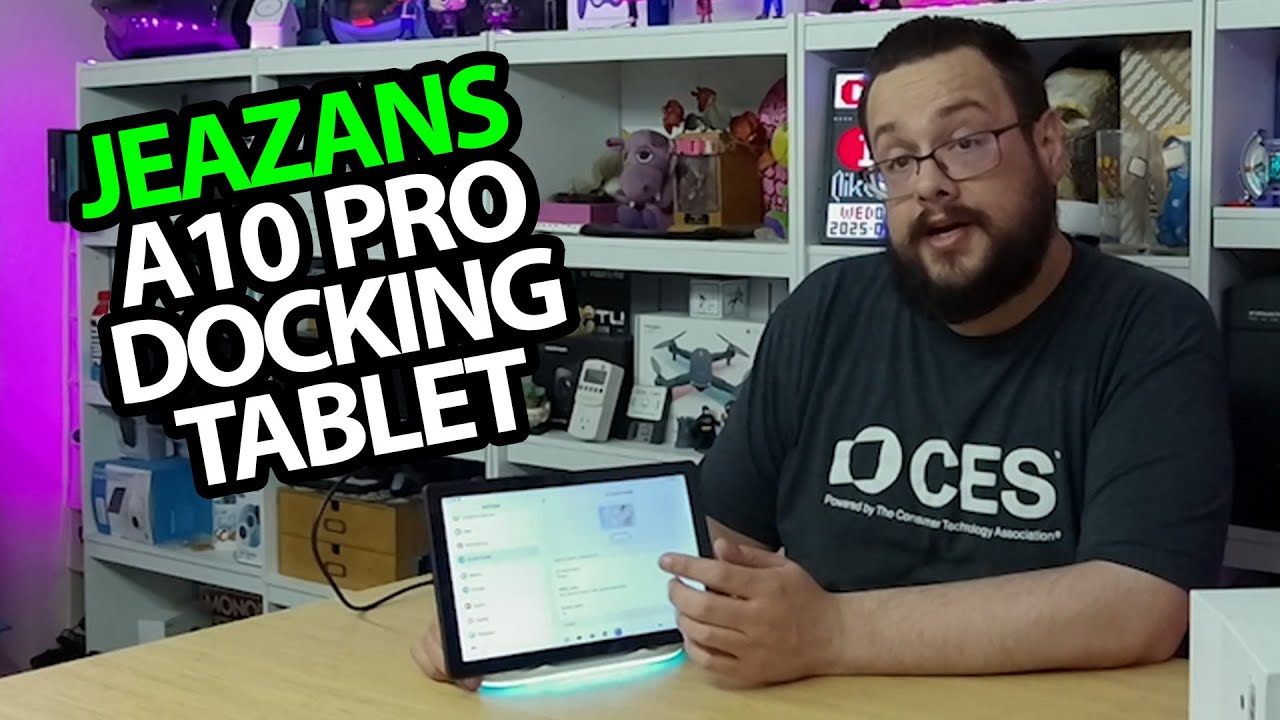
The dock is the part I want to get to first with this Jeazans tablet. A tablet can already move around the house; adding a speaker and light gives it another role when it goes back on the desk.
Open the dock before setting up the tablet
I take out the power adapter, guide and dock, then look over the speaker grille, charging area and light around the bottom. I power the dock from a battery pack during the session.
Next, I open the tablet and work through the ports and controls. The original title calls it A10, while I use A10 Pro in the unboxing, so check the exact version against the linked listing.
The magnetic connection brings up dock mode
After setup, I put the tablet on the dock and notice the strength of the magnetic attachment. Dock mode gives me choices including the cloud-frame interface and white noise.
I try the white-noise option and show the visual and lighting behavior. The light changes with the audio during the demonstration.
A shared-device idea
I like the idea of something that can be picked up and used, then returned to a place where it serves another purpose. I describe family-photo and calendar features, but do not test invitations or the handling of private photos here.
The large memory figure in the description is not verified physical RAM in this recording, and the prices and coupon comments belong to the original video. The current product link is below.
Links from the video
Affiliate disclosure: These links may earn me a commission at no extra cost to you.
Links and offers are from the video description. Availability, prices and offer terms may change.
Some links to other products on this page are affiliate links, and we may earn a commission if you buy through them. It costs you nothing extra, and it has not changed what this article says — where a competitor is the better answer, we say so.


