
Notes from the workshop.
Software, hardware, practical guides and work in progress from MikeTheTech and PyroSoft.
Hardware, most recent first
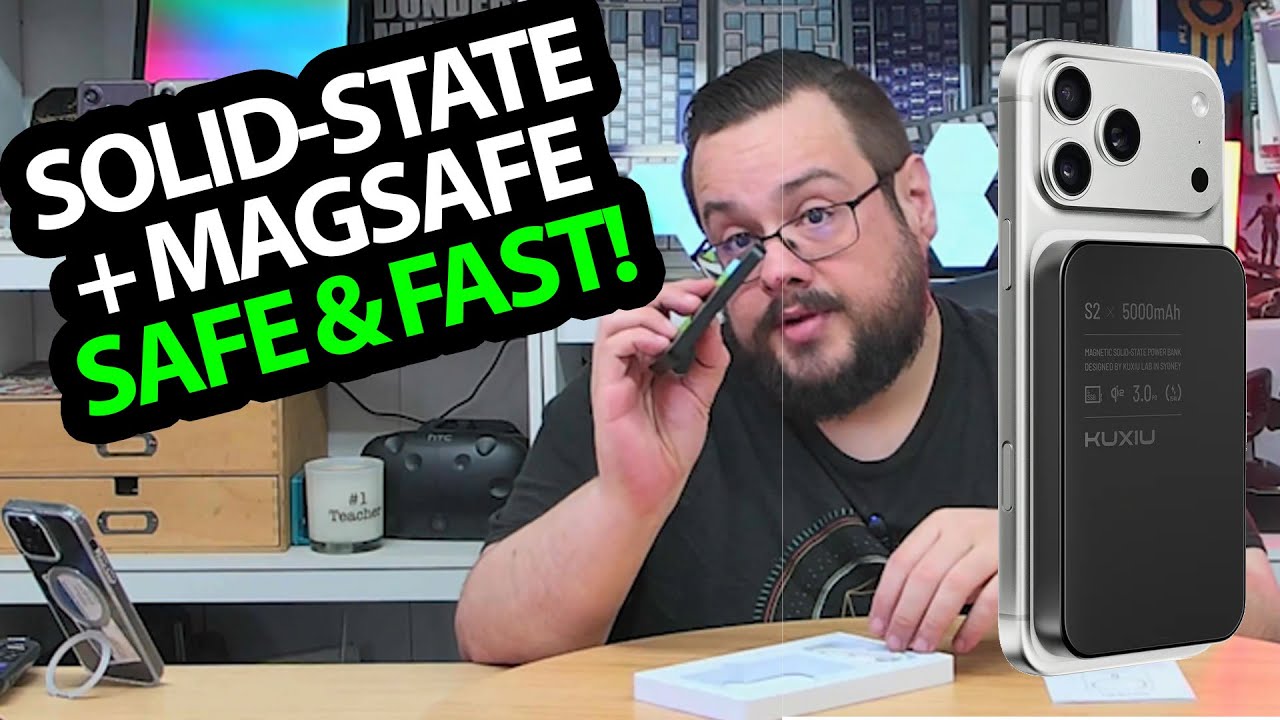
KUXIU S2: A Small Magnetic Battery That Charges Through My Case
Attaching the pack to the phone and checking the charge indicator.
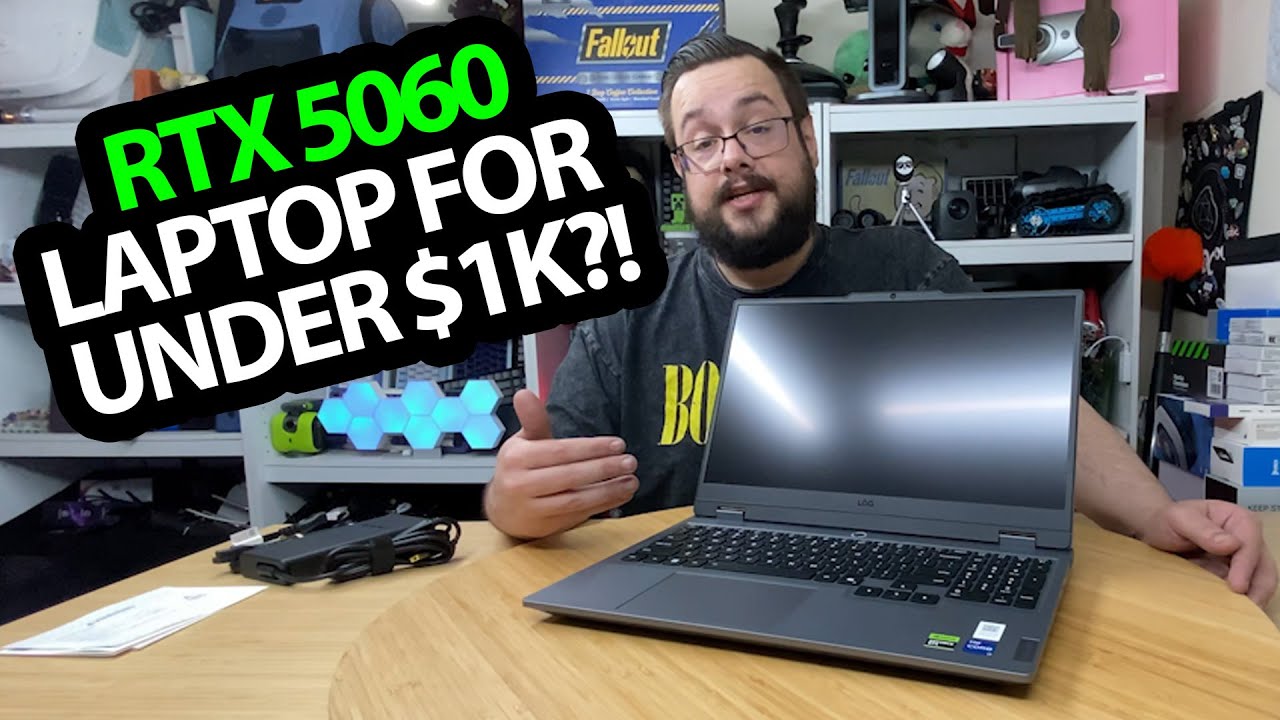
Lenovo LOQ RTX 5060 Laptop: Unpacking the Hardware Before the Benchmarks
Looking at the charger, keyboard area and side and rear ports.
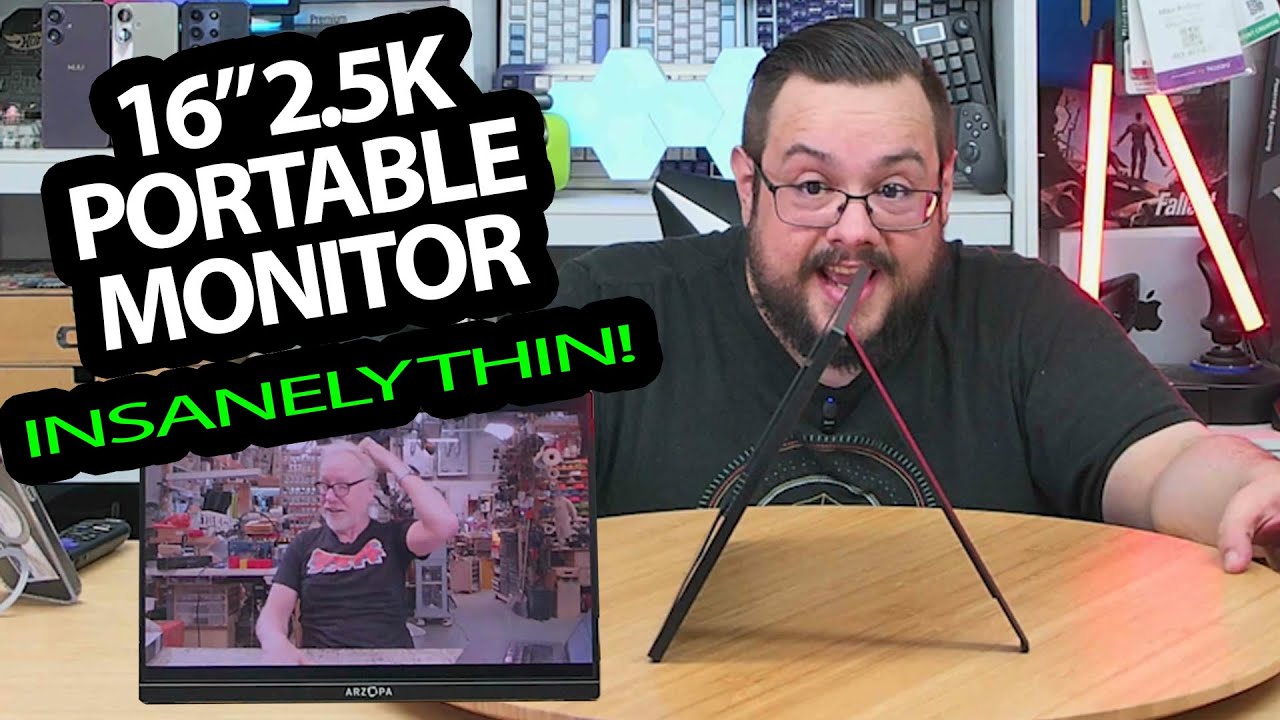
Arzopa Z1RC: Getting a Picture from a Phone without Extra Power
Unpacking the thin monitor, opening its stand and trying a USB-C connection.
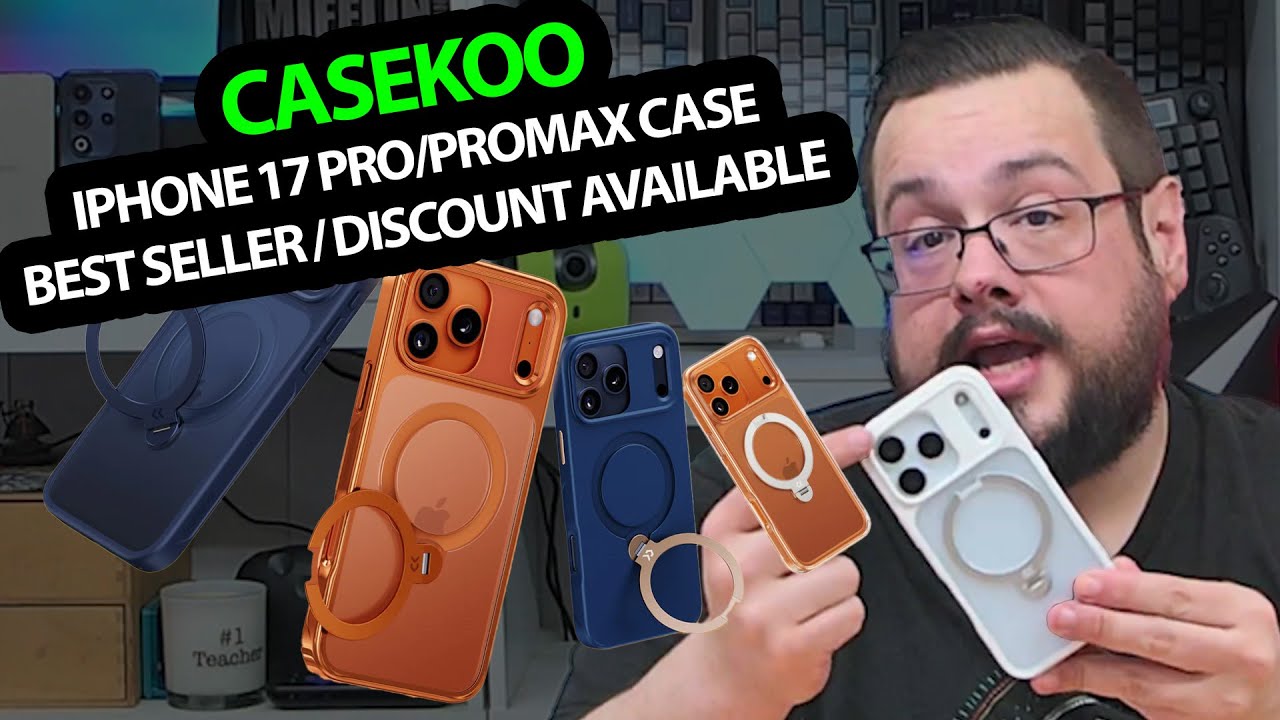
CASEKOO iPhone 17 Pro Cases: Three Colors and a Rotating Ring Stand
Fitting the white, blue and orange-gold cases while keeping the Pro and Pro Max sizes separate.
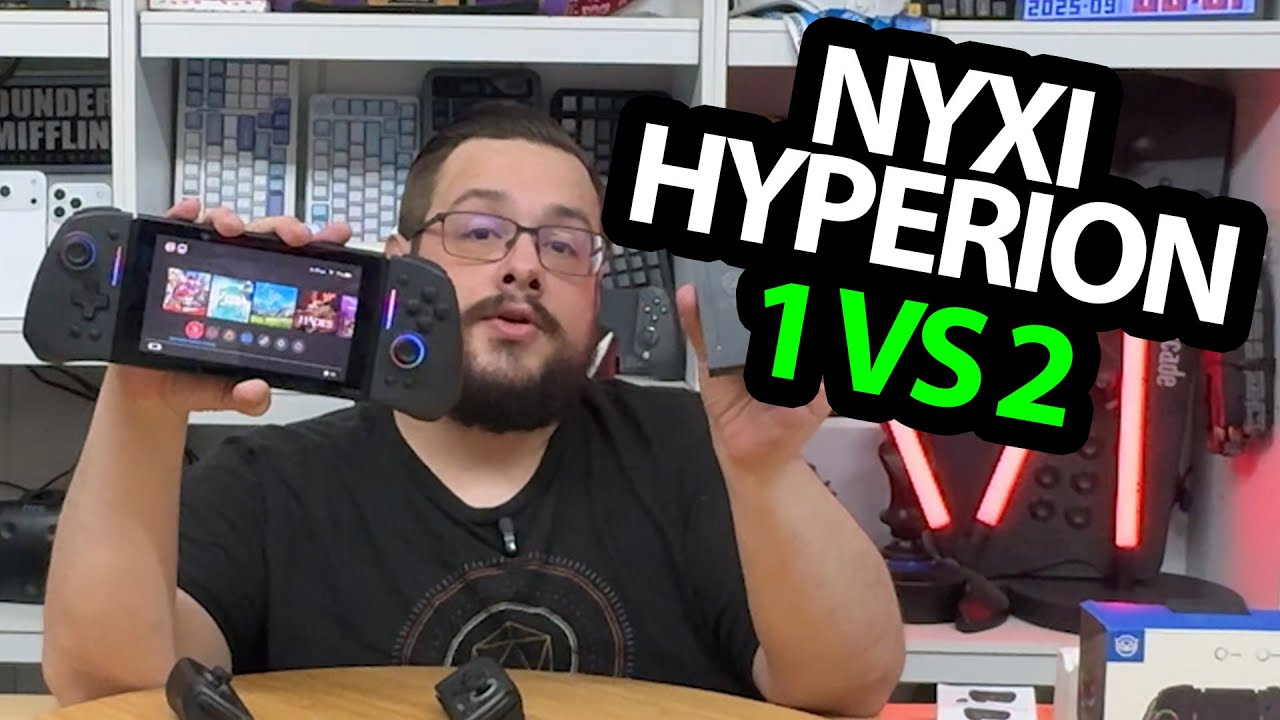
NYXI Hyperion vs Hyperion 2: The Older Shape Has More Room for My Hands
Comparing the grips, button feel and lighting on the original Switch.
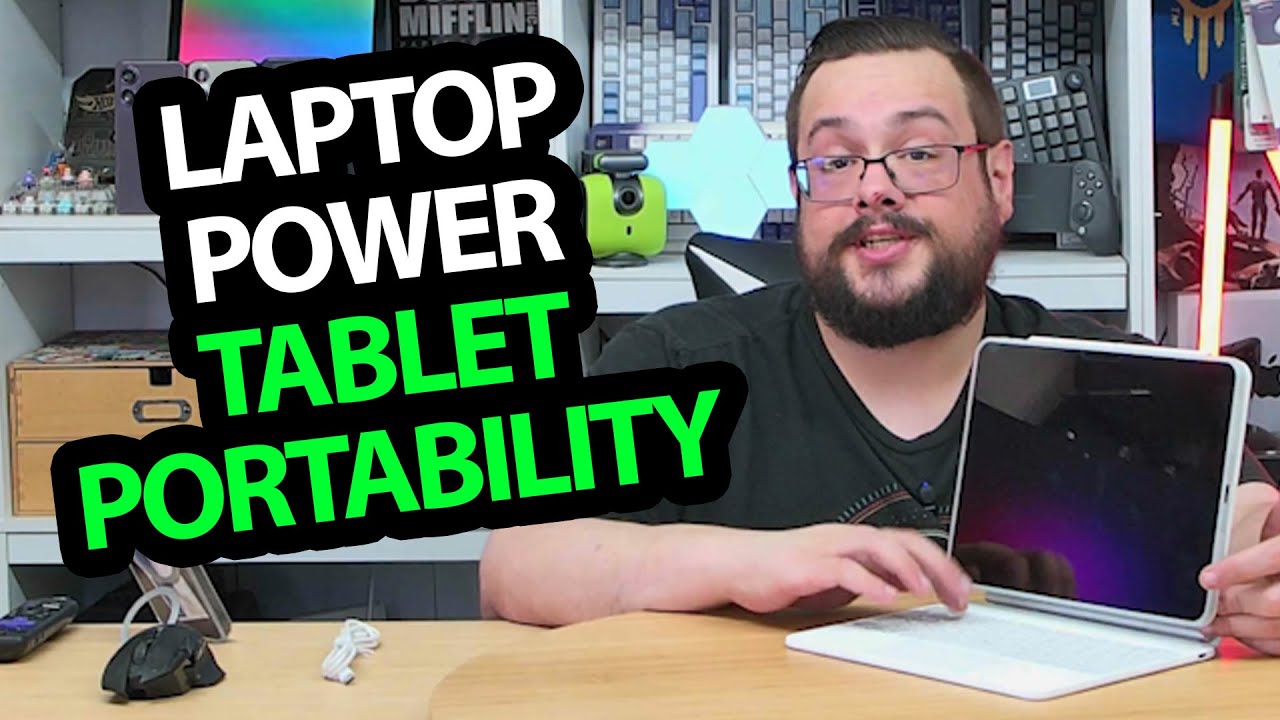
ESR Rebound Keyboard Case: The Detachable iPad and Trackpad Surprise Me
Fitting the iPad Air, pairing the keyboard and trying gestures and portrait orientation.
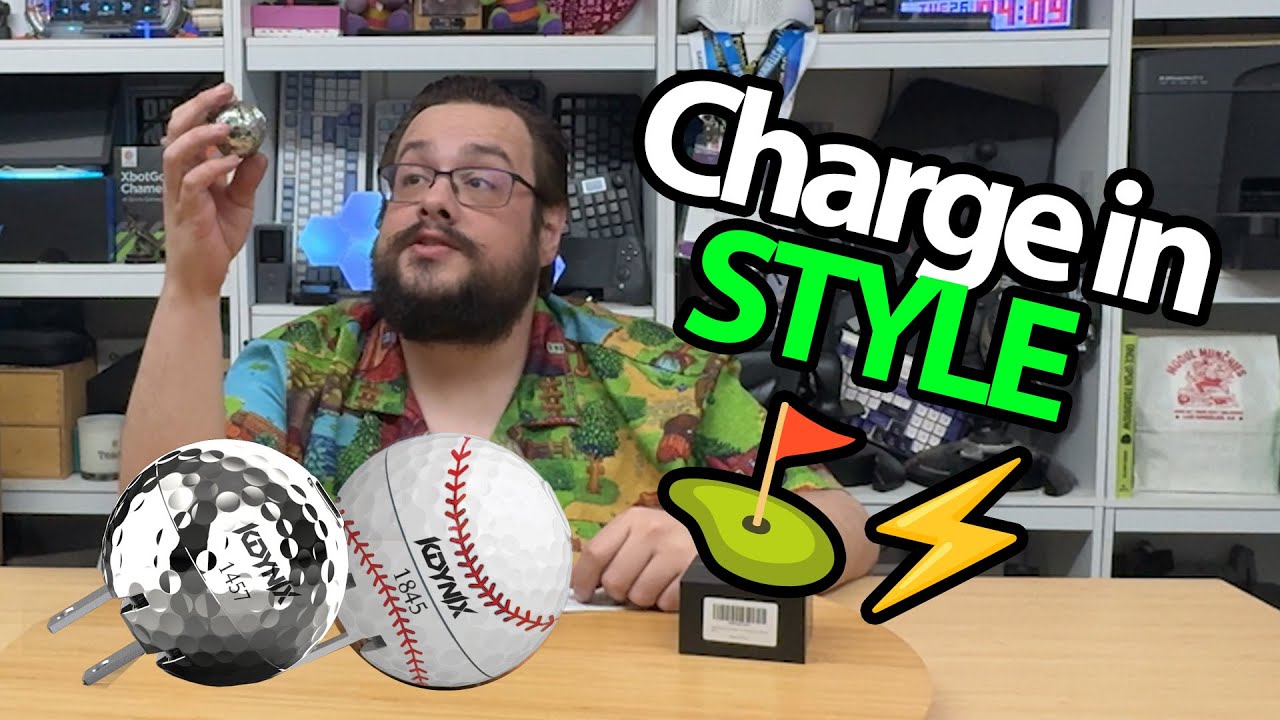
Kdynix Golf-Ball Charger: A Folding Plug in a Dimpled Silver Shell
Opening the sports-themed charger and looking over its design.
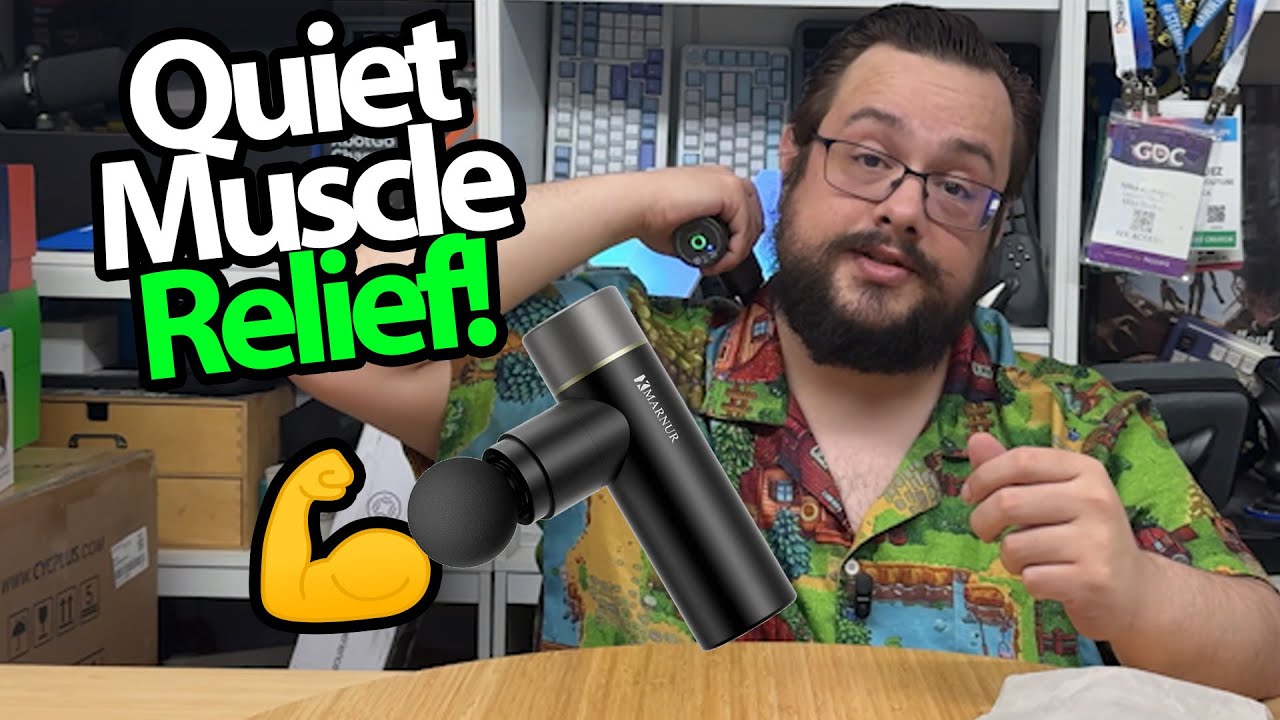
MARNUR Mini Massage Gun: A Palm-Sized Body and Screw-On Heads
Trying the controls and showing the attachments after a few days of personal use.
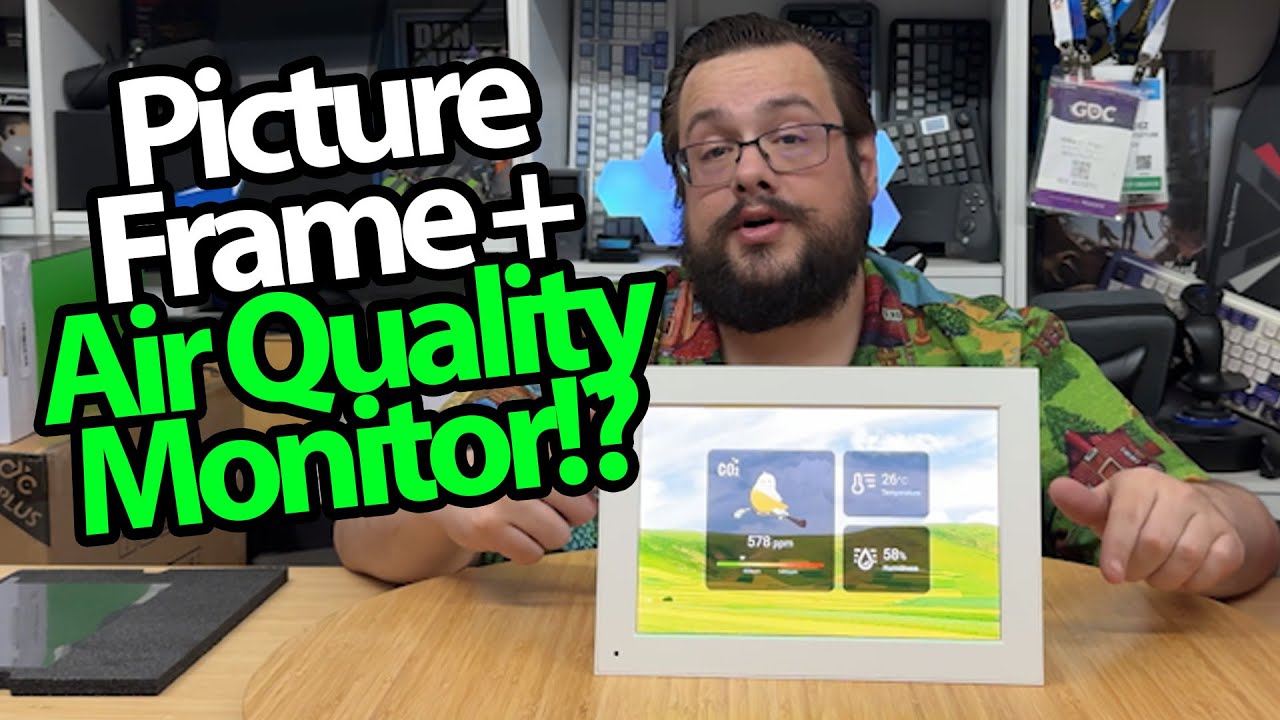
NearHub Photo Frame: Pictures on the Screen, Room Readings Beside Them
Setting up the app and trying the environmental-display and photo controls.
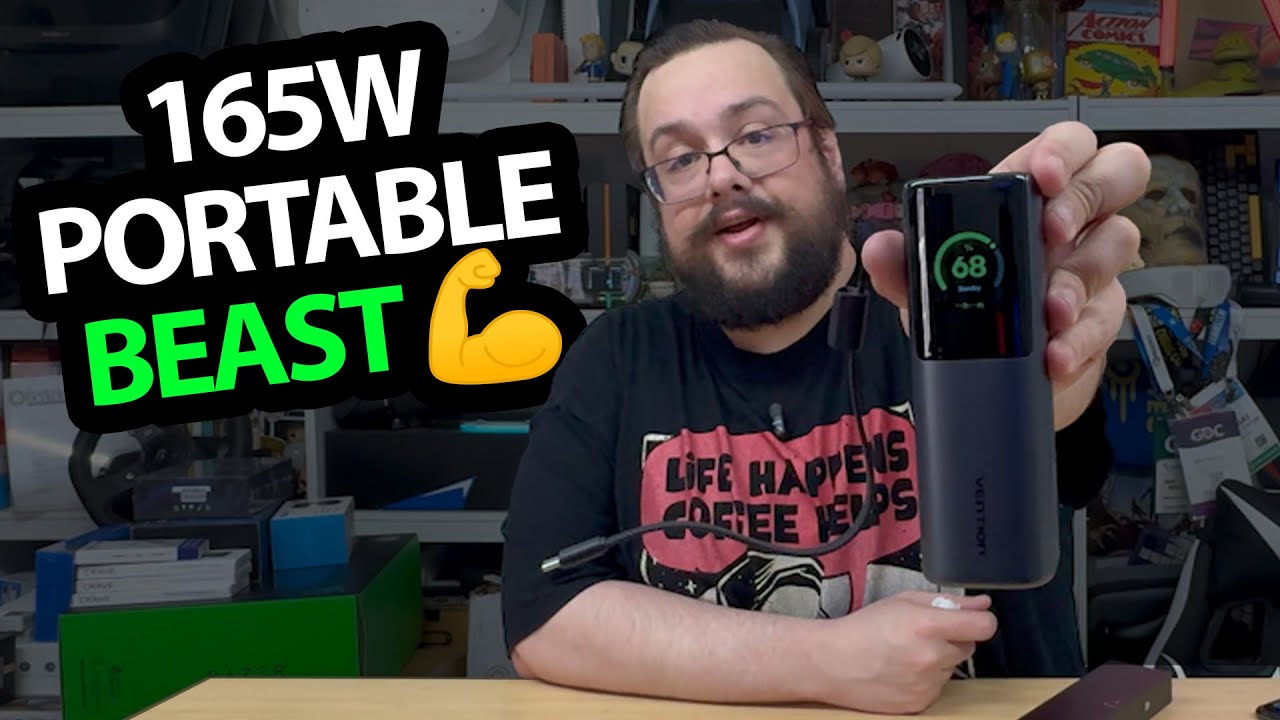
VENTION Powerhive: The Animated Screen Is the First Surprise
Opening the high-output battery pack and looking through its displayed information.
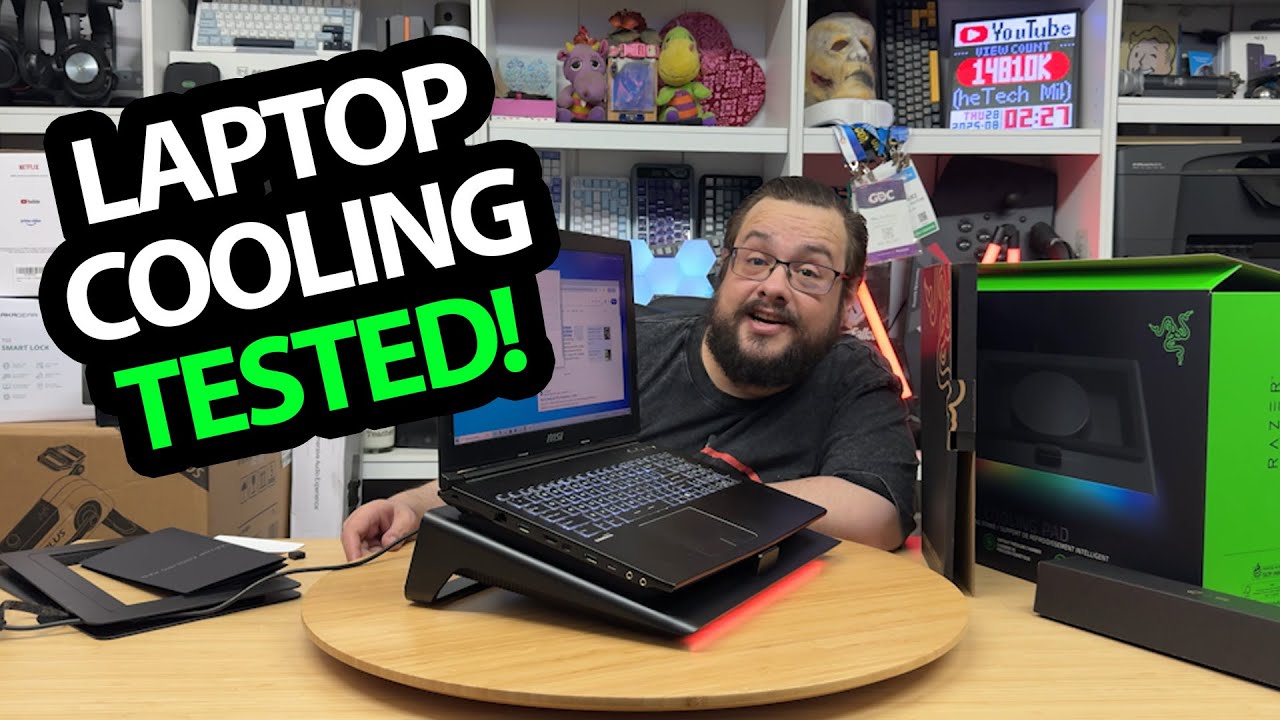
Razer Laptop Cooling Pad: A Loud Fan and a Quick GPU-Temperature Check
Trying the magnetic frames, controls and the displayed reading during a short setup.
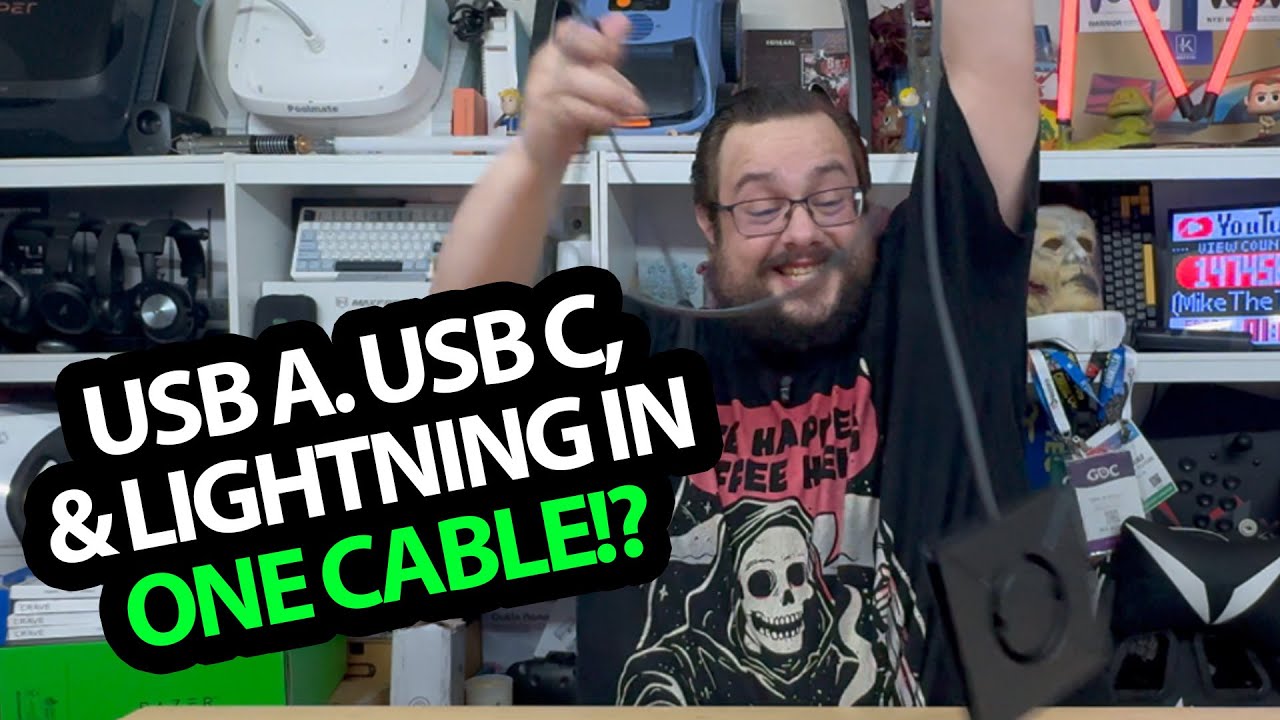
Vexipia L1: A Flat Braided Cable with Adapters at Both Ends
Unwinding the cable and trying its USB-A, USB-C and Lightning connector arrangements.
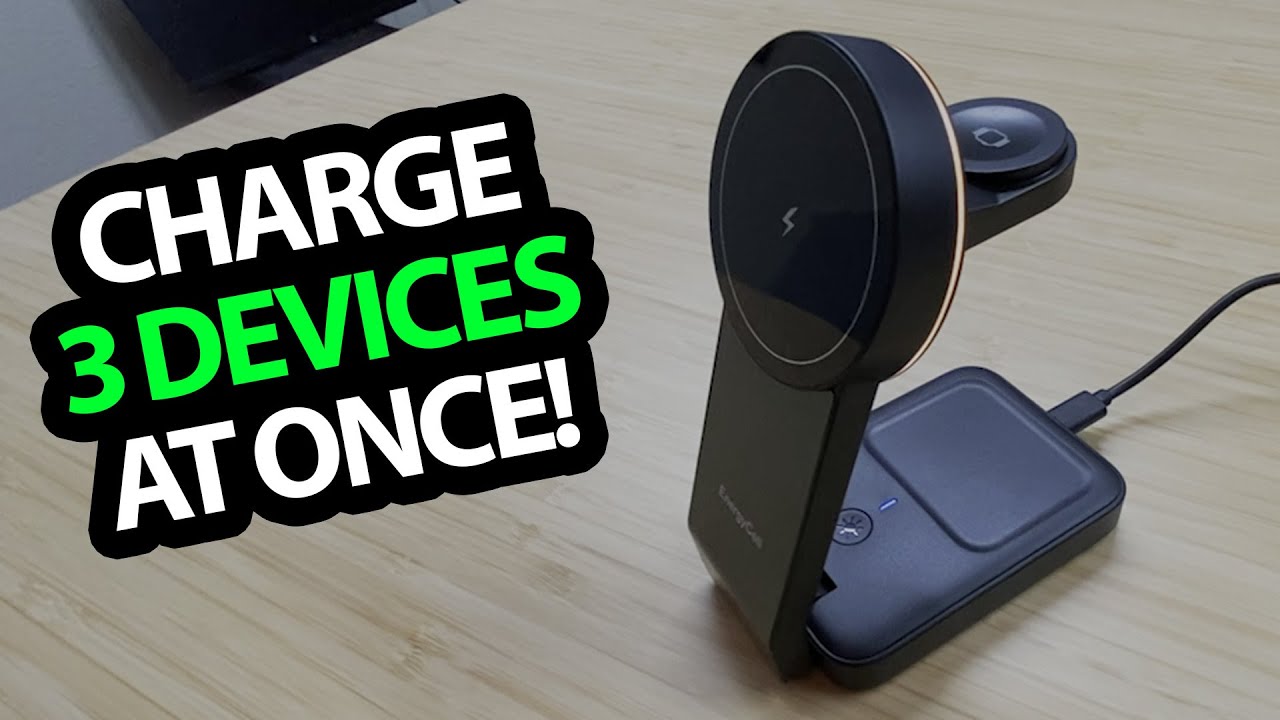
EnergyCell Charging Station: The Watch Support Hides in the Back
Opening the folding parts, trying the light and charging a phone.
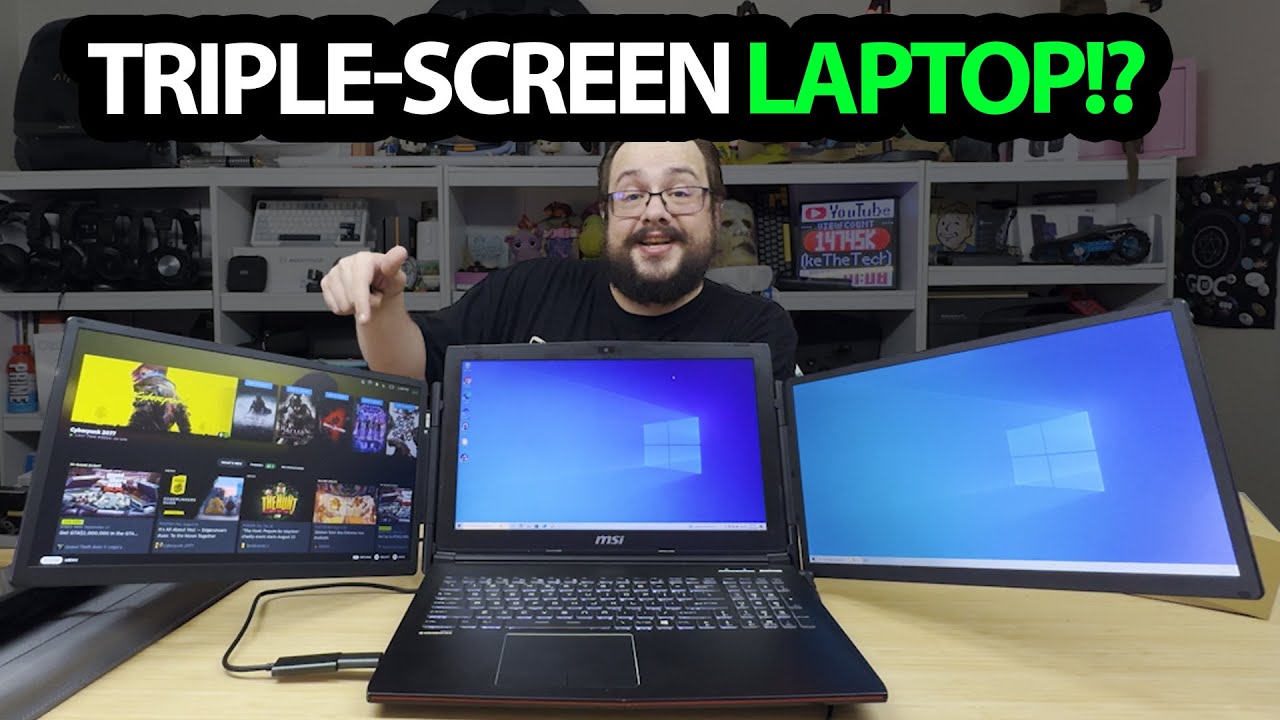
Kefeya Screen Extender: A Magnetic Battery and a Setup on an Older Laptop
Opening the two-screen assembly and trying its supplied display software.
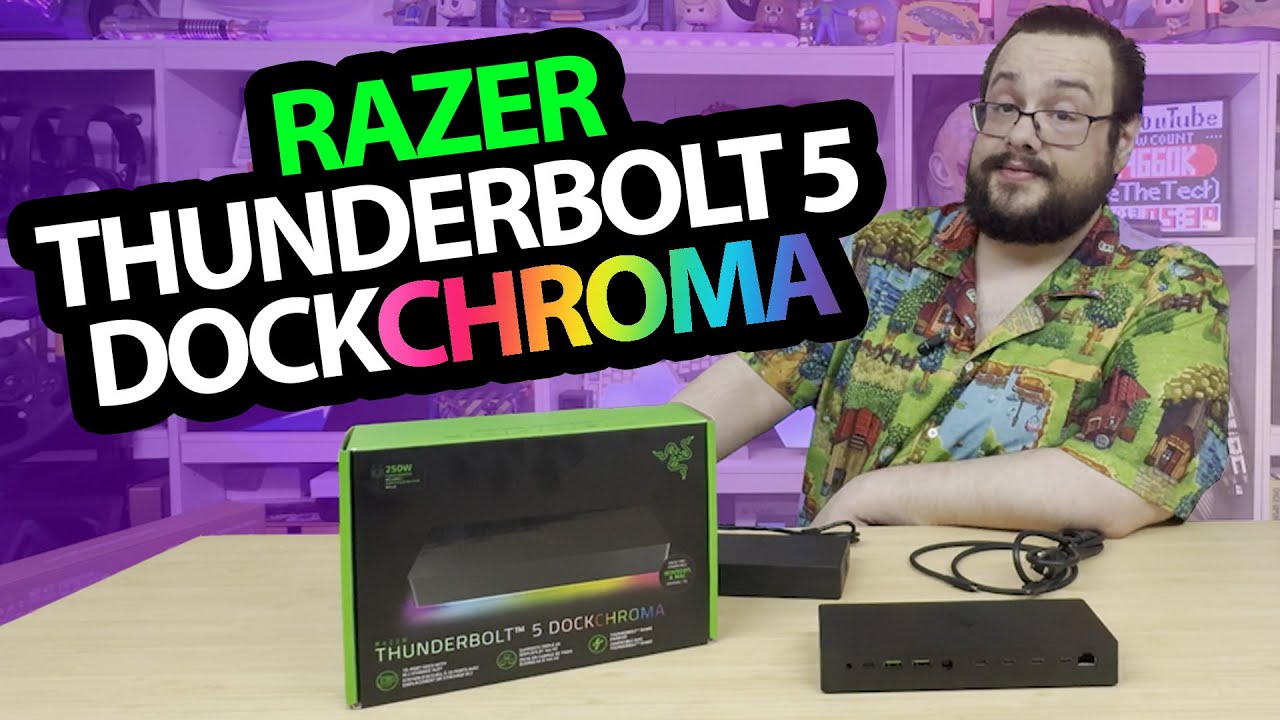
Razer Thunderbolt 5 Dock: Opening the SSD Slot Before Connecting a Computer
Unpacking the Chroma dock, power supply and accessible storage compartment.
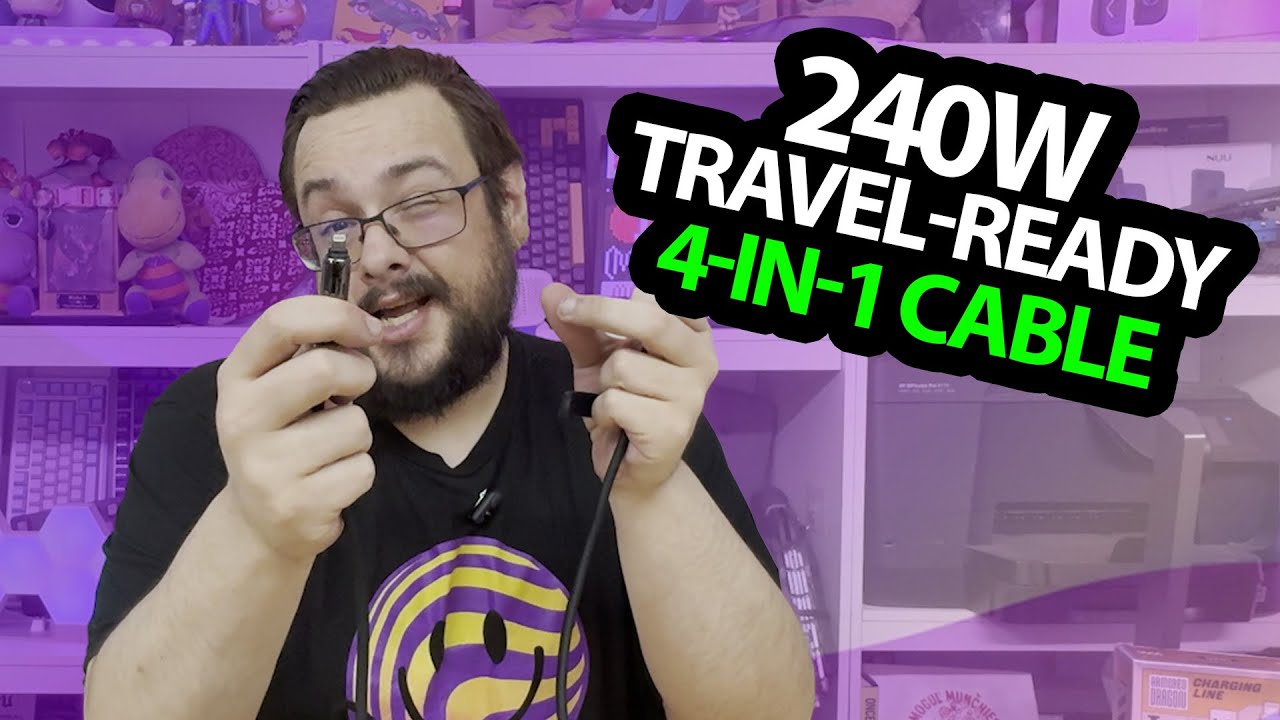
MFish Four-in-One Cable: Thick, Soft and Packed in a Neon-Green Case
Trying the connector adapters and the feel of the lead before charging tests.
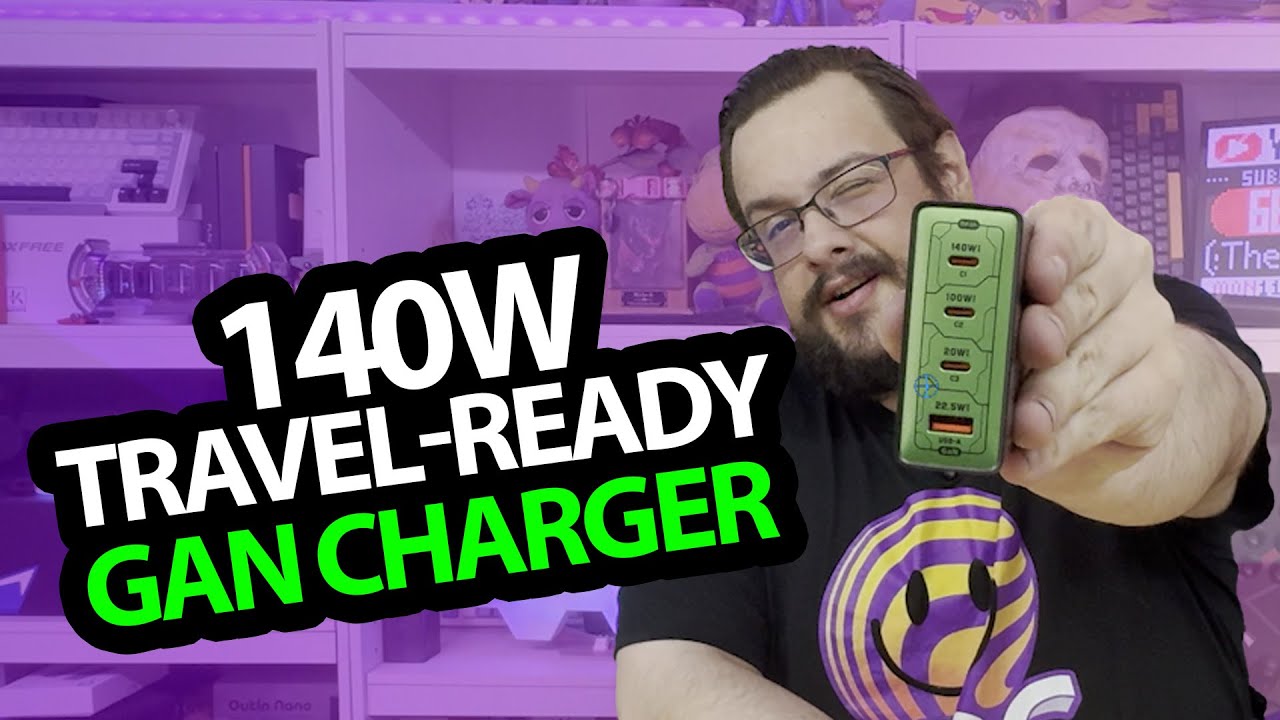
MFish 140 W Charger: The Power-Sharing Table Is Printed on the Front
Opening the four-port charger and reading its different connection ratings.
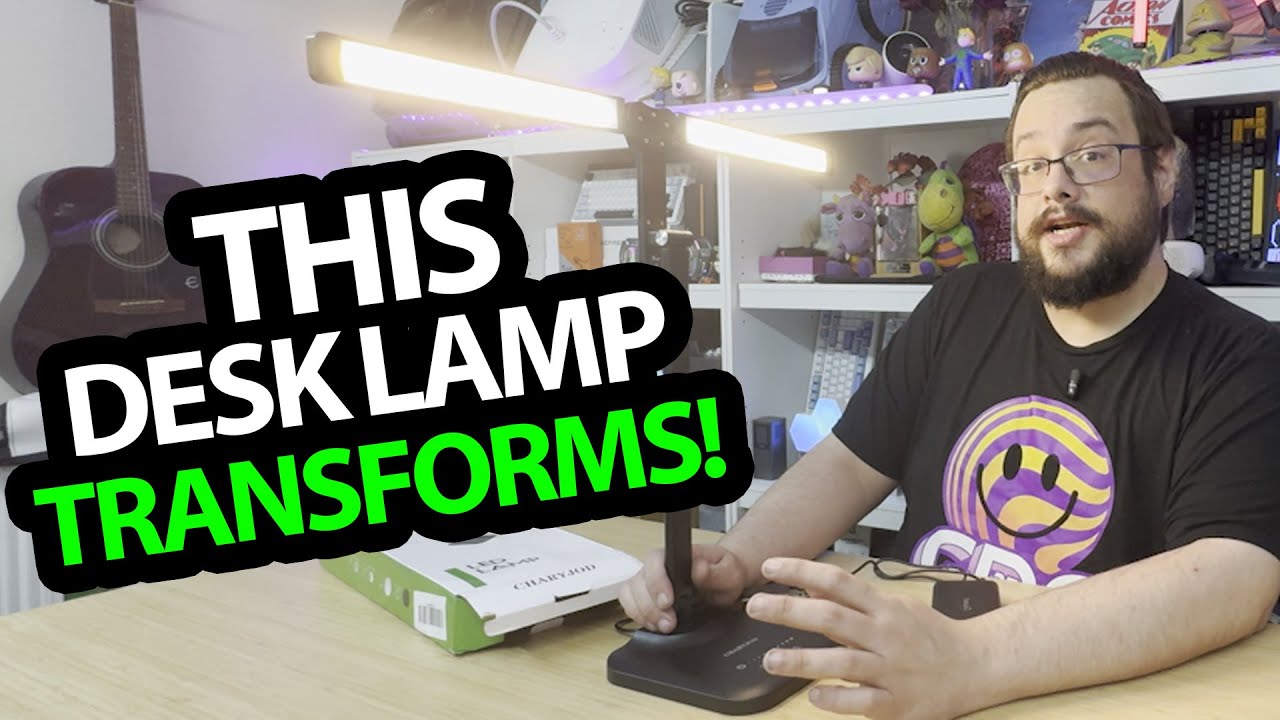
CHARYJOD Desk Lamp: Open the Two Light Bars and Change the Spread
Trying the adjustable support, touch controls and reading-light mode.
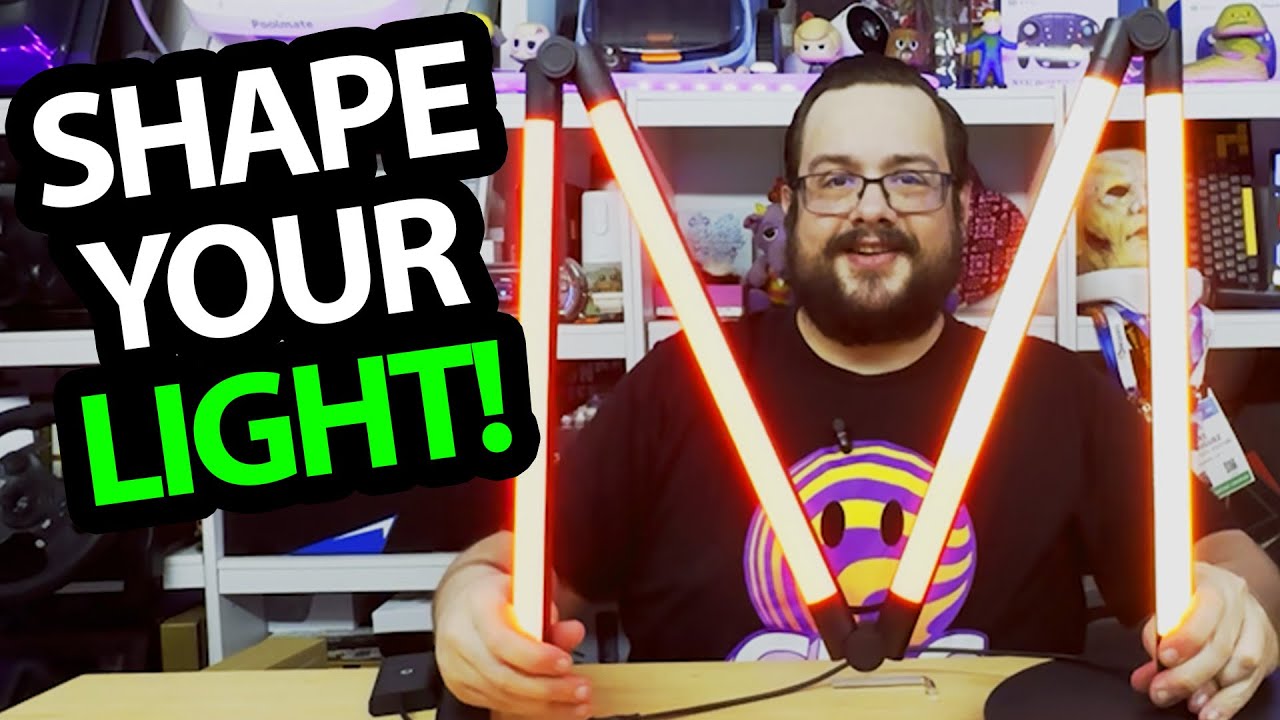
DeckTok Folding Floor Lamp: Of Course I Want to Make an M
Assembling the base, pairing the remote and changing the light and shape.
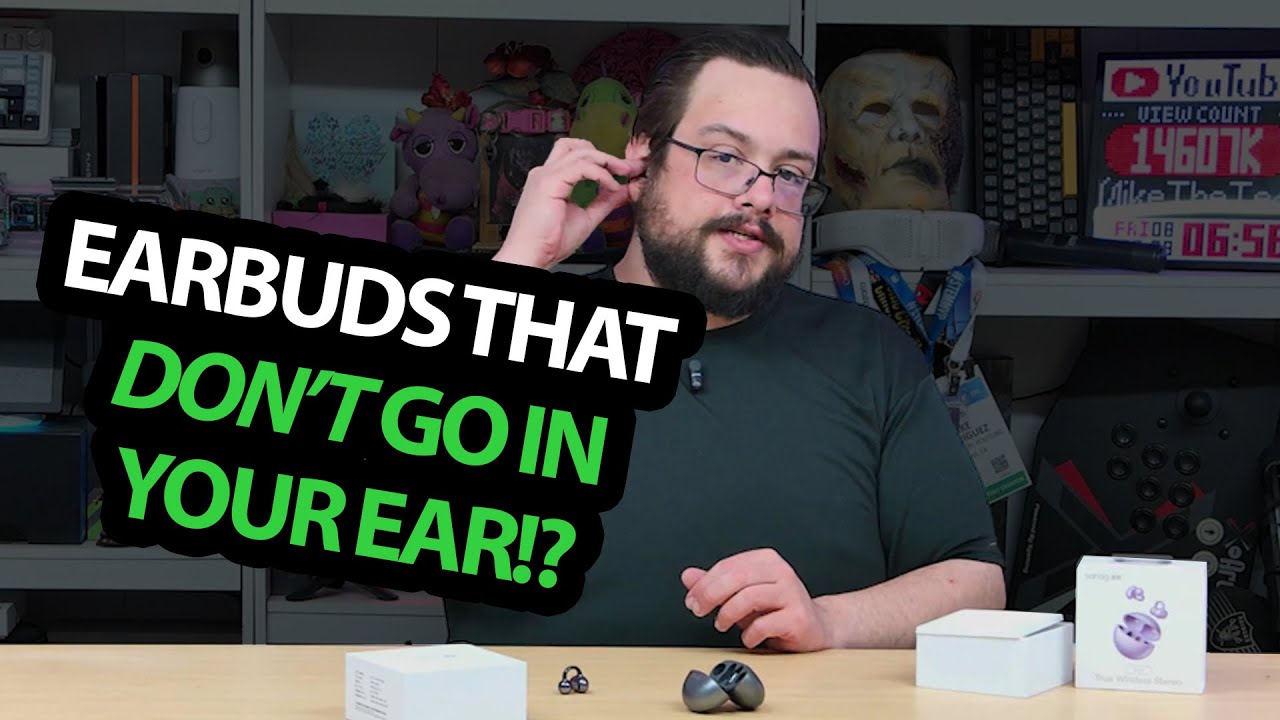
Sanag S6S: An Earring-Style Fit and a Quick Phone Pairing
Opening the case and trying the clip-on earbuds for a first listen.
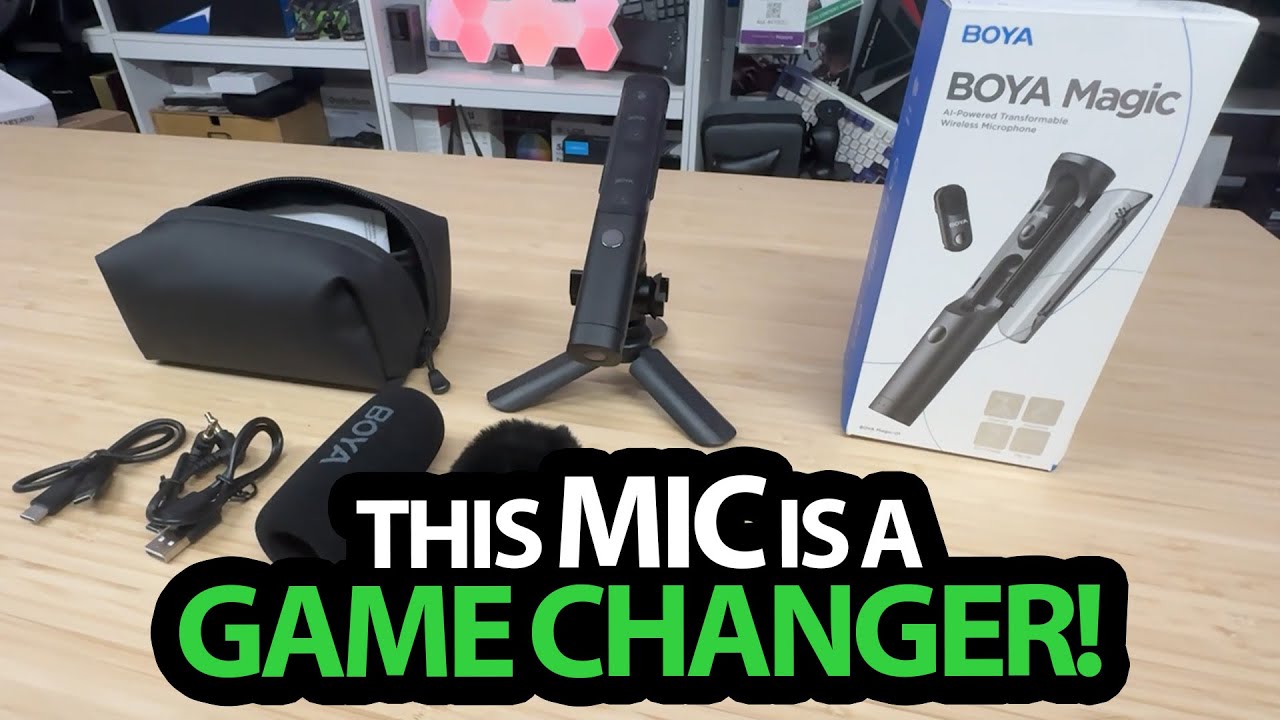
BOYA Magic: Two Tiny Mics Inside a Handheld Body
Trying the clips, stand and receiver arrangements, then switching the recording to BOYA.

Mearsun E100: The Wraparound Fit and Settings I Explored over About a Month
A personal hardware and interface walkthrough, without a clinical hearing assessment.
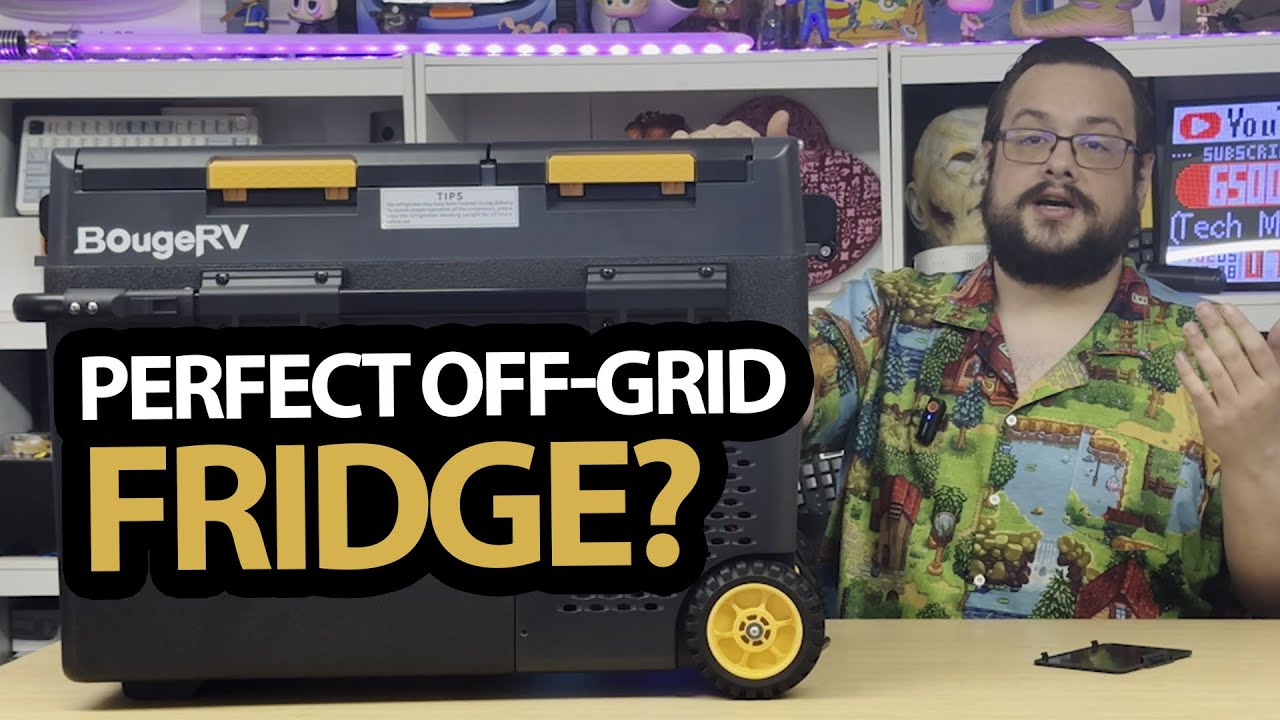
BougeRV Portable Fridge: A Month Indoors and Two Separate Compartments
Looking over the wheels, lid, controls and the features I had been using.
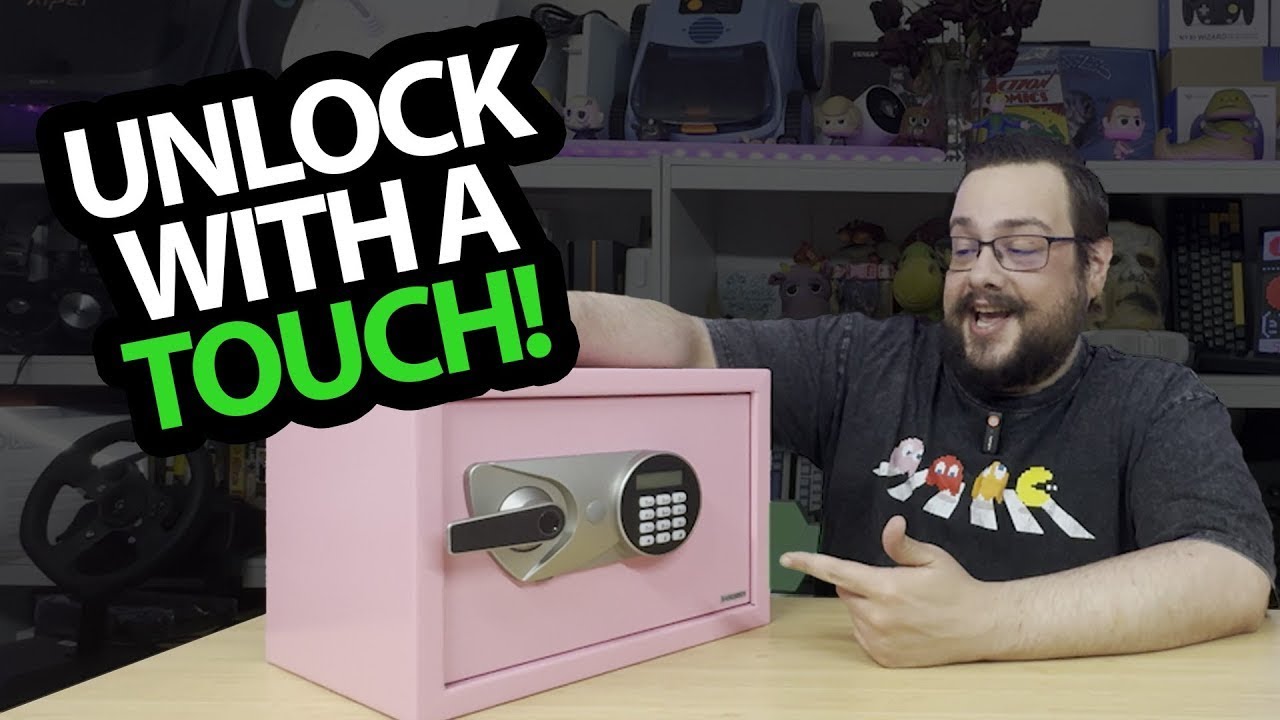
BlackSmith Safe: I Ordered Black, Got Pink and Tried the Lock Controls
A keypad, fingerprint and supplied-key demonstration with the removable shelf.
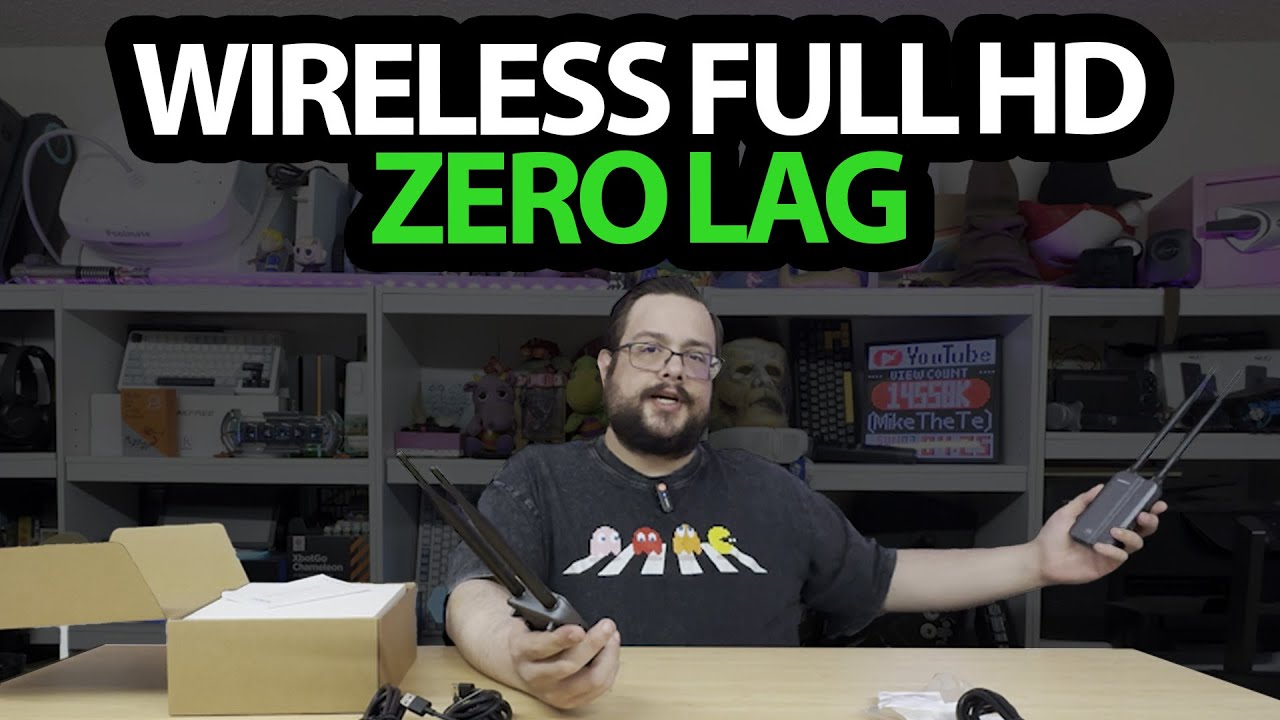
SVBONY TransAir3: Two Antennas per Box and a Look at the HDMI Layout
Unpacking the transmitter, receiver and accessories before a transmission test.
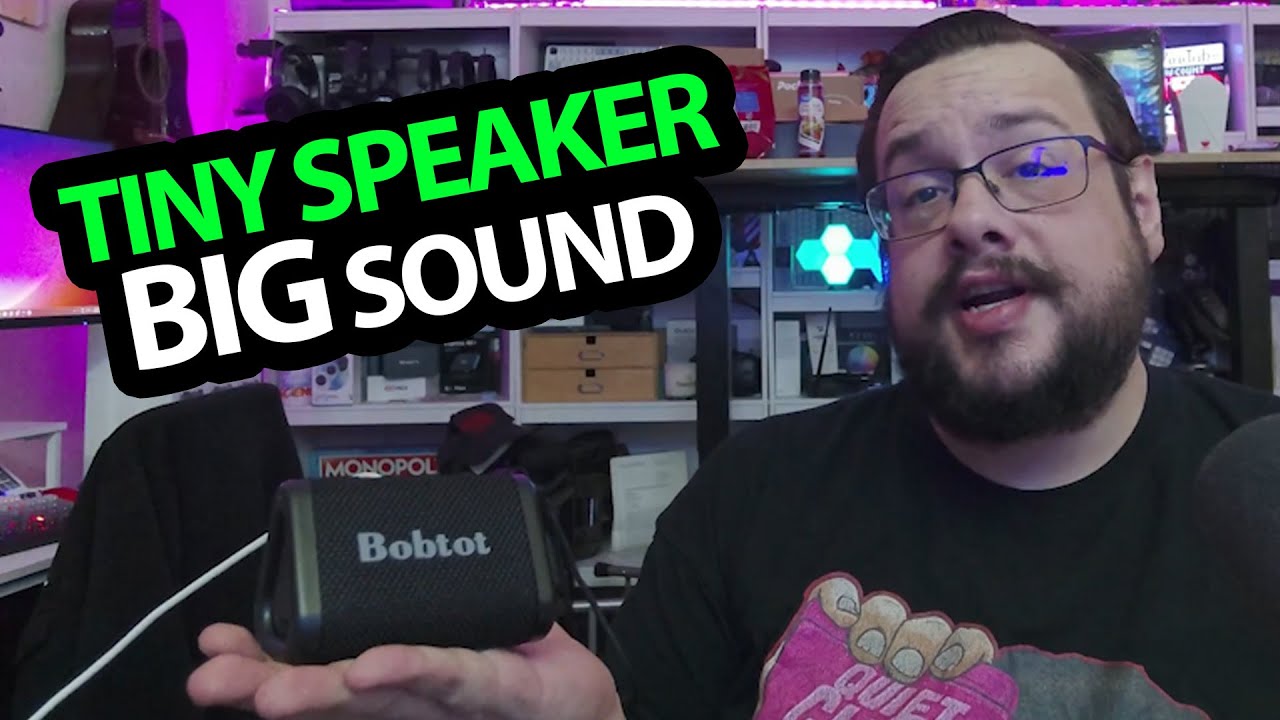
Bobtot Portable Speaker: A Wrist Strap, a Charge and a First Listen
Unpacking the speaker, powering it up and reacting to the bass and clarity.
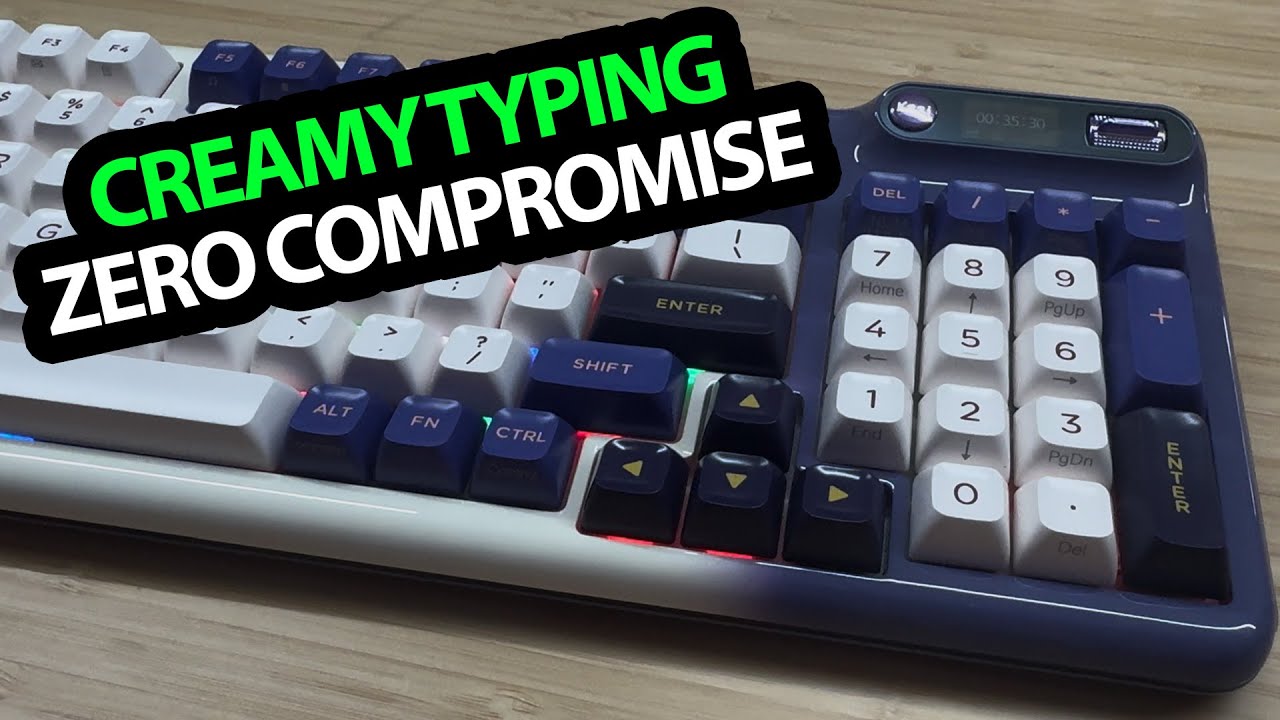
KZZI Keyboard: A Little Screen and Settings Right on the Board
Trying the keys, feet and display controls before any software customization.
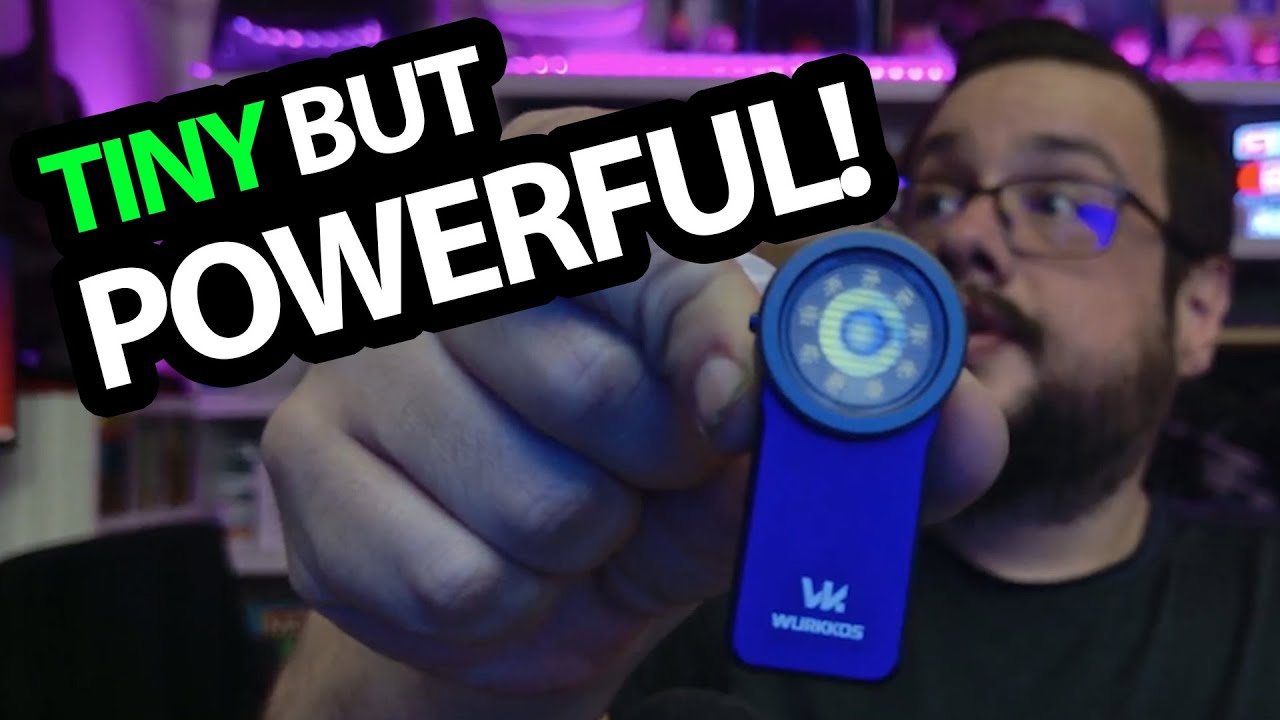
Wurkkos HD03: A Tiny Clip Light with Spot, Flood and Color Modes
Working through the controls and attaching the lanyard on the small blue light.

vSeeBox V3 Plus: The Remote, Connections and First Setup
Unboxing the Android TV box, pairing the remote and walking through its interface.
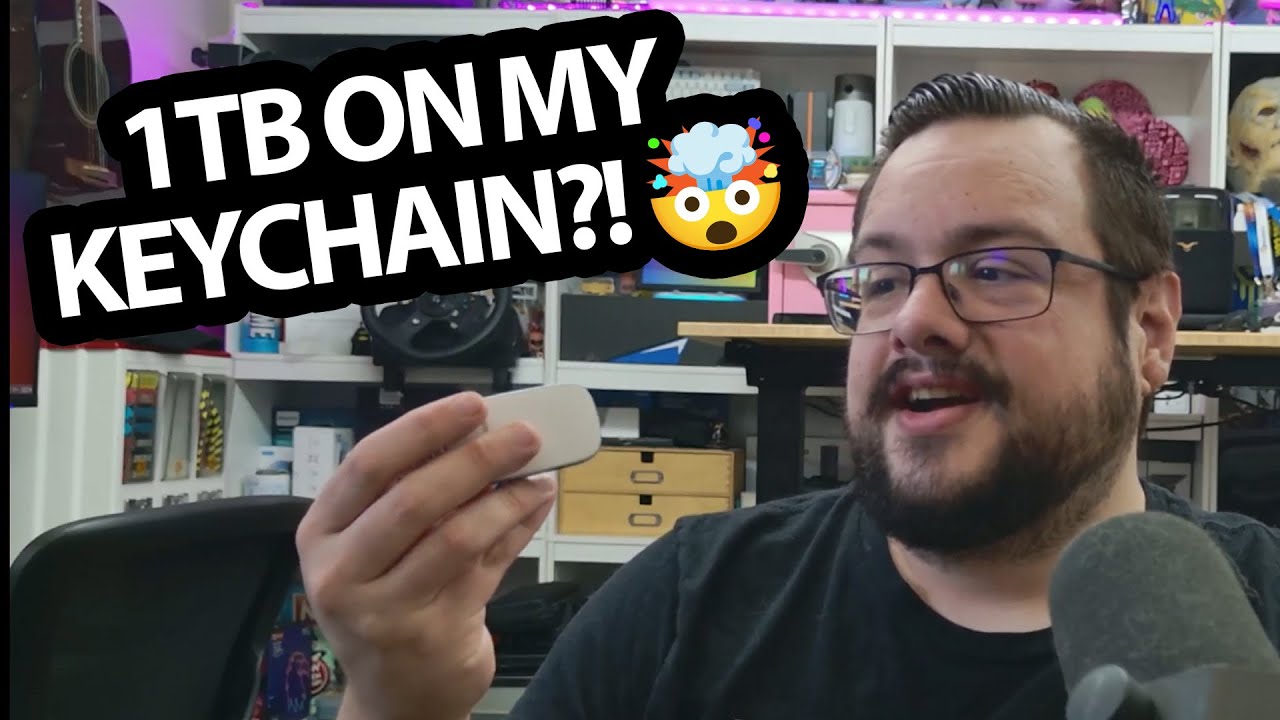
PHIXERO P20: The Pocket-Size SSD and Its USB Speed Catch
A compact-drive overview, with advertised transfer rates kept separate from a benchmark.