
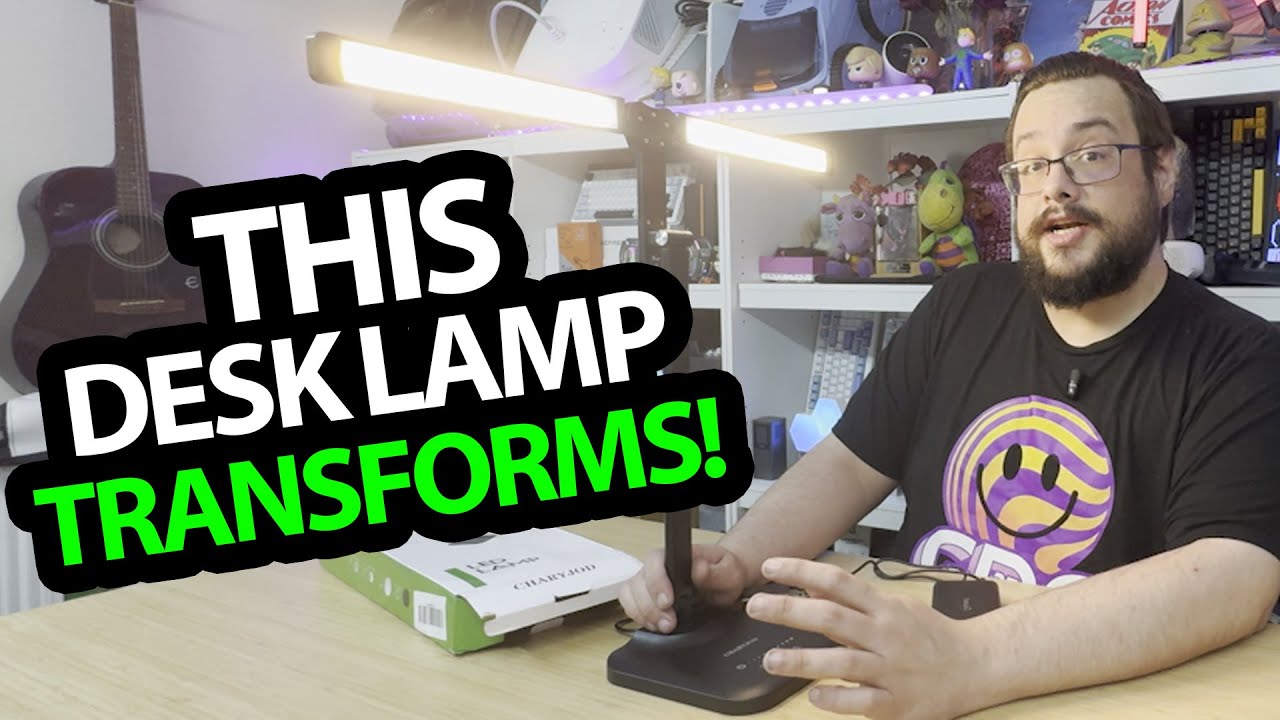
The YouTube player loads when you press Play.
CHARYJOD Desk Lamp: Open the Two Light Bars and Change the Spread
Trying the adjustable support, touch controls and reading-light mode.
Article published November 4, 2026.
The two light bars are the part that makes this CHARYJOD desk lamp interesting to move around. I can keep them together or open them out to spread the light across a wider part of the desk.
I unpack the black lamp, its power adapter and USB lead, then assemble it and try the controls.
The support changes the position
I look at the curved base and raise and lower the telescoping section. The top can also change direction, which gives me several positions to try before turning it on.
For a larger, room-scale arrangement, my DeckTok floor-lamp walkthrough looks at a different folding design. Here, the movement is concentrated in a lamp sitting on the desk.
The touch controls change the light
I connect power and lower and raise the brightness from the base. I also change the light color and try the reading-light setting, then turn it down because it feels bright to me.
I mention that the camera may not show the changes particularly well. This is me operating the controls, not a measured brightness, color-rendering or flicker test.
A port I notice during setup
I point out an output connection on the back, but do not demonstrate charging a phone from it. The main result is the adjustable shape and working lighting controls.
The broader description includes eye-comfort and light-quality claims. I do not verify those in this session, or time the auto-off function. The useful first look is how easily I can move the bars and change the light at the desk.
Links from the video
Affiliate disclosure: These links may earn me a commission at no extra cost to you.
- CHARYJOD desk-lamp original Amazon link
- MikeTheTech original Patreon link
- Geeksoutfit original clothing-store link
Coupon code: COLLAB1 — Discount amount not stated. Separate Geeksoutfit offer from the original description, not a discount on the reviewed gadget. No amount or expiry was supplied; check current terms.
Links and offers are from the video description. Availability, prices and offer terms may change.
Some links to other products on this page are affiliate links, and we may earn a commission if you buy through them. It costs you nothing extra, and it has not changed what this article says — where a competitor is the better answer, we say so.


