
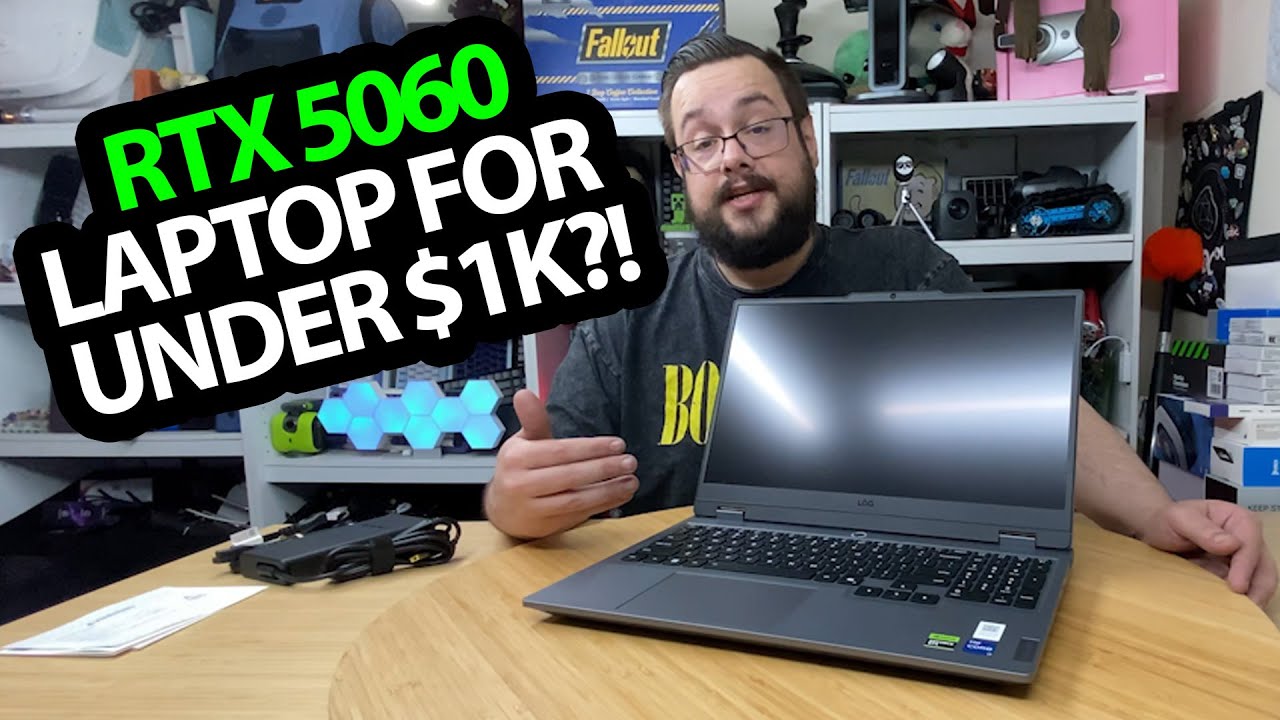
The YouTube player loads when you press Play.
Lenovo LOQ RTX 5060 Laptop: Unpacking the Hardware Before the Benchmarks
Looking at the charger, keyboard area and side and rear ports.
Article published November 4, 2026.
My previous laptop had a GTX 1060, so opening this Lenovo LOQ gives me a new machine I am excited to put through its paces. The benchmarks are the next step I discuss, rather than something completed in this recording.
The listed configuration is a Core i7-13650HX, 16 GB memory, 512 GB SSD and RTX 5060 laptop graphics, with a 15.6-inch Full HD display.
The charger comes out before the computer
I take out the power supply and look at its printed 245 W rating. That is the adapter label, not a measurement of how much power the laptop uses.
Then I go through the guides and lift out the computer. I notice the vent styling and the slightly extended rear section while looking over the case.
Ports around the side and back
I point out the USB connections, physical camera switch and combined headset connection along the side. The rear has more connections, including HDMI, Ethernet and power.
Seeing where those sit is useful before putting the machine into a desk setup. It is also a different question from how quickly a game will run.
The game tests are still to come
I finish by asking which games and comparisons viewers want to see. There are no frame-rate, temperature or battery-life results in this unboxing, despite the broader claims in the description.
What this first session establishes is the configuration being introduced, the included power supply and the physical layout. It leaves me ready to start testing, without turning expectations about the newer hardware into measured results.
Links from the video
Affiliate disclosure: These links may earn me a commission at no extra cost to you.
- Lenovo LOQ original Best Buy listing
- MikeTheTech original Patreon link
- Geeksoutfit original clothing-store link
Coupon code: COLLAB1 — Discount amount not stated. Geeksoutfit code listed in the original video description, not a discount for the reviewed gadget. No amount or expiry was supplied; check current terms.
Links and offers are from the video description. Availability, prices and offer terms may change.
Some links to other products on this page are affiliate links, and we may earn a commission if you buy through them. It costs you nothing extra, and it has not changed what this article says — where a competitor is the better answer, we say so.


