
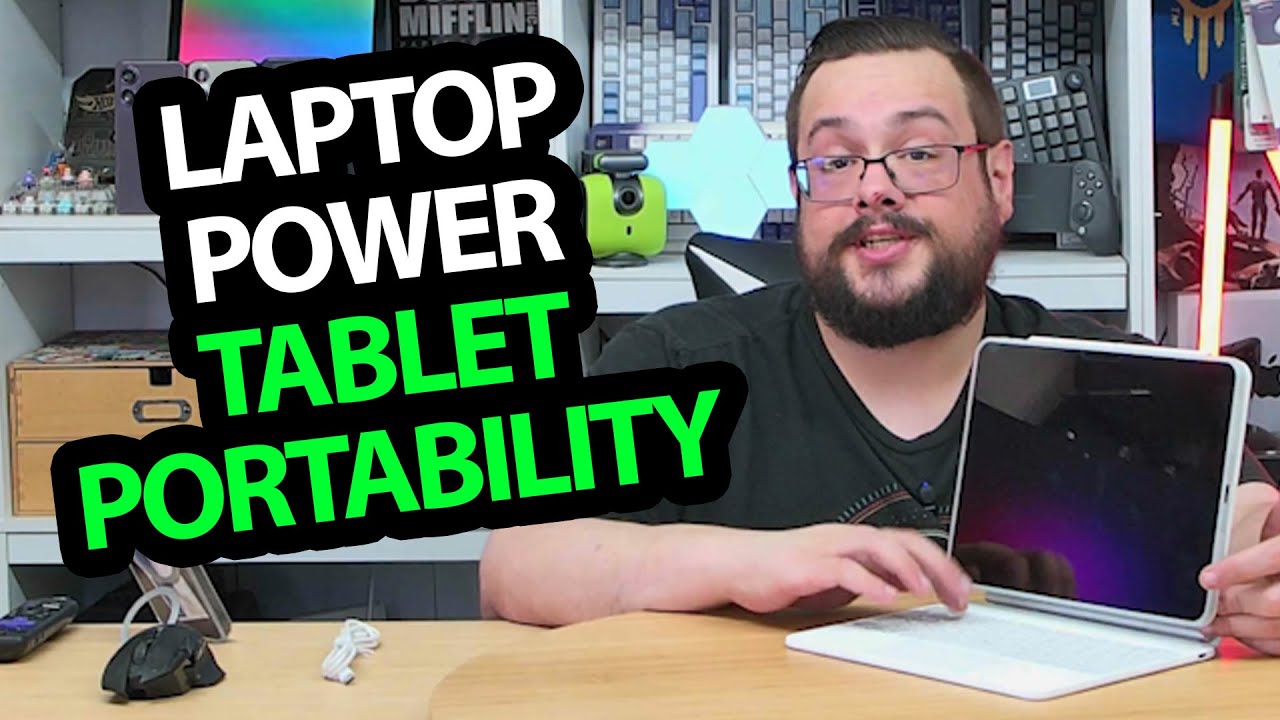
The YouTube player loads when you press Play.
ESR Rebound Keyboard Case: The Detachable iPad and Trackpad Surprise Me
Fitting the iPad Air, pairing the keyboard and trying gestures and portrait orientation.
Article published November 4, 2026.
I expect a keyboard case, but the trackpad and the way the iPad detaches are the features that make me stop and explore. The ESR Rebound setup feels more flexible in the hand than I had expected from the closed folio.
I have an iPad Air ready for this session, so I can fit it, connect the keyboard and try the controls rather than only describe the box.
The tablet case comes away from the keyboard
I open the folio and find the separate magnetic tablet case. I can take that piece off and put it back without keeping the whole keyboard assembly attached.
I also adjust the support and try portrait orientation. The mechanism is worth looking at in the video rather than assuming it has unlimited movement in every direction.
Pair the keyboard and try the trackpad
I turn it on, see the backlit keys and connect to the device identified as ESR keyboard. Then I use the trackpad to swipe between screens and scroll.
The lighting changes colors during the demonstration, and the keys feel more tactile to me than the flat membrane-style keyboard I had expected. That is a feel impression, not a switch teardown or a measured typing test.
Match the case to the specific iPad
The listing names several iPad generations. This recording demonstrates the iPad Air I have on hand; it does not establish that every similarly sized iPad fits the same case.
I finish with the detachable arrangement, pairing and trackpad gestures working in that setup. Battery endurance, drop protection and long-term typing comfort need different tests from this first session.
Links from the video
Affiliate disclosure: These links may earn me a commission at no extra cost to you.
- ESR Rebound iPad keyboard-case original Amazon link
- MikeTheTech original Patreon link
- Geeksoutfit original clothing-store link
Coupon code: COLLAB1 — Discount amount not stated. Geeksoutfit code listed in the original video description, not a discount for the reviewed gadget. No amount or expiry was supplied; check current terms.
Links and offers are from the video description. Availability, prices and offer terms may change.
Some links to other products on this page are affiliate links, and we may earn a commission if you buy through them. It costs you nothing extra, and it has not changed what this article says — where a competitor is the better answer, we say so.


