
Notes from the workshop.
Software, hardware, practical guides and work in progress from MikeTheTech and PyroSoft.
Home Tech, most recent first
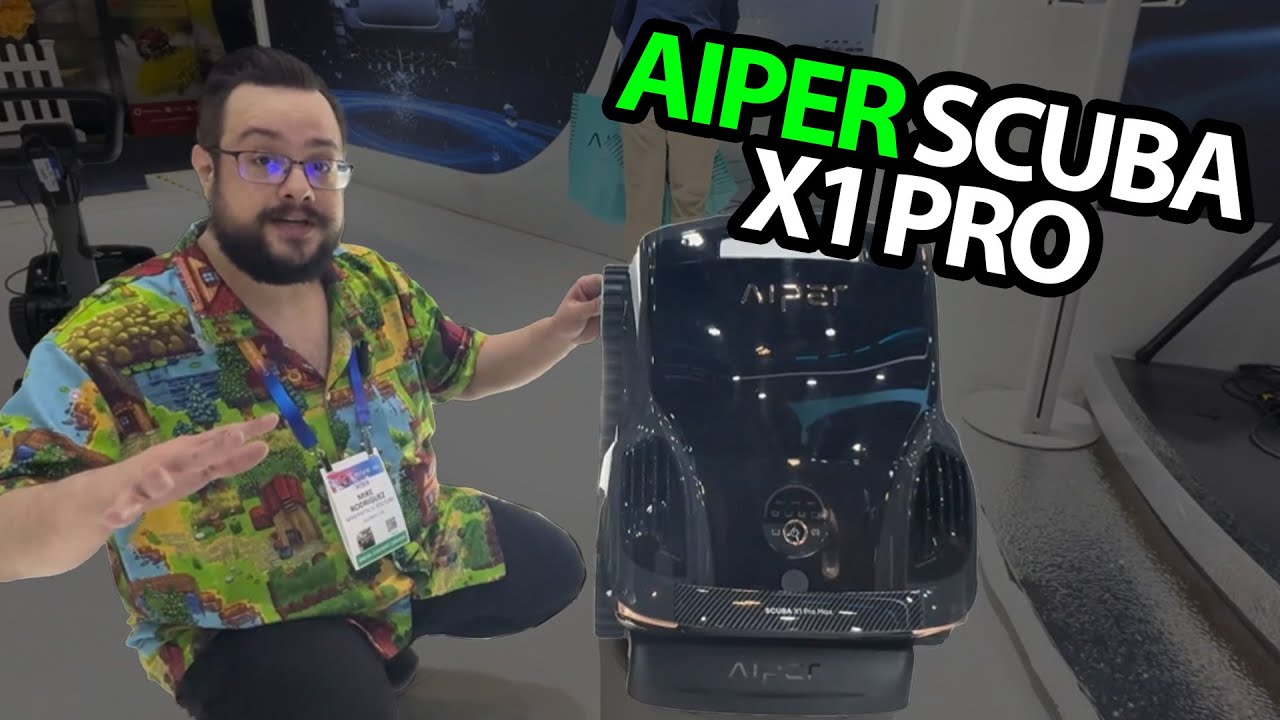
AIPER at CES 2025: Watching the Surface-Cleaning Demonstration
A booth look at floating debris pickup and the pool-side retrieval idea.
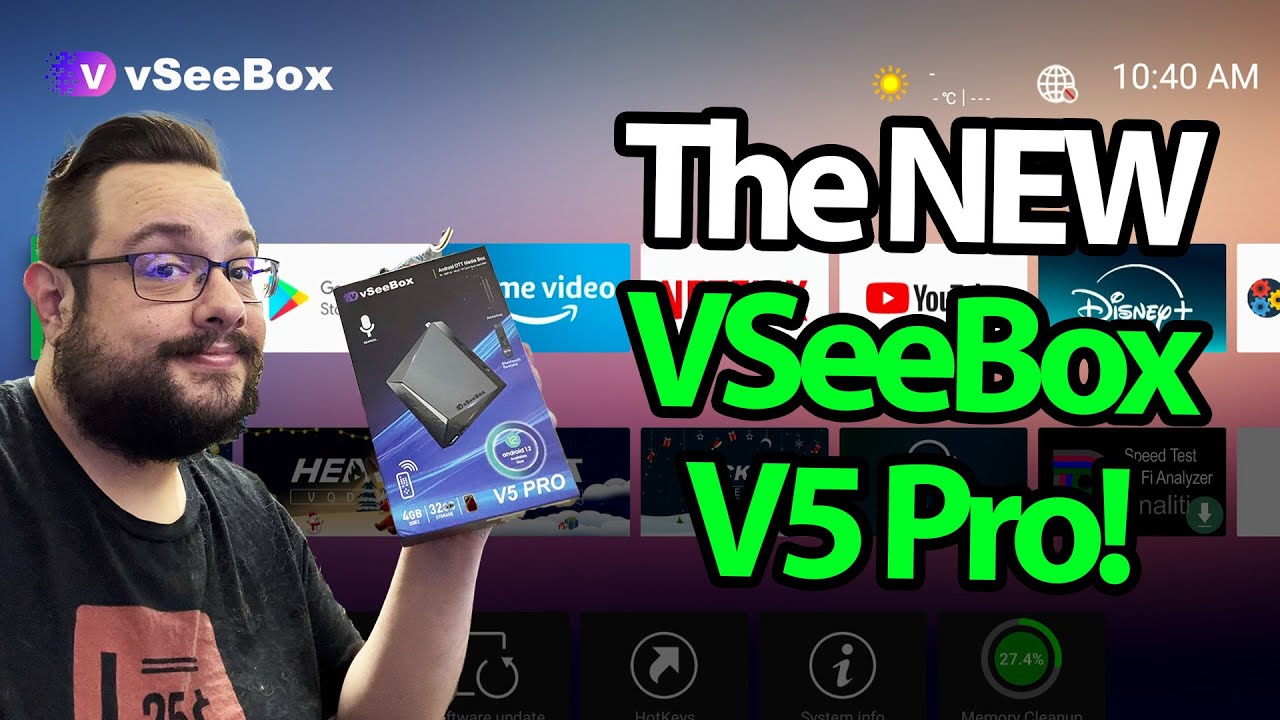
VSeeBox V5 Pro: Ports, Remote Mouse Mode and a Connected Interface
A look through the box’s home screen and app areas.
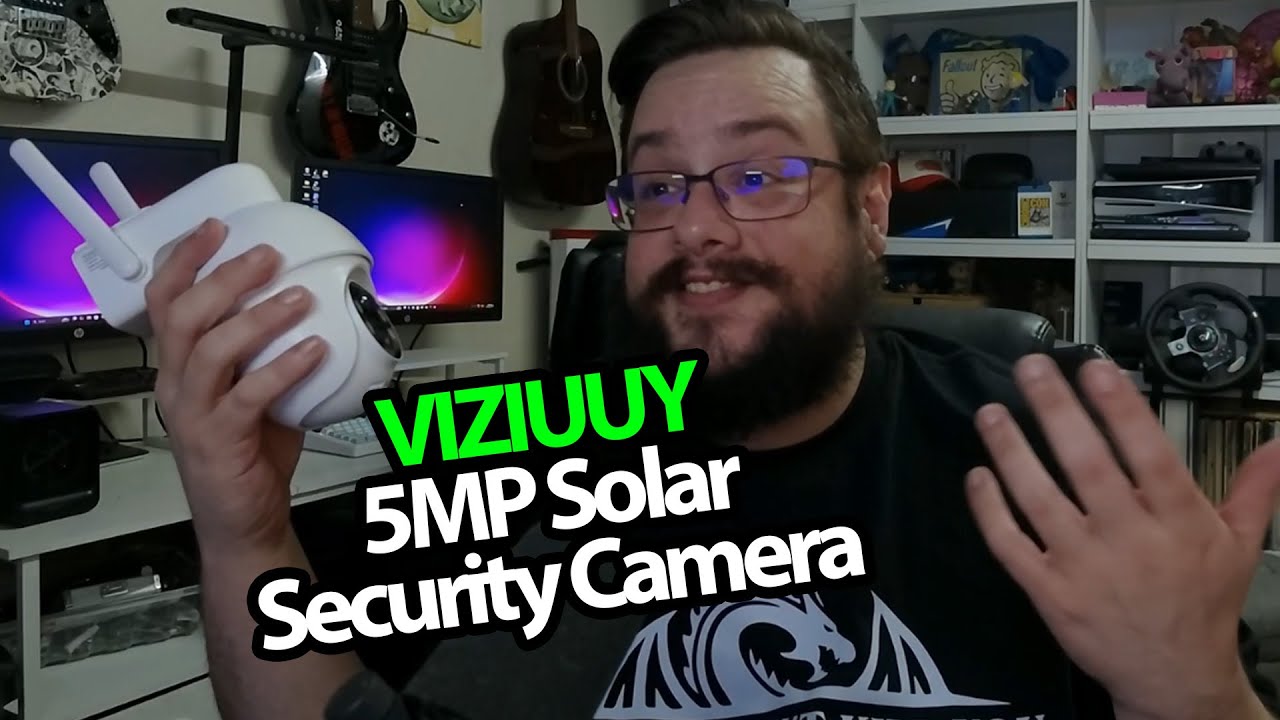
VIZIUUY Solar Camera: A Separate Panel and a Mount I Can Take Down
Opening the camera and walking through its mounting and charging connections.
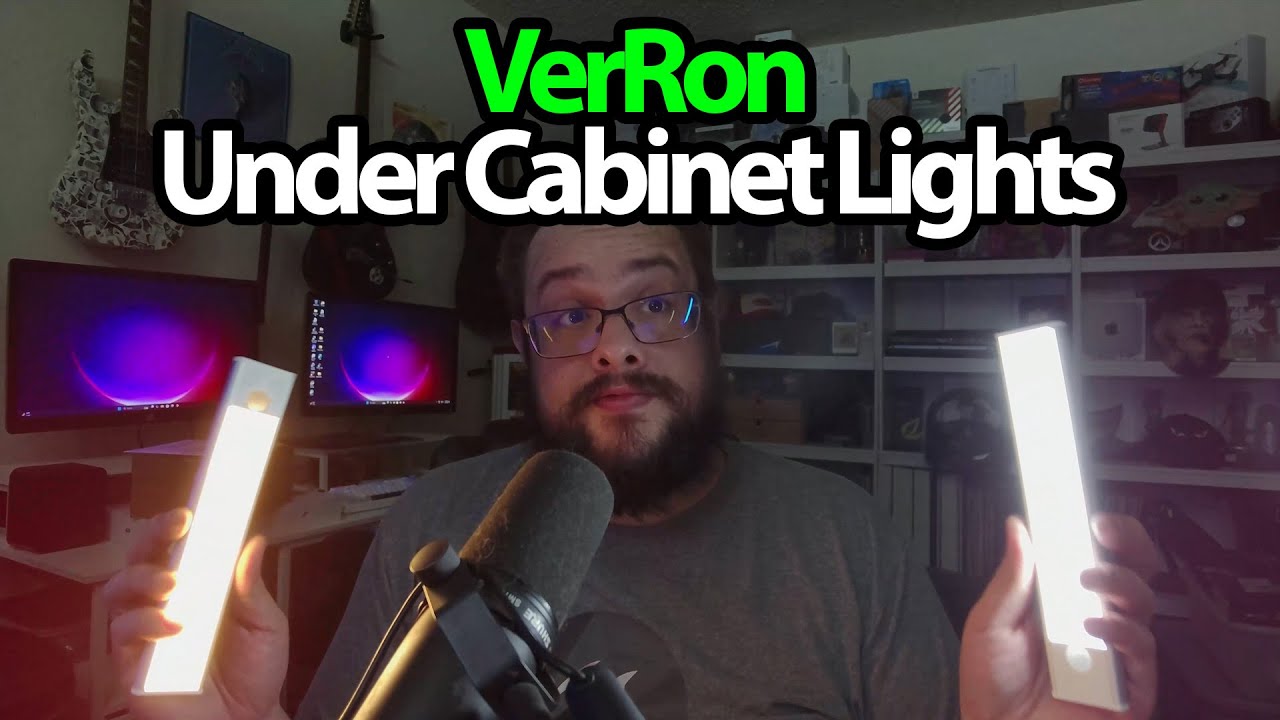
VerRon Cabinet Lights: Five Rechargeable Lights and Simple Button Controls
Trying the brightness, color-temperature settings and removable mounting plates.
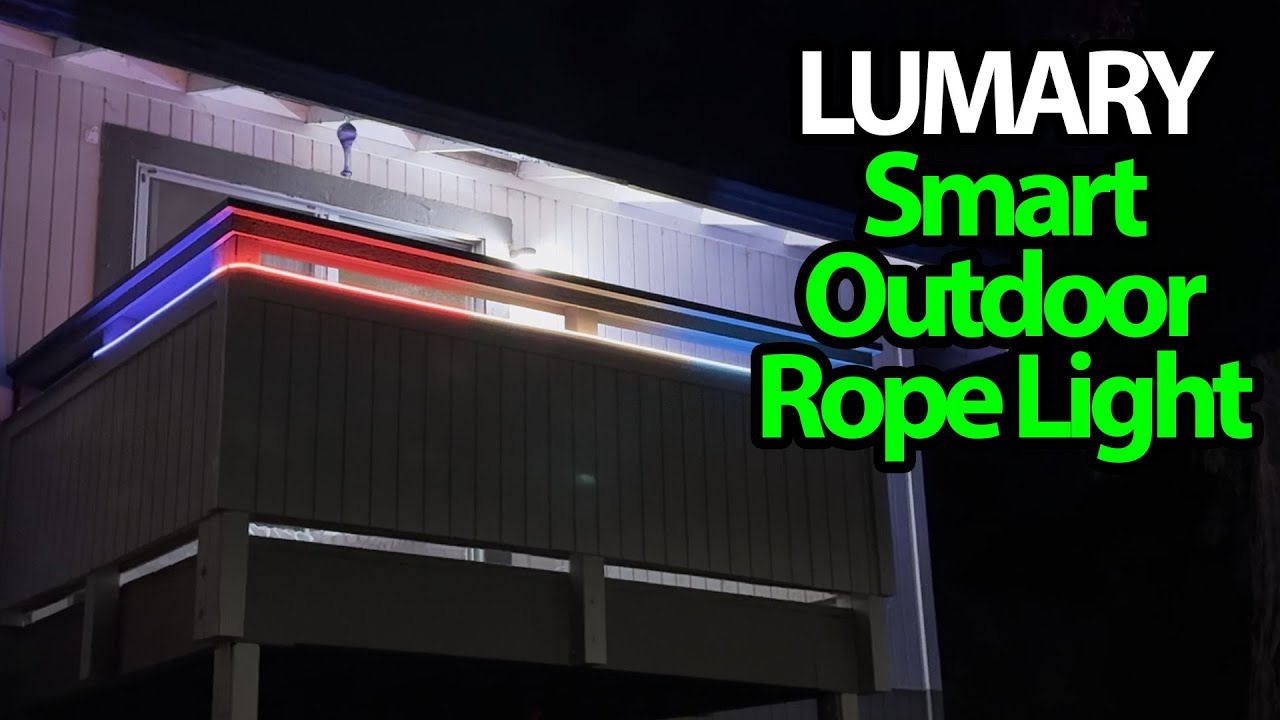
Lumary Neon Rope Light: Trying the Flowing Colors Indoors
Opening the coated light rope and cycling the effects with its inline control.
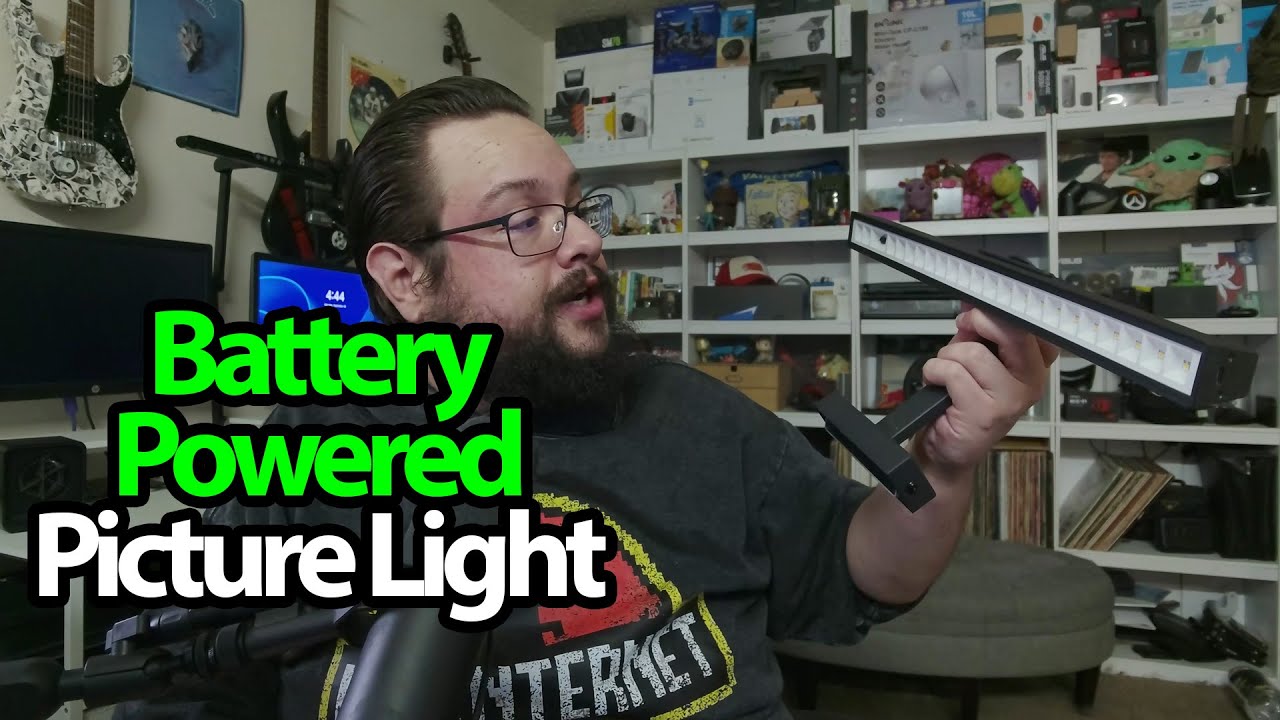
Afyuol Picture Light: Take the Light Down, Leave the Mount in Place
Trying the color settings and looking at the detachable charging arrangement.
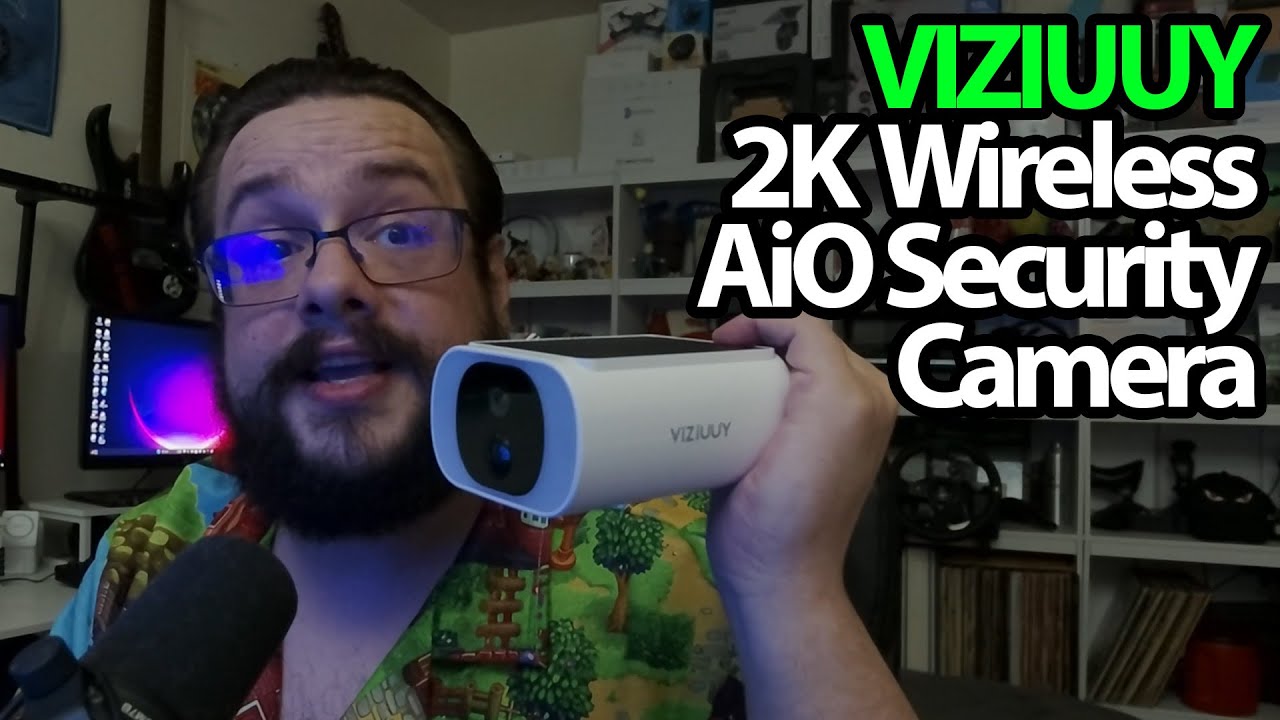
VIZIUUY All-in-One Solar Camera: The Panel Is Already on Top
Opening the fixed-view camera and checking its mounting and charging compartments.
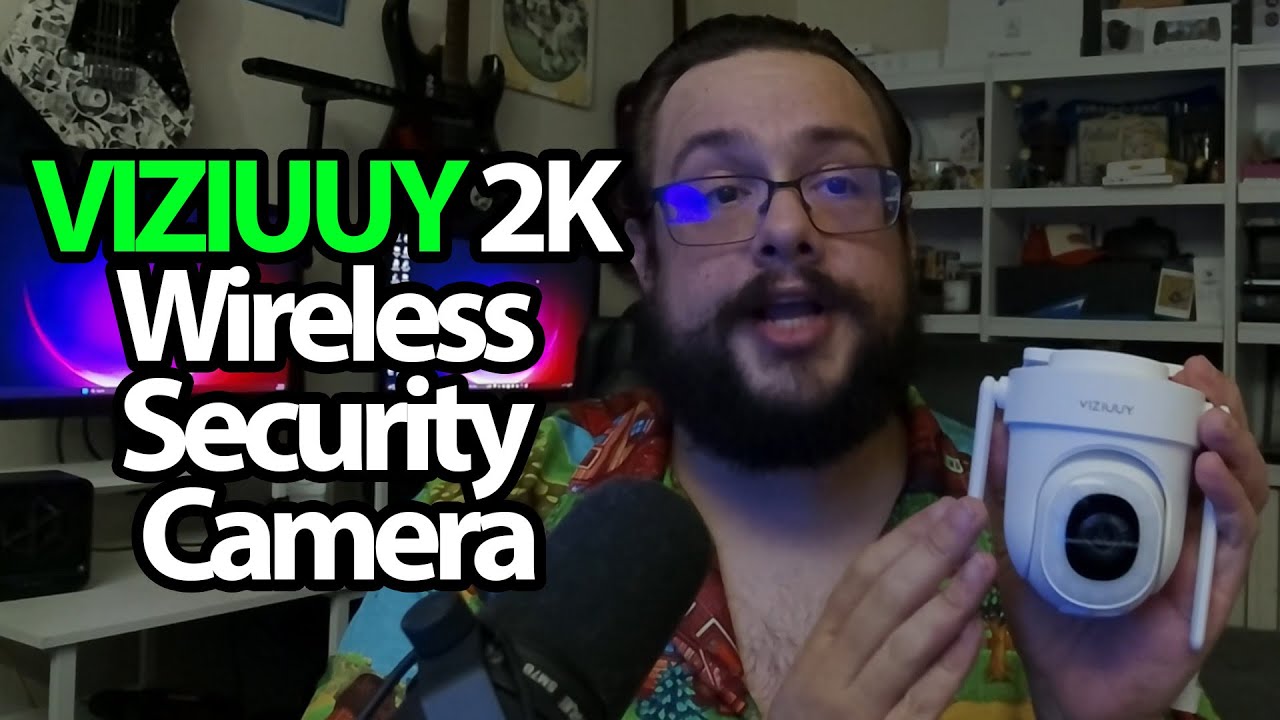
VIZIUUY VZ5D3: A Small Camera with a USB Power Connection
Looking through the mounting templates, power cable and storage compartment.
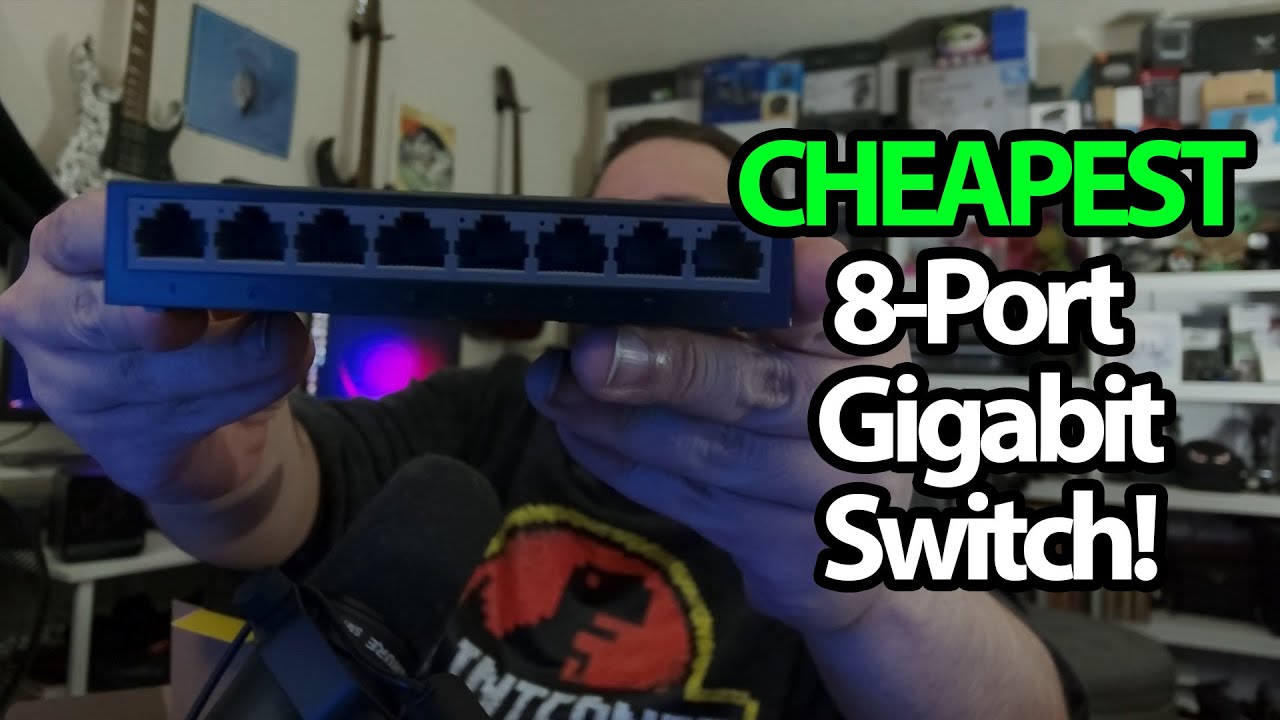
TP-Link LS1008G: My Simple Answer to Running Out of Network Ports
Opening an eight-port switch after deciding what my desk network actually needed.
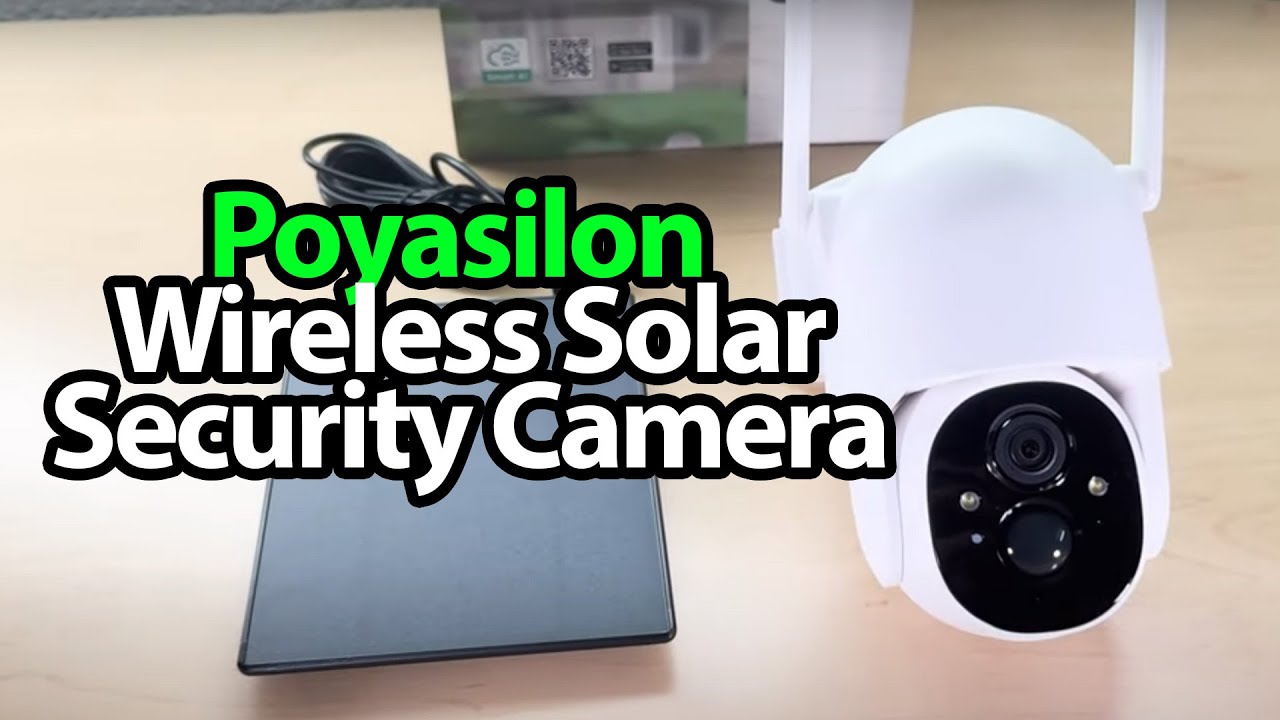
Poyasilon Solar Camera: Two Mounts and a Separate USB-C Panel
Opening the camera kit and looking at the mounting and storage options.
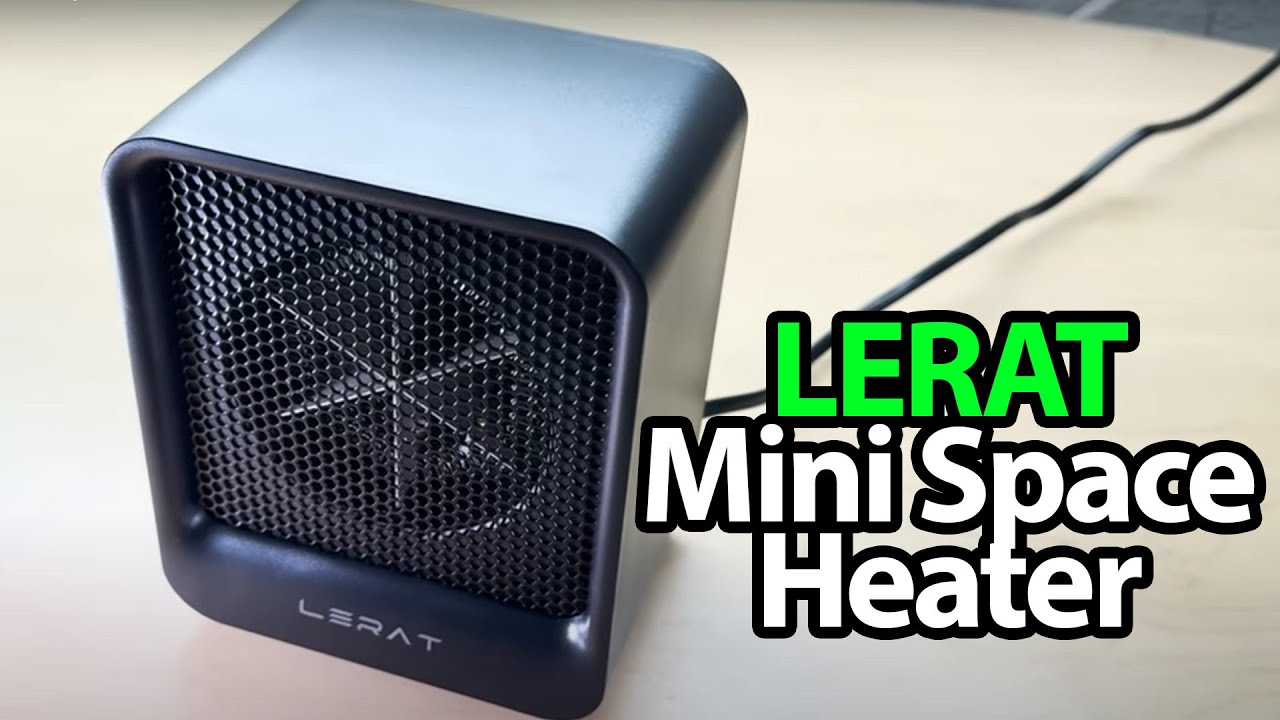
Lerat K40: A Small Heater with a Simple Control Switch
Looking over the heater’s size, controls and underside switch before a powered test.
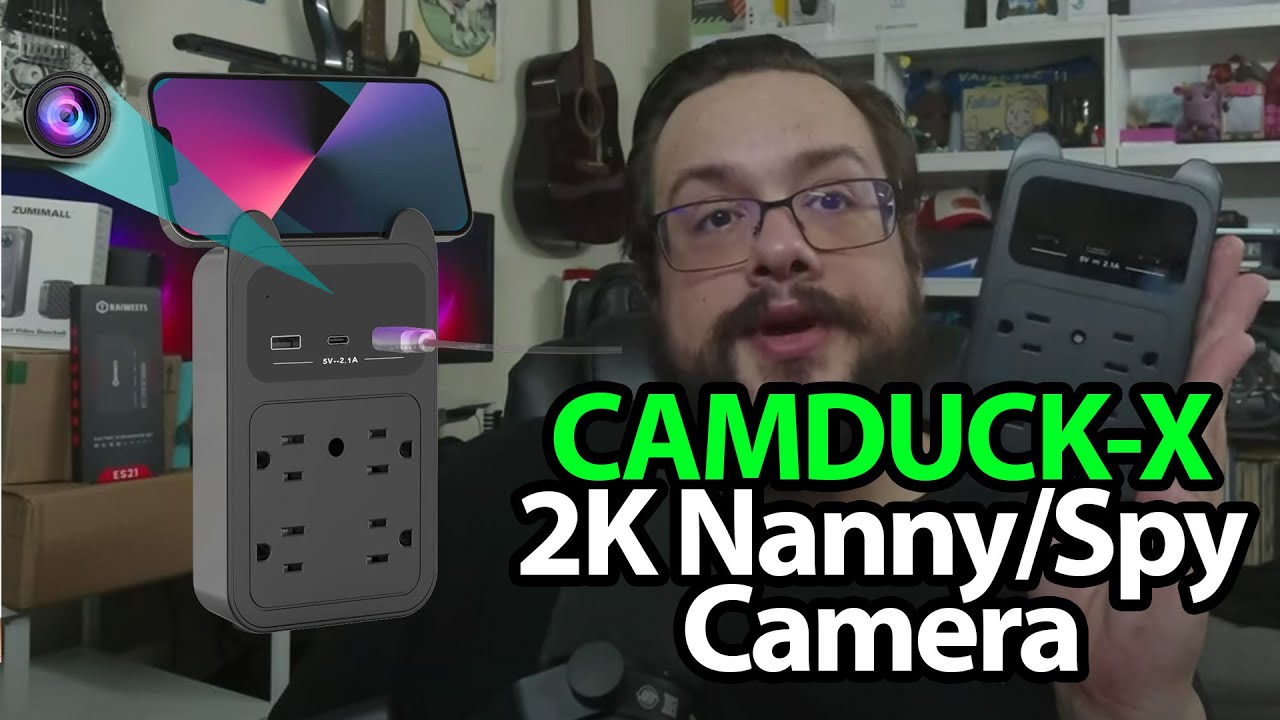
CAMDUCK-X: An Outlet-Style Camera, Viewed as Hardware
Opening the package and looking at its connectors and storage compartment.
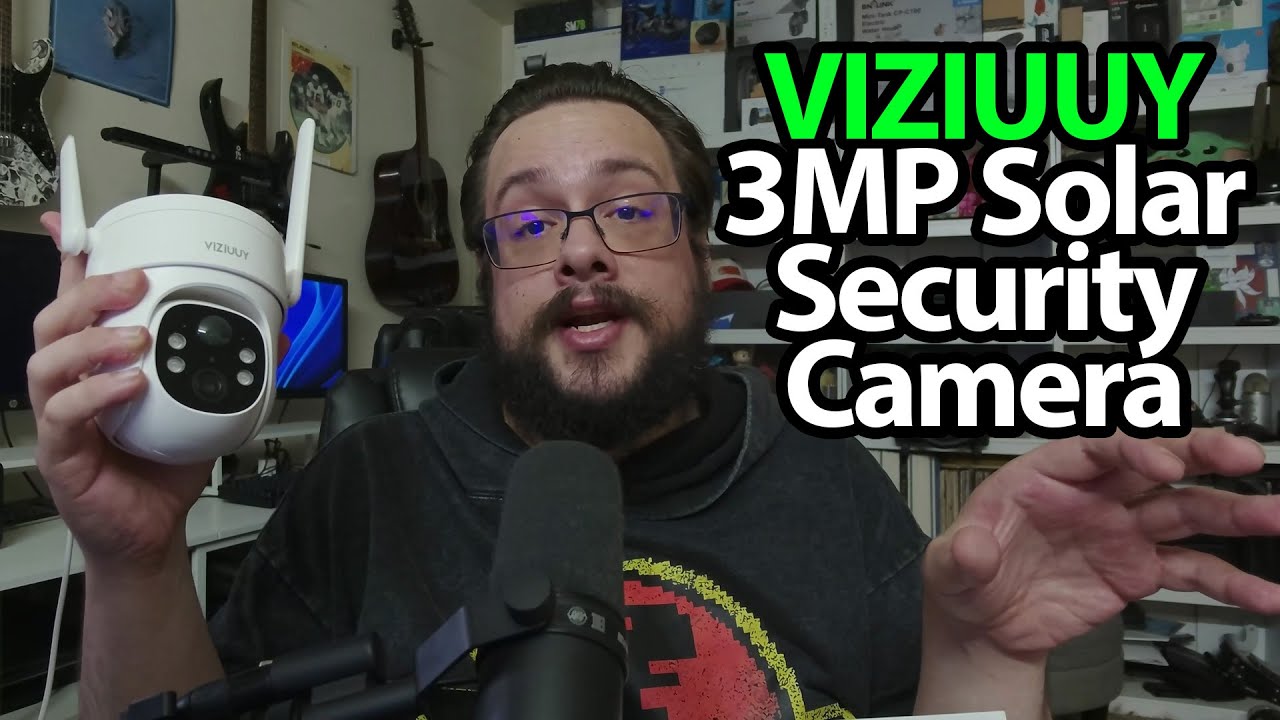
VIZIUUY Solar Camera: Trying the Bracket and Threaded Connector
Opening the separate-panel kit and seeing how the camera comes off its mount.
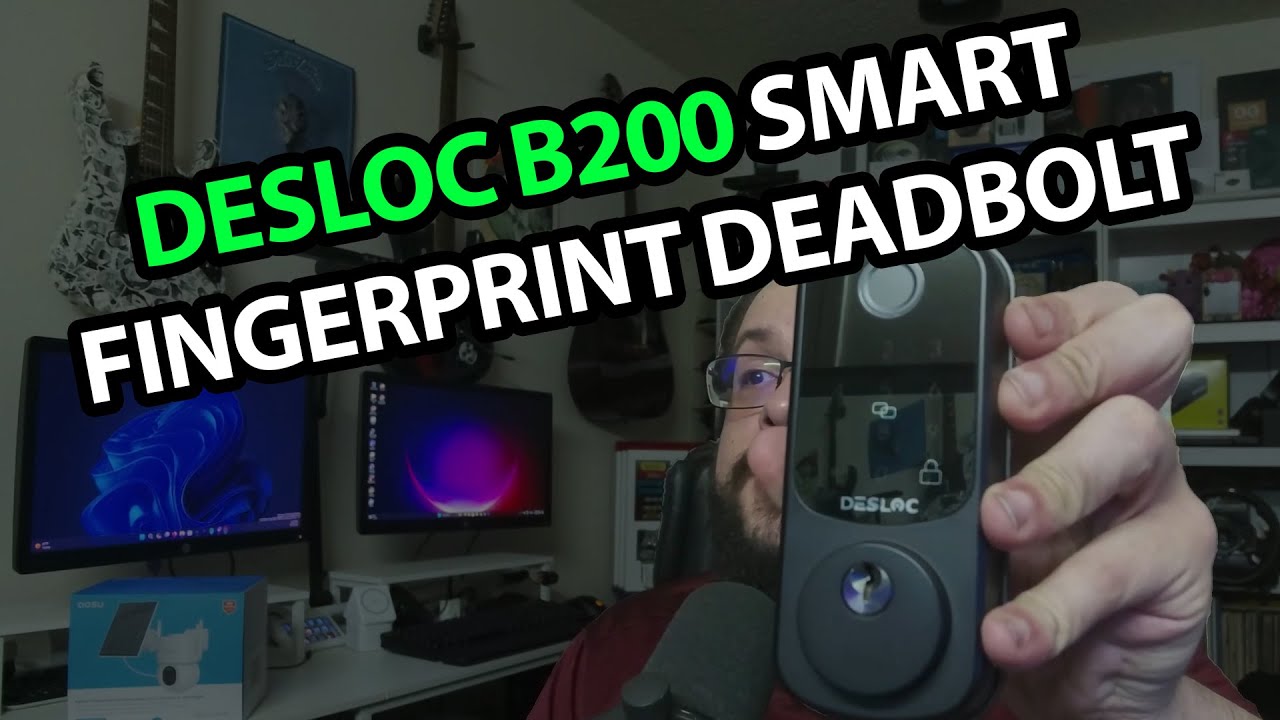
DESLOC B200: The Lock Parts, Battery Bay and Separate Gateway
Opening the fingerprint deadbolt and its G2 gateway before a door installation.
aosu SolarCam D1 Max: A Separate Panel and a Camera I Still Want to Test
Opening the mounts and fitting the panel cable before an outdoor installation.
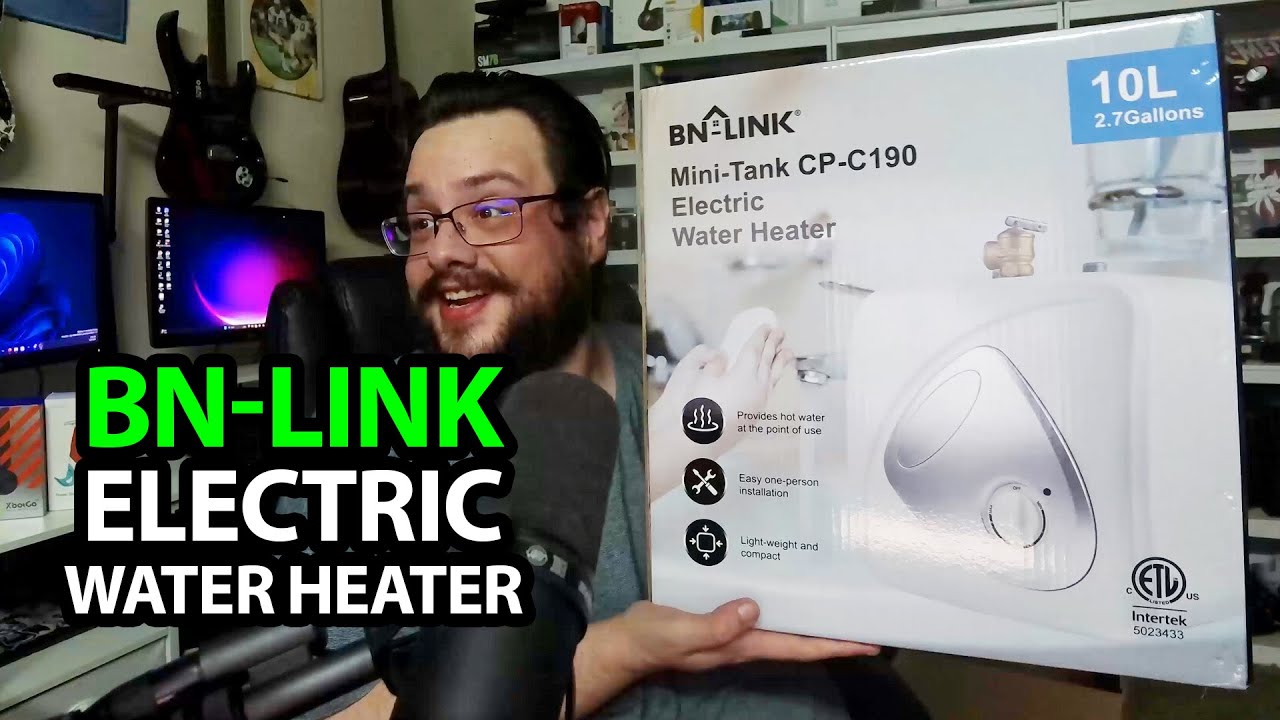
BN-LINK Mini-Tank Water Heater: A Much Heavier Box Than Usual
Looking over the tank, controls and supplied installation material without plumbing it in.
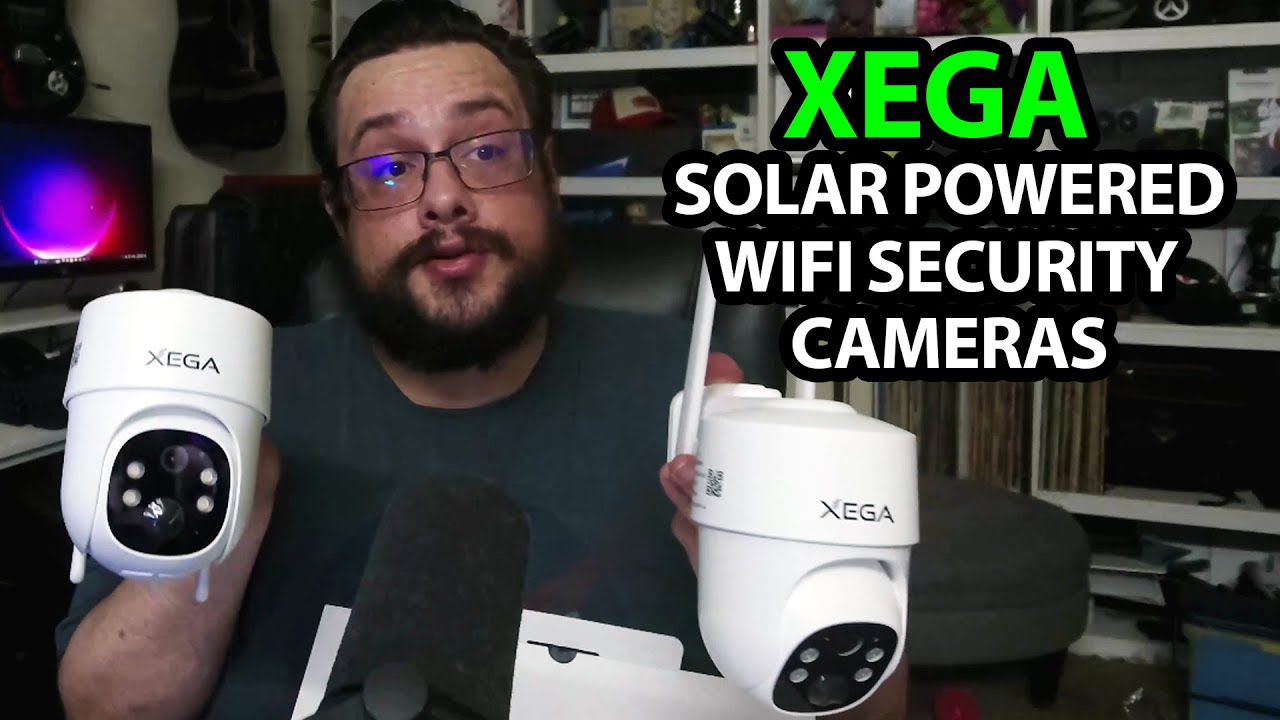
Xega XG2 Wi-Fi Kit: Two Cameras, Two Panels and Separate Mounts
Opening the Wi-Fi package and fitting a panel to its adjustable bracket.
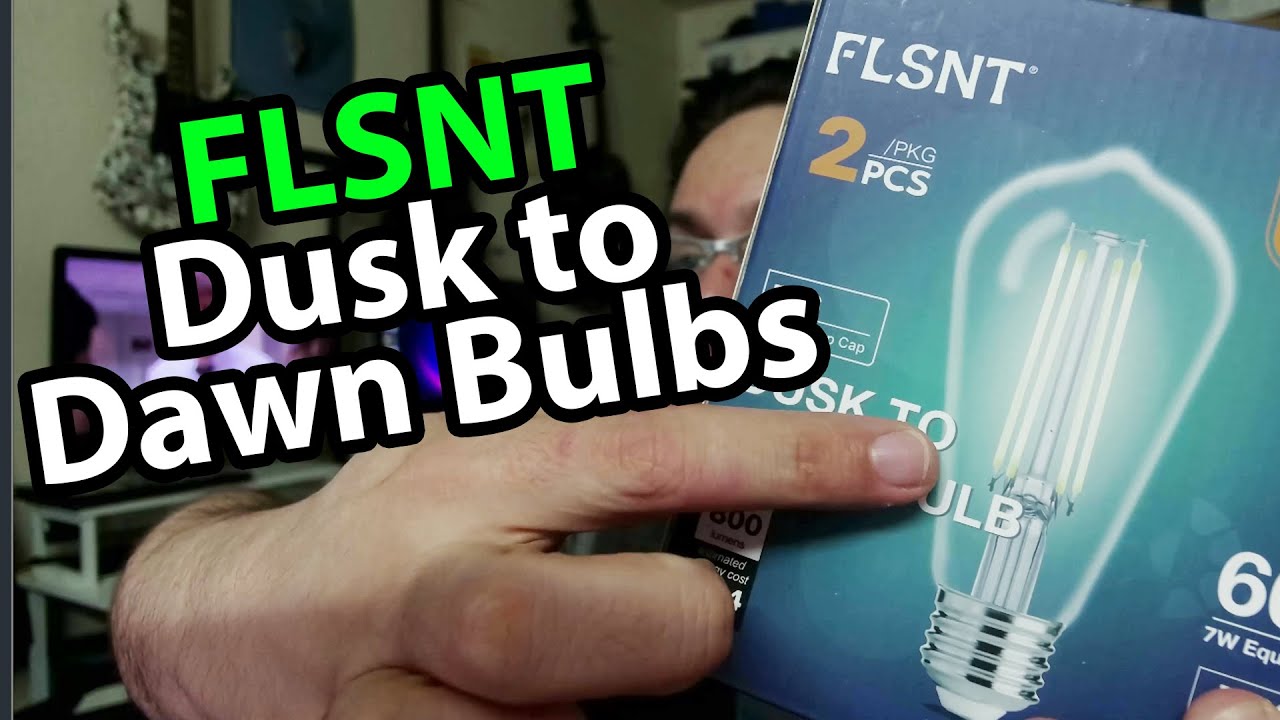
FLSNT Dusk-to-Dawn Bulbs: First Light in a Desk Fixture
Opening the two-bulb package and trying one indoors before an outdoor test.
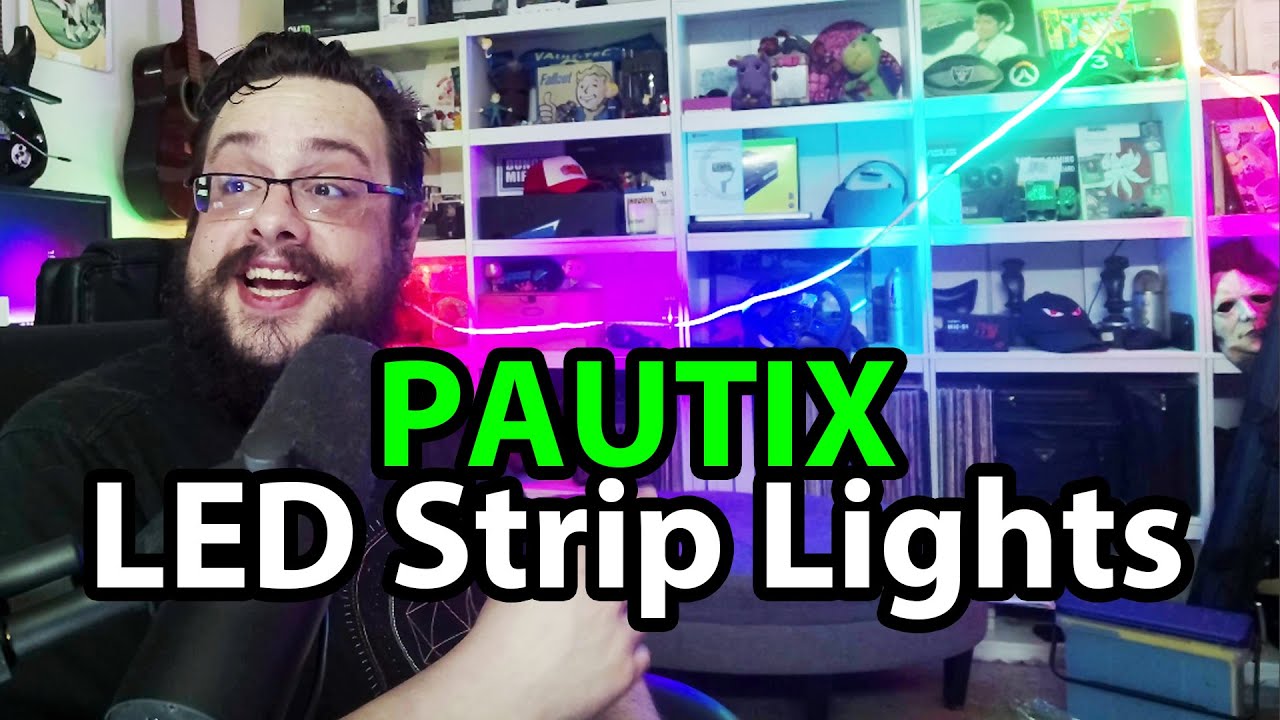
PAUTIX COB Strips: Two Packages, with the RGB Set Lighting Up the Room
Opening the warm-white and RGB kits before trying the color controls.
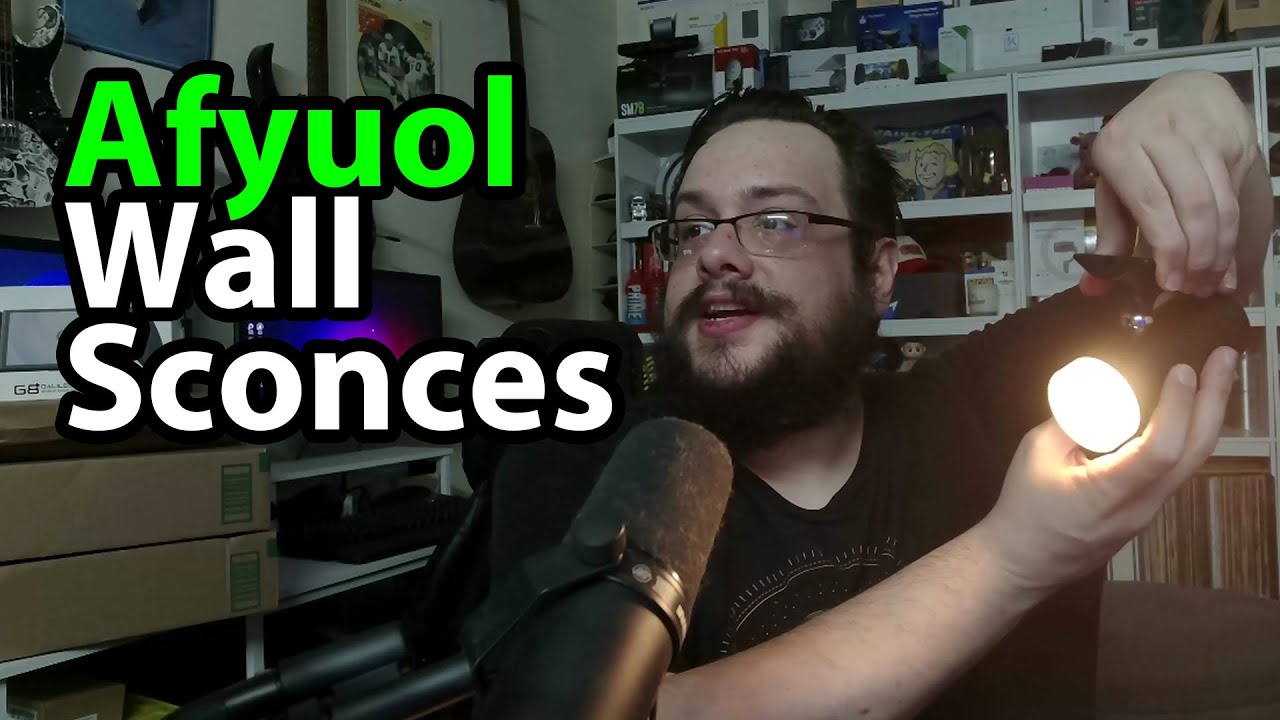
Afyuol Wall Sconces: Snap the Light onto a Ball Mount
Trying the light temperatures, remote and adjustable magnetic attachment.
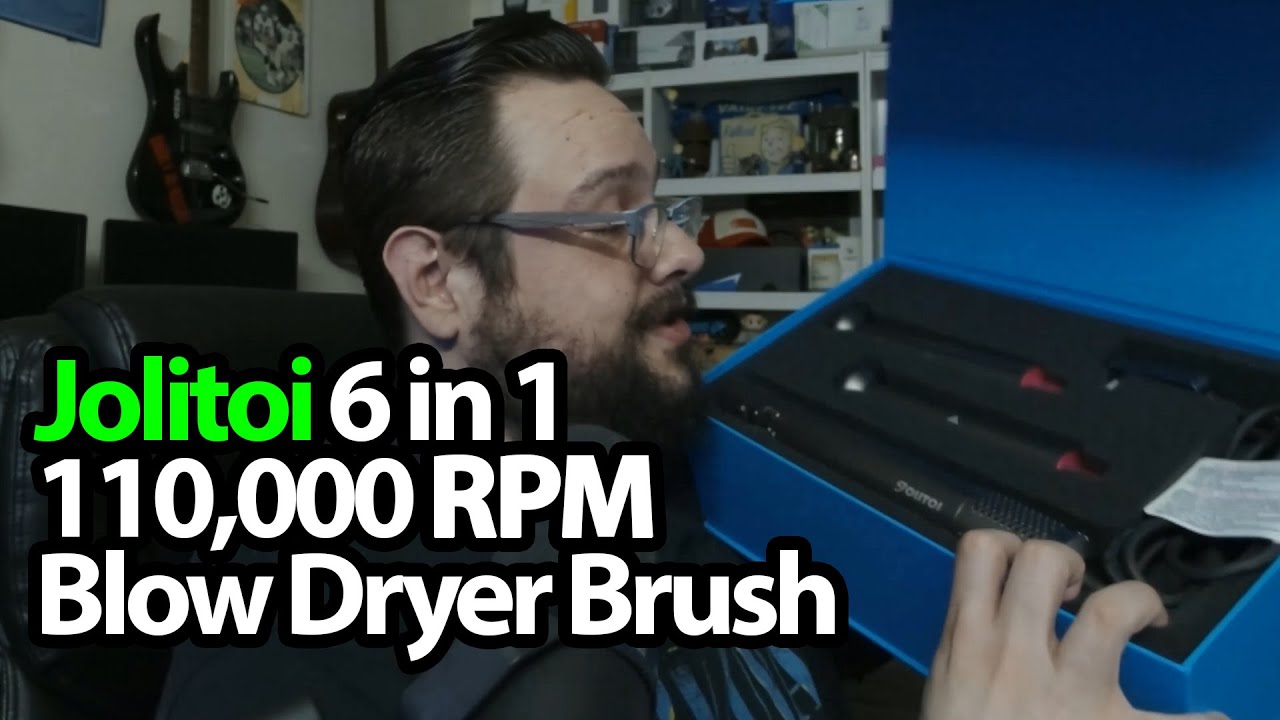
Jolitoi Hair Styler: The Attachments Keep Coming Out of the Box
Trying the release mechanism and powering the blower for a short first look.
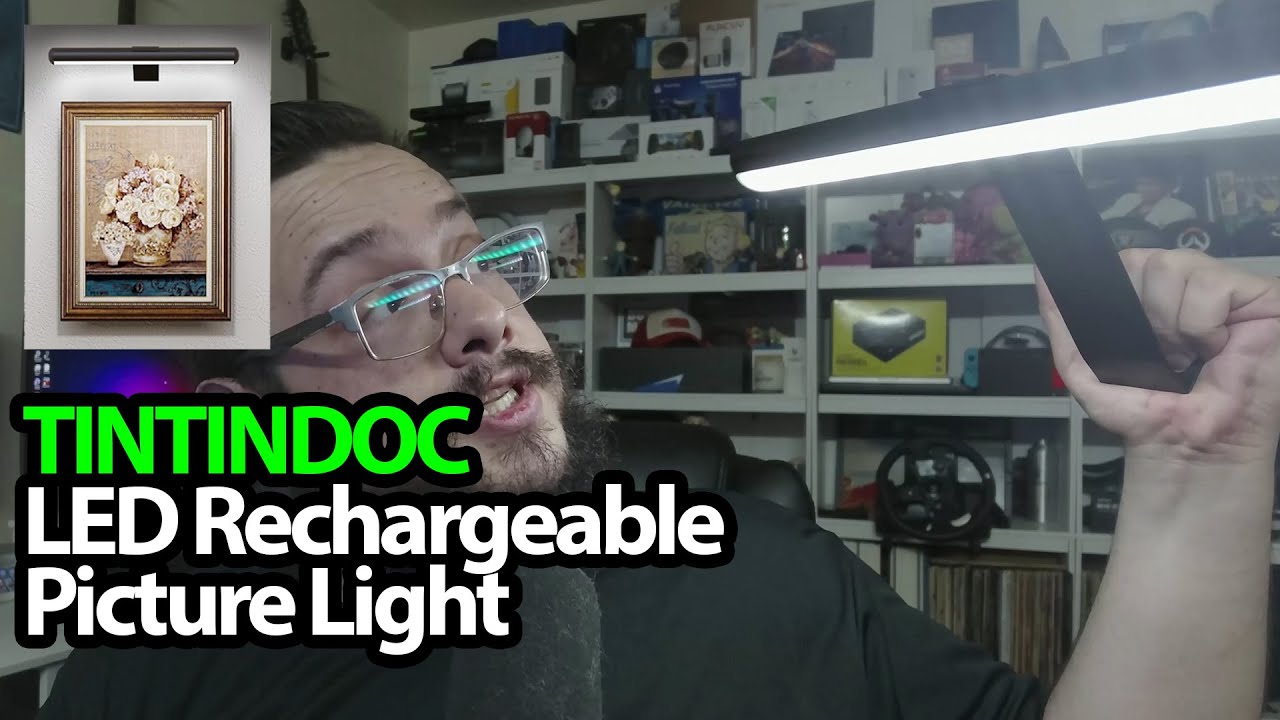
TINTINDOC Picture Light: A Removable Bar for the Poster Behind Me
Trying the magnetic attachment and remote before mounting the light on a wall.
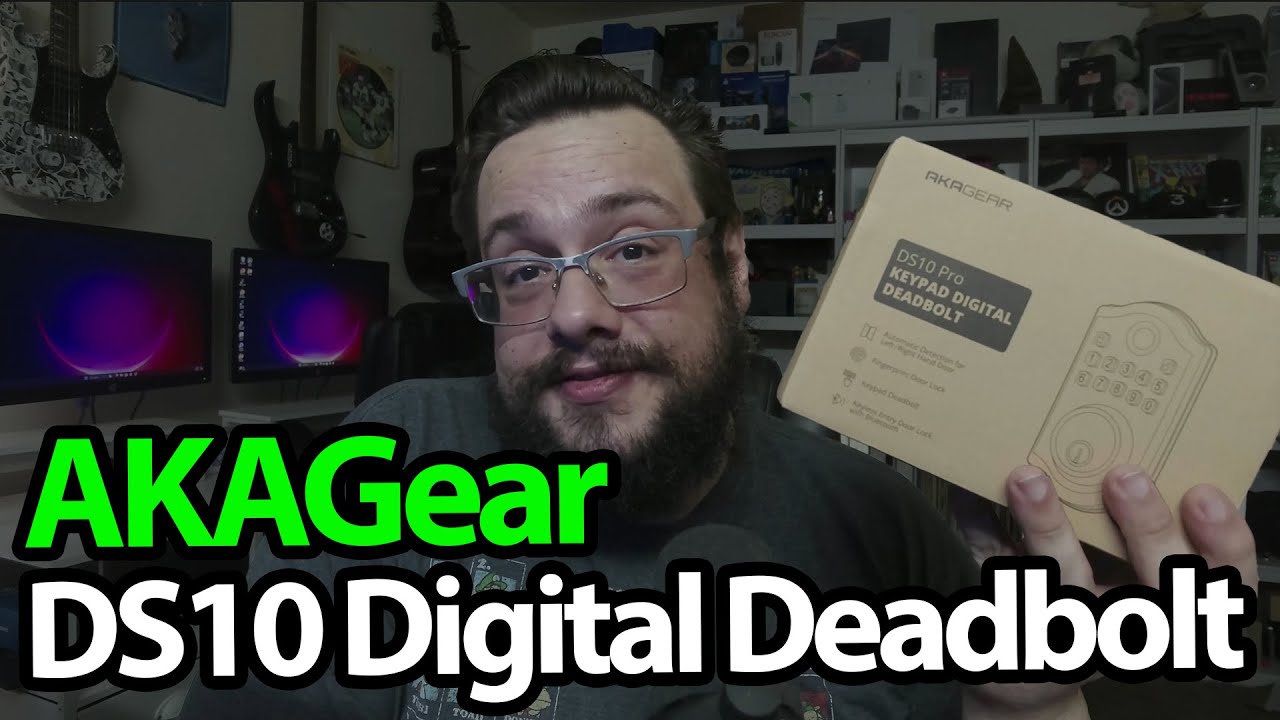
DS10 Pro Deadbolt: Tactile Buttons and Two Halves to Connect
Looking through the lock parts before a planned installation video.
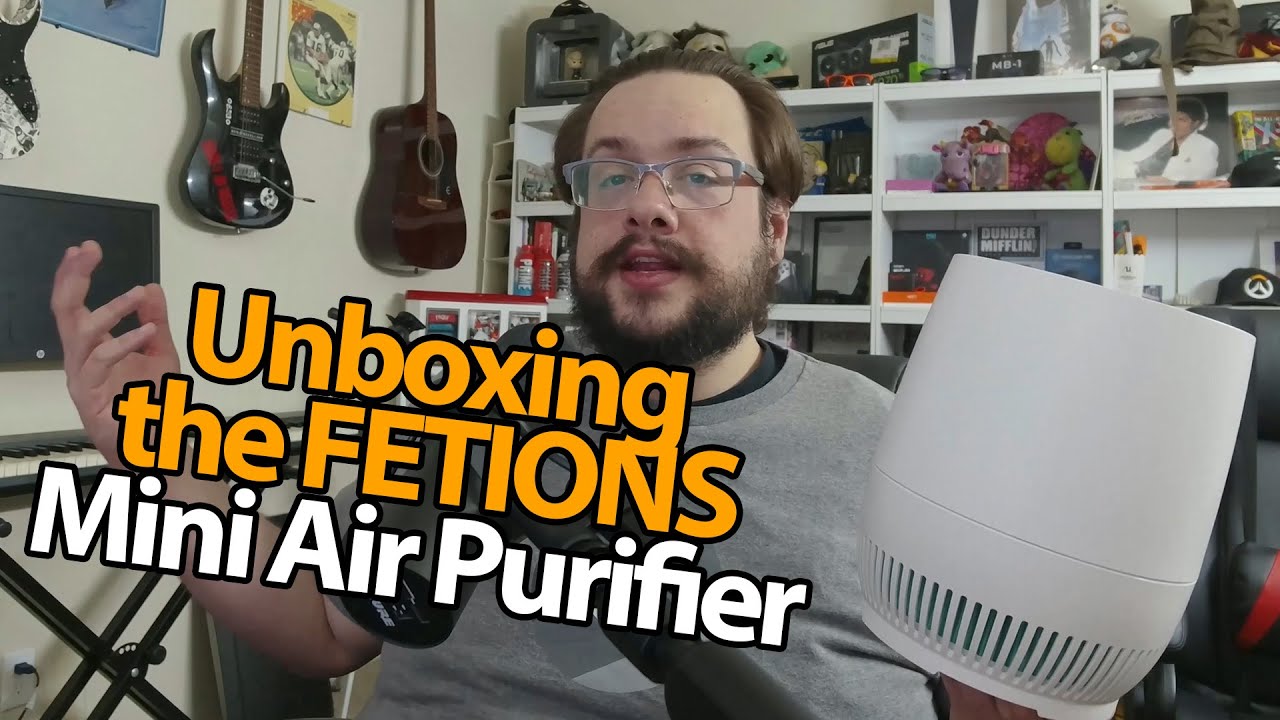
FETIONS Mini Air Purifier: The Adapter Is Inside, and the Fan Has More to Give
Opening the small unit and sharing my first week’s impressions of its controls and sound.
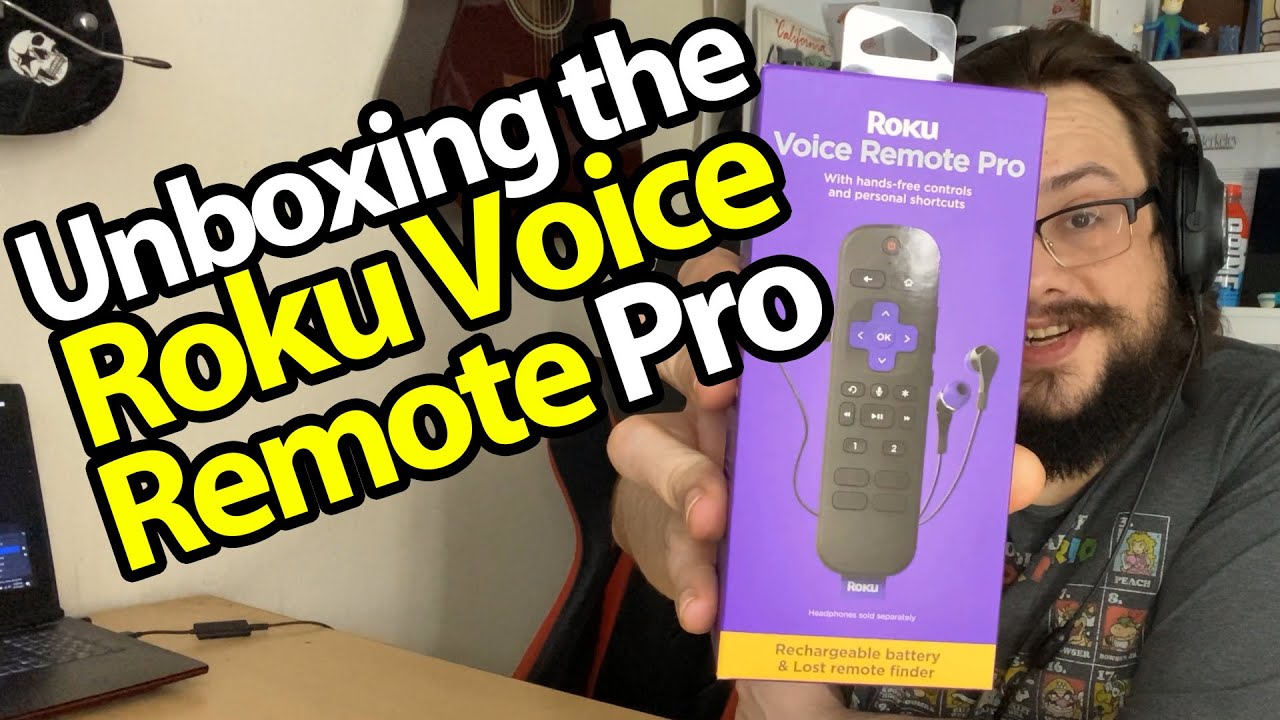
Roku Voice Remote Pro: The Rechargeable Battery Is My First Surprise
Opening the remote I bought for my Roku TV and looking over its extra controls.
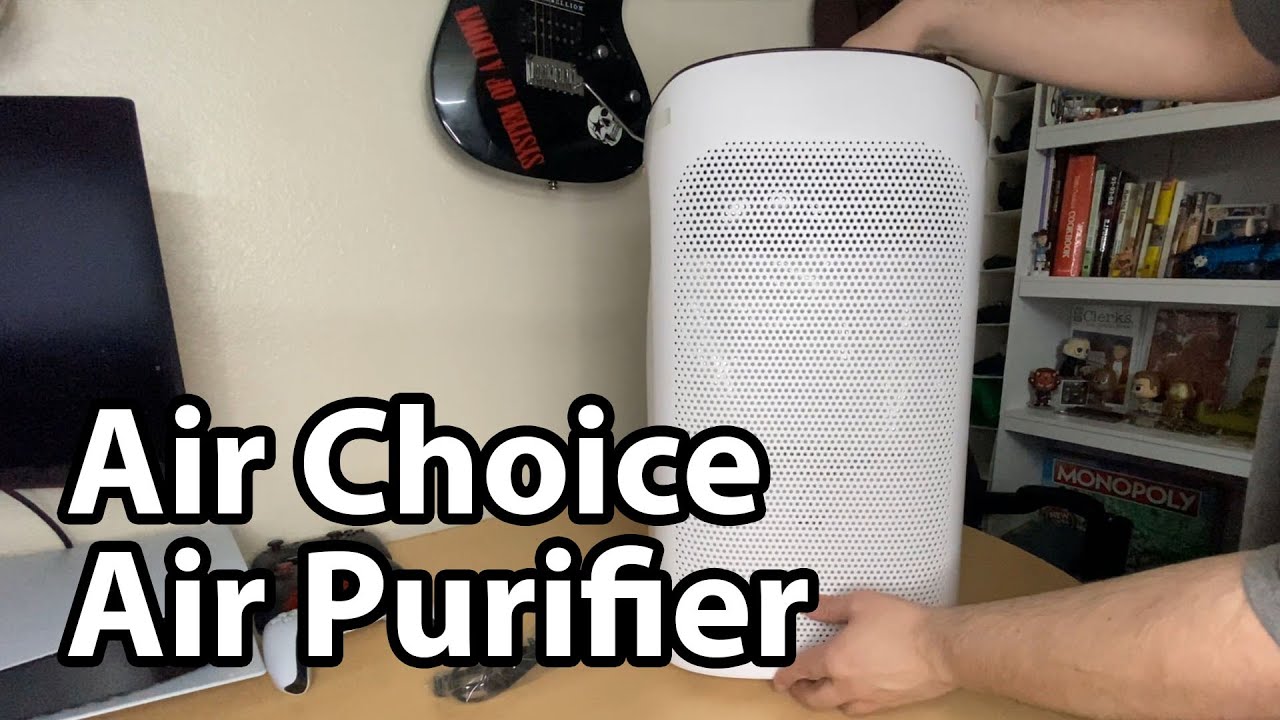
Air Choice AP-528: The Filter Bag and the Changing Indicator
Opening the purifier and describing the fan and light behavior I noticed at home.