
The YouTube player loads when you press Play.
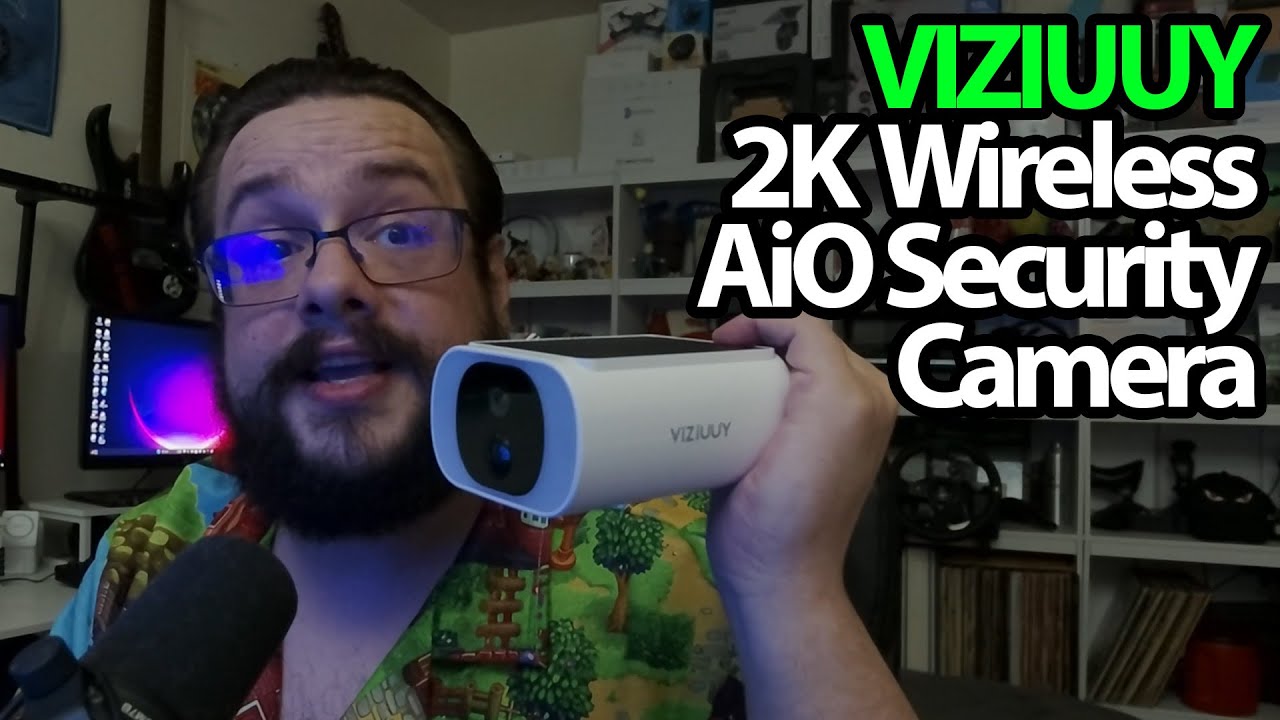
VIZIUUY All-in-One Solar Camera: The Panel Is Already on Top
Opening the fixed-view camera and checking its mounting and charging compartments.
Article published November 4, 2026.
This VIZIUUY camera puts the solar panel directly on top of the camera body. That is the main difference I want to show as I open the box: there is no separate panel to mount nearby.
One body, several small compartments
I take out the mounting hardware, a drilling template, a USB charging cable and the manual. The manual points to the CloudEdge app for setup.
On the camera itself, I show the panel and open the lower compartment to find the power and reset controls, charging connection and microSD slot. A smaller opening lets the charging cable reach its port without opening that whole section.
Choose the direction before leaving it there
I explain that this is a fixed-view model. I can choose its mounting position and angle, but I am not showing phone-controlled pan and tilt on this unit.
The discussion also covers activity zones and solar charging. Those are explanations of the features; I do not install the camera, test detection or measure how much power the panel collects in this recording. My comments about previous camera battery life are not a runtime measurement for the new unit.
A different mounting decision
VIZIUUY sent this over, and I planned to install it at home afterward. In a later session, I opened a VIZIUUY package with a separate solar panel. That gives a different placement arrangement, rather than proving which performs better.
The original product and Geeksoutfit links are below. The clothing code is separate from the camera, and the original outro credit lists http://eme7.com/.
Links from the video
Affiliate disclosure: These links may earn me a commission at no extra cost to you.
Coupon code: MTT25 — 25% off. Original Geeksoutfit clothing offer; availability and terms may have changed. Not a discount on the featured device.
Links and offers are from the video description. Availability, prices and offer terms may change.
Some links to other products on this page are affiliate links, and we may earn a commission if you buy through them. It costs you nothing extra, and it has not changed what this article says — where a competitor is the better answer, we say so.


