
The YouTube player loads when you press Play.
VIZIUUY Solar Camera: A Separate Panel and a Mount I Can Take Down
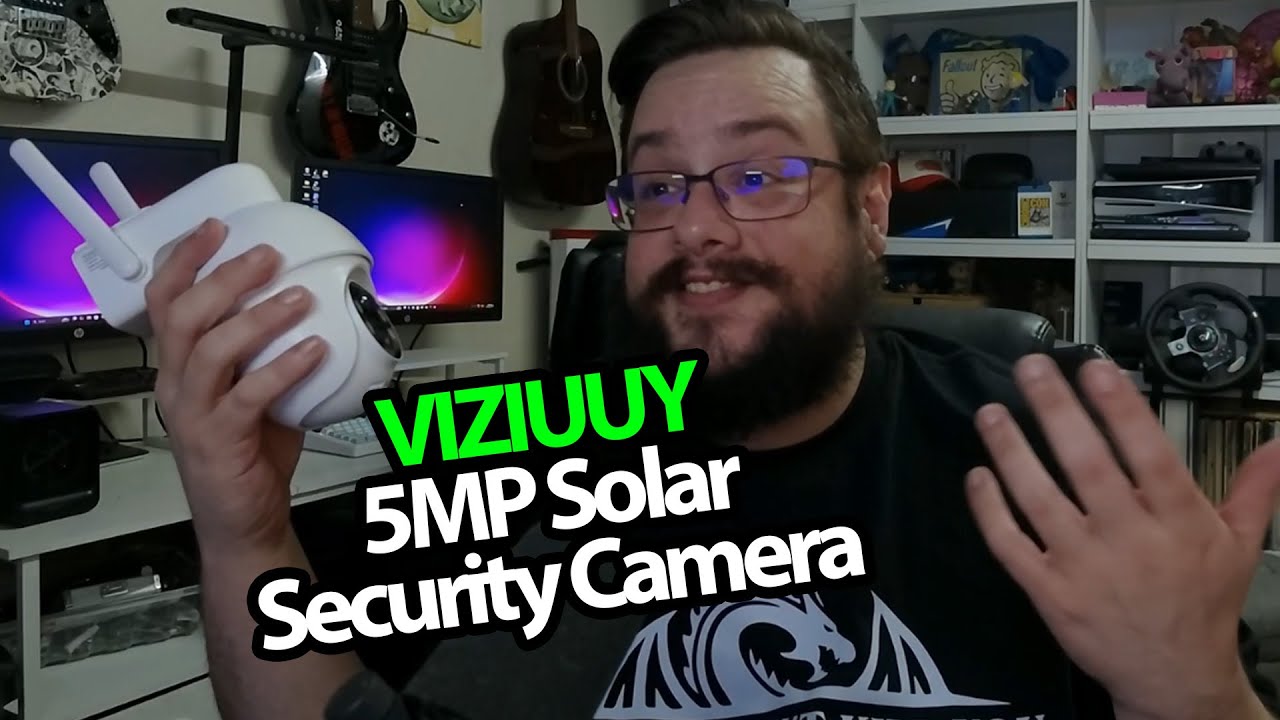
Opening the camera and walking through its mounting and charging connections.
Article published November 4, 2026.
A camera is a lot easier to place when its power source does not have to sit right beside it. That is what interests me about this VIZIUUY package: the camera and solar panel are separate pieces, with a cable between them.
Start with the connections
I take out the panel first and show its USB-C connection. Then I open the camera’s lower compartment to look at the memory-card slot, power button and reset button. Local storage is one option; I also talk about why I personally like having footage stored away from the camera.
That preference is not a review of the cloud service’s privacy, pricing or retention terms. Those need checking separately before choosing how to store recordings.
The mounting pieces matter
The panel has its own adjustable mount. The camera uses a separate bracket, and I show how the camera can come back off it. That is handy if I need to bring it down to charge: the same connection used by the panel also accepts a USB charging cable.
I explain the phone-based Wi-Fi setup, rather than carrying out a complete pairing session in this recording. I also mention package, cat and person notifications from cameras I already had installed. Those experiences explain my interest, but they are not a detection-accuracy test of the unit coming out of this box.
A useful first look before installation
VIZIUUY sent the camera for the video. This session covers the hardware and mounting approach; I still need a separate outdoor test to measure solar charging, night footage or battery life. The original camera link is below, alongside the separate Geeksoutfit clothing offer.
Links from the video
Affiliate disclosure: These links may earn me a commission at no extra cost to you.
Coupon code: MTT25 — 25% off. Original Geeksoutfit clothing offer; availability and terms may have changed. Not a discount on the featured device.
Links and offers are from the video description. Availability, prices and offer terms may change.
Some links to other products on this page are affiliate links, and we may earn a commission if you buy through them. It costs you nothing extra, and it has not changed what this article says — where a competitor is the better answer, we say so.


