
The YouTube player loads when you press Play.
Xega XG2 Wi-Fi Kit: Two Cameras, Two Panels and Separate Mounts
Opening the Wi-Fi package and fitting a panel to its adjustable bracket.
Article published November 4, 2026.
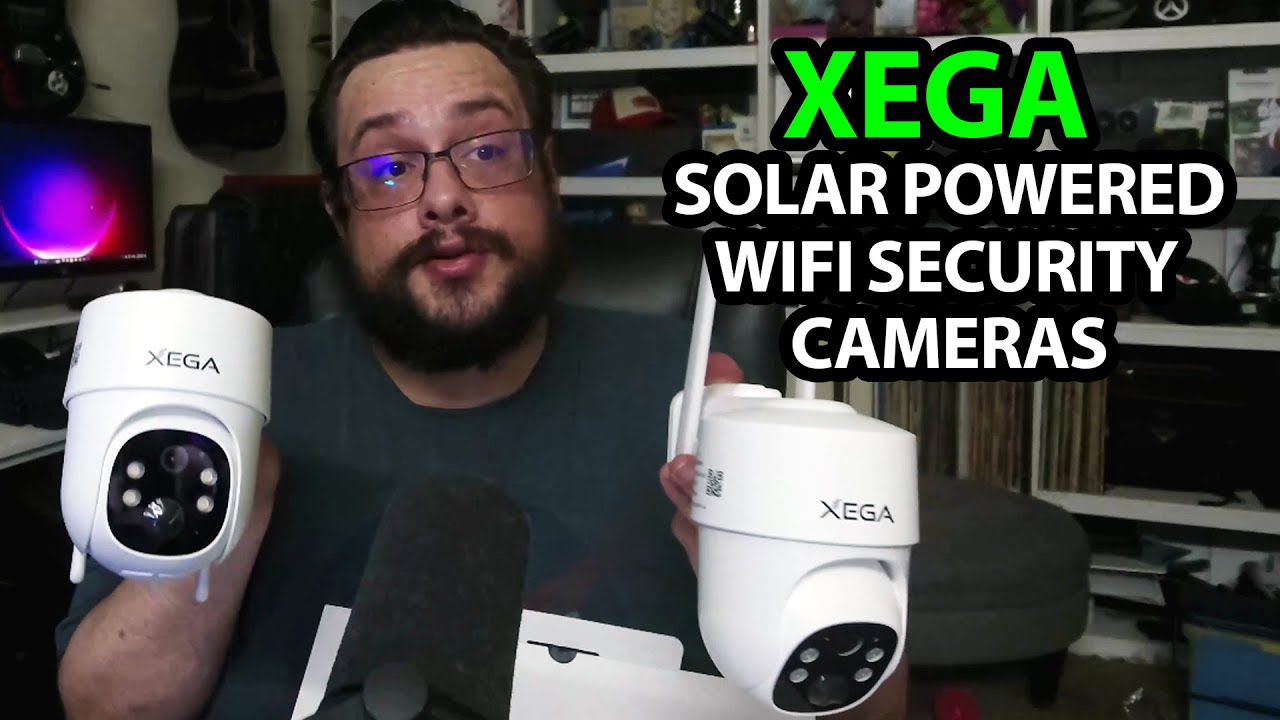
There are two cameras in this Xega box, with a solar panel for each. I identify the package as the XG2 Wi-Fi version before opening it, because the description also links to a separate 4G version.
The panels come out first
I find the guides, then lift out the panels and look at their USB-C connections and mounting points. I fit one panel to the adjustable bracket to show how those pieces go together.
The box has matching hardware for the second set. I have not installed either one outside or measured how much power the panels collect.
Then the camera and its bracket
I look over the camera body, charging opening and the compartment with the buttons and card slot. I also show how it snaps onto its mounting bracket and comes back off.
I discuss movement, night vision and storage options, but there is no live camera feed or completed app pairing in this session. I am not verifying the 4G model by opening the Wi-Fi package either.
Ready for the installation video
Xega sent the kit for the video. I say I want to install it and come back with footage, which is the test I still need before commenting on actual image quality.
The useful first look is the matching hardware and removable mount. Both exact original product links are below, labeled separately for Wi-Fi and 4G. The original outro credit also lists http://eme7.com/.
Links from the video
Affiliate disclosure: These links may earn me a commission at no extra cost to you.
Links and offers are from the video description. Availability, prices and offer terms may change.
Some links to other products on this page are affiliate links, and we may earn a commission if you buy through them. It costs you nothing extra, and it has not changed what this article says — where a competitor is the better answer, we say so.


