
The YouTube player loads when you press Play.
VerRon Cabinet Lights: Five Rechargeable Lights and Simple Button Controls
Trying the brightness, color-temperature settings and removable mounting plates.
Article published November 4, 2026.
I open this box thinking about the shelves behind me. A little extra light could be useful there, especially if I can take each light down again without undoing the whole installation.
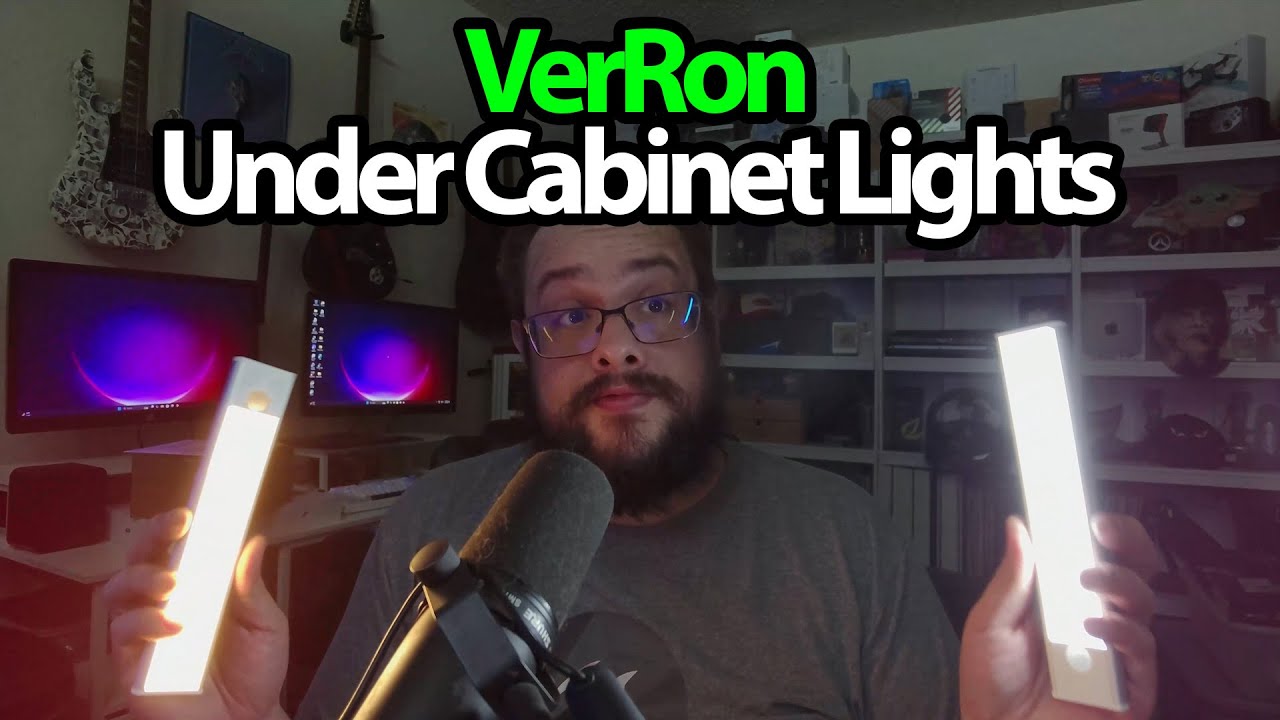
The VerRon package has five units. Each has a sensor, a button and removable metal mounting plates, so I take one out and start with the controls.
Warm, cooler and somewhere in between
A button press turns the light on. I cycle through the three color-temperature choices, then hold the control to change brightness. You can see it dim and brighten during the recording.
A quick double press selects the automatic mode, with a flash to indicate the change. I explain the motion-sensing idea, but I do not carry out a walk-through detection test or measure its range here.
Pull the light off when it needs charging
The plates have adhesive backing and a screw hole. The light attaches magnetically, which is the part I find convenient: the plate can stay put while I take the light away.
The lights are running without cables attached, using their built-in batteries. There is a USB charging cable for each of the five units in the box. That shows the charging arrangement; it does not tell me how long a charge will last in everyday use.
A straightforward start
This first session covers the pieces, buttons and brightness changes. I have not finished mounting them under a cabinet or tested them over several nights. Still, being able to remove a light and carry it to another spot is a useful detail, and the original product link is below if you want to look at the same set.
Links from the video
Affiliate disclosure: These links may earn me a commission at no extra cost to you.
Links and offers are from the video description. Availability, prices and offer terms may change.
Some links to other products on this page are affiliate links, and we may earn a commission if you buy through them. It costs you nothing extra, and it has not changed what this article says — where a competitor is the better answer, we say so.


