 Early access
StreamSaversGames · Streaming
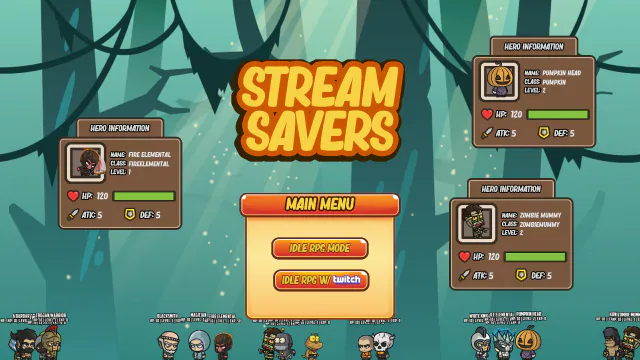
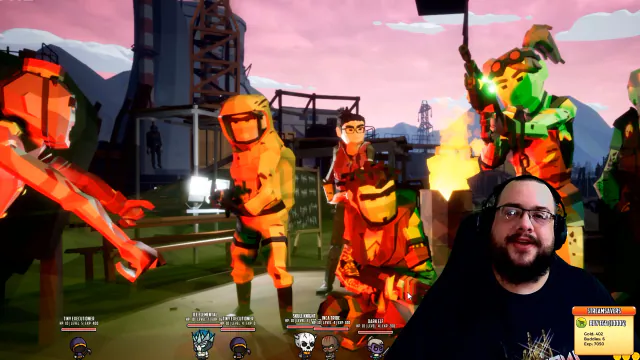
A desktop-overlay idle RPG where Twitch chat unleashes chaos.
$9.99Early accessWindows

Add a virtual speaker and virtual microphone to your Windows device.
Skip to get Virtual Audio DriverWindows 11 Sound settings for the virtual Speakers (Virtual Audio Driver by MTT): provider MikeTheTech, driver date 1/2/2025, 32 bit, 48,000 Hz, with Windows Sonic for Headphones as spatial sound.
Virtual Audio Driver adds two devices to Windows 10 and 11: a virtual speaker and a virtual microphone. Windows sees them as ordinary sound hardware, which helps on headless machines, in remote desktop and game-streaming setups, and when you need to test audio software without plugging anything in.
The speaker accepts formats from 8-bit, 8,000 Hz up to 32-bit, 192,000 Hz and works with Windows Sonic spatial sound. The microphone offers 16-, 24- and 32-bit formats up to 192 kHz and works with Windows audio enhancements such as Voice Focus. Apps can take exclusive control of either device, and the speaker follows the Windows volume mixer per app.
It is built with the Windows Driver Kit on Microsoft's Sysvad audio sample, and release 25.7.14 is code-signed through SignPath. The driver is free and open source under the MIT licence, and Virtual Driver Control can install and enable it alongside the Virtual Display Driver.
Live4 entries so far·Updated New (4 entries updated in the last 14 days)
In Device Manager, 'Virtual Audio Driver' (speaker) appears under Sound, video and game controllers and 'Virtual Mic Driver' (microphone) under Audio inputs and outputs. In Sound Settings, pick them under Output and Input.
Only for test-signed builds. The README still carries a beta warning about test signing, but notes that a production-signed driver can skip it; release 25.7.14 is labelled Signed (SignPath).
In Device Manager choose Action > Add legacy hardware, pick the hardware from a list, choose Sound, video and game controllers, click Have Disk and select VirtualAudioDriver.inf.
Yes. In the speaker's Properties > Advanced tab choose any format from 8-bit, 8000 Hz up to 32-bit, 192000 Hz.
A desktop-overlay idle RPG where Twitch chat unleashes chaos.


Keep any screen, window or region in view, always on top.