A Windows-host Bluetooth server that simulates input devices.
Skip to get VirtualBTVirtualBT's Virtual Keyboard page: a Discoverable and Connectable switch turned on, a note that keystrokes go to paired clients while the app is in focus, and the list of subscribed clients. A Visual Studio debugging toolbar sits at the top of the window.
VirtualBT is an early project that turns a Windows PC into a Bluetooth input device. It runs a Bluetooth Low Energy server on the PC so that phones, game consoles and other devices that accept Bluetooth peripherals can pair with it as if it were a keyboard.
Today it scans for nearby devices, pairs using a security PIN, connects as a standard input peripheral and forwards keystrokes from your physical keyboard to paired devices while the app is in focus. Mouse and gamepad emulation are planned, and work had started on NXBT integration for Nintendo Switch support and Linux.
It is written in C# on Microsoft's BluetoothLEExplorer and GattServicesLibrary samples and licensed under GPL-3.0. The Virtual Drivers team describes it as still very early and not fully functional, and the last code change was in October 2024.
Not yet. Keyboard input is supported today; the README lists mouse and gamepad emulation as future enhancements and NXBT (Nintendo Switch) integration as work in progress.
The goal is any device that supports Bluetooth input peripherals, such as smartphones and game consoles. The README notes some Android devices may need a Bluetooth radio toggle after the Discoverable switch is changed.
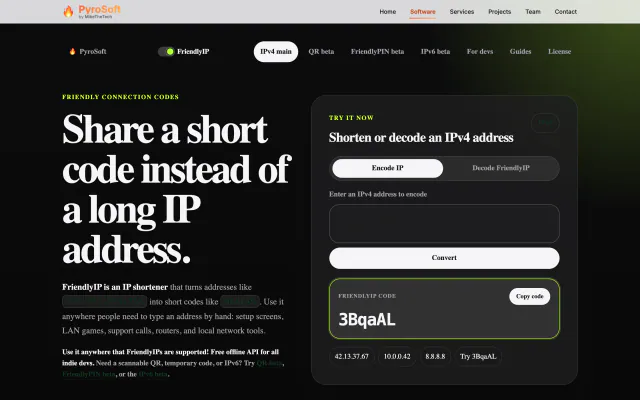

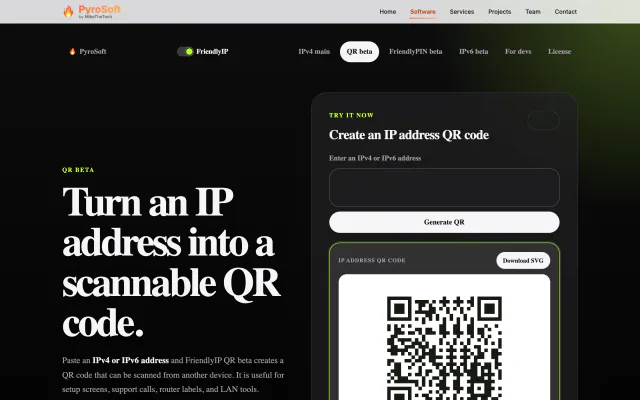
Turn IPv4 addresses into six-character codes you can read aloud.


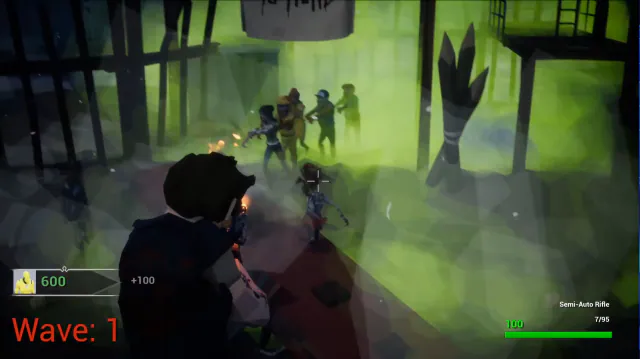
A low-poly zombie-horde FPS: hold off endless waves solo or in co-op.