

FriendlyIPNetworking · Utilities
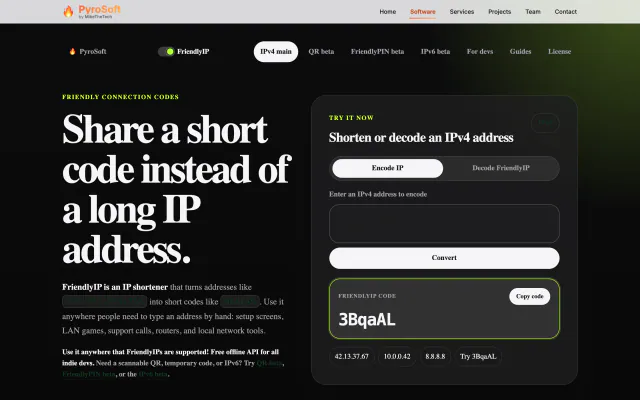
Turn IPv4 addresses into six-character codes you can read aloud.
FreeWeb

Share Files in Seconds with BurnBin MikeTheTech on YouTube, Dec 13, 2025. It shows the earlier Python version.
BurnBin turns your own Mac or Windows PC into a temporary file host. Add a file, pick a link and send it: recipients get a clean public download page, while the file is served straight from your computer and never moved into a cloud drive.
Every share offers up to three routes, each with a green, yellow or red status light: a managed BurnBin link that rotates (every six hours by default) and drops the old route, a Cloudflare Tunnel fallback that needs no router changes, and Direct IP for the fastest path when you can open your router. The host dashboard tracks access and downloads per file, shows image thumbnails and plays video, and visitor uploads stay off until you allow them.
BurnBin began as a small Python tool that shared files through a Cloudflare Tunnel. Today it is a notarized Apple-silicon Mac app (26.8.31.1) and a portable Windows x64 build (26.8.30.13) that share one backend and interface. The source is MIT-licensed, but its repository isn't public.
On your own computer. BurnBin serves them straight from your Mac or PC while it's running and doesn't move them into a cloud drive.
The managed BurnBin URL rotates (every six hours by default) and the old route is removed, so the previous link stops working. Unsharing a file, or closing BurnBin, stops it being served at all.
Not for the managed BurnBin link or the Cloudflared fallback. Only Direct IP may need router or firewall access, and BurnBin shows it in yellow until it's ready.
Only if you allow it. Visitor uploads are off by default; switch on Allow uploads from viewers and the public page shows a Send a file back form.
macOS on Apple silicon (a notarized build) and Windows 10/11 x64 (a portable build). There's no packaged Linux build.
Turn IPv4 addresses into six-character codes you can read aloud.
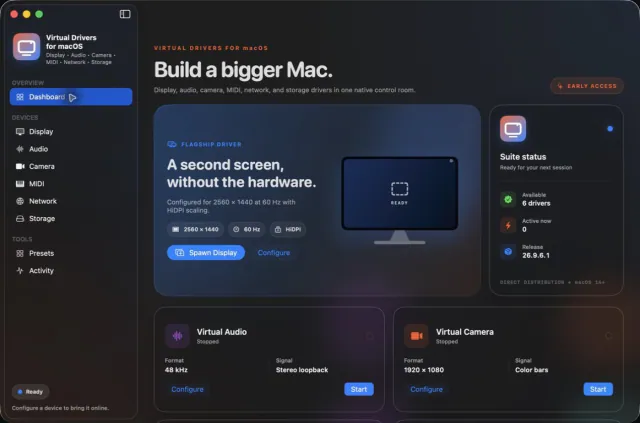

Seven virtual-device tools. One Mac app.


Keep any screen, window or region in view, always on top.
 Updated Oct 5
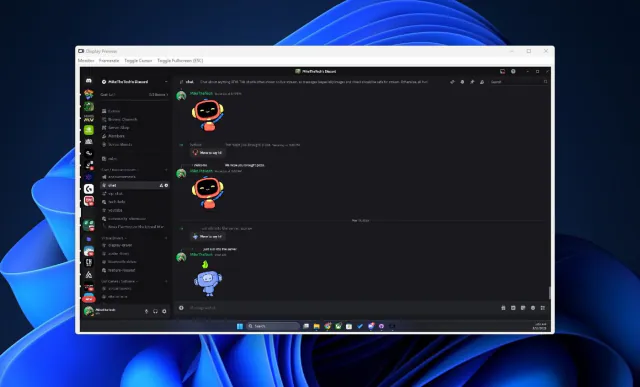
View your virtual displays in application windows.