Updated Oct 19
InfinitePIPProductivity · Display
Keep any screen, window or region in view, always on top.
$4.99WindowsmacOSLinux

View your virtual displays in application windows.
Skip to get Display Preview AppDisplay Preview App showing a virtual monitor inside an ordinary window, with the usernames in the captured app removed.
Display Preview App shows any monitor connected to your PC, including the virtual monitors created by the Virtual Display Driver, inside an ordinary window. You can watch and use a virtual screen without plugging in another physical display.
Pick the monitor from a menu that lists each one's resolution, choose a frame rate between 1 and 60 FPS, show or hide the cursor, and press Escape or Alt+Enter for fullscreen. The preview resizes with the window.
It runs on Windows and costs $2.50 on itch.io; Patreon supporters get it free. It is a beta release and is still being developed.
Download it, extract DisplayPreview.zip and run DisplayPreview.exe.
Yes. It is a paid app on itch.io, with free access for Patreon supporters.
Press Escape or Alt+Enter, or use the menu.
Keep any screen, window or region in view, always on top.
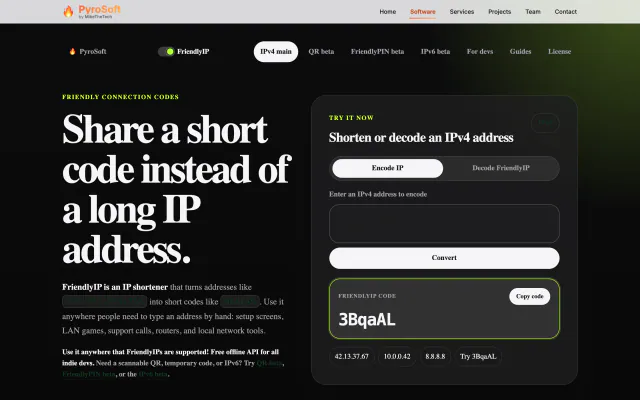

Turn IPv4 addresses into six-character codes you can read aloud.