 Open source
Virtual Display DriverDrivers · Display
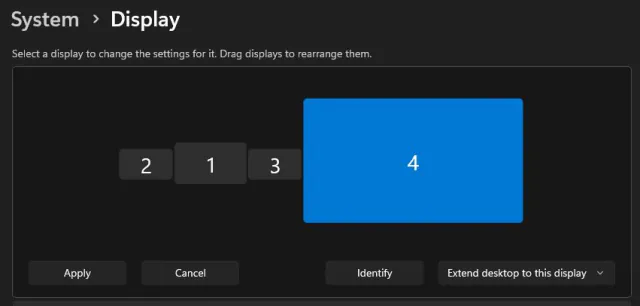
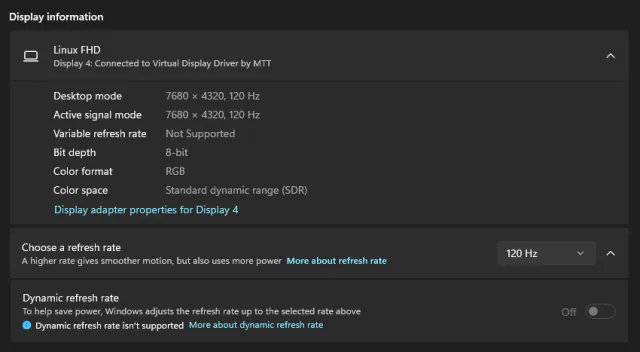
Add virtual monitors to Windows 10/11 for VR, OBS, Sunshine and screen sharing.
Name your priceWindows

Keep any screen, window or region in view, always on top.
Skip to get InfinitePIPInfinitePIP: Boost Productivity with Picture-in-Picture MikeTheTech on YouTube, Jul 17, 2025. It shows the 2025 Windows release.
InfinitePIP puts any screen, app window or custom region of your desktop into a borderless, always-on-top picture-in-picture window. Keep a tutorial beside your editor, a second monitor in view on your main one, or several sources open at once without switching apps.
Version 26.8.30 is a cross-platform preview with one shared interface for Windows, macOS and Linux, in light and dark themes. You pick a Screen, Window or Region source with search, thumbnails and crop presets, then set each PiP's opacity, zoom, pan, aspect ratio and frame rate (15, 30 or 60 fps). Click-through lets mouse clicks pass to the window underneath. A Windows-only 26.10.17 test build adds a live mirror mode that shows a window directly through the Windows compositor.
Capture stays on your machine: there's no account, analytics, telemetry or cloud relay, and captured frames are never uploaded or recorded. InfinitePIP works with virtual monitors from PyroSoft's Virtual Display Driver, and older Windows releases stay available for anyone who relies on their command-line workflow.
Live5 entries so far·Updated New (5 entries updated in the last 14 days)
Windows (x64 and ARM64, installer or portable), macOS (one universal build for Apple silicon and Intel Macs) and Linux (x86_64/amd64 and ARM64, as an AppImage or .deb). Version 26.8.30 is labelled a preview on every platform.
macOS won't show screen or window previews until you allow it. Turn InfinitePIP on under System Settings > Privacy & Security > Screen Recording, then relaunch the app if macOS asks.
No. Captured frames are drawn into local PiP windows and are never uploaded, recorded or kept. There's no account, analytics, telemetry, cloud sync or update checker.
It lets mouse clicks pass through a PiP to the window underneath, not to the captured source. Use Restore clicks or Show in the main app to get the PiP's controls back.
Yes, as long as the operating system exposes the virtual display as a normal capture source. On Windows, pair InfinitePIP with PyroSoft's Virtual Display Driver.
The macOS builds are notarized by Apple. The Windows builds, including the 26.10.17 test build, are unsigned, and the itch.io page labels them that way.
Add virtual monitors to Windows 10/11 for VR, OBS, Sunshine and screen sharing.
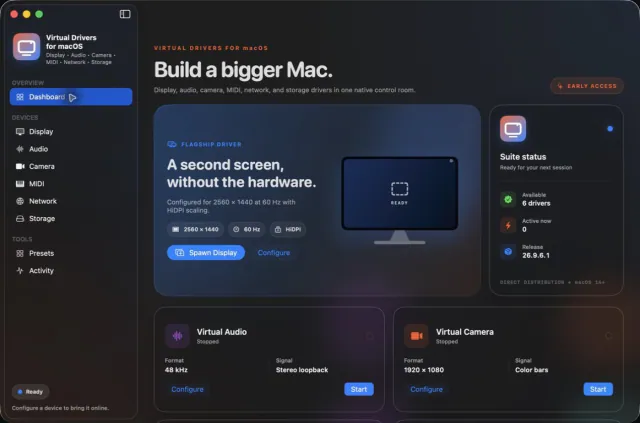

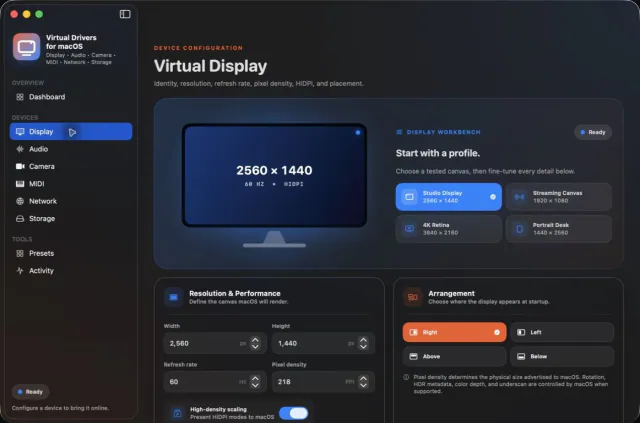
Seven virtual-device tools. One Mac app.
 Updated Oct 5
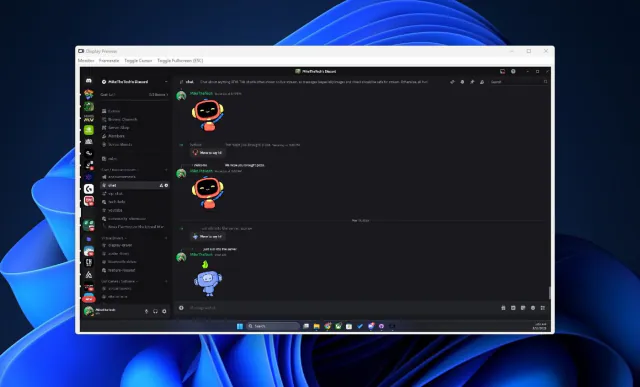
View your virtual displays in application windows.
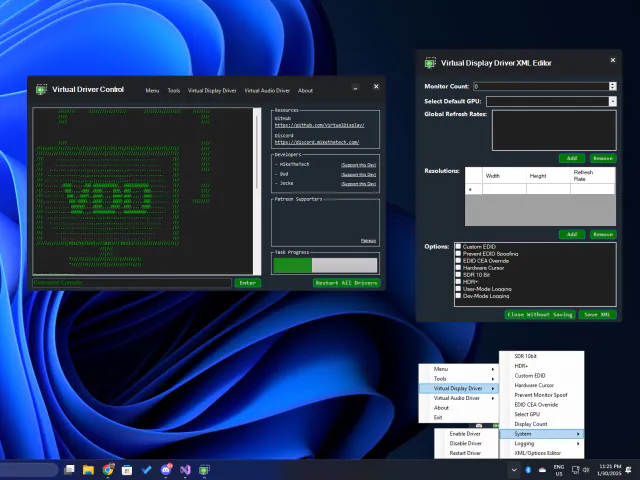

One app to control and configure VirtualDrivers tools.