Updated Oct 19
InfinitePIPProductivity · Display
Keep any screen, window or region in view, always on top.
$4.99WindowsmacOSLinux

One app to control and configure VirtualDrivers tools.
Skip to get Virtual Driver ControlWhat Changed in the VDD Control App Beta? MikeTheTech on YouTube.
Virtual Driver Control (VDC) is the companion app for the Virtual Drivers on Windows. From one window it installs, uninstalls, enables and disables the Virtual Display Driver and the Virtual Audio Driver, and its tray menu gives quick access to display options such as HDR+, SDR 10-bit, custom EDID, hardware cursor and GPU selection.
Version 25.7.23 is a portable, code-signed build with no installer: extract it and run it. It has a command console, a Reload Driver action in every context menu and an early XML editor for vdd_settings.xml, where you set the monitor count, default GPU, resolutions and refresh rates. ARM64 users still install the drivers manually.
VDC first shipped as a beta alongside Virtual Display Driver 25.5.2 in May 2025. It is free, and installing the Virtual Display Driver with winget sets up the same portable 25.7.23 app.
Live5 entries so far·Updated New (5 entries updated in the last 14 days)
Not since 25.7.23: Virtual Driver Control is a portable app. Extract the zip to a folder, run it and click Install to set up the display driver.
Yes. The 25.7.23 build includes the signed Virtual Audio Driver and can install, uninstall, enable and disable it.
The 25.7.23 notes say ARM64 users still need the manual installation method or the community PowerShell scripts.
Keep any screen, window or region in view, always on top.
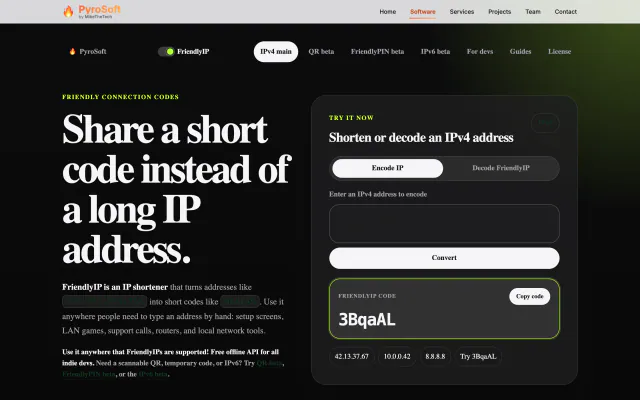

Turn IPv4 addresses into six-character codes you can read aloud.