
Notes from the workshop.
Software, hardware, practical guides and work in progress from MikeTheTech and PyroSoft.
All posts, most recent first
HDR and choosing the GPU behind the virtual screen
Expanding the display path while improving configuration.
A monitor without another panel on the desk
The early Virtual Display Driver work on modes, refresh rates and setup.
A rebuilt panel with displays, audio and an EDID lab
The React and TypeScript rewrite, followed by more careful driver replies.
Moving the panel behind a clearer application boundary
Context isolation, a preload bridge and native window controls.
Reconnecting the interface and fixing driver detection
A busy revision with installation controls temporarily pulled back.
Connecting the panel to everyday driver tasks
Real progress, tray controls, XML editing and audio-driver management.
A control panel for the settings behind the driver
From a nonfunctional shell to early commands and XML editing.
Advanced controls, shared workflows and the bundled CLI
The path through the layout patches to 26.10.5.6, build 41.
Real camera sources, HID reports and a private peer tunnel
Build 36 turns several remaining paths into measurable native workflows.
Teaching the suite to recover its own devices
Resource journals, atomic audio installation and safer storage handling.
Testing what the Mac devices actually deliver
Audio measurements, MIDI round trips and a real disk-image workflow.
From a Mac virtual display to a driver suite
A native control center begins expanding beyond monitors.
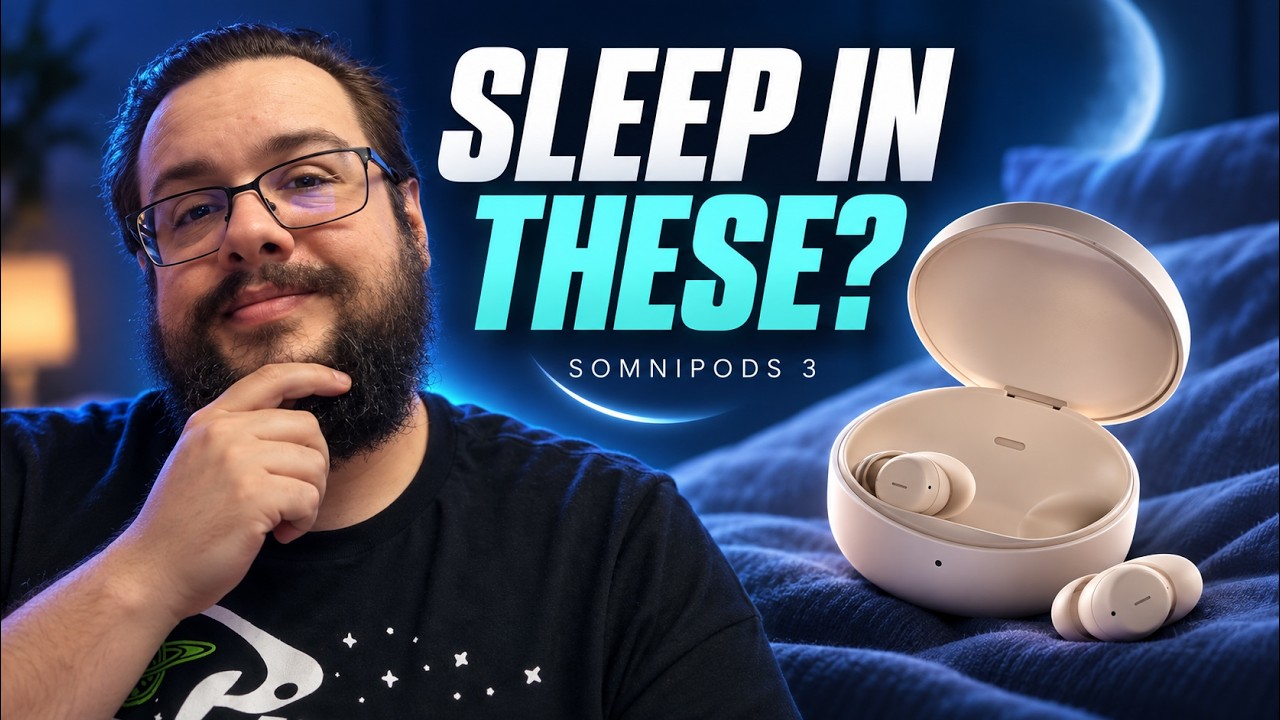
Fitnexa SomniPods 3: Earbuds Built Around the Pillow
Thin sleep earbuds, adjustable audio and an ANC battery tradeoff: the details I looked at in the Fitnexa SomniPods 3.
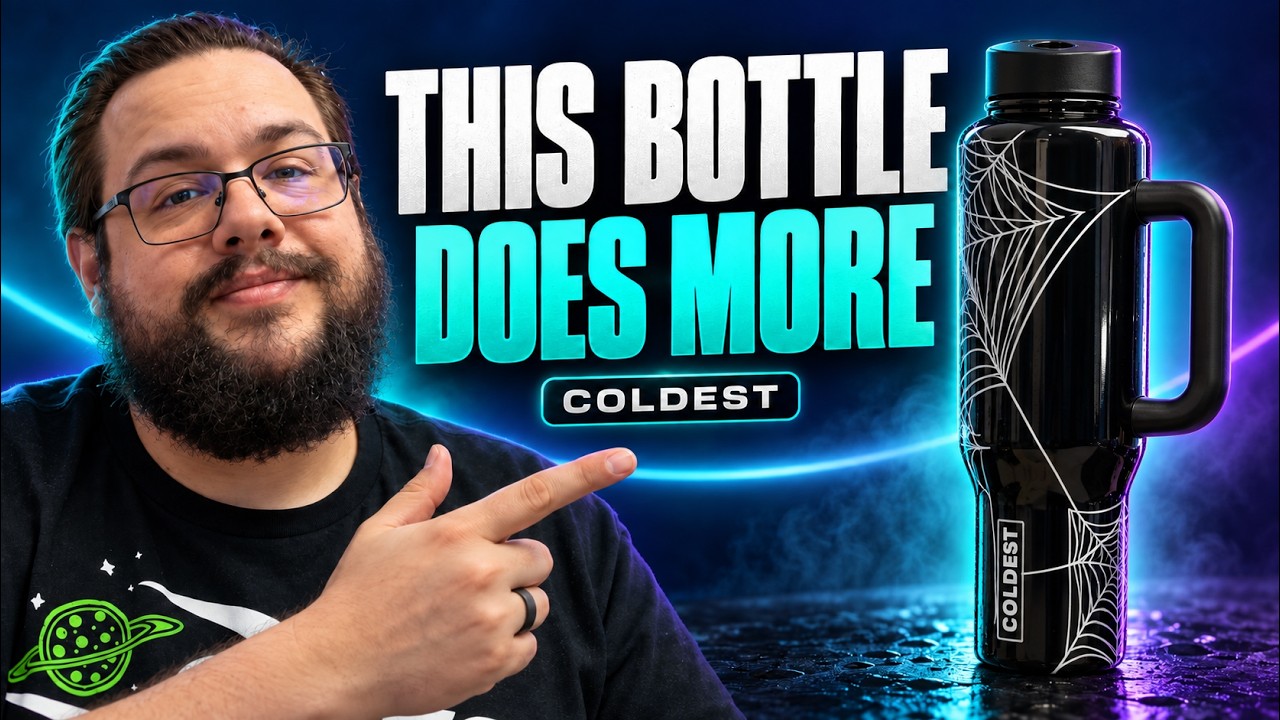
Opening a Custom COLDEST Bottle: Lids, Texture and the Extras
A closer look at the limited-edition COLDEST bottle I opened, its interchangeable lids and the personalized finish.
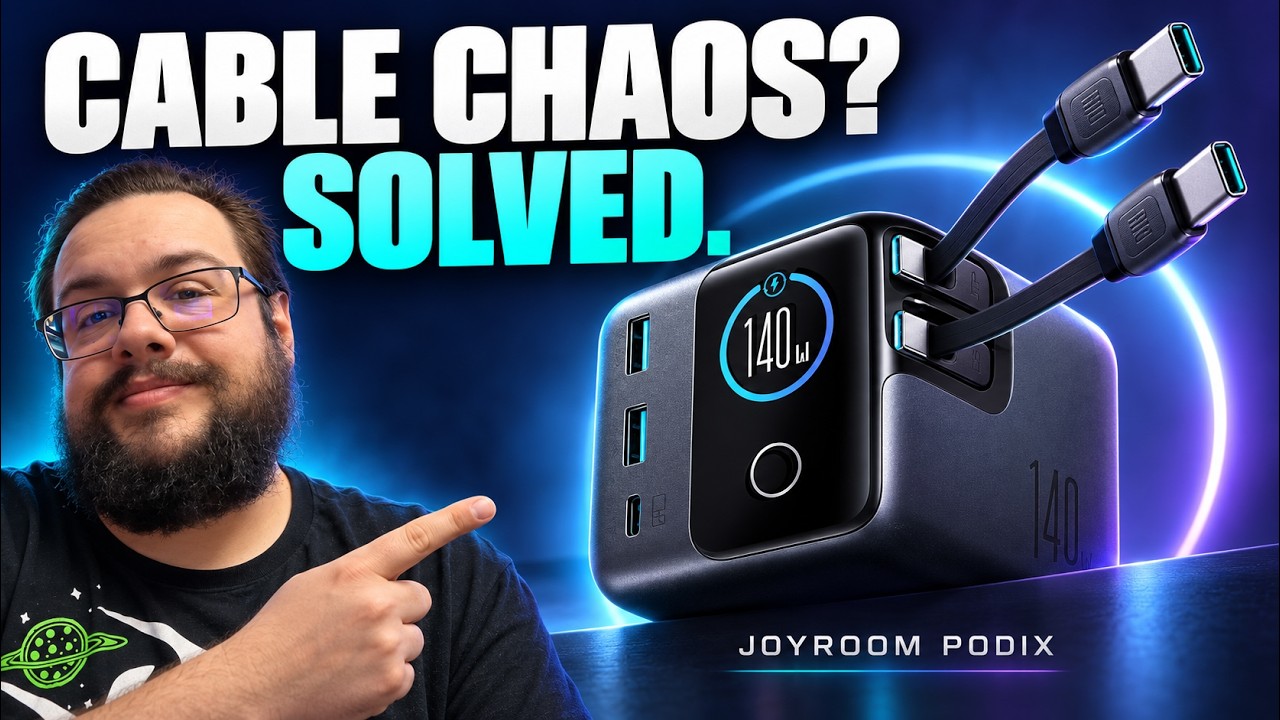
JOYROOM 140W Desk Charger: Retractable Cables That Stay Put
I unboxed JOYROOM’s desktop charger and tried its retractable leads, magnetic base and live power display.
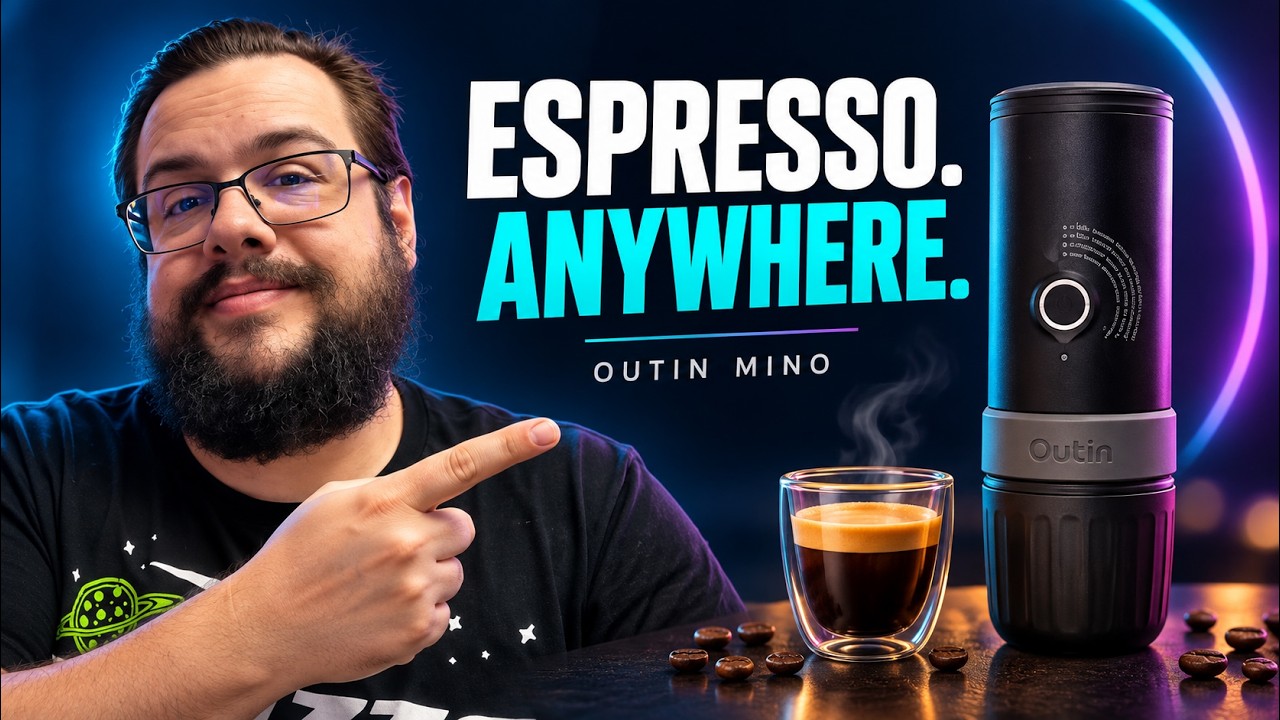
OutIn Mino: From Fresh Grounds to Portable Espresso
From grinding the beans to the first taste, here is the setup I worked through with the OutIn Mino and its separate coffee stand.
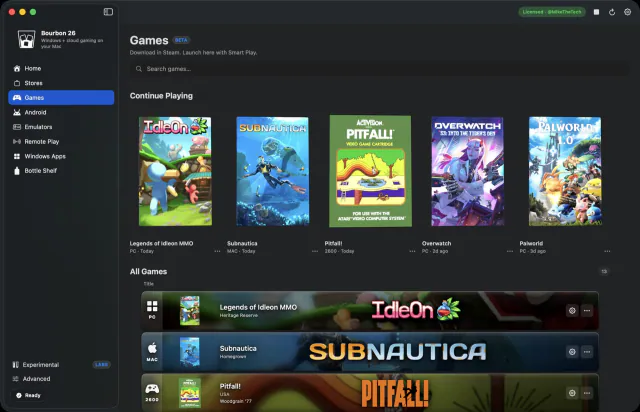
Free manual Windows gaming setup on Apple Silicon: step by step
Install Sikarugir, create a Wine wrapper, configure graphics, install Steam or a standalone game, and troubleshoot your first launch. Plus honest paid alternatives.
Windows games on Mac
Every way to run Windows games on a Mac in 2026 — translation, streaming, virtual machines — and which one fits the games you actually play.
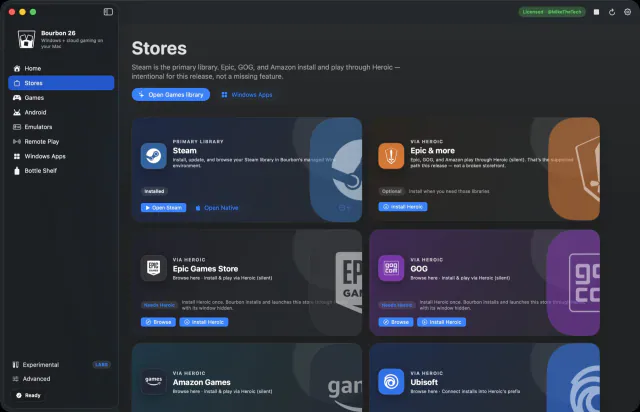
Steam on Mac
Steam runs on macOS, and most of its catalog can reach your Mac one way or another. What's native, what needs translation, and what streams.
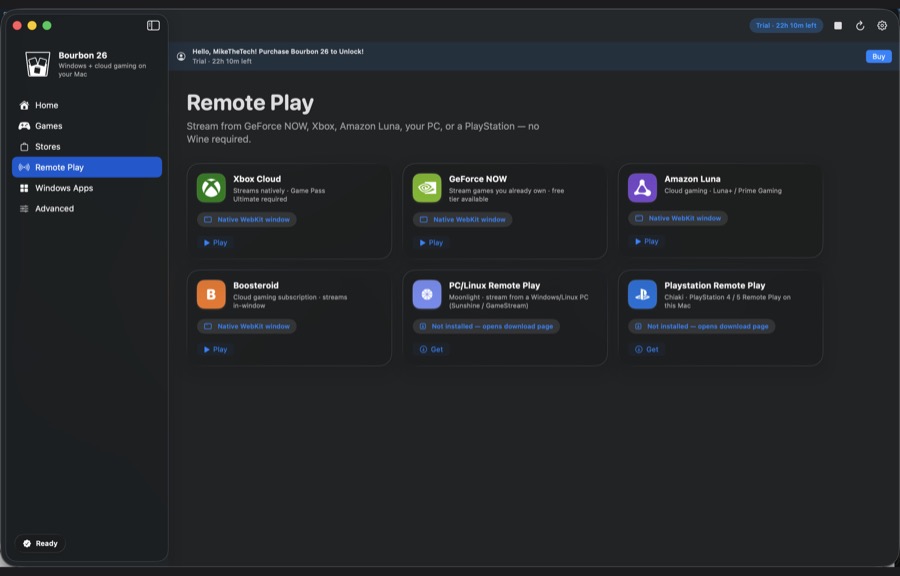
Anti-cheat on Mac
Kernel-level anti-cheat is why Fortnite, Valorant and Apex won't run on a Mac through any translation layer — and what actually works instead.
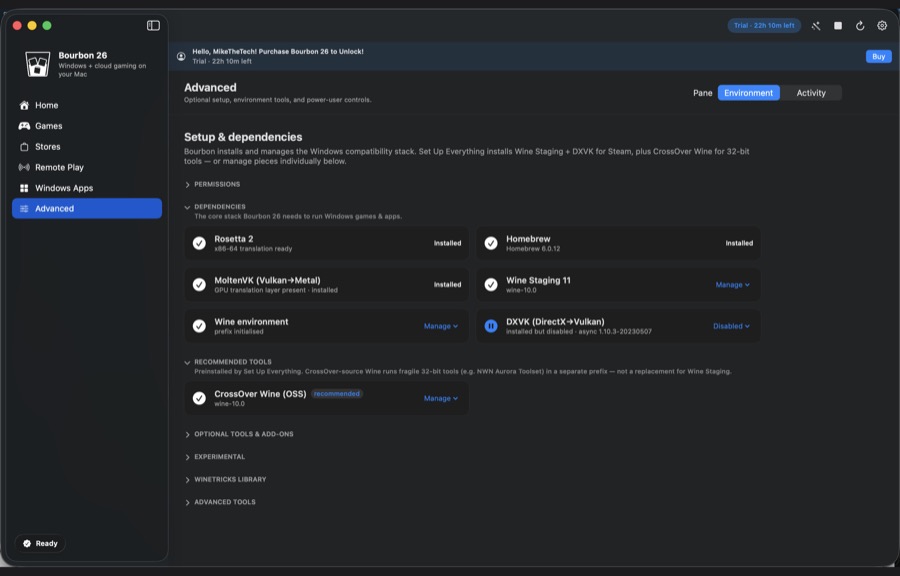
Boot Camp on Apple Silicon
Boot Camp doesn't exist on M-series Macs. What replaced it for games, and when you actually need a full Windows install.
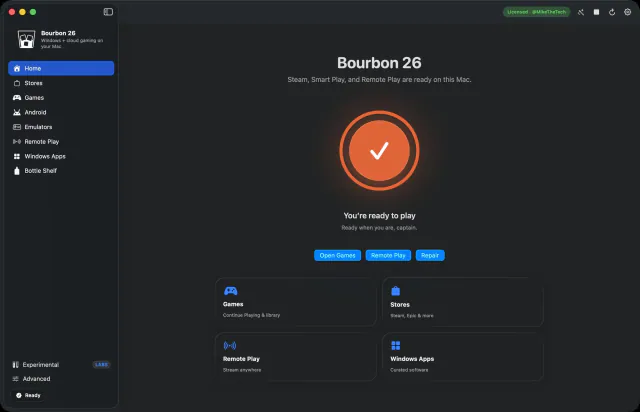
Play Windows games on Mac for free
The genuinely free routes — raw Wine, Game Porting Toolkit, what's left of Whisky — what they cost you in time, and when $29.99 stops being worth avoiding.
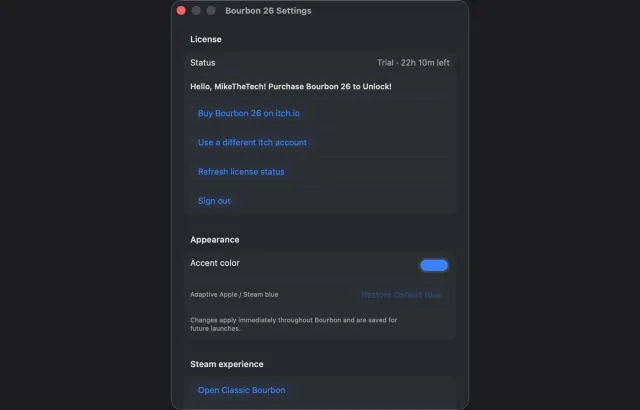
Bourbon 26 system requirements
What Bourbon 26 needs, everything it installs, and how much disk the whole Windows-gaming stack actually takes.
DXVK vs D3DMetal
DXVK, VKD3D, DXMT, WineD3D or D3DMetal — what each renderer translates, and which one your game wants on a Mac.
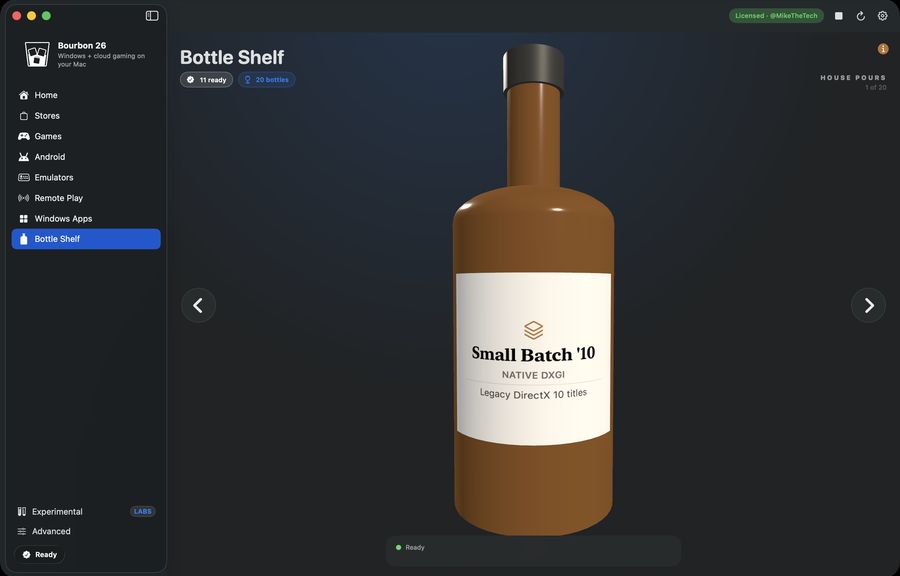
Wine bottles on Mac
What a Wine bottle (prefix) is, why every game deserves its own, and how Bourbon 26's Bottle Shelf manages runtimes per title.
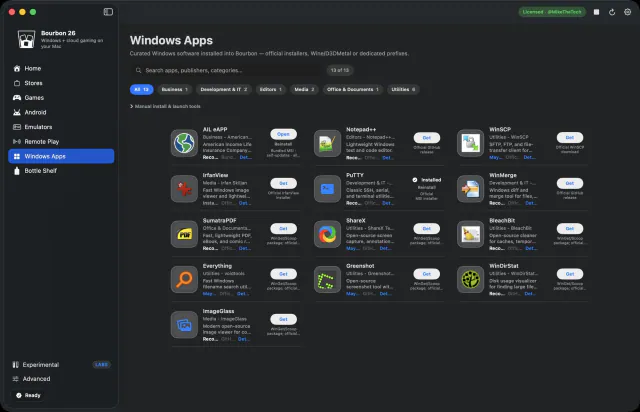
AIL eAPP on Mac
How to run the AIL eAPP on macOS with Bourbon 26, step by step.
Run .exe files on Mac
How to open and run Windows .exe and .msi files on macOS — safely, in their own bottle.
Notepad++ on Mac
Notepad++, PuTTY, WinSCP and the small Windows utilities worth keeping on your Mac — and the native swaps worth taking instead.
Whisky alternative
Whisky is no longer maintained. What that means for your bottles, and the closest like-for-like replacement on macOS.
CrossOver alternative
CrossOver charges yearly; Bourbon 26 is $29.99 once. Where CodeWeavers still earns its price, and where the alternative wins.