
The YouTube player loads when you press Play.
JOYROOM 140W Desk Charger: Retractable Cables That Stay Put
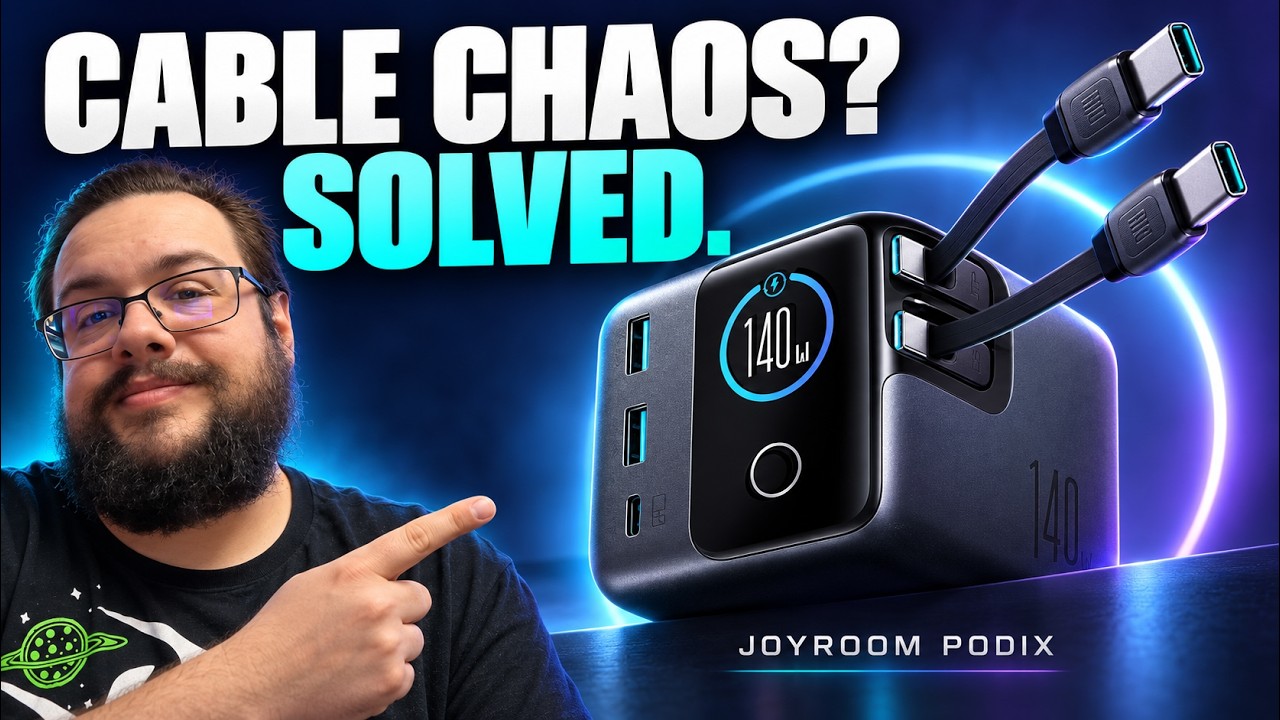
I unboxed JOYROOM’s desktop charger and tried its retractable leads, magnetic base and live power display.
Article published November 3, 2026.
Retractable cables sound like an easy way to tidy a desk. There is one catch: when you pull on the cable, the charger can come along for the ride. The magnetic base was one of the details I liked about this JOYROOM desktop charger because it addresses exactly that problem.
The video above is an unboxing and first charging check. I wanted to see the cable setup, the included mount and what its little display actually showed when I connected something.
Two cables that go back where they belong
The charger has two retractable USB-C cables, a separate USB-C port and two USB-A ports. The included silicone mounting pad has adhesive on its back, with a magnetic connection that lets you lift the charger away when needed.
That makes sense for a device you are going to tug on repeatedly. I can leave the mounting point on the desk, pull out a cable when I need it and put the cable away without keeping another loose lead in the work area.
A screen with something useful to show
The 1.5-inch display can show the power being used by the ports. In the video, I connected a remote, phones and a laptop. The readings I showed included about 1 W for the remote, 2 W and 4 W for the phones, and 14 W for the laptop.
One phone was already fully charged, which is useful context for its low reading. Those examples show the display responding to connected devices; they are not a full-load test of the charger's advertised maximum output.
Read the port labels
I pointed out the different ratings printed on the charger: up to 100 W on each retractable USB-C connection, 140 W on the front USB-C port and 30 W on each USB-A port. Those are the individual labels discussed in the video. I did not demonstrate all ports delivering those figures at the same time.
The control on the side is a touch-sensitive button rather than a touchscreen. Tapping it changes the display between the port information and the animated character. The animation is a fun extra; being able to see what the connected devices are drawing is the part I find more useful.
A first look, with longer use still to come
I closed the video by saying I wanted to use it for a couple of weeks and see how it held up. This article covers that first look, not a later durability verdict.
For the initial setup, the retractable leads and the thought given to keeping the unit in place were what stood out. The video above shows the unboxing, the magnetic pad and the light charging checks.
Links from the video
Affiliate disclosure: These links may earn me a commission at no extra cost to you.
Links and offers are from the video description. Availability, prices and offer terms may change.
Some links to other products on this page are affiliate links, and we may earn a commission if you buy through them. It costs you nothing extra, and it has not changed what this article says — where a competitor is the better answer, we say so.


