

 Open source
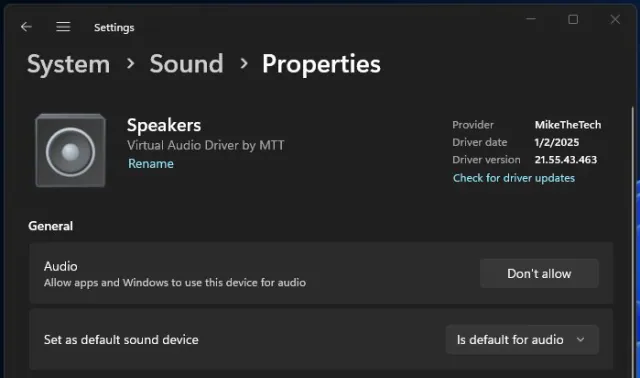
Virtual Audio DriverDrivers · Audio
Add a virtual speaker and virtual microphone to your Windows device.
FreeWindows
Display your current Spotify album artwork on your Pixoo 64 device.
The Spotify Pixoo window: Spotify Login, Connect/Disconnect, Pixoo IP, the update interval, Start/Stop Updates, Box scaling, the Sharpen filter, Crop 1:1 and Toggle Grid, above a 64 × 64 preview of the current album cover (third-party album art).
Spotify for Pixoo 64, sold on itch.io as Spotify on Pixoo64, was a small Windows app that showed the album artwork of whatever you were playing on Spotify on a Divoom Pixoo 64. It connected to your Spotify account and updated the display automatically whenever the track changed.
The app window let you sign in to Spotify, connect to the Pixoo by IP address, set how often it checked for a new track, and start or stop updates. Like Pixoo 64 Tools, it offered a choice of scaling method and image filter, a 1:1 crop and a grid preview of the 64x64 result.
Mike showed it working in his February 2025 Pixoo 64 video on YouTube. It was listed in 2025 for $2.50 or more on itch.io, linked from PyroSoft.pro, where it was also marked free for Patreon patrons. It has since been retired.
Make sure you have signed in to Spotify from the app and granted it access.
Open sourceAdd a virtual speaker and virtual microphone to your Windows device.
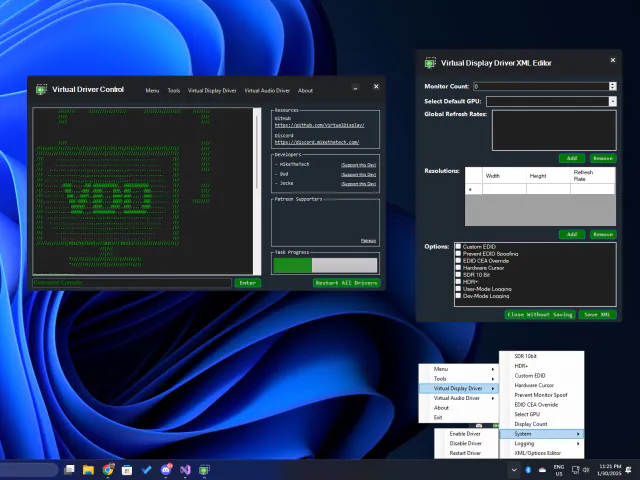

One app to control and configure VirtualDrivers tools.
 Open source
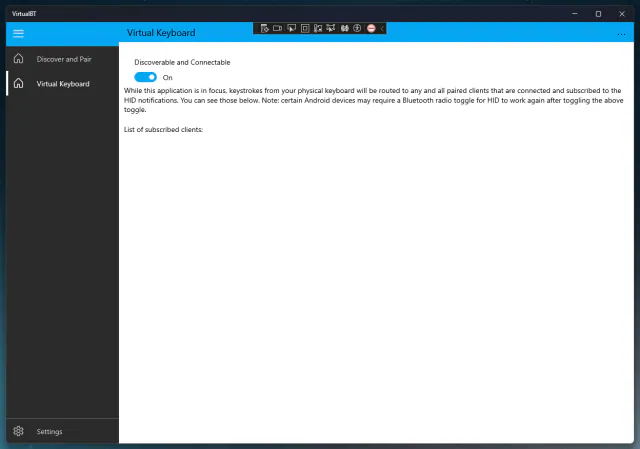
A Windows-host Bluetooth server that simulates input devices.


Keep any screen, window or region in view, always on top.
