 Early access
PolygoneGames · Gaming
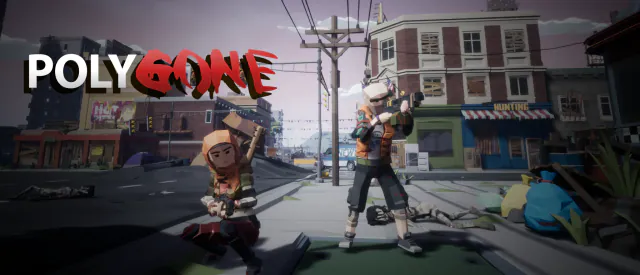
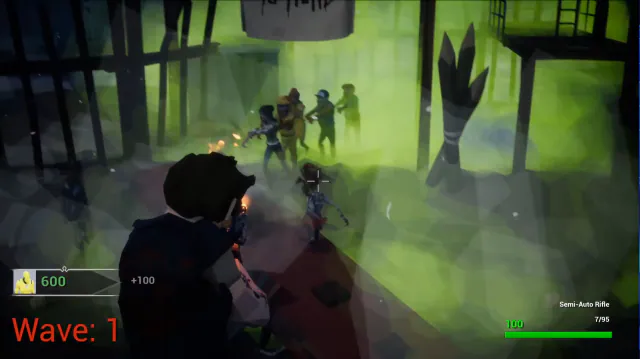
A low-poly zombie-horde FPS: hold off endless waves solo or in co-op.
$9.99Early accessWindows
Classic Snake for the Pixoo 64 LED display.
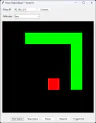
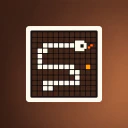
Pixoo Snake on Easy, score 8: the green snake and red food drawn in large blocks in the Tkinter preview, with the Pixoo IP, Difficulty and game buttons.
Pixoo 64: Snake brought the classic Snake game to the Divoom Pixoo 64 LED display. You played on your PC with the arrow keys while the game drew every frame on the Pixoo over your local network, with a Tkinter window mirroring the 64x64 playfield.
It had four difficulty levels, Easy, Medium, Hard and Insane, which changed the size of the snake from 8-pixel blocks down to single pixels. You could pause, resume or stop at any time and toggle a grid over the preview. The snake wrapped around the edges of the screen, your score was drawn on the Pixoo and in the window title, and 'Game Over!' or 'You Win!' appeared on the display when a round ended.
Written in Python with Pillow and the open-source pixoo library, it was published on GitHub on the same day as Pixoo 64 Tools (February 2025). It is now a legacy project.
Make sure the Pixoo is powered on, on the same network, and reachable at the IP address entered in the game window, then click Connect.
Make sure a game is running and the game window has focus before using the arrow keys.
A low-poly zombie-horde FPS: hold off endless waves solo or in co-op.
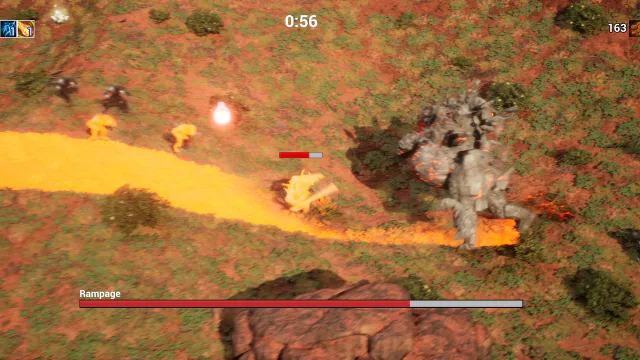

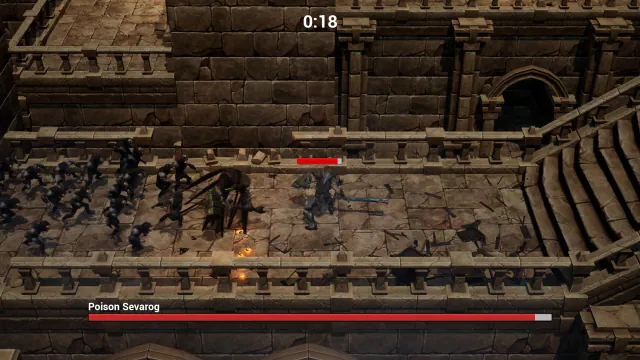
Free-to-play 3D survival roguelike: pick a hero and survive the waves.
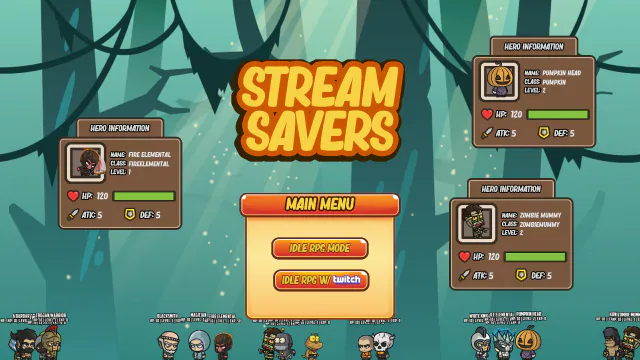

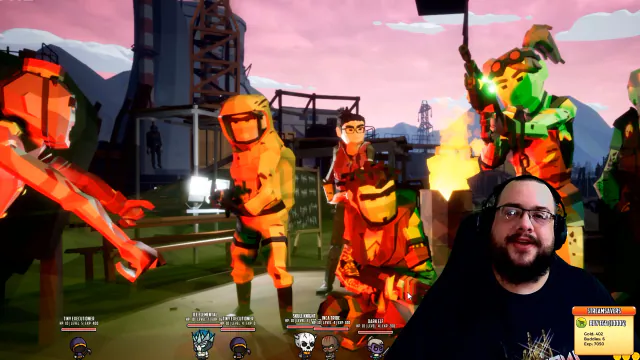
A desktop-overlay idle RPG where Twitch chat unleashes chaos.
 Open source
A Windows-host Bluetooth server that simulates input devices.